

VidPackit
VisitCompress video free online in your browser
VidPackit introduction
VidPackit is a browser-based video compressor that shrinks MP4, WebM, MOV, and MKV files locally without uploading them. It offers four compression levels, resolution downscaling, and multiple output formats, all free with no signup or watermark.
- Website:
- vidpackit.com
🎬 Videofree
VidPackit overview
VidPackit is a free online video compressor that runs entirely in your browser using WebCodecs. It decodes, re-encodes, and writes the file back on your device, so no video data is uploaded to a server. You can choose from four compression levels (Original, High, Medium, Low) that target a fixed percentage of the source bitrate, and optionally downscale resolution to 720p, 480p, or 360p. Output formats include MP4, WebM, MOV, MKV, M4V, and MPEG for video, plus MP3, AAC, WAV, FLAC, and OGG for audio-only. The tool is free, has no watermark, no signup, and no daily limit. It works best on desktop Chrome and Edge due to their complete WebCodecs support.
VidPackit features
- Compress MP4, WebM, MOV, MKV, M4V, and MPEG video files
- Four compression levels: Original, High, Medium, Low
- Resolution downscaling to 720p, 480p, or 360p
- Audio-only output in MP3, AAC, WAV, FLAC, and OGG
- No upload: files stay on your device
- No watermark, no signup, no daily limit
- Shows target video and audio bitrate before encoding
- Result is never larger than the source file
- Runs in desktop Chrome and Edge using WebCodecs
- Also offers frame extraction and trimming tools
Questions about VidPackit
VidPackit pros
- Files never leave your device, ensuring privacy
- No upload means faster processing for local files
- Free with no watermark, signup, or daily limits
- Shows target bitrate before encoding for transparency
- Output is never larger than the source file
- Supports multiple video and audio output formats
- Includes extra tools like frame extraction and trimming
VidPackit limitations
- Requires desktop Chrome or Edge for full WebCodecs support
- Other browsers may show warnings or have limited format support
- File size limited by device memory, not suitable for very large files on low-memory devices
- Chrome cannot encode AAC below 96 kbps, so audio may be raised to that floor
VidPackit use cases
- Reduce video file size for easier sharing or storage
- Compress videos without uploading to a server
- Convert video containers (e.g., MOV to MP4) by using Original level
- Extract audio track as MP3 or other audio formats
- Downscale high-resolution videos to 720p, 480p, or 360p
- Compress multiple videos without daily limits
- Create smaller versions of clips for email or messaging
- Trim or extract frames from a video in the browser
Who VidPackit is for
- Users who need to reduce video file size quickly
- Privacy-conscious individuals who prefer local processing
- Content creators needing quick compression without watermarks
- Anyone without access to desktop video editing software
- Users on desktop Chrome or Edge browsers
VidPackit pricing
VidPackit is free to use. No account, no payment, no daily limit, and no watermark on output.
Alternatives to VidPackit
AI video generator that turns text, images, video clips, and audio into videos with sound.

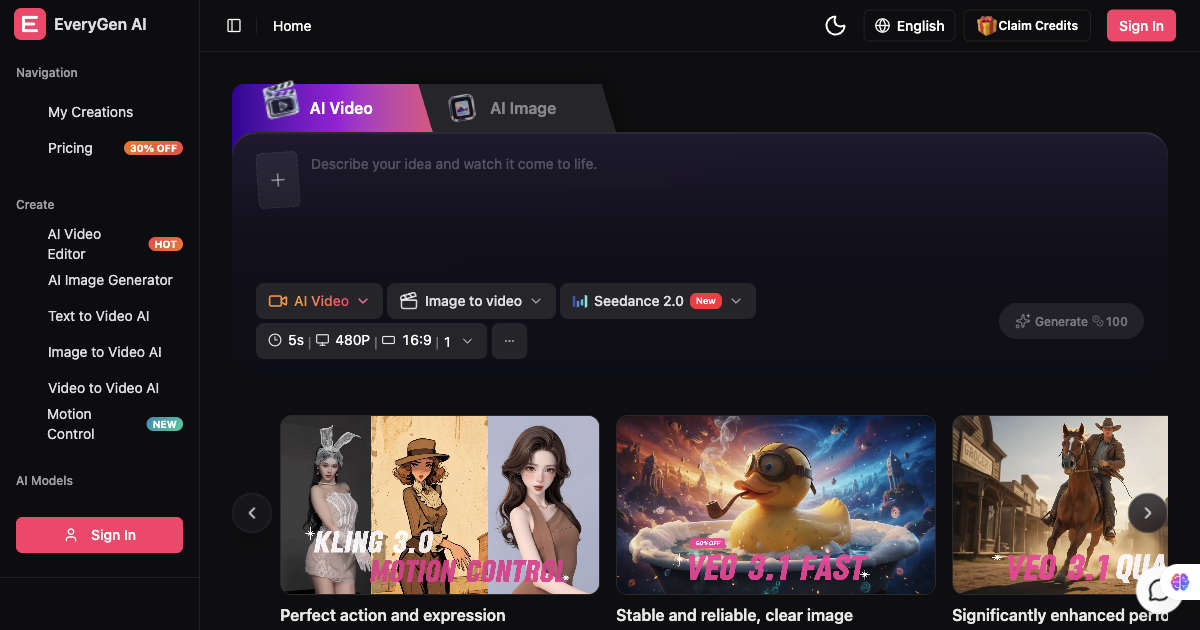
AI video generator and creative studio for planning, generating and editing video with images, audio and music.

AI architectural rendering and design studio for buildings, interiors, and landscapes.


Free AI caption generator — captions that look good, in seconds.
Multimodal AI video generator with text-to-video, image-to-video, and reference-based control.