

UGCLive
VisitAI that scales your UGC: analyze, script, edit
UGCLive introduction
UGCLive is an AI tool for TikTok, Reels and Shorts that analyzes public videos or accounts to show why they performed, writes a script for your version, edits your footage by cutting pauses, filler words and failed takes, and helps you test A/B/C hook versions. It runs in the browser and is coming soon to iPhone.
- Website:
- ugc.live
🎬 Videopaid
UGCLive overview
UGCLive describes itself as an AI for TikTok, Reels and Shorts that works across four steps: Analyze, Write, Edit and Grow. In Analyze, you paste a public TikTok, Reel or Short, an account link or an @name; a video gets a score against the account's usual views, its rates, why it performed, the hook, its beats and a summary of comments, while an account gets its niche, strengths, pillars, what blew up, posting and 8 ideas. Write my version produces a script on the pattern that worked, which opens in a teleprompter camera. AI edit transcribes a talking-head clip and cuts long pauses, filler words and retakes, keeping the last take, with captions timed to every word and optional B-roll. For growth, UGCLive exports A/B/C hook versions, analyzes your own accounts and offers a portfolio page at ugc.live/your-handle. A full timeline editor handles manual changes, and exports are 1080×1920. It is available now on the web with no install and no sign-up to start, and the iPhone app is listed as coming soon.
UGCLive features
- Analyze any public TikTok, Reel or Short, or a whole account
- Video score against the account's usual views with rates comparison
- Breakdown of the hook, beats and pacing
- Summary of what the comments say
- Account report with niche, pillars, what blew up and 8 ideas
- Write my version generates a script on a viral video's pattern
- Script opens in a teleprompter camera
- AI edit cuts pauses, filler words and failed takes, keeping the best take
- Captions timed to every word
- B-roll laid over matching lines from your footage
- A/B/C hook versions exported from one edit
- Full timeline editor for trim, split, speed, zoom, crop, text, stickers and music
Questions about UGCLive
UGCLive pros
- Combines analysis, scripting, editing and hook testing in one tool
- Analyzes public videos and accounts to explain why they performed
- AI edit removes pauses, filler words and failed takes automatically
- Captions are timed to every word
- Exports A/B/C hook versions from a single edit
- Every AI cut stays editable on the timeline
- Web app works without install and you can start without an account
- Free tools are available with no sign-up
UGCLive limitations
- iPhone app is listed as coming soon
- No Android app yet; Android users must use the browser
- Instagram and YouTube do not show shares or saves, and reports state this
- Cannot post by itself; you post in one tap
- Portfolio page shows 'Made with UGCLive' without a plan
UGCLive use cases
- Understanding why a competitor's video went viral
- Scripting your own version of a proven video format
- Editing talking-head UGC by removing pauses and filler words
- Adding captions and B-roll to short-form videos
- Testing different hooks with A/B/C exports
- Analyzing your own accounts to see what is working
- Building a portfolio page for brand deals
- Pricing brand deals with a rate calculator
- Generating hooks, captions and hashtags with free tools
- Checking safe zones and aspect ratios for vertical video
Who UGCLive is for
- UGC creators
- Short-form video creators on TikTok, Instagram and YouTube
- Full-time creators and small teams
- Brands working with UGC creators
UGCLive pricing
Pro is $20/month billed monthly, or $12/month billed yearly. Studio is $50/month billed monthly, or $30/month billed yearly. Prices are in USD, tax may apply, and plans renew monthly until cancelled. Payment is by card on the web (Stripe) or in the iPhone app (App Store), and one plan works in both.
Alternatives to UGCLive
AI video generator that turns text, images, video clips, and audio into videos with sound.
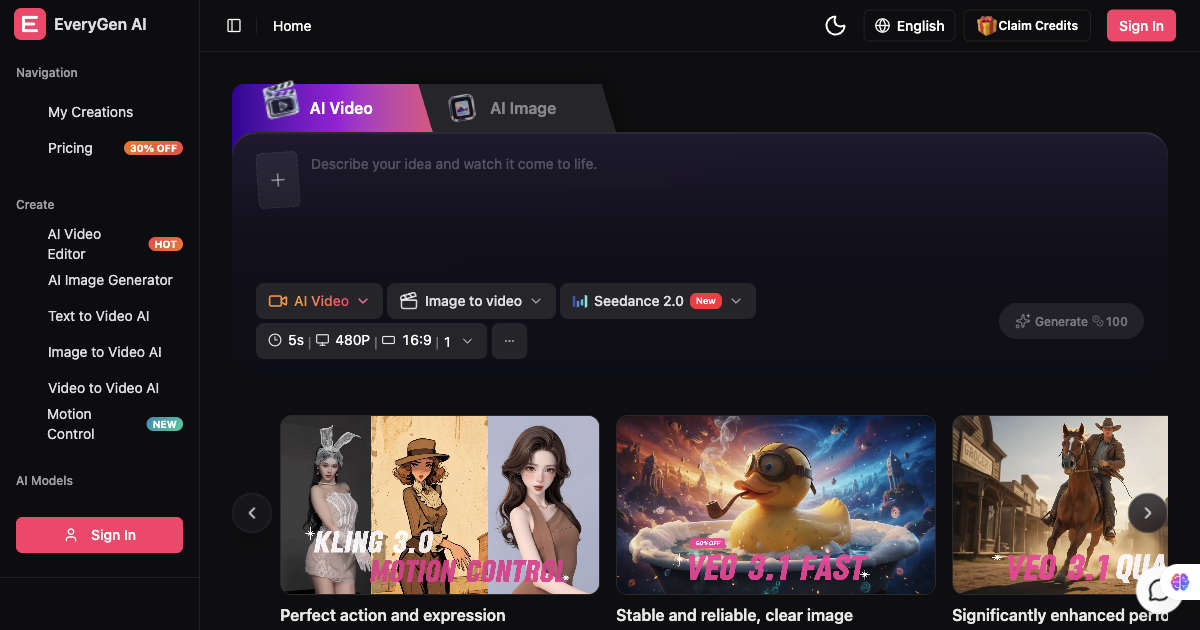
AI video generator and creative studio for planning, generating and editing video with images, audio and music.

AI architectural rendering and design studio for buildings, interiors, and landscapes.

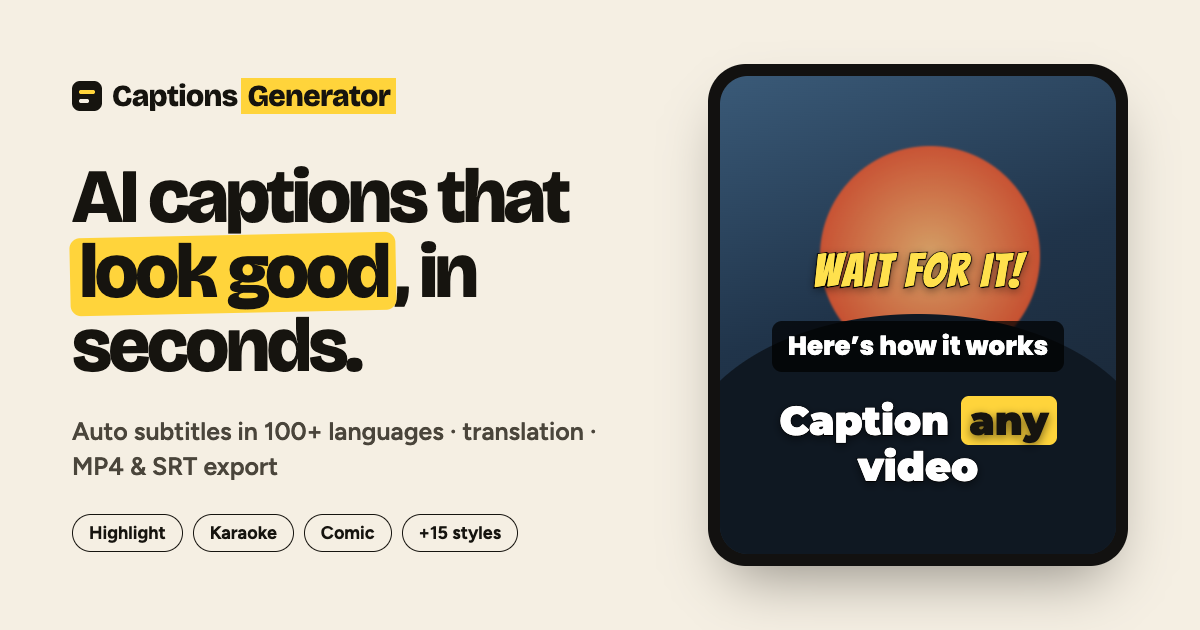
Free AI caption generator — captions that look good, in seconds.
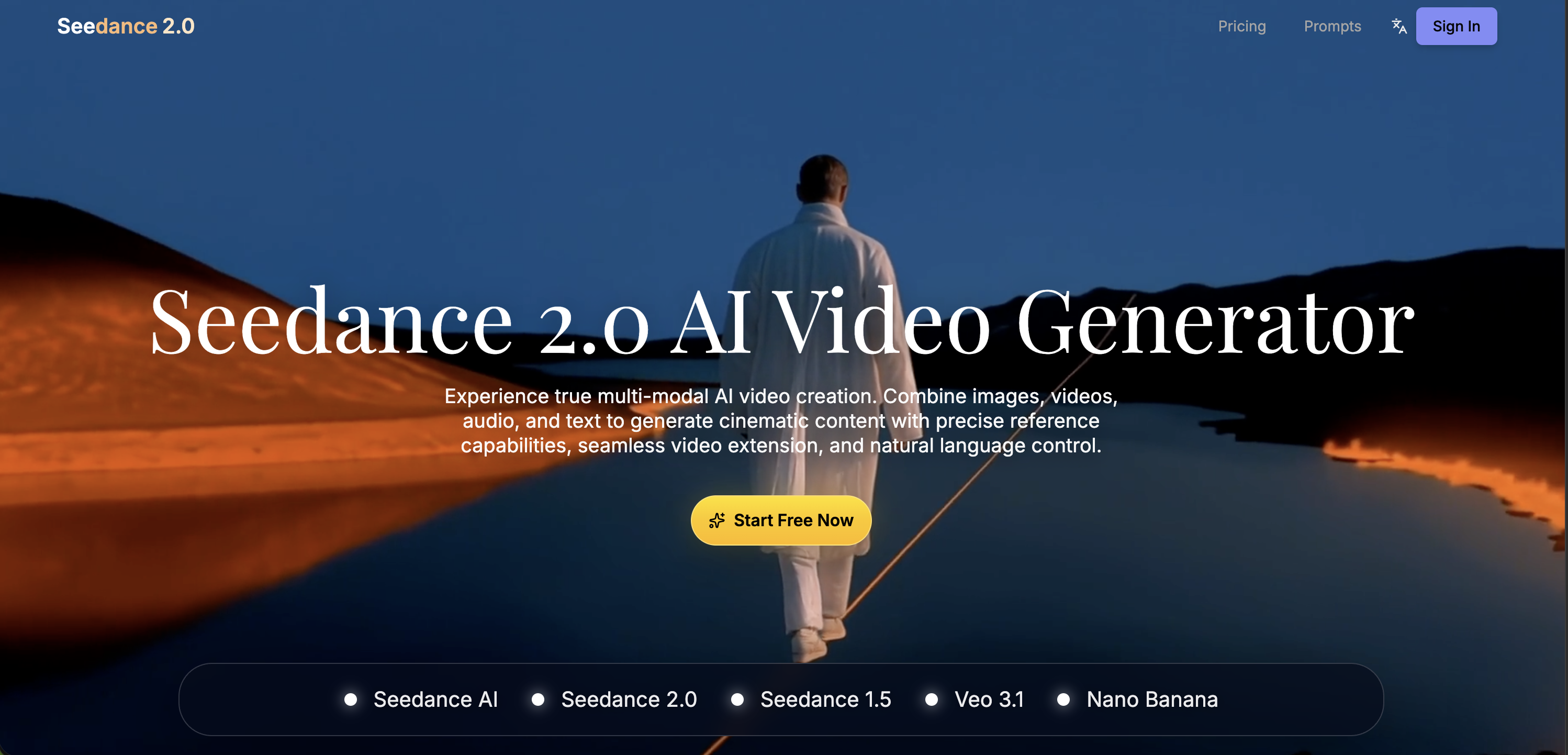
Multimodal AI video generator with text-to-video, image-to-video, and reference-based control.
