
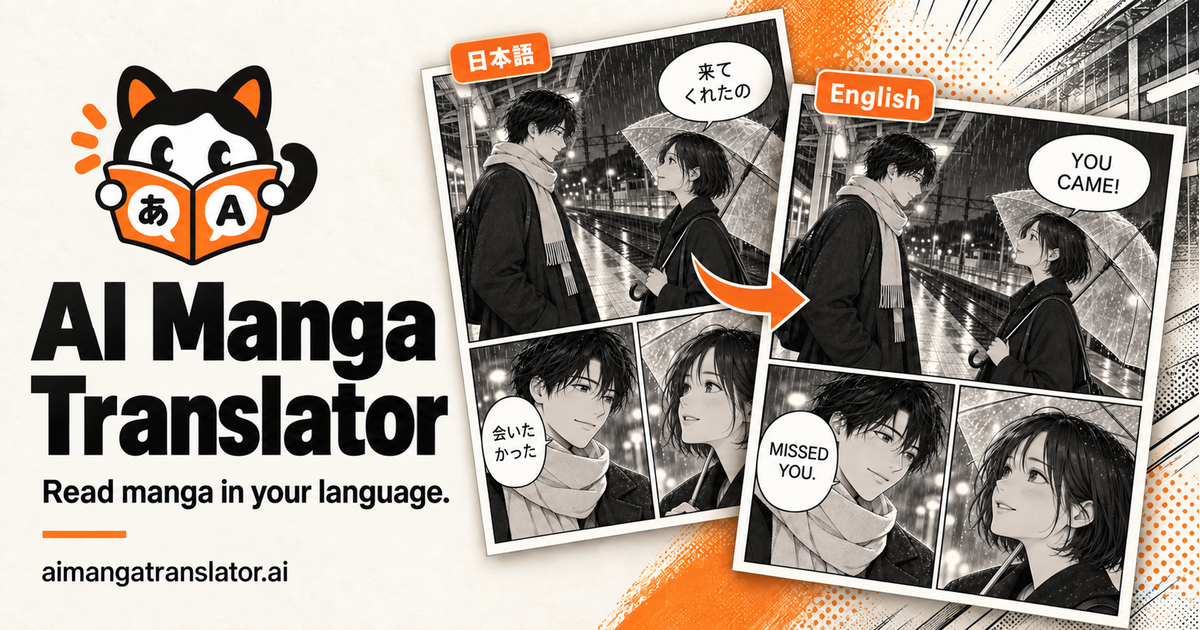
Translate manga online with AI, from one page to a full chapter.
Free AI caption generator — captions that look good, in seconds.
Captions Generator is a browser-based AI caption and subtitle tool that transcribes speech in 100 languages, times every word, and lets users style, edit, translate, and export captioned videos or subtitle files. It offers a free plan with no watermark and a Pro plan with unlimited captions and advanced styles.
Captions Generator turns speech into text and times each word to the audio, so captions appear exactly when spoken. Users can upload video, audio, or SRT files, edit any word, choose from ready-made caption styles, translate subtitles, and export a captioned MP4 or download SRT, VTT, and TXT files. The tool runs in the browser, and the video never leaves the device — only the audio track is sent for transcription. It supports 100 languages with automatic detection, bilingual captions on Pro, and safe-zone checks for TikTok, Reels, and Shorts. The free plan includes 8 caption styles, 1080p MP4 export without watermark, and 30 minutes of captions per month, while Pro adds unlimited captions, all 22 styles, 4K export, AI keyword highlights, custom fonts, and saved styles.
Free plan: $0, includes editing videos up to 90 minutes, exporting videos up to 3 minutes, 30 minutes of captions per month, no watermark, 1080p export, 8 caption styles, text on video, SRT/VTT/TXT downloads, upload audio or SRT files, and translation into 100+ languages. Pro plan: $4.92/month billed $59 yearly, includes everything in Free plus unlimited AI captions, exports up to 4K, all 22 styles, bilingual captions, AI keyword highlights, custom fonts, and saved styles.
Translate manga online with AI, from one page to a full chapter.


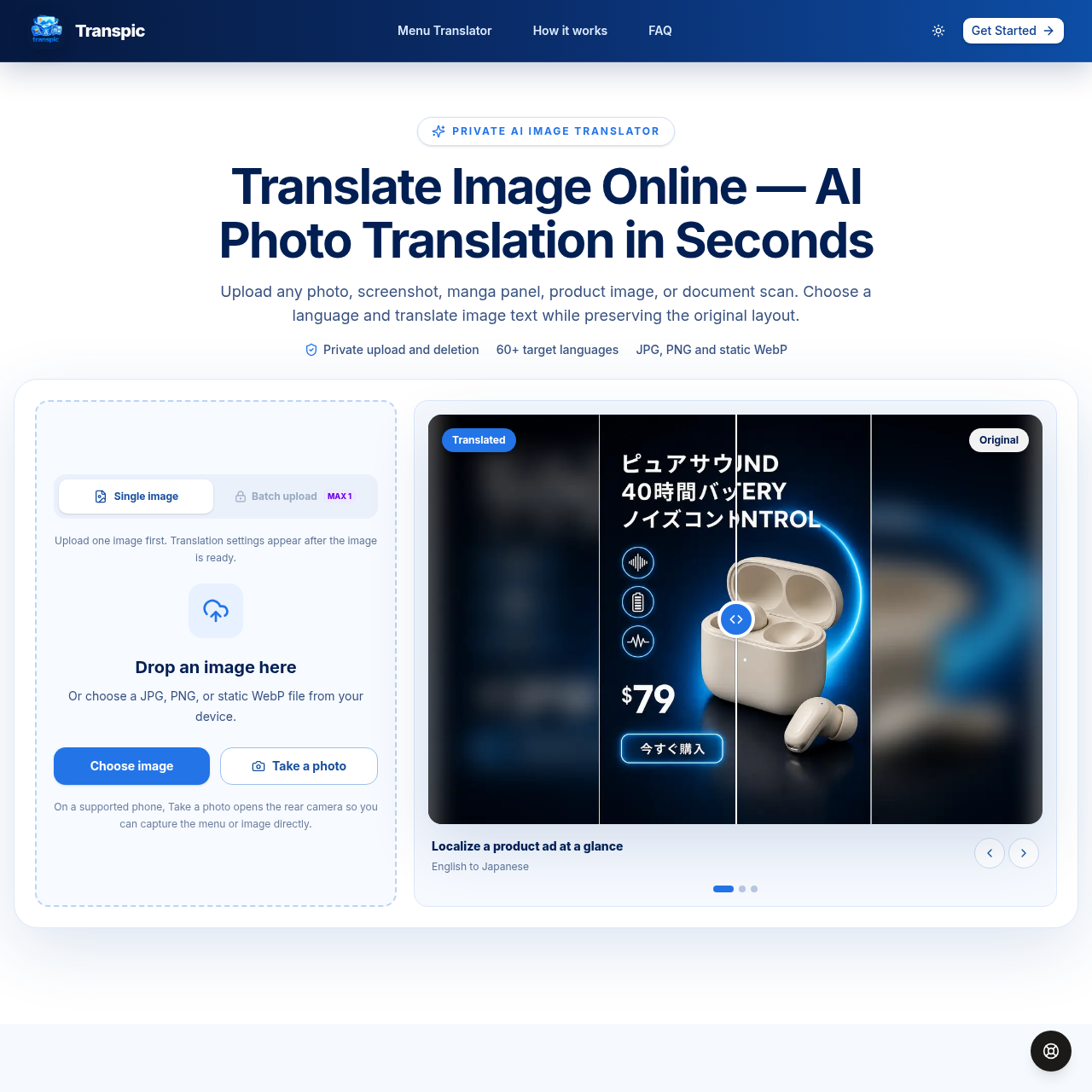
Translate image text online with AI while preserving the original layout.
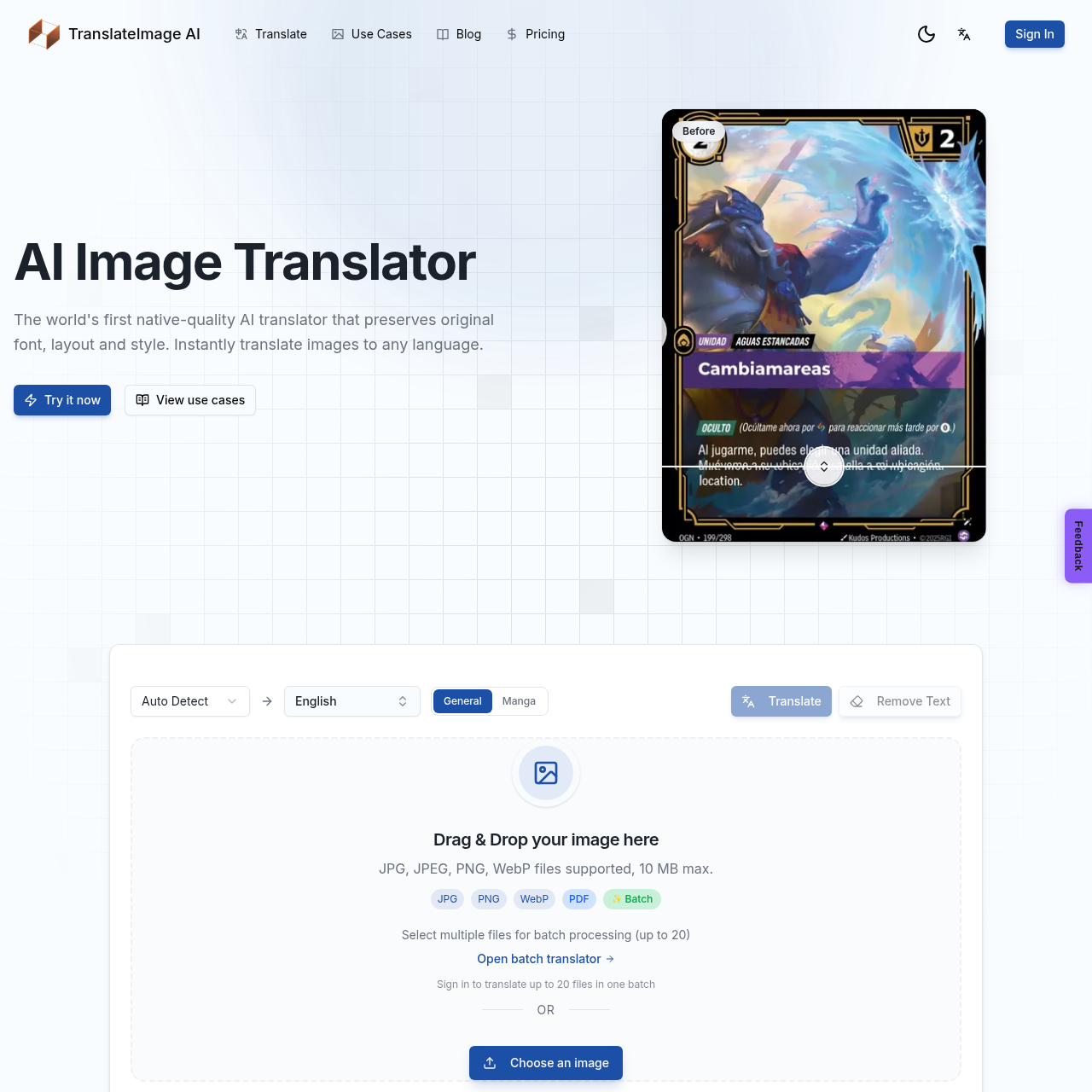
AI-powered image translation preserving original font, layout, and style
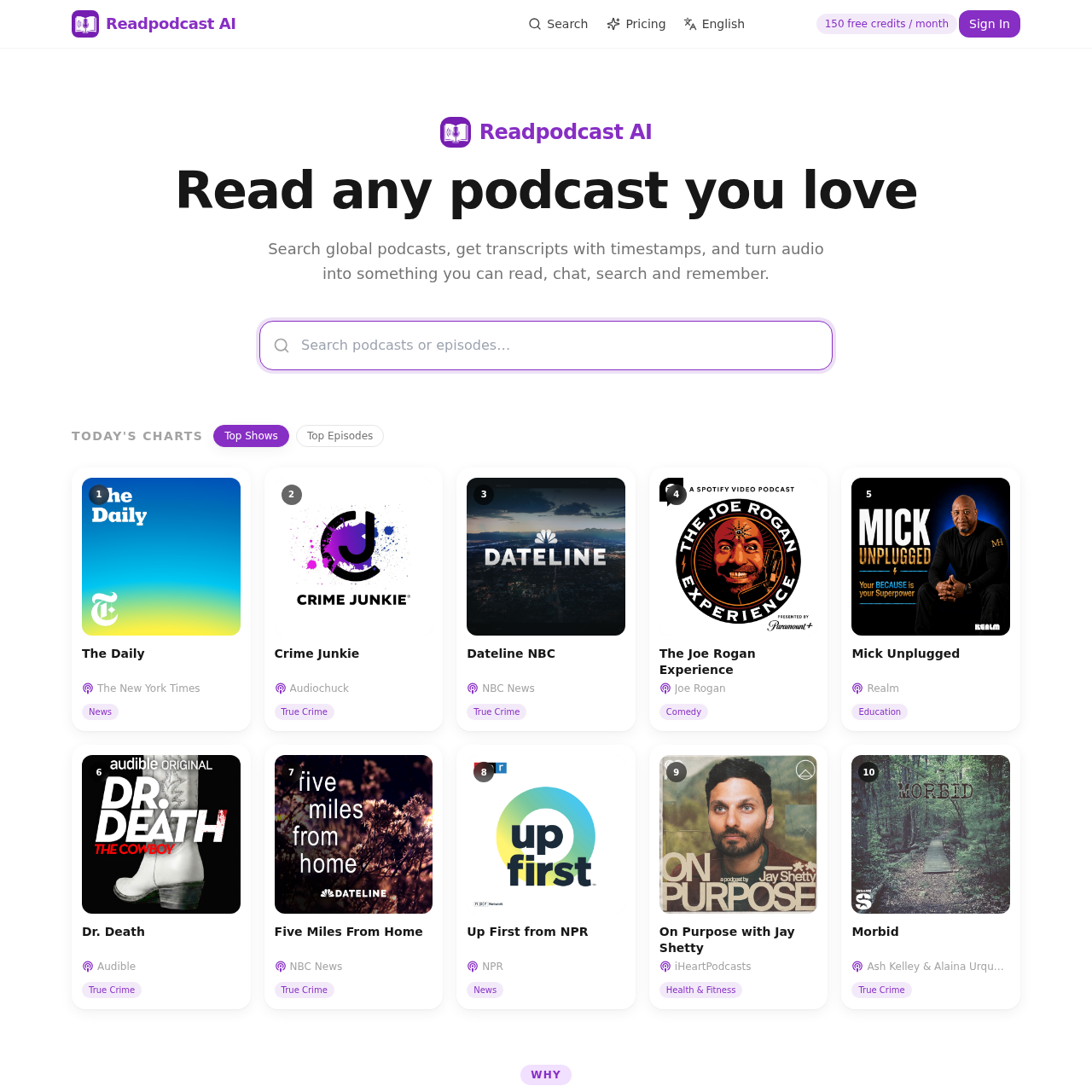
Turn Spotify and Apple Podcasts episodes or YouTube videos into searchable, timestamped transcripts with speaker labels. Get AI summaries, takeaways, quotes, mind maps and chat.
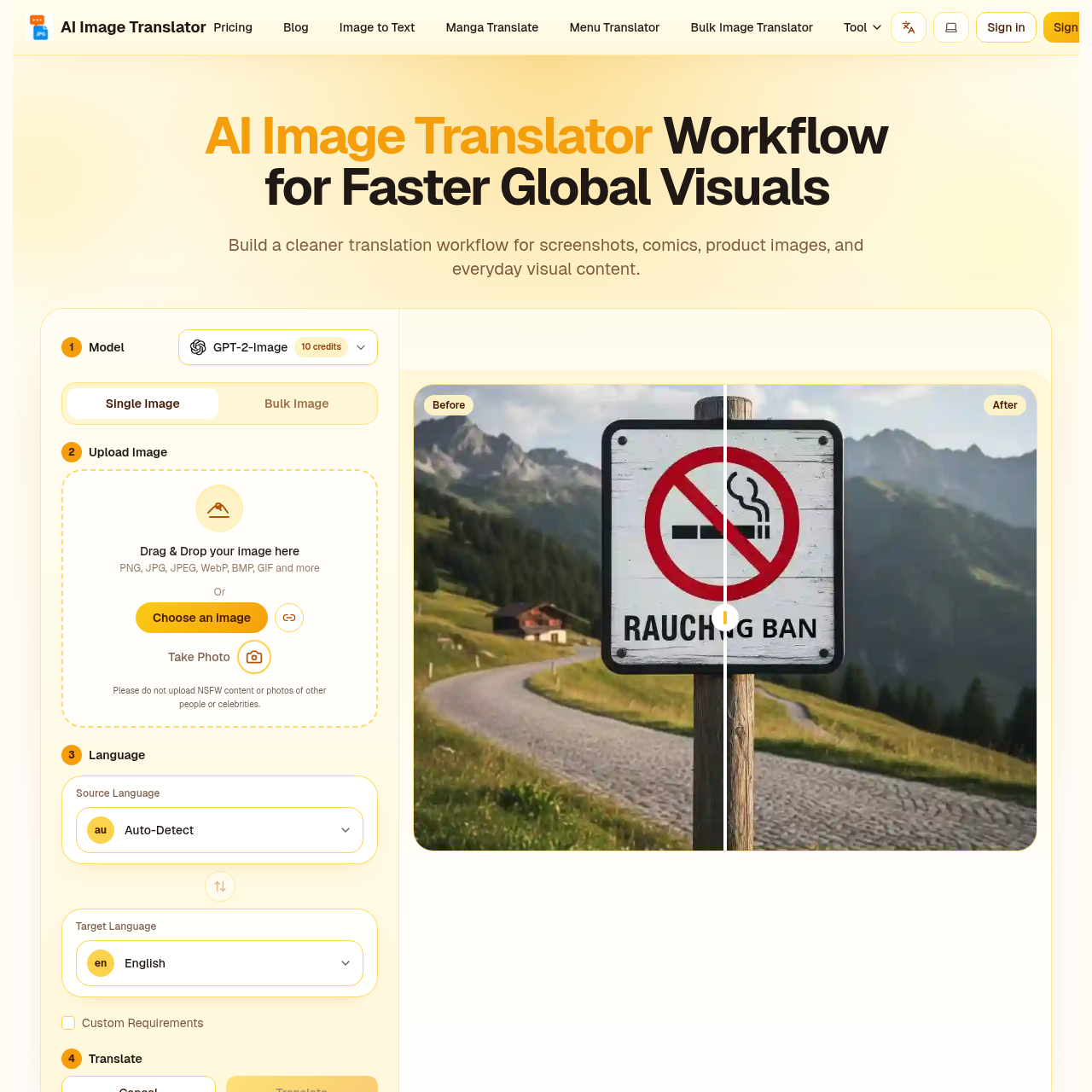
AI image translator that keeps your layout perfectly intact.
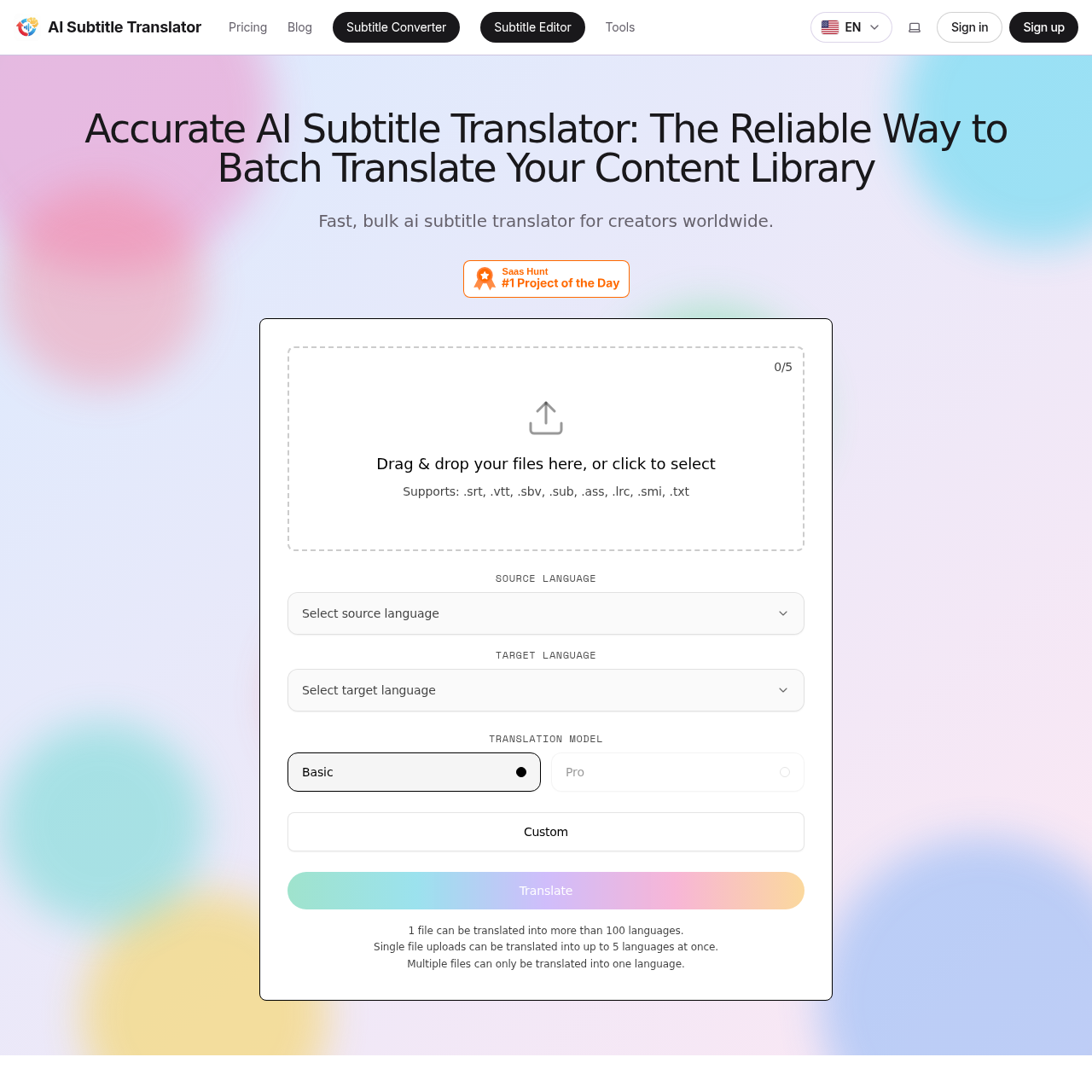
Fast, accurate AI subtitle translation for SRT, VTT, SBV, SUB, ASS, LRC, SMI files