

OpenSubs
VisitFree AI subtitle generator that runs in your browser
OpenSubs introduction
OpenSubs is a free, open-source AI subtitle generator that transcribes, translates, styles, and burns subtitles into video entirely in your browser. The video never leaves your machine, and no account is required.
- Website:
- opensubs.app
🇺🇳 Translation & Transcriptfreemium
OpenSubs overview
OpenSubs is a browser-based tool that generates subtitles from a video's audio using Whisper running locally via ONNX and transformers.js. It supports transcription, translation into 20 languages, styling with 12 presets, and burning subtitles into an MP4 using WebCodecs. The video file is never uploaded; all processing happens on the user's machine. It is free for all on-device features, with an optional paid cloud translation service. The same Rust engine is also available as a browser extension, desktop app, and command-line tool, all open source under AGPL-3.0.
OpenSubs features
- Transcribes speech using Whisper in the browser
- Translates subtitles into 20 languages
- 12 subtitle style presets with preview
- Word-by-word highlighting
- Burns subtitles into MP4 using WebCodecs
- Exports .srt, .vtt, and .ass files
- Trimming and resolution control
- Runs on GPU via WebGPU or on WebAssembly
- No account required for on-device features
- Open source under AGPL-3.0
- Available as browser extension, desktop app, and command line
- Supports bring-your-own API keys for cloud translation
Questions about OpenSubs
OpenSubs pros
- Video never leaves the user's machine
- No account required for most features
- Free for all on-device processing
- Open source under AGPL-3.0
- Supports 20 translation languages
- Exports multiple subtitle formats
- Burns subtitles into MP4
- Works largely offline after first model download
OpenSubs limitations
- Current builds are release candidates, not stable releases
- Browser extension not in stores yet; must be loaded manually
- Desktop app builds are unsigned
- Desktop app and command line require ffmpeg with ass filter
- Cloud translation requires payment and an account
OpenSubs use cases
- Adding subtitles to videos without uploading them
- Translating subtitles into multiple languages
- Styling subtitles for social media or broadcast
- Burning subtitles permanently into video files
- Exporting subtitle files for use in other editors
- Subtitle videos while offline after first model download
- Batch processing long videos with the desktop app
- Automating subtitle generation via command line
Who OpenSubs is for
- Video creators
- Content creators
- Social media managers
- Translators
- Privacy-conscious users
- Open-source enthusiasts
- Developers
- Educators
OpenSubs pricing
Free for all on-device features. Cloud translation on OpenSubs backend costs $5 for 1,000 credits; price shown before running a job, charged exactly that, failed jobs cost nothing, credits never expire.
Alternatives to OpenSubs
ScriptGecko
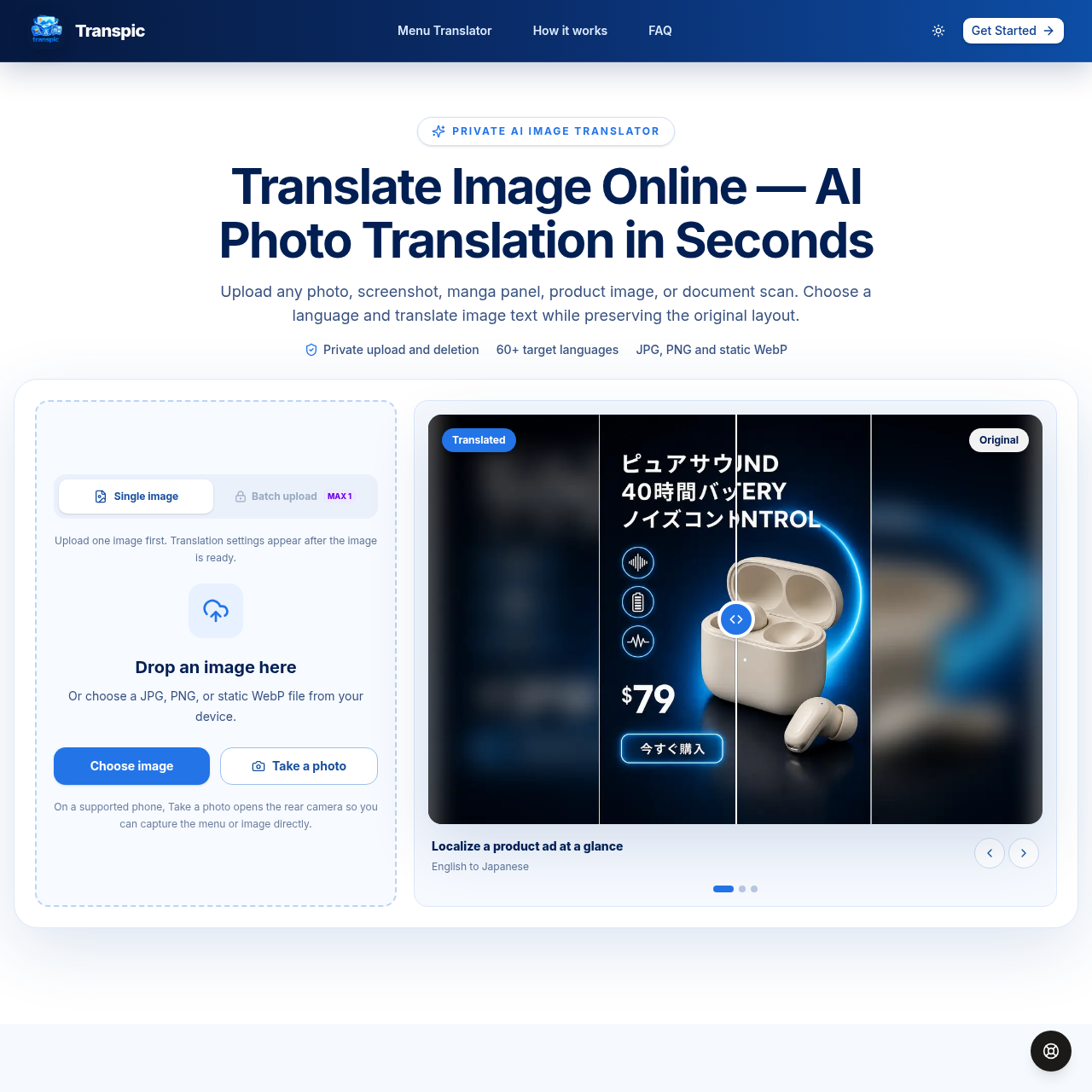
Translate image text online with AI while preserving the original layout.
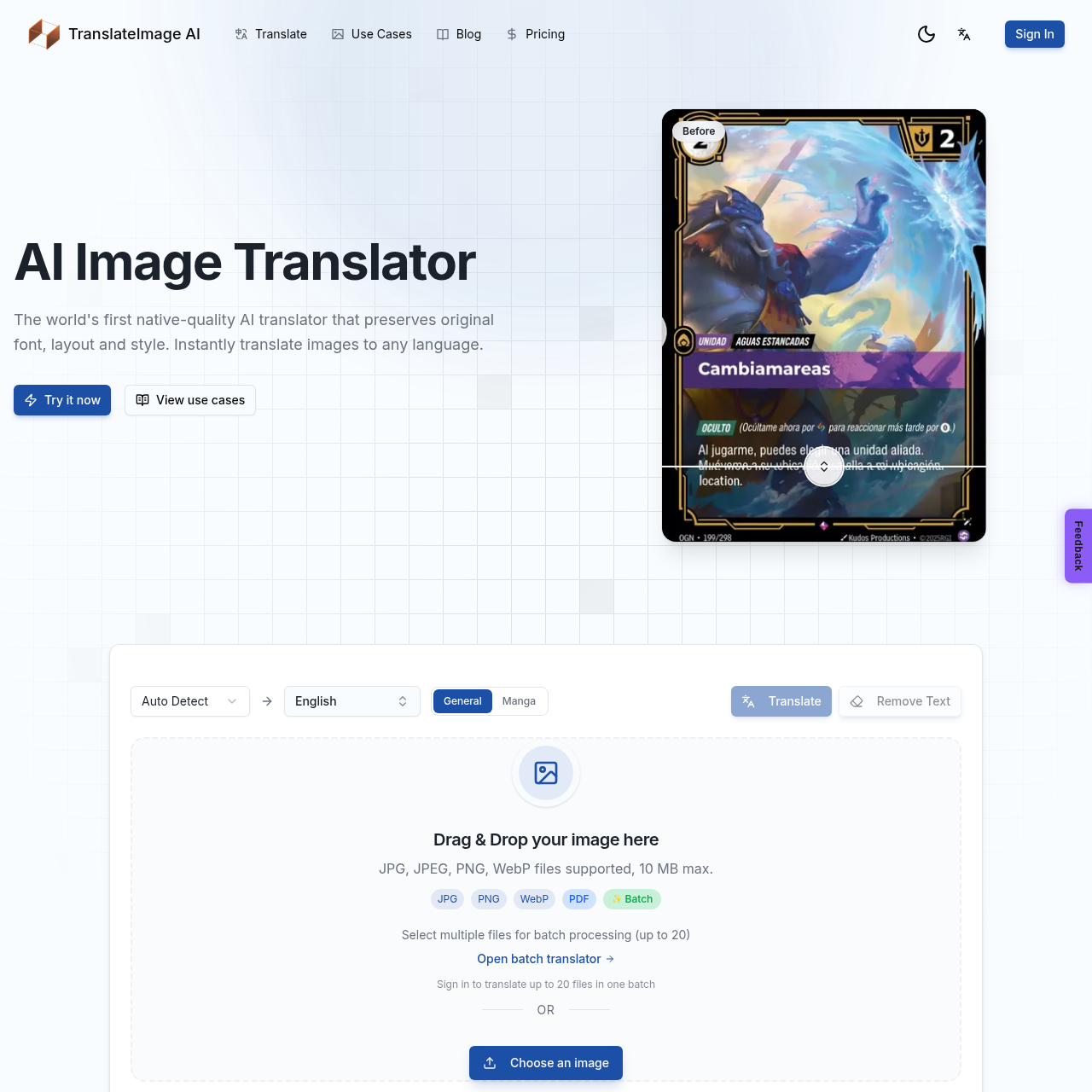
AI-powered image translation preserving original font, layout, and style
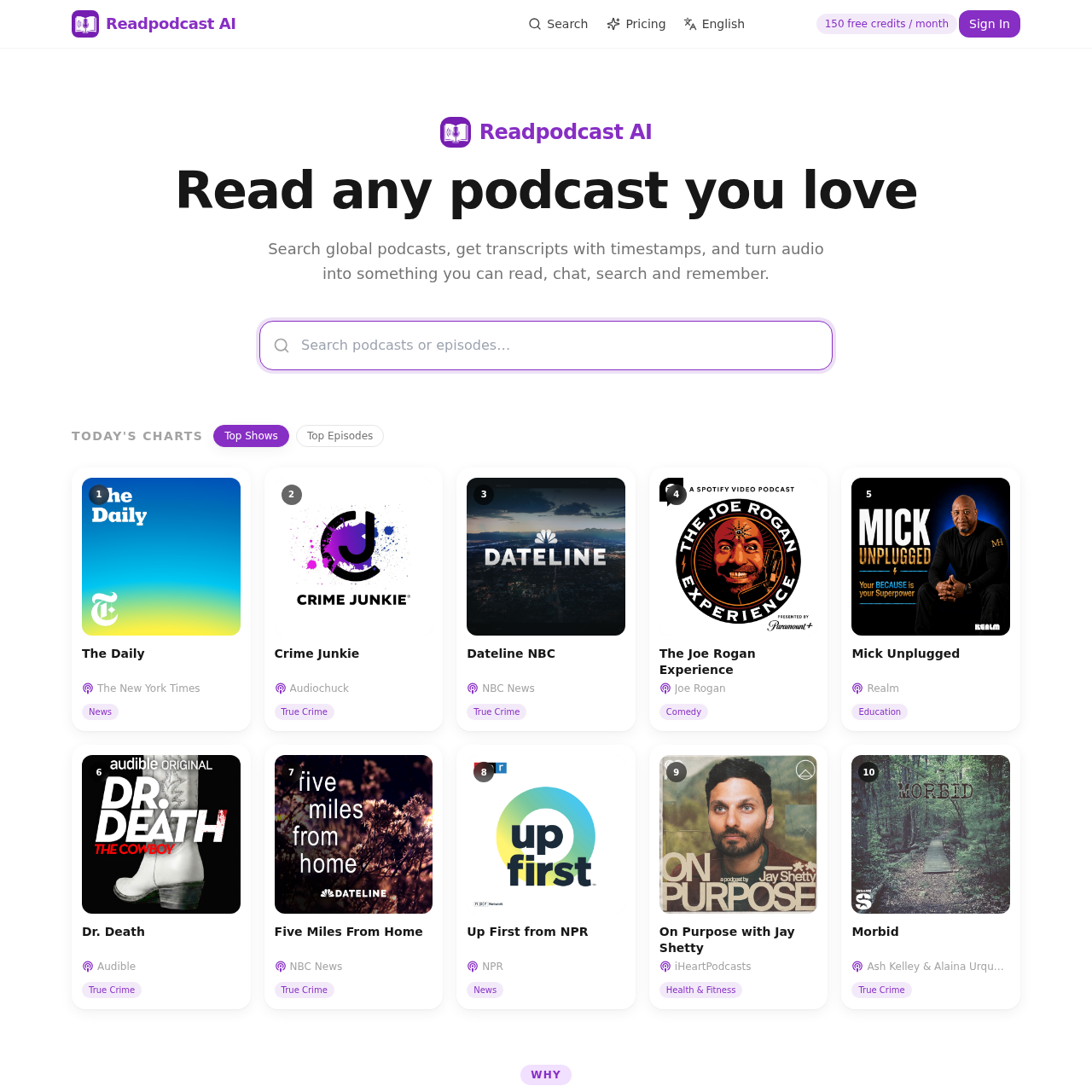
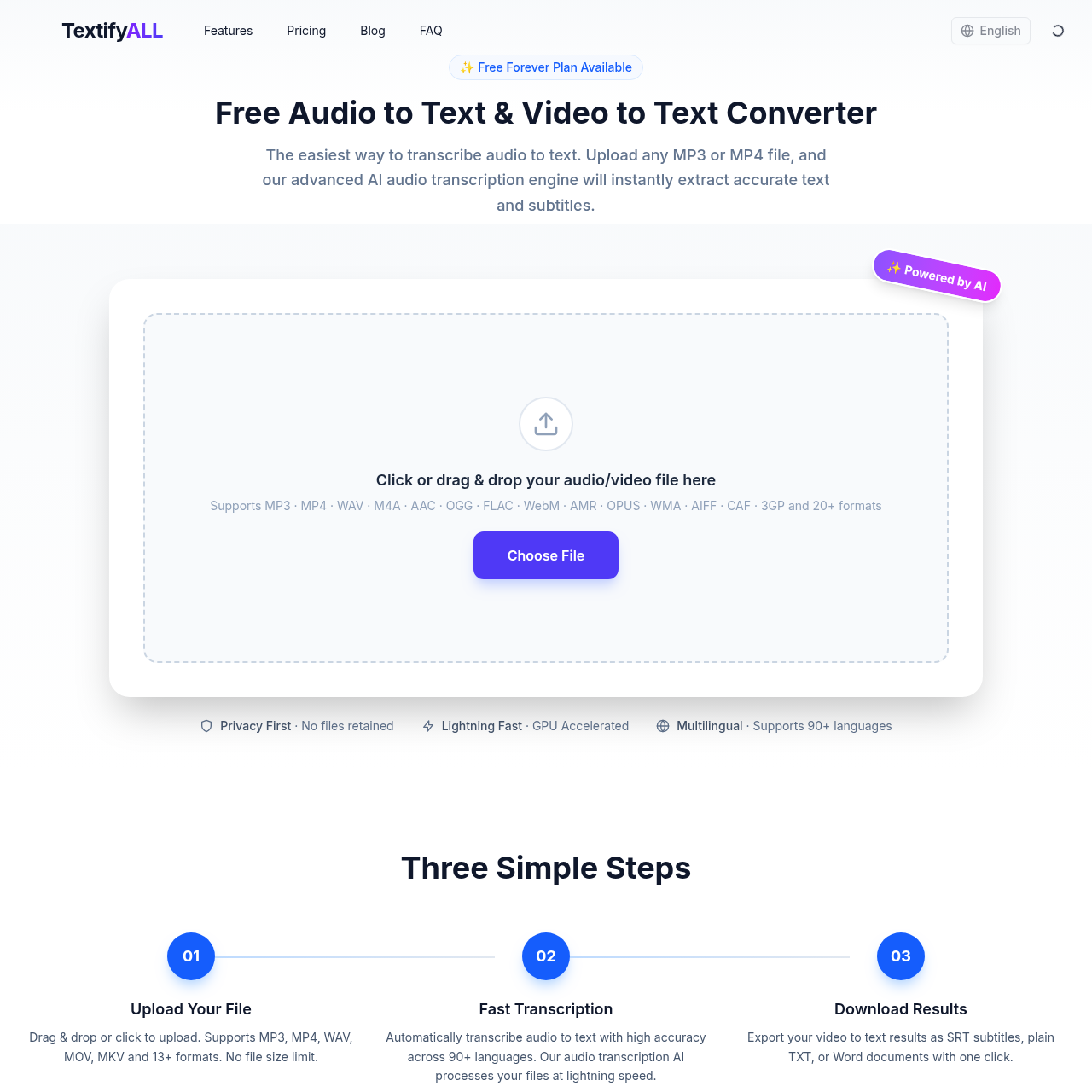
Turn Spotify and Apple Podcasts episodes or YouTube videos into searchable, timestamped transcripts with speaker labels. Get AI summaries, takeaways, quotes, mind maps and chat.
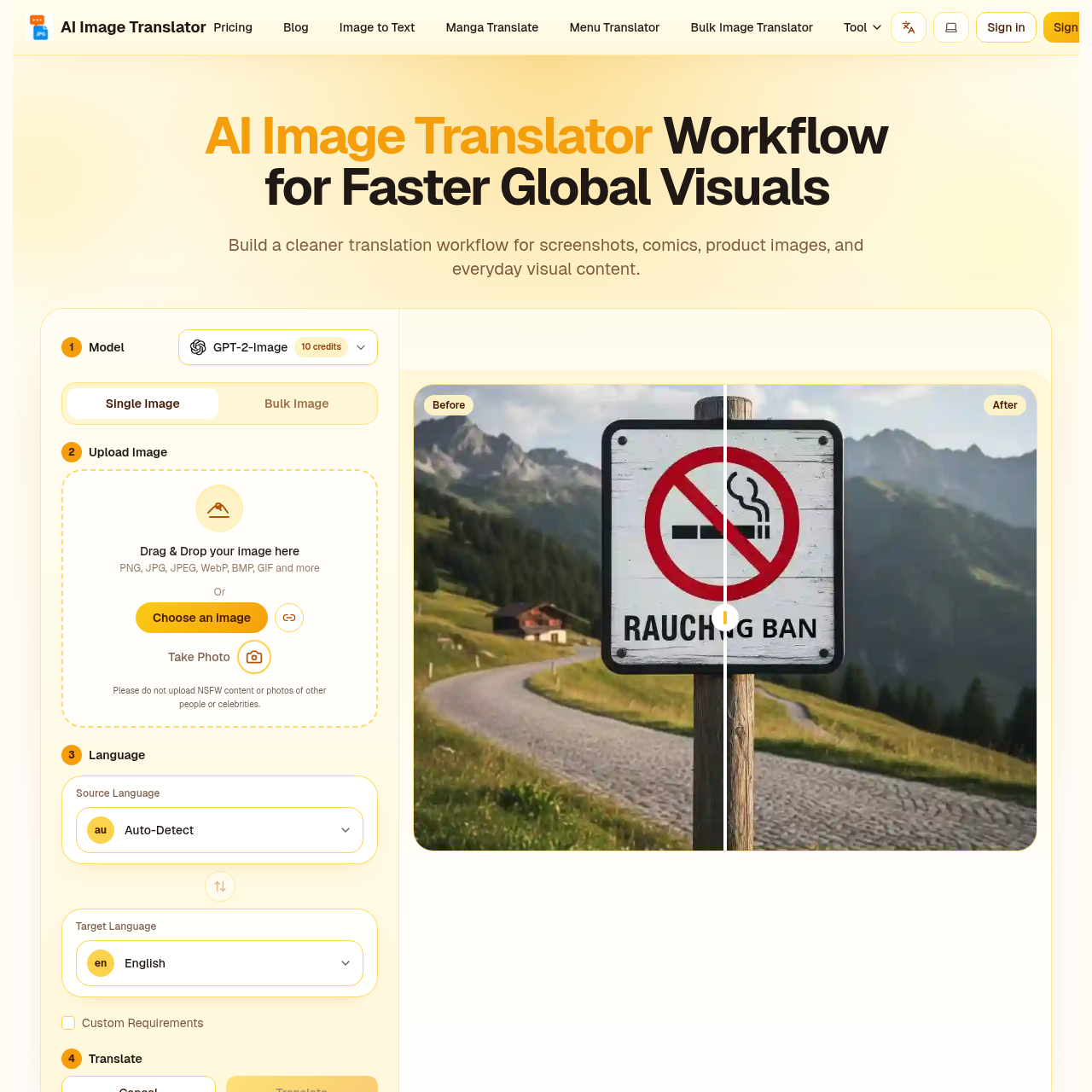
AI image translator that keeps your layout perfectly intact.
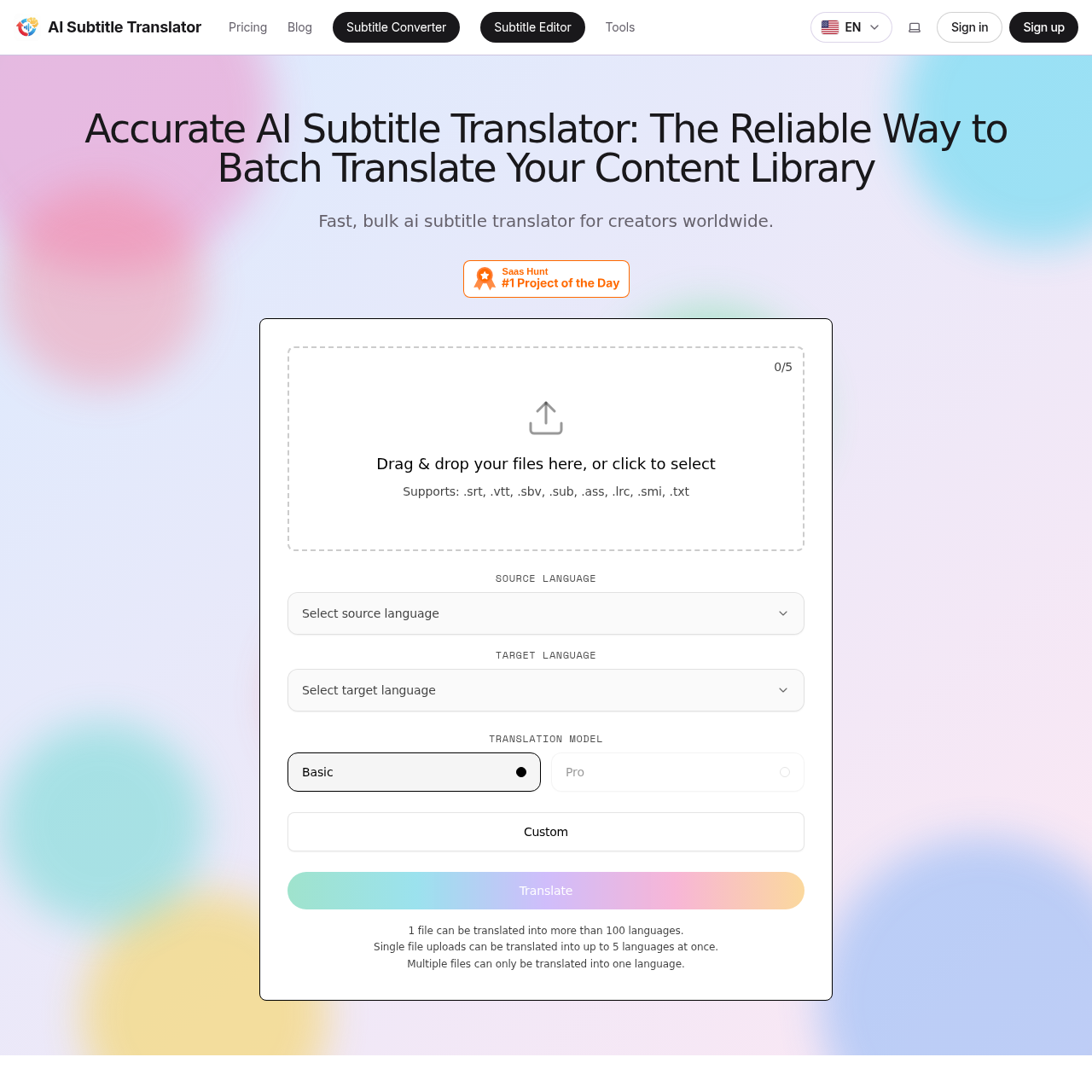
Fast, accurate AI subtitle translation for SRT, VTT, SBV, SUB, ASS, LRC, SMI files
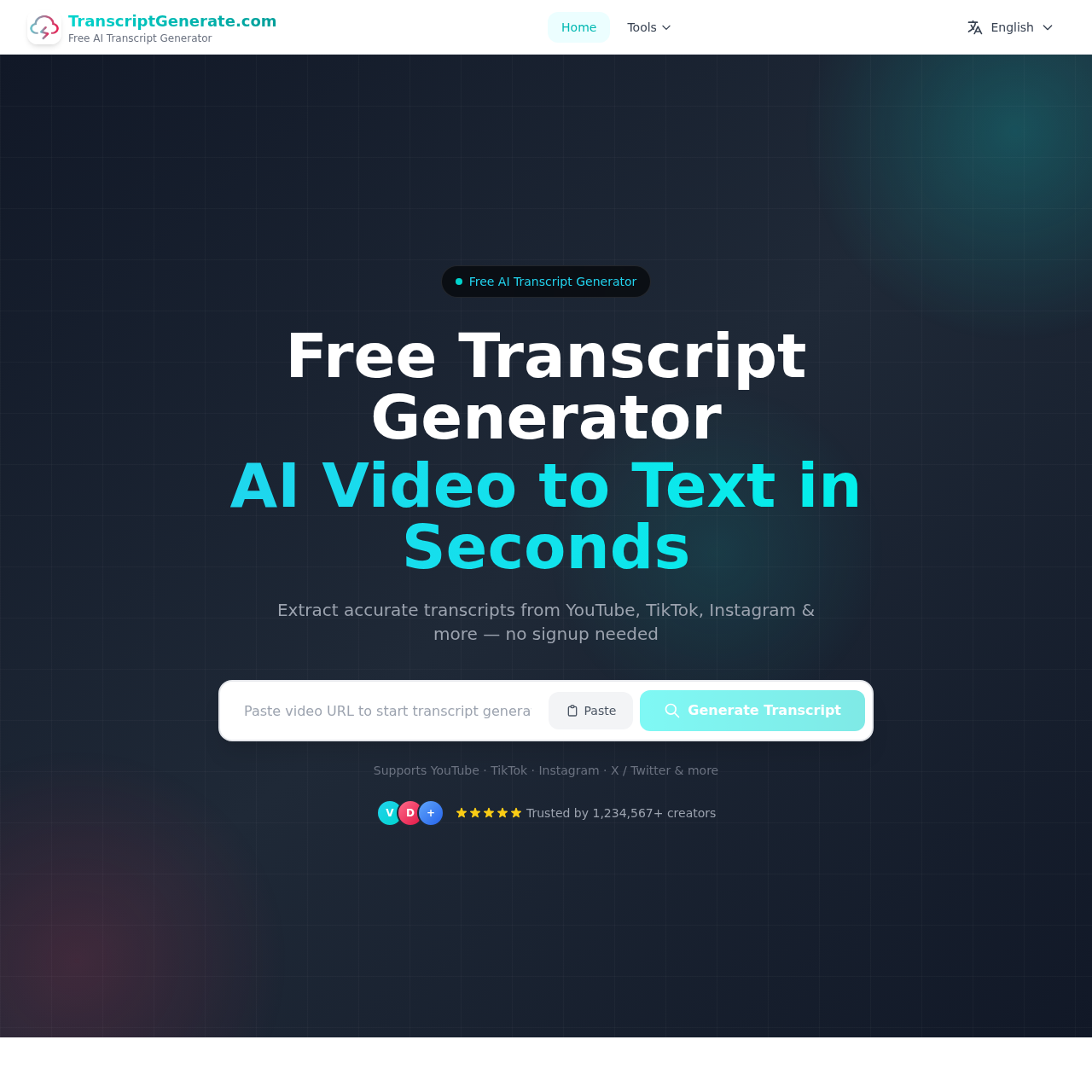
Free online video transcript extractor for multiple platforms

Turn everyday writing into LinkedIn-style posts or decode corporate language