EveryGen AI
VisitAI video generator and creative studio for planning, generating and editing video with images, audio and music.
EveryGen AI introduction
EveryGen AI is a creative platform operated by EveryGen LLC that combines an AI video generator with a video studio guided by an AI Video Agent. It supports text-to-video, image-to-video and reference footage workflows across multiple video models, plus AI image generation and editing, voiceovers, dialogue, sound effects and music creation.
- Website:
- everygen-ai.com
🎼 Music & Audio Generationfreemium
EveryGen AI overview
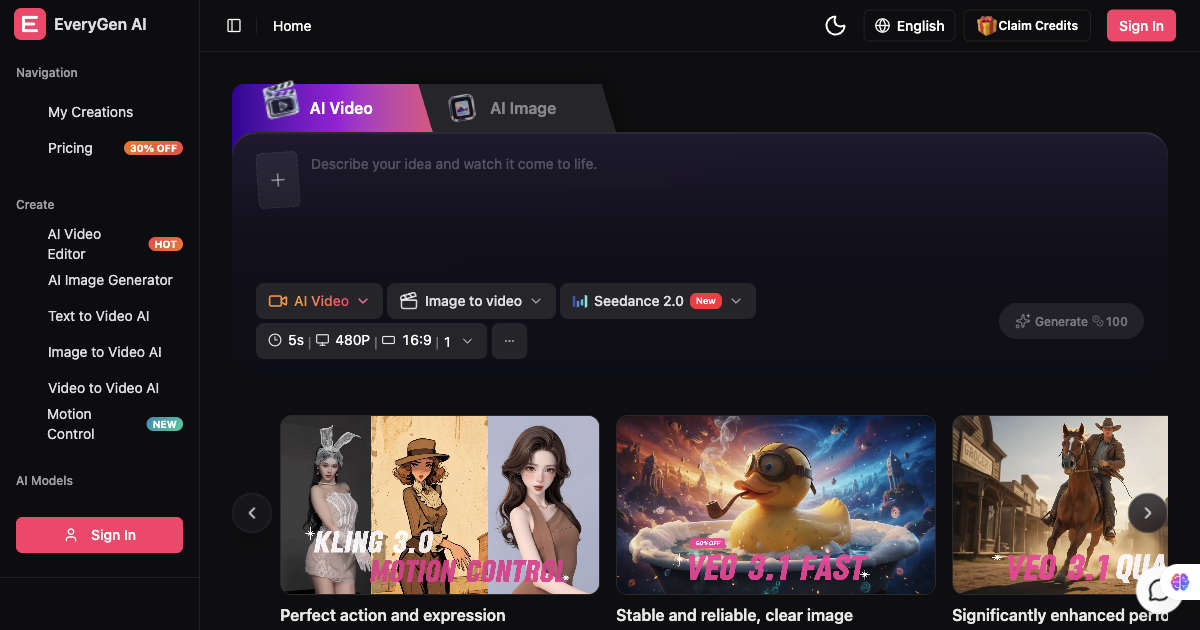
EveryGen AI at everygen-ai.com brings leading video and image models into one workspace. Users can describe a project, review a scene plan, generate clips and supporting media, then review, edit and download the assembled video. The studio keeps scenes, references and generated assets together so projects can be continued later. Dedicated tools also create individual clips, images and music, and an MCP connection lets supported AI assistants create media and manage projects.
EveryGen AI features
- AI video generator supporting text-to-video, image-to-video and reference footage
- AI Video Agent that develops scene plans and guides projects through conversation
- Multiple video models including Seedance 2.5, Veo 3.1 Fast, Veo 3.1 Quality, Wan 3 and Kling 3.0 Motion Control
- Video generations up to 30 seconds
- Reference inputs including up to 30 reference images, 10 reference videos and 10 reference audio clips
- AI image generation and editing with models such as Nano Banana 2, GPT Image 2.5, Wan 2.7 Image Pro and Seedream 5.0
- Voiceovers, character dialogue and sound effects
- Music and song creation from a prompt, style or lyrics
- Video editing of existing footage, including element swaps, lighting adjustments and shot refinement
- Template catalogue with visual directions such as Day to Night, AI Panda Hug and Minecraft Video
- MCP connection for Claude, ChatGPT, Claude Code and Cursor
- Saved projects with scenes, references and generated assets kept together
Questions about EveryGen AI
EveryGen AI pros
- Combines video, image, audio and music tools in one studio
- Supports multiple video models for different scene needs
- AI Video Agent helps plan scenes and review creative choices
- Projects and generated assets are saved for later continuation
- MCP connection allows creation from supported AI assistants
- Free plan available to try video generation
EveryGen AI limitations
- Free plan video generation is limited to 720p and includes a watermark
- Outputs require review for visual artifacts, product accuracy, brand fit and usage rights before publishing
EveryGen AI use cases
- Creating ads and video variants
- Producing social content and localized clips
- Making product demos and product visuals
- Building explainers and tutorials
- Generating animated scenes and stories
- Animating still images into video clips
- Creating characters and scene references
- Adding narration, dialogue and sound effects
- Making music and songs for videos
- Editing existing footage with AI instructions
- Planning a video from a brief and references
- Starting from a reference short to plan a new version
Who EveryGen AI is for
- Creators
- Marketers
- Ecommerce teams
- Agencies
- Production teams
EveryGen AI pricing
EveryGen offers a Free plan with 10 one-time credits to try video generation at 720p with a watermark. Paid plans include monthly or annual credits, watermark removal and a commercial license; current plans and credit amounts are listed on the pricing page.
Alternatives to EveryGen AI
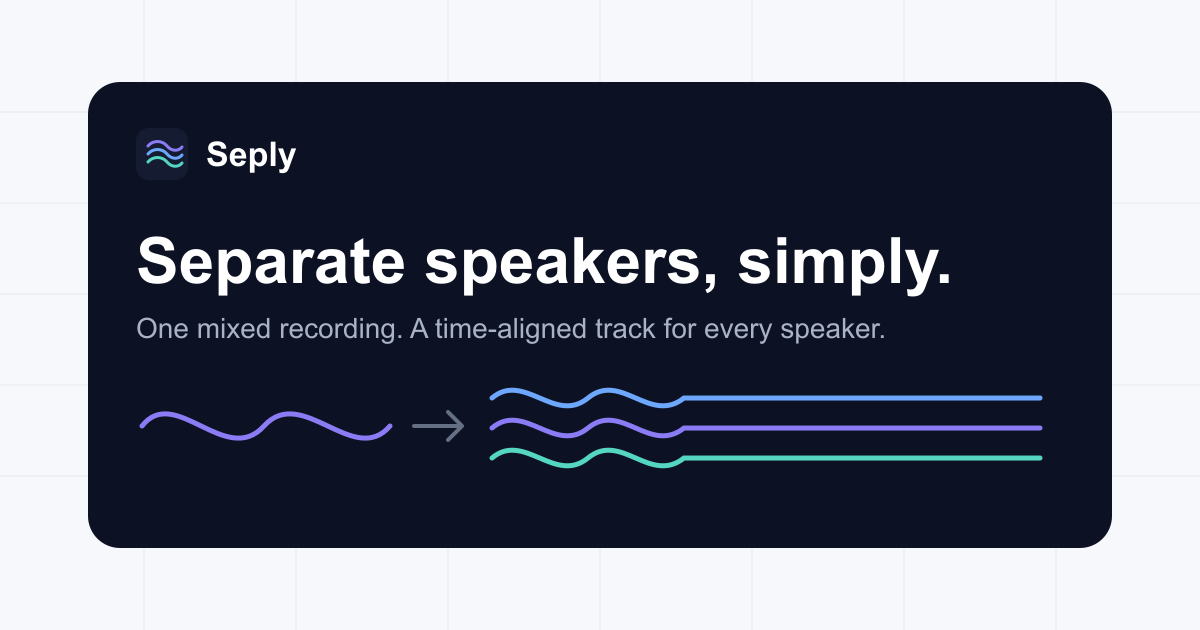
AI speaker separation that splits one recording into individual, time-aligned WAV tracks per detected speaker.
Test your speakers and headphones in seconds — left, right and stereo channels, a full 20 Hz–20 kHz sweep, polarity and test tones.

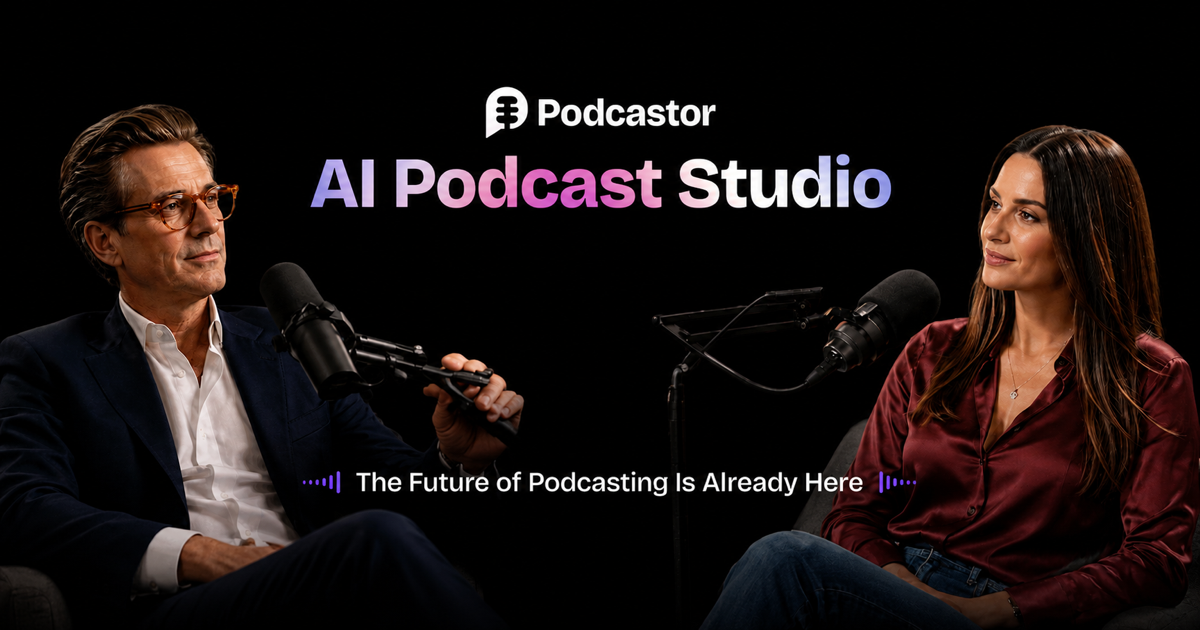
AI podcast studio that turns any content into audio and video podcasts

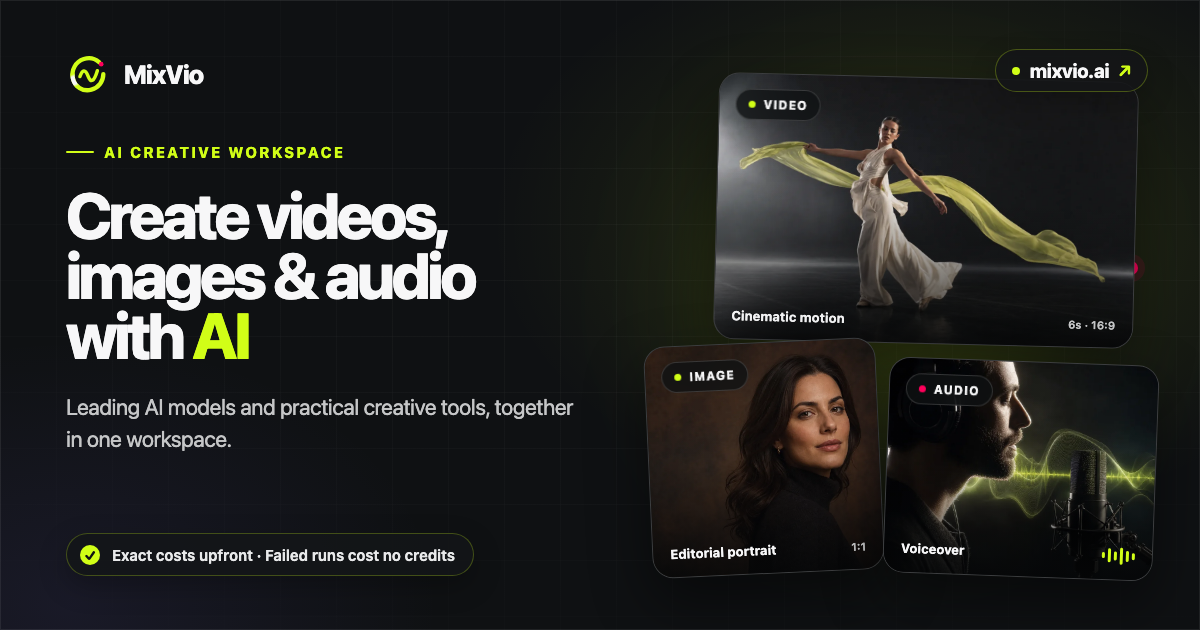

Free AI image, video & music generator powered by Google Gemini AI