All-in-one AI image and video generator with free credits and no watermark
AI image and video workspace for publish-ready visuals
Nano AI Maker is a browser workspace for AI image generation, reference-based image editing, and short video creation. Users start with a prompt or uploaded reference, choose from multiple models, and create visuals for product shots, ads, social posts, and creative testing.

Nano AI Maker combines text-to-image, image-to-image, reference-guided image creation, text-to-video, image-to-video, and reference-to-video workflows in one browser workspace. It offers natural language editing, character consistency, scene preservation, multiple variations on supported image models, and multi-model selection. Tasks are submitted and tracked in Activity, where completed images can be downloaded and videos played. Credits are deducted per generation based on the selected model and settings, with the exact cost shown before submission. New accounts can start with free credits when available, and paid plans and credit packs provide more capacity.
Credits are deducted per generation based on the selected model and settings, and the exact cost is shown before submission. Examples: GPT Image 2 costs 3/5/8 credits for 1K/2K/4K images, and Veo 3.1 Fast costs 30 credits for an 8-second video. New accounts can start with free credits when available; paid plans and credit packs provide more capacity.
All-in-one AI image and video generator with free credits and no watermark
AI co-director that turns your story into a shot-by-shot storyboard
AI image generator and editor for creating and refining visuals from text and reference images


Turn a single image into an editable 3D model online with AI
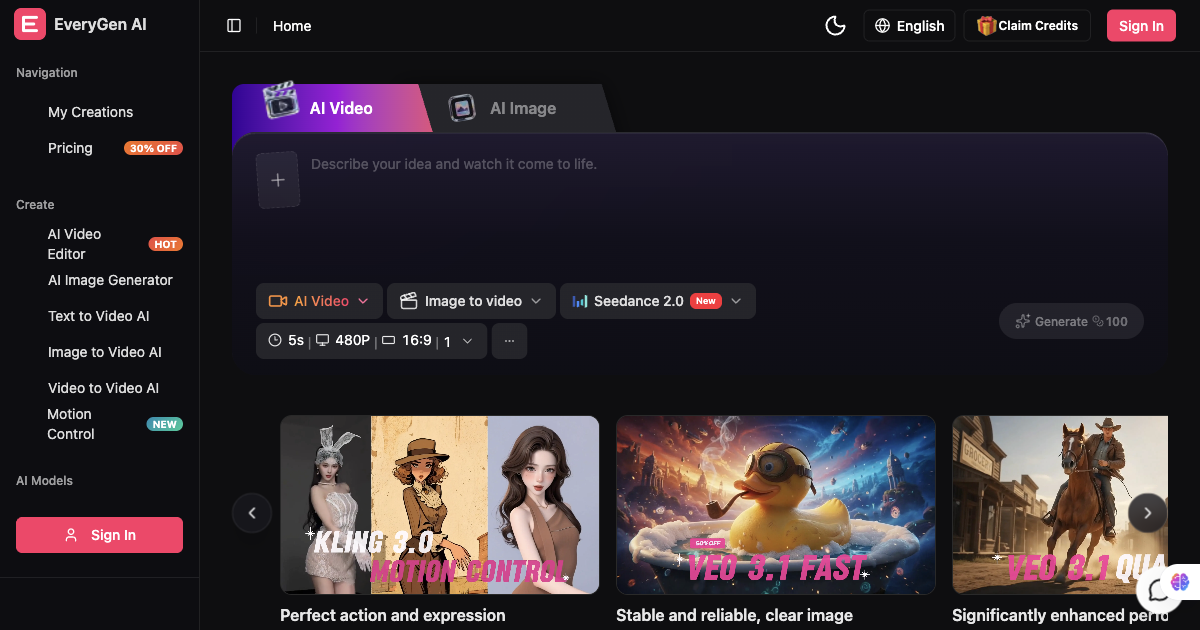
AI video generator and creative studio for planning, generating and editing video with images, audio and music.

AI architectural rendering and design studio for buildings, interiors, and landscapes.
Translate manga online with AI, from one page to a full chapter.