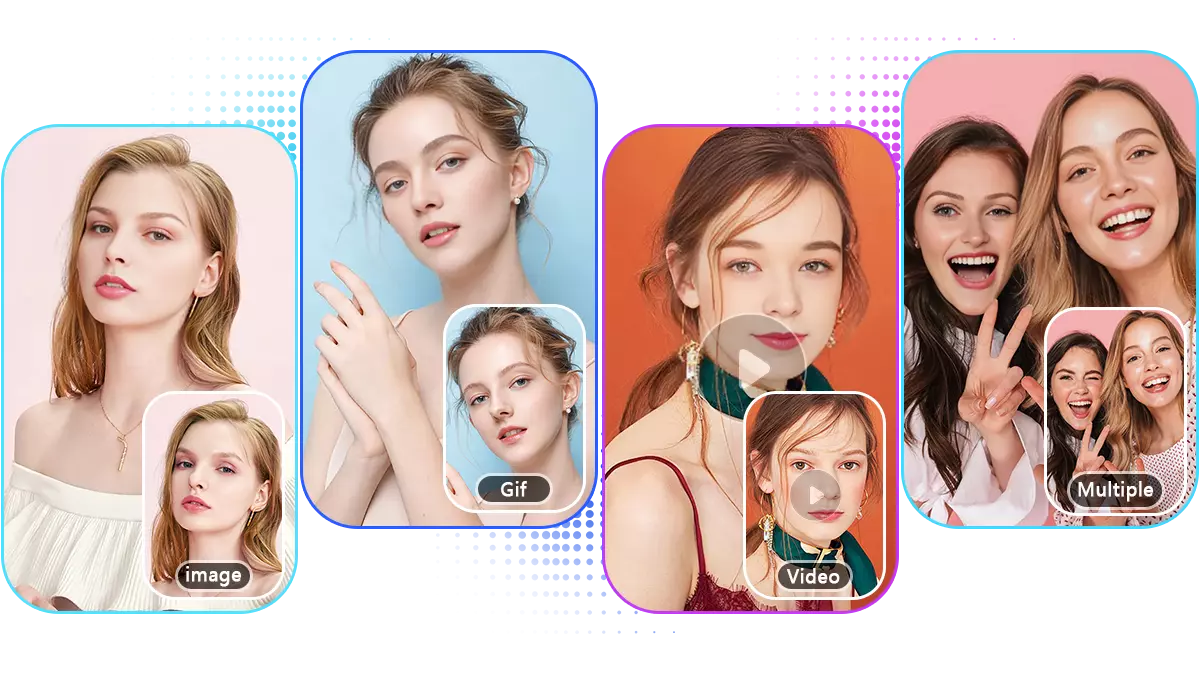
Turn a single image into an editable 3D model online with AI
AI video and image generation with 40+ models in one workspace
Mareel is an all-in-one AI video and image generation platform that brings 40+ leading AI models into a single workspace. Users can generate videos and images from text or images, compare models, and manage creations without switching between multiple AI tools.

Mareel lets users start from a video or photo and apply changes such as altering camera angle, video-to-video restyling, editing text in an image, motion transfer, or using a video editor to trim, reframe to 9:16, and add captions. It offers reusable templates for product films, creator videos, UGC-style ads, unboxings, and product scenes. The platform runs on models including Seedance 2.5, Kling 3.0, Veo 3.1, Nano Banana 2 and 40+ more. The workflow is three steps: upload a clip or product photo, choose a change, and download while keeping every version in a library. Mareel is built for creators, marketers, ecommerce teams, agencies, studios, and product teams, and supports English, Spanish, and Portuguese across supported parts of the product.
New users get 20 free credits on sign-up with no card needed, enough for a 5-second 720p video with Seedance 2.0 Mini or up to 20 images. Credit costs depend on the selected model and resolution; most video models charge by output duration with the total rounded up to a whole credit, while Veo 3.1 and Gemini Omni use a fixed price per generation. Users choose a subscription to manage generation credits.
Turn a single image into an editable 3D model online with AI
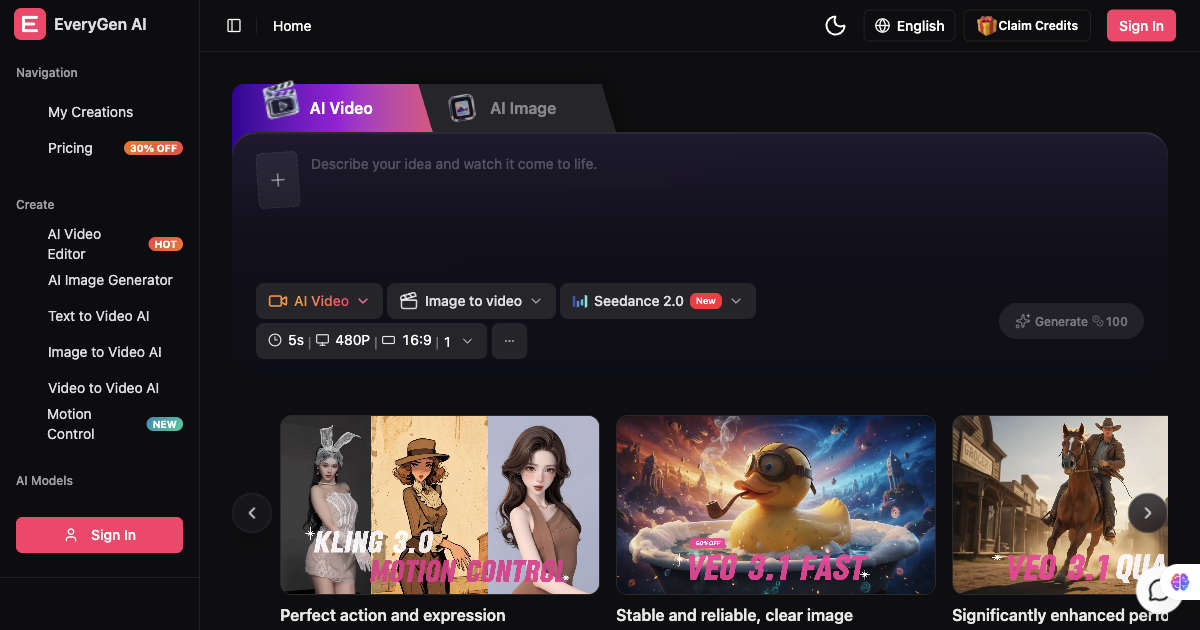
AI video generator and creative studio for planning, generating and editing video with images, audio and music.

AI architectural rendering and design studio for buildings, interiors, and landscapes.
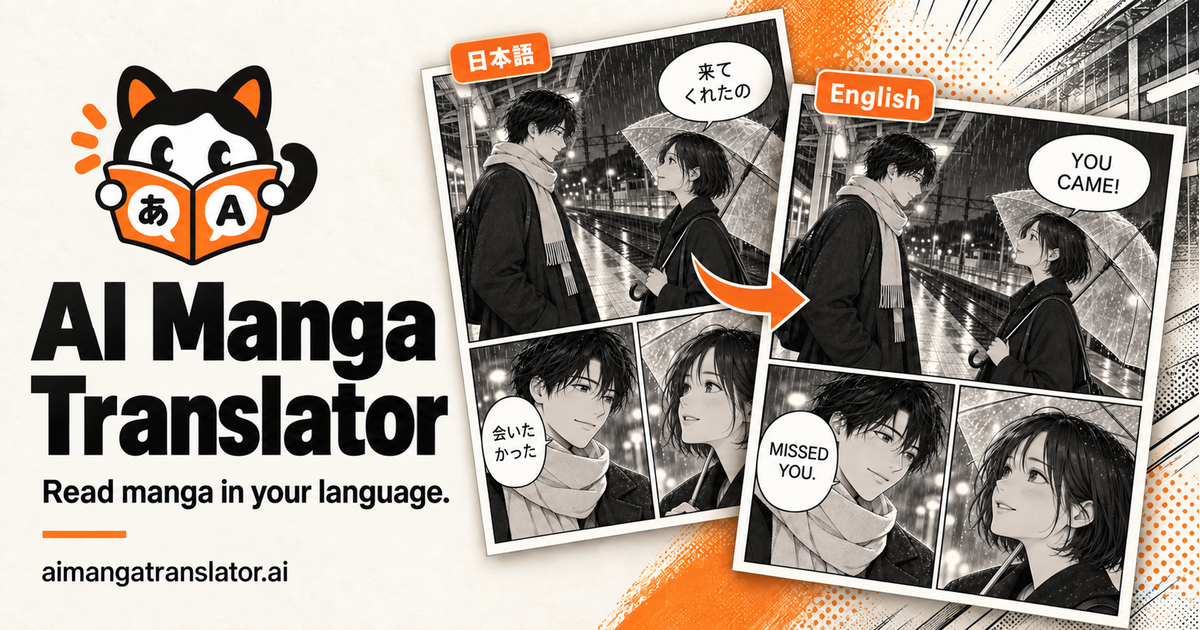
Translate manga online with AI, from one page to a full chapter.
Multimodal AI video generator with text-to-video, image-to-video, and reference-based control.

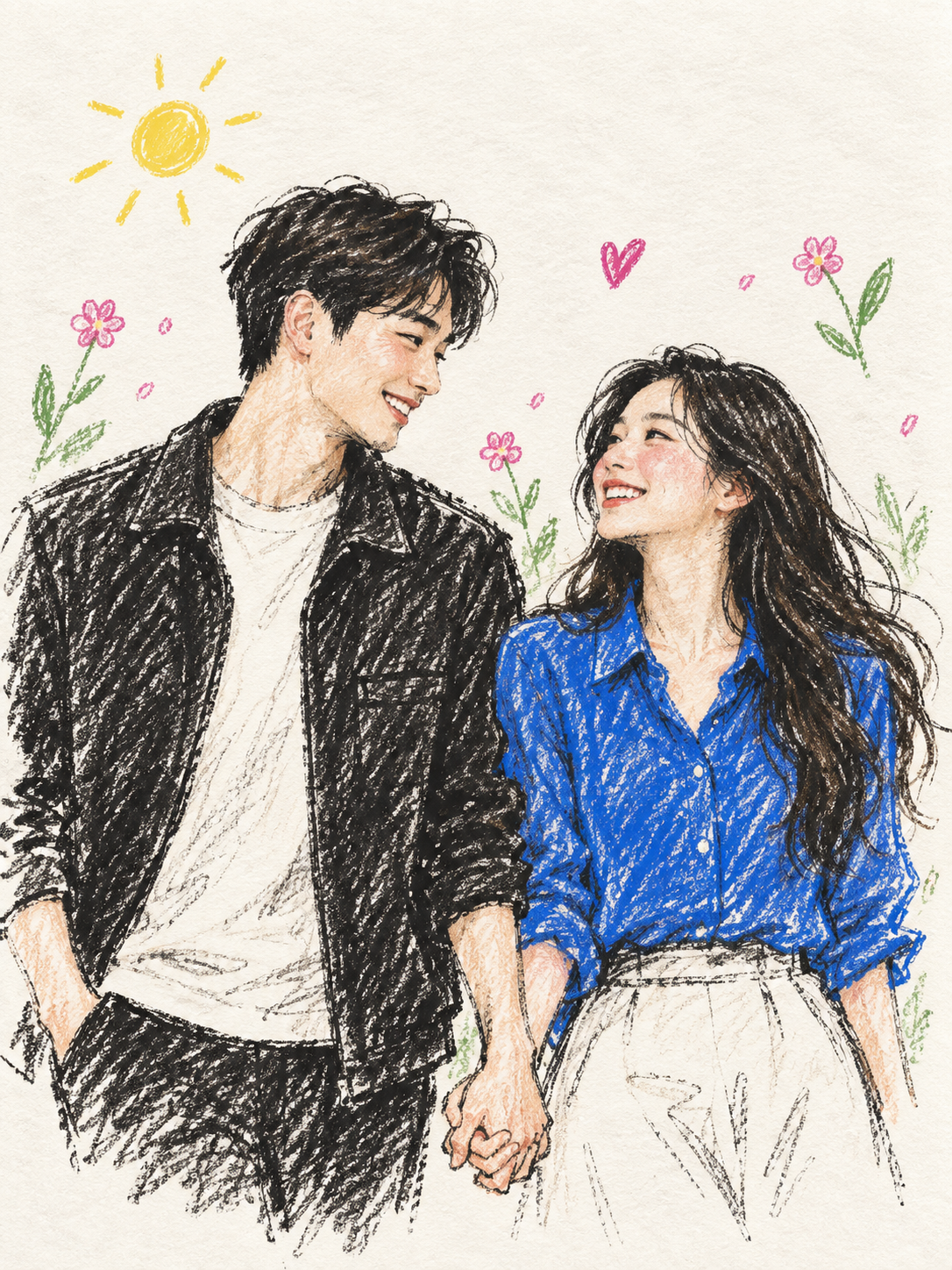
Turn photos into colored pencil illustrations, pet portraits, and anniversary posters.