
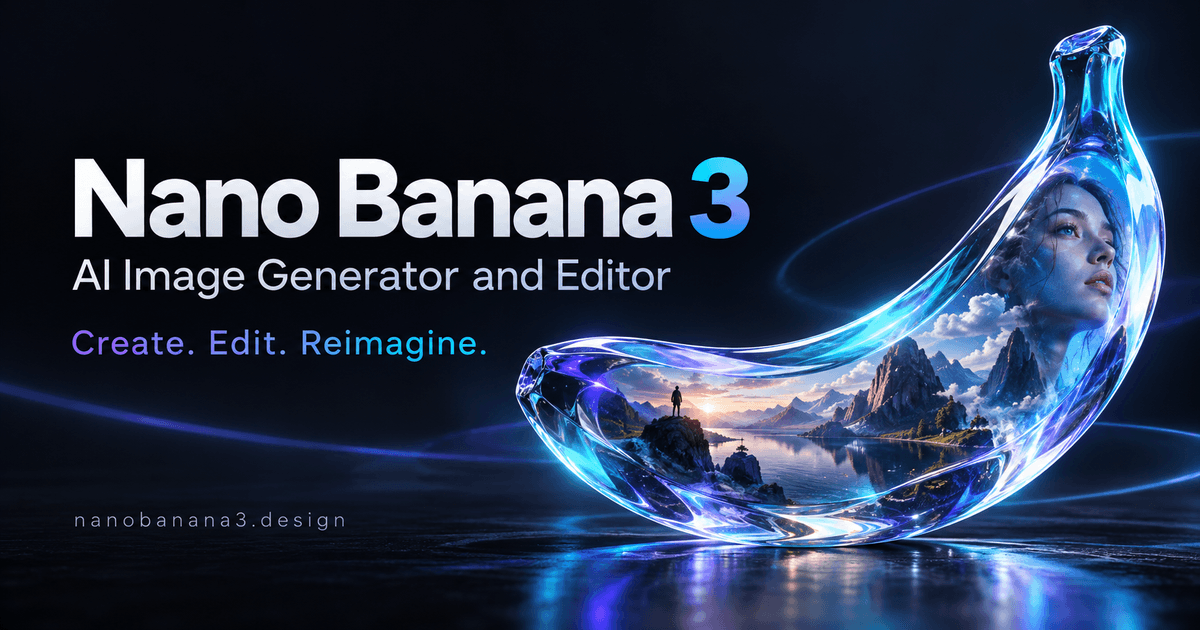
AI image generator and editor for creating and refining visuals from text and reference images
Free online AI image generator and natural-language photo editor
Muse Image is a web application for generating images from text prompts and editing uploaded JPEG, PNG, and WebP images with natural-language instructions. New accounts start with 40 free credits, and each model displays its credit cost before generation.
Muse Image is an independent web platform for AI image generation and natural-language image editing. Users can create images from text, upload photos for focused edits, use sketch-based editing to circle areas for changes, add reference images for composition, and refine results through conversation. The workspace lets users compare supported models, choose aspect ratio and resolution, see the credit cost before submitting a request, and download results. Output options vary by model, with supported landscape, square, and portrait aspect ratios and up to 1K, 2K, or 4K resolution depending on the model.
New accounts start with 40 free credits. Additional permanent credits are available as one-time purchases without a subscription. Each model shows its credit cost before generation, and model pages list per-image costs.
AI image generator and editor for creating and refining visuals from text and reference images


Turn a single image into an editable 3D model online with AI
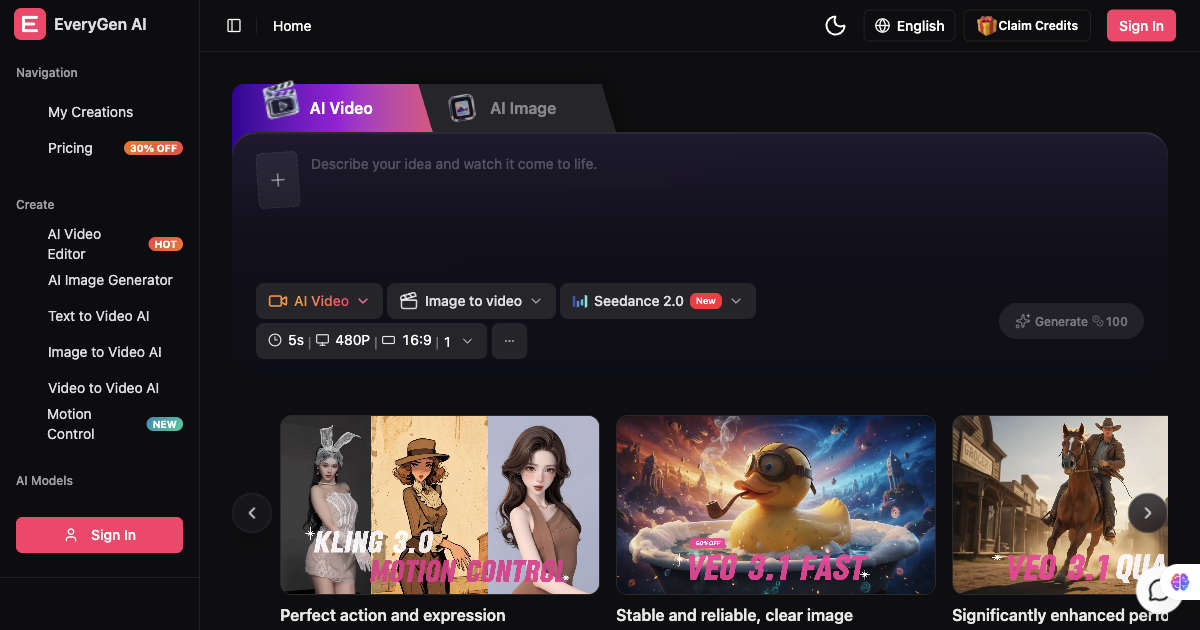
AI video generator and creative studio for planning, generating and editing video with images, audio and music.

AI architectural rendering and design studio for buildings, interiors, and landscapes.
Translate manga online with AI, from one page to a full chapter.
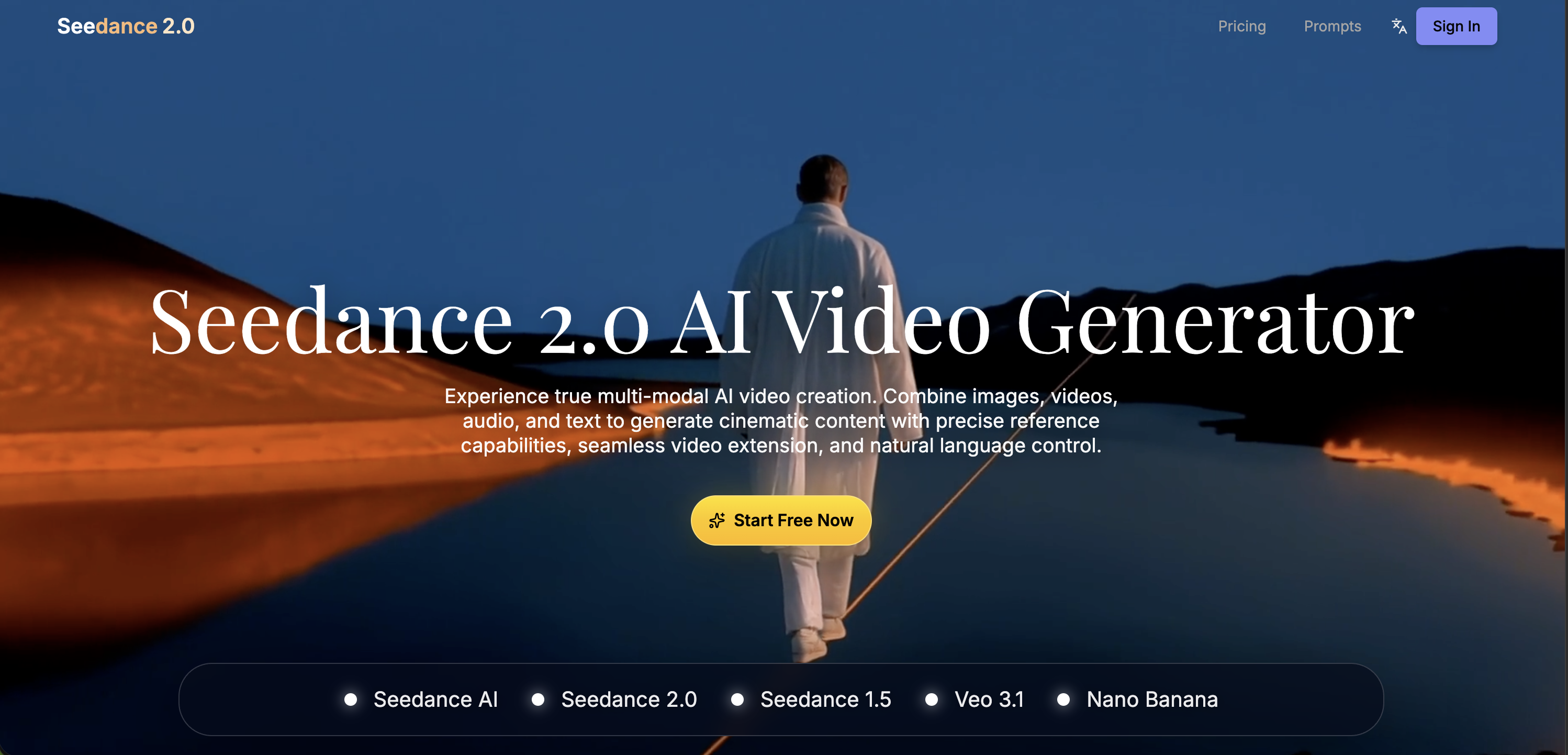
Multimodal AI video generator with text-to-video, image-to-video, and reference-based control.

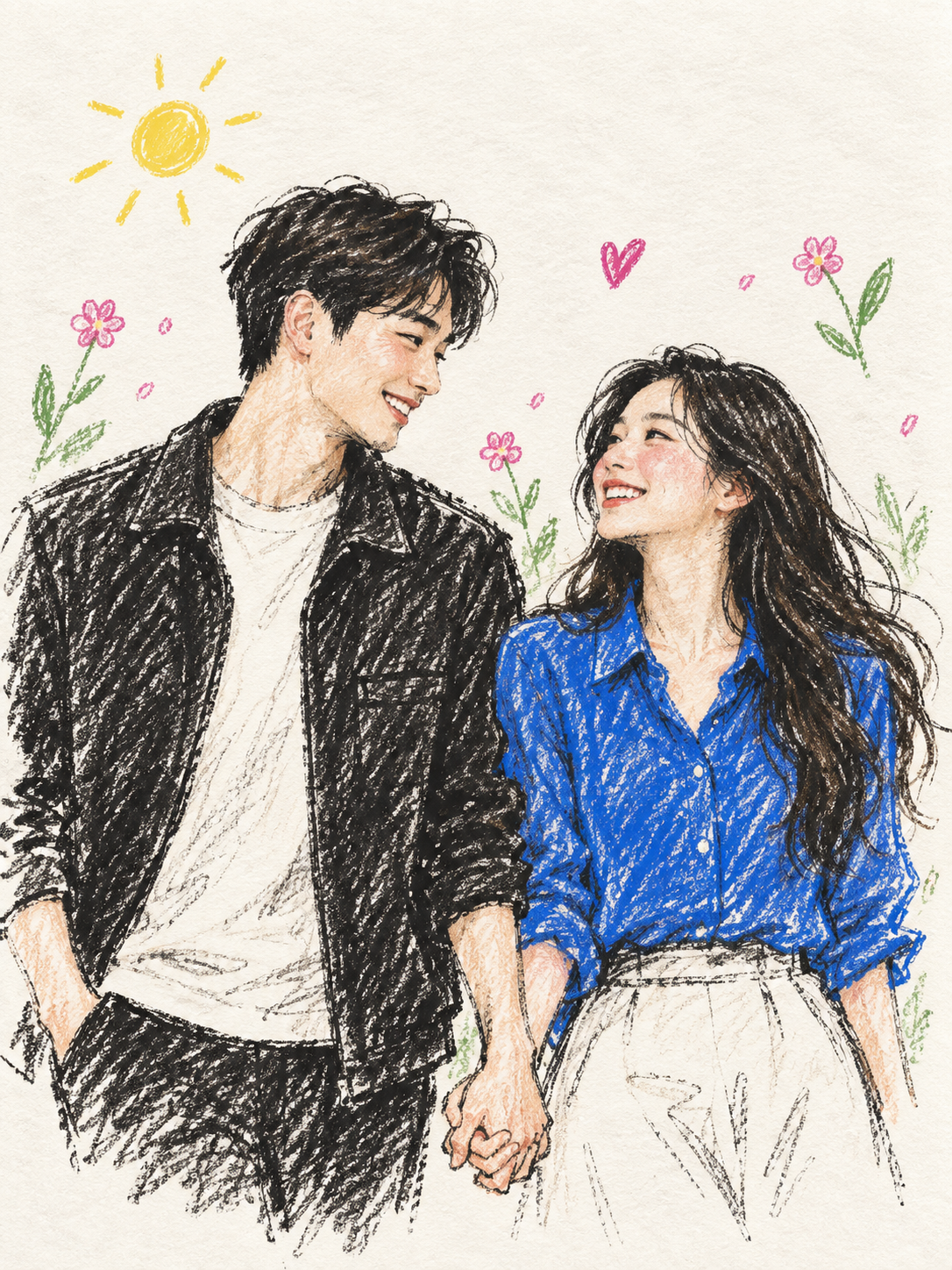
Turn photos into colored pencil illustrations, pet portraits, and anniversary posters.