

Facecam
VisitLive Face and Voice Tools for Calls and VTubers
Facecam introduction
Facecam is a browser-based tool for live face swapping, voice changing, and VTuber creation. It works with calls and streams joined in Chrome, such as Google Meet, Zoom, Teams, Discord, and StreamYard, using a virtual camera. It offers both free tools and paid plans for live face swap.
- Website:
- facecam.ai
🎬 Videofreemium
Facecam overview
Facecam provides live face swap and voice tools for calls and VTubers. Users can swap their face with built-in faces or uploaded photos during Google Meet, Zoom, Teams, or Discord calls in Chrome. The tool also includes a character generator, GIF and video face swap, photo face swap, real-time voice changer, AI voice changer, voice clone, PNGTuber maker, VTuber maker, AI VTuber, AI avatar maker, VTuber model viewer, VTuber name generator, VTuber model cost calculator, webcam effects, soundboard, and OBS virtual camera checker. It requires Chrome and a webcam, and works on any laptop or desktop. Video is not recorded; a short log is kept for rule enforcement. Pricing includes Premium at $20/month and Pro at $50/month, with some free tools and credits for AI tools.
Facecam features
- Live Face Swap
- Character Generator
- GIF Face Swap
- Video Face Swap
- Photo Face Swap
- Real-Time Voice Changer
- Real-Time AI Voice Changer
- Online Voice Changer
- AI Voice Changer
- Voice Clone
- Character Voice Generator
- PNGTuber Maker
Questions about Facecam
Facecam pros
- Works on any laptop or desktop with Chrome and a webcam
- No gaming PC required
- Video is not recorded; only a short log is kept
- Many tools are free with no account
- Photo Face Swap is free to try without signing up
- Works in Google Meet, Zoom, Teams, Discord, and StreamYard in Chrome
- Cancel or switch plans any time
Facecam limitations
- Live face swap is only available on Premium and Pro plans
- Does not show up in desktop apps; for OBS, capture the Chrome window instead
- Photo Face Swap free version includes a small watermark
- Other AI tools require credits after new accounts get 15
Facecam use cases
- Be anyone on Google Meet, Zoom, or Discord calls
- Swap faces in photos, GIFs, and videos
- Change your voice live during calls
- Create a PNGTuber or VTuber avatar
- Stream as an AI VTuber
- Turn a photo into an avatar
- Preview VRM models
- Generate a VTuber name
- Calculate VTuber model cost
- Blur or swap your background
- Play sounds into your mic with a soundboard
- Fix a missing virtual camera for OBS
Who Facecam is for
- Call participants on Google Meet, Zoom, Teams, or Discord
- Streamers
- VTubers
- Content creators
- Users with a laptop or desktop and Chrome
- People interested in face swap and voice changing
Facecam pricing
Premium: $20/month for about 10 hours of live face swap a month, every tool, AI voices, voice clone, and AI VTuber. Pro: $50/month for about 25 hours of live face swap a month, everything in Premium, and 2.5× as much use. Cancel or switch plans any time. Many tools are free with no account, and Photo Face Swap is free to try with a small watermark. Live face swap requires Premium or Pro. Other AI tools use credits; new accounts get 15 credits.
Alternatives to Facecam
AI video generator that turns text, images, video clips, and audio into videos with sound.
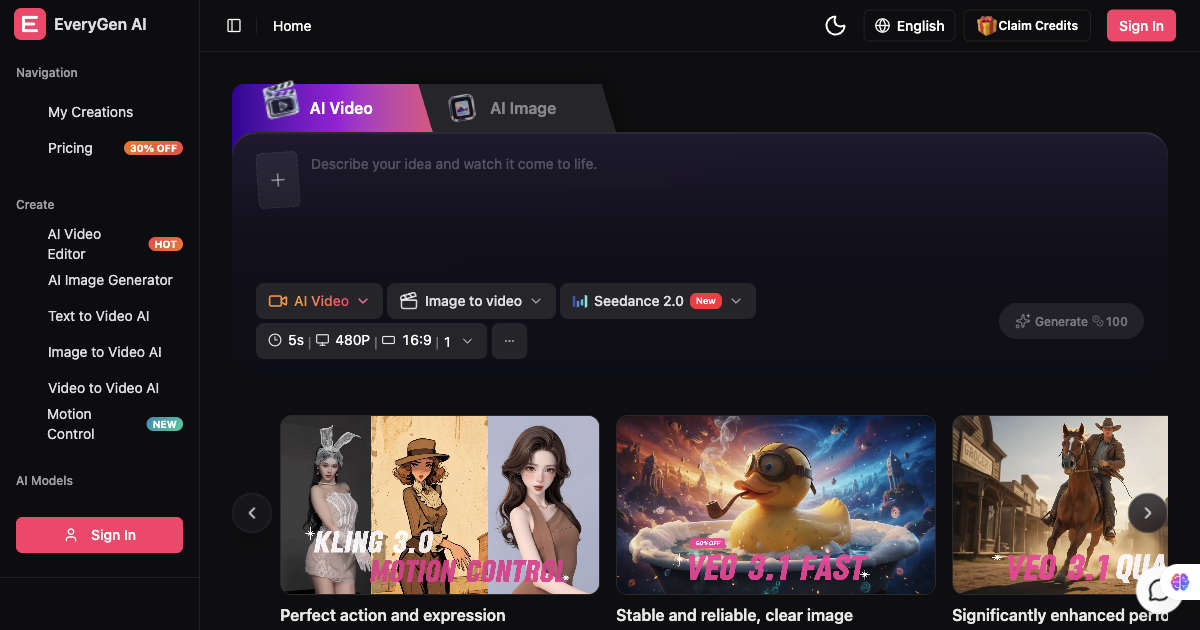
AI video generator and creative studio for planning, generating and editing video with images, audio and music.

AI architectural rendering and design studio for buildings, interiors, and landscapes.

Free AI caption generator — captions that look good, in seconds.
Multimodal AI video generator with text-to-video, image-to-video, and reference-based control.