markitdown
VisitConvert Any File into Markdown for AI, Free
markitdown introduction
Markitdown converts PDF, DOCX, XLSX, PPTX, HTML, images and more into clean Markdown with Microsoft MarkItDown server conversion and clearly labeled OCR and URL workflows.
- Website:
- markitdown.tech
🧞 ♂️ Organization & Automationfreemium
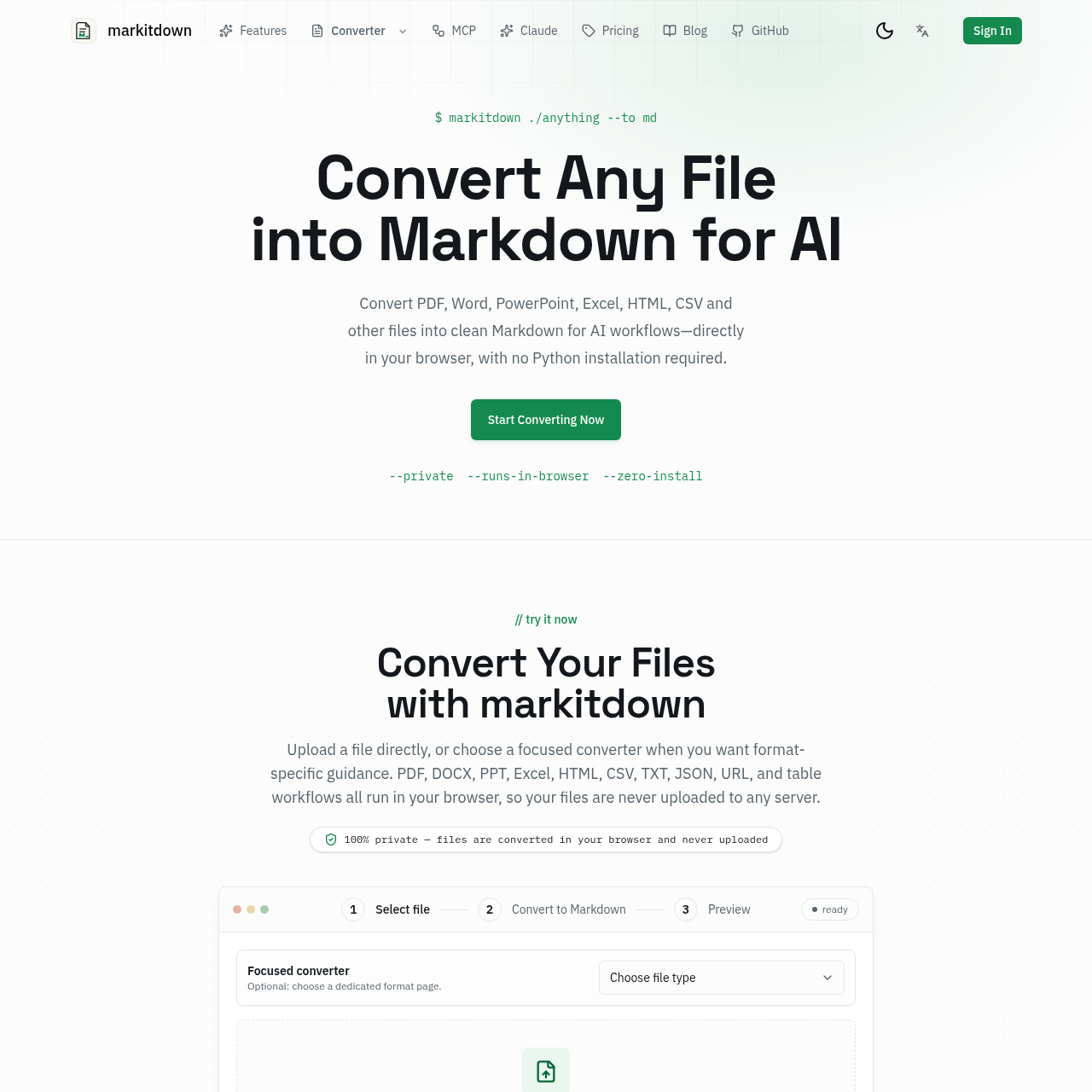
markitdown overview
markitdown is an online converter, inspired by Microsoft's open-source MarkItDown utility, that turns documents into clean, structured Markdown for AI workflows. It supports PDF, DOCX, XLS/XLSX, PPTX, HTML/HTM, CSV/TSV, JSON, XML, TXT/MD, EPUB, IPYNB, public URLs, and PNG/JPG/WebP images through OCR. The service requires no account to start, uses temporary file processing, and deletes uploaded files immediately after conversion.
markitdown features
- Converts PDF, DOCX, PPTX, XLS/XLSX, HTML, TXT/MD, CSV/TSV, JSON/XML, EPUB, IPYNB, public URLs, pasted tables, and PNG/JPG/WebP images via OCR
- AI-optimized Markdown output suitable for LLM prompts, RAG pipelines, and vector databases
- Preserves document structure including headings, tables, lists, links, bold and italic formatting
- Scanned PDF OCR with table rebuilding and math equation conversion to LaTeX
- Temporary file processing with immediate deletion after conversion
- Self-hosted Microsoft MarkItDown conversion service via Cloudflare
- No Python installation or account required to start
- Preview converted output before download
- Free tier with up to 3 files per batch and 20MB per file
- Pro tier with 100MB files, 30-file batches, and unlimited saved results
Questions about markitdown
markitdown pros
- No account or Python installation required to start
- Supports many common document and data formats
- Preserves structure like headings, tables, lists, and inline formatting
- Built-in AI OCR for scanned PDFs with LaTeX math conversion
- Temporary file processing with immediate deletion and no source file storage
- AI-optimized clean Markdown output
- Inspired by open-source Microsoft MarkItDown library
- Free tier available
markitdown limitations
- Free tier limited to 3 files per batch and 20MB per file
- Free tier includes only 10 OCR pages per month
- Saved results require signing in
- Online converter does not support audio input (upstream library does)
- Independent service, not affiliated with Microsoft
- Pro features require upgrade for larger files and unlimited saved results
markitdown use cases
- Preparing source files for LLM prompts
- Building RAG pipelines
- Indexing documents for search
- Creating knowledge bases
- Publishing to documentation sites
- Git-based editing workflows
- Converting scanned PDFs to Markdown
- Feeding data into vector databases
- Integrating with AI assistants like ChatGPT, Claude, Gemini
- Batch processing documents
- Converting spreadsheets and presentations for AI analysis
- Content migration to Markdown
Who markitdown is for
- Developers
- Researchers
- Writers
- Analysts
- Teams needing file-to-Markdown conversion
- AI developers
- Anyone building AI-powered workflows
- Documentation maintainers
markitdown pricing
Free tier: up to 3 files per batch, 20MB per file, 10 OCR pages per month, no account required. Pro: 100MB files, 30-file batches, unlimited saved results. Sign-in required for saving results.
Alternatives to markitdown