WTAgent
VisitTurn ChatGPT Web into Codex and Claude Web into Claude Code
WTAgent introduction
WTAgent is an open-source local coding agent that turns web AI accounts into coding agents. It supports ChatGPT Web (including Pro), Claude Web, DeepSeek, Gemini, Grok, Kimi, and GLM without requiring an API key, MCP, tunnel, or plugin.
- Website:
- xixian42.github.io
WTAgent overview
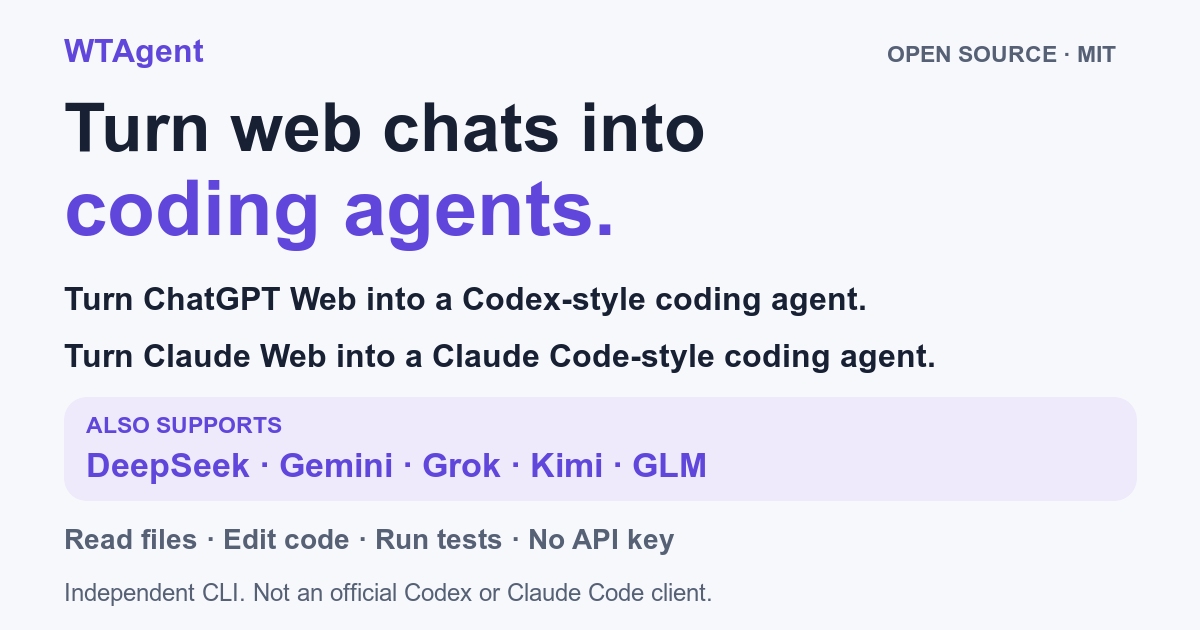
WTAgent is an open-source (MIT) local coding agent distributed via npm. It turns ChatGPT Web (including Pro) into Codex and Claude Web into Claude Code, and also supports DeepSeek, Gemini, Grok, Kimi, and GLM. It requires no API key, MCP, tunnel, or plugin, and uses your own web AI account and quota. It requires Node.js 20.x ≥20.17, 22.x ≥22.13, or ≥23.5, plus Chrome/Chromium, and runs on macOS, Linux, and Windows, with preview support for WSL2 + WSLg. Installation is via npm install -g wtagent; running wtagent opens a dedicated Chrome profile where you sign in with your own web AI account, with ChatGPT as the default provider. Tasks are typed in the terminal, and the provider can be changed with the --model flag (chatgpt, claude, deepseek, gemini, grok, kimi, glm).
WTAgent features
- Turns ChatGPT Web (including Pro) into Codex
- Turns Claude Web into Claude Code
- Supports DeepSeek, Gemini, Grok, Kimi, and GLM
- No API key required
- No MCP, tunnel, or plugin required
- Uses your own web AI account and quota
- Open source under the MIT license
- Installed globally via npm install -g wtagent
- Opens a dedicated Chrome profile for sign-in
- ChatGPT is the default provider
- Provider selectable with the --model flag
- Runs on macOS, Linux, and Windows
Questions about WTAgent
WTAgent pros
- Open source under the MIT license
- No API key required
- No MCP, tunnel, or plugin required
- Uses your own web AI account and quota
- Supports multiple web AI providers
- Runs locally
- Available on macOS, Linux, and Windows
WTAgent limitations
- Requires Node.js 20.x ≥20.17, 22.x ≥22.13, or ≥23.5
- Requires Chrome/Chromium
- WSL2 + WSLg support is preview only
WTAgent use cases
- Running coding tasks from the terminal using a web AI account
- Creating and running a file such as /tmp/helloworld.c
- Switching between web AI providers for coding work
- Using ChatGPT Web as a Codex-style coding agent
- Using Claude Web as a Claude Code-style coding agent
- Local coding agent workflows without API keys
Who WTAgent is for
- Developers
- Users of ChatGPT Web, including Pro
- Users of Claude Web
- Users of DeepSeek, Gemini, Grok, Kimi, or GLM
- macOS, Linux, and Windows users
- Open-source software users
Alternatives to WTAgent