YouTube Transcript Generator
VisitExtract, search, and download YouTube transcripts
YouTube Transcript Generator introduction
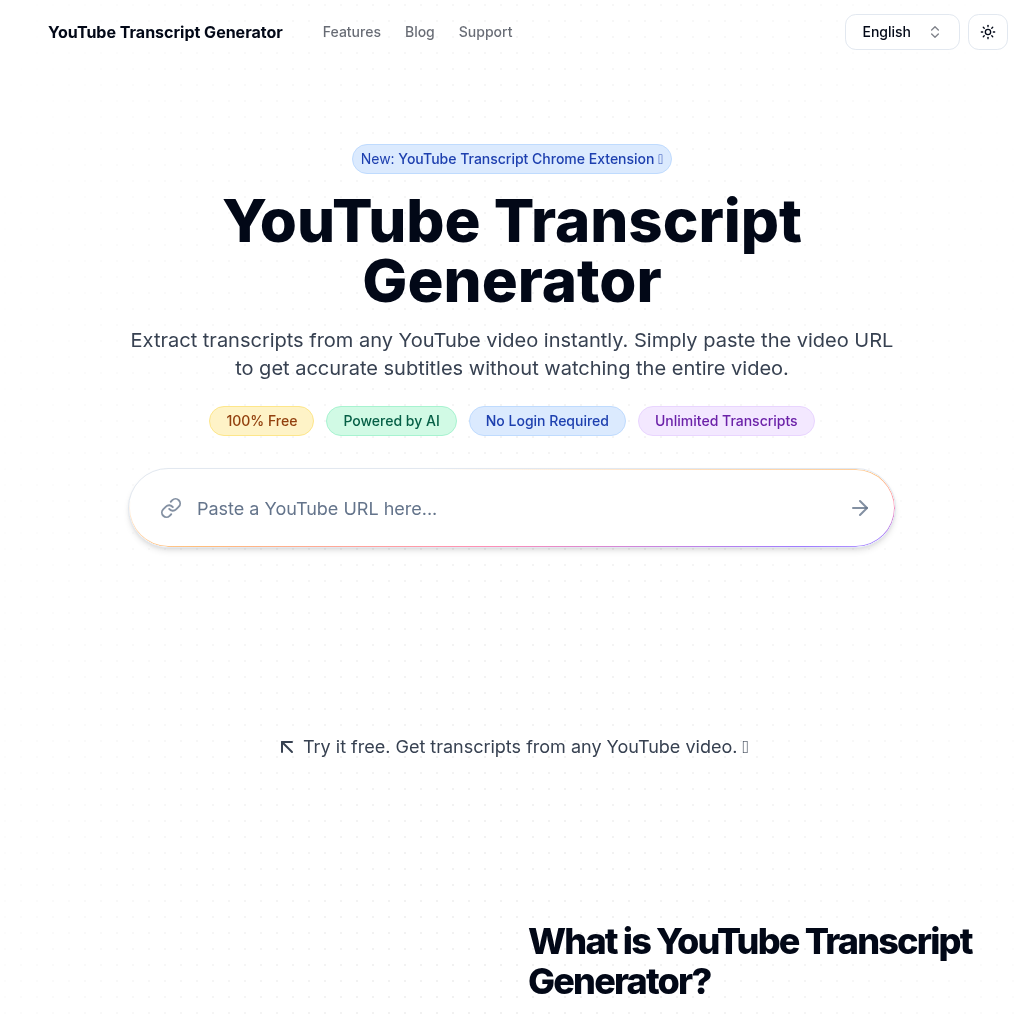
YouTube Transcript Generator extracts available captions from a YouTube URL and presents them in a searchable, downloadable reading view.
- Website:
- transcriptgenerator.org
YouTube Transcript Generator overview
Paste a YouTube link to retrieve the transcript when captions are available. The tool supports copying the full text, searching within the transcript, following an auto-scrolling view alongside playback, and downloading in formats such as TXT, Word, VTT, and SRT. It is useful for working with existing captions, but it cannot produce a transcript when the source video has no accessible captions.
YouTube Transcript Generator features
- Extract captions from a YouTube URL
- Search words and phrases inside a transcript
- Copy or download in multiple text and subtitle formats
- Auto-scroll the transcript with video playback
Questions about YouTube Transcript Generator
YouTube Transcript Generator pros
- Focused workflow for turn a lecture into searchable notes
- Provides extract captions from a youtube url
YouTube Transcript Generator limitations
- Results still require review for accuracy and project fit
- Availability, limits, and pricing can change over time
YouTube Transcript Generator use cases
- Turn a lecture into searchable notes
- Download captions for permitted reuse
- Locate quotes or topics in a long video
- Prepare subtitle files for editing
Who YouTube Transcript Generator is for
- Students and researchers
- YouTube creators and editors
- Writers reviewing video sources
YouTube Transcript Generator pricing
The official site describes the transcript extraction workflow as free and requiring no registration.
Alternatives to YouTube Transcript Generator

ScriptGecko
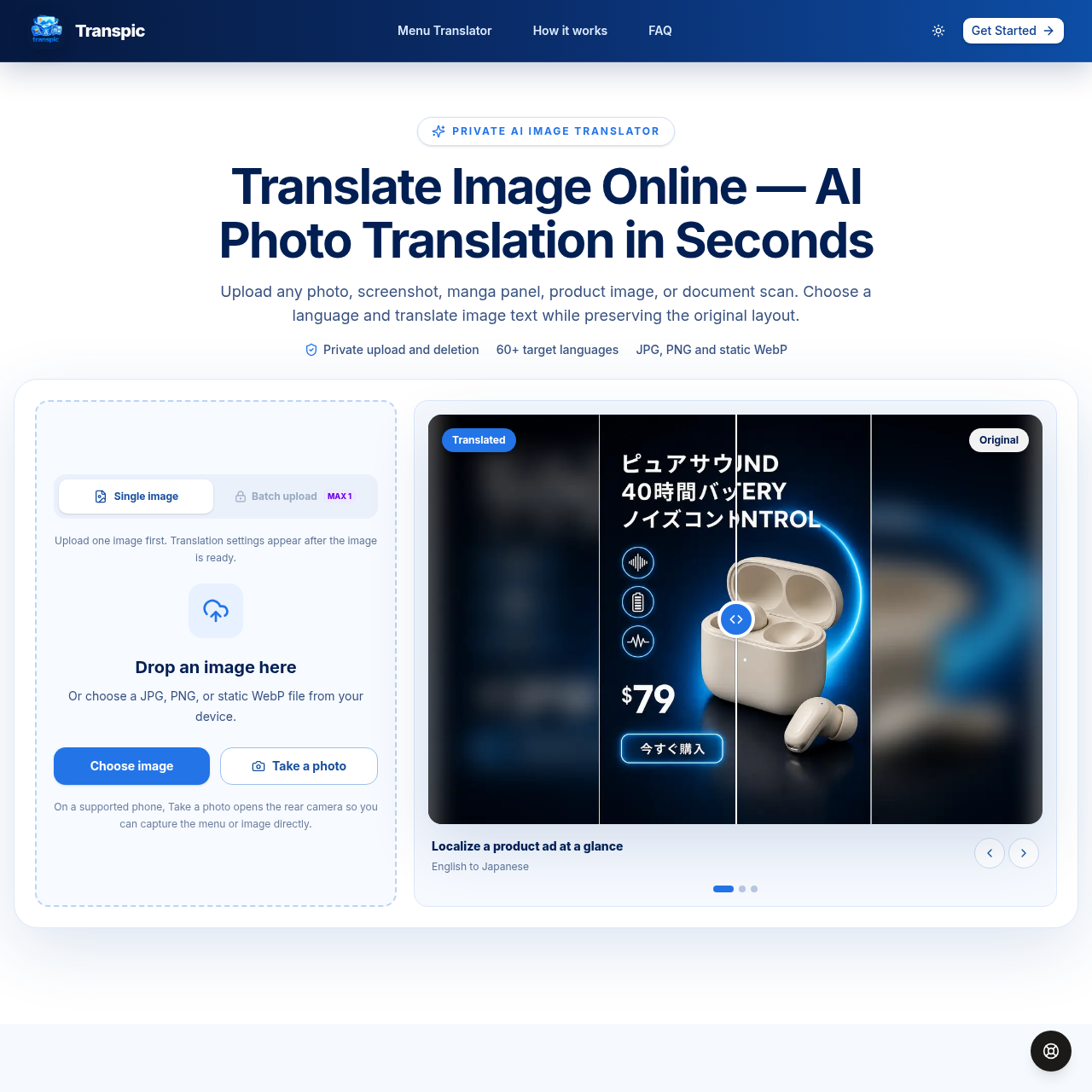
Translate image text online with AI while preserving the original layout.
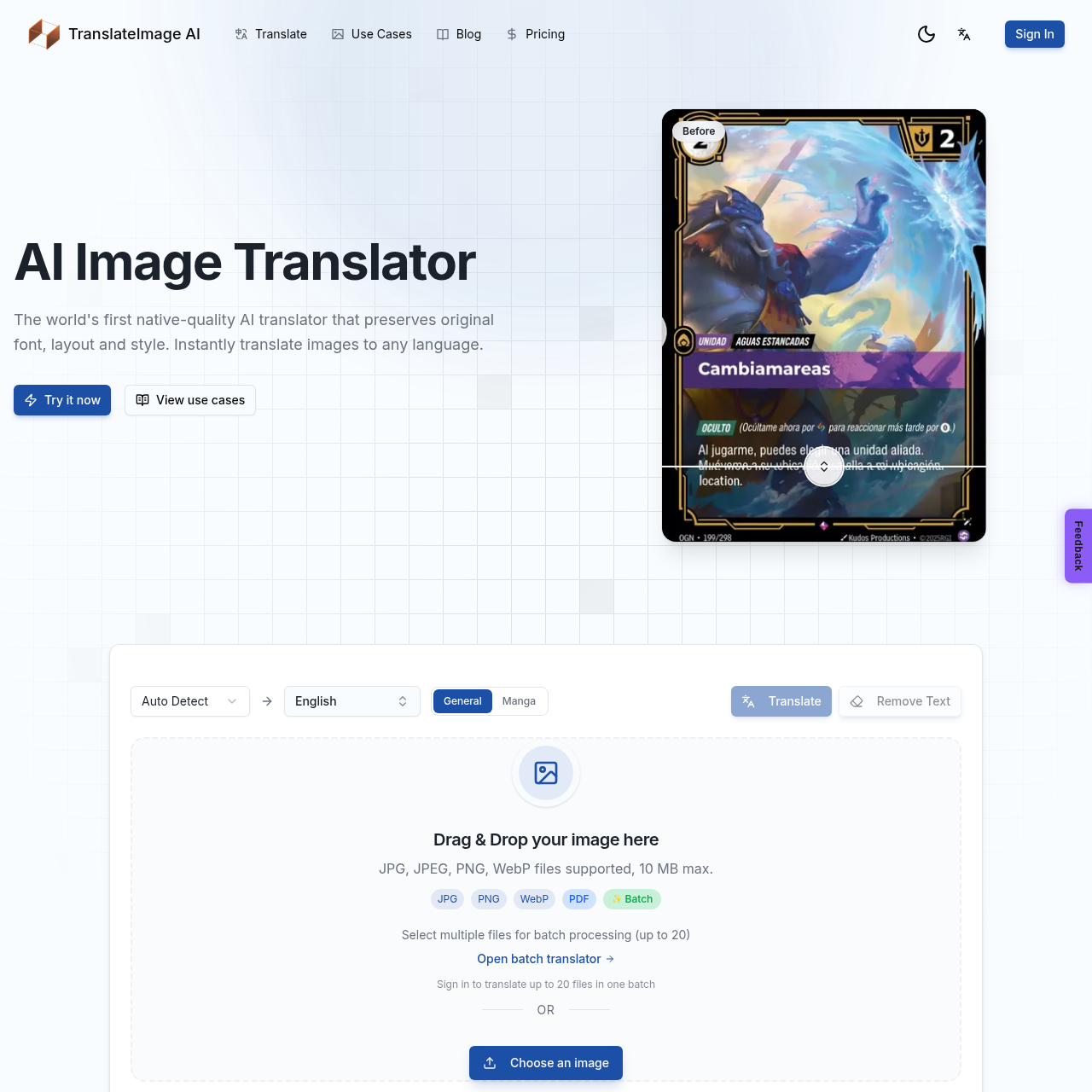
AI-powered image translation preserving original font, layout, and style
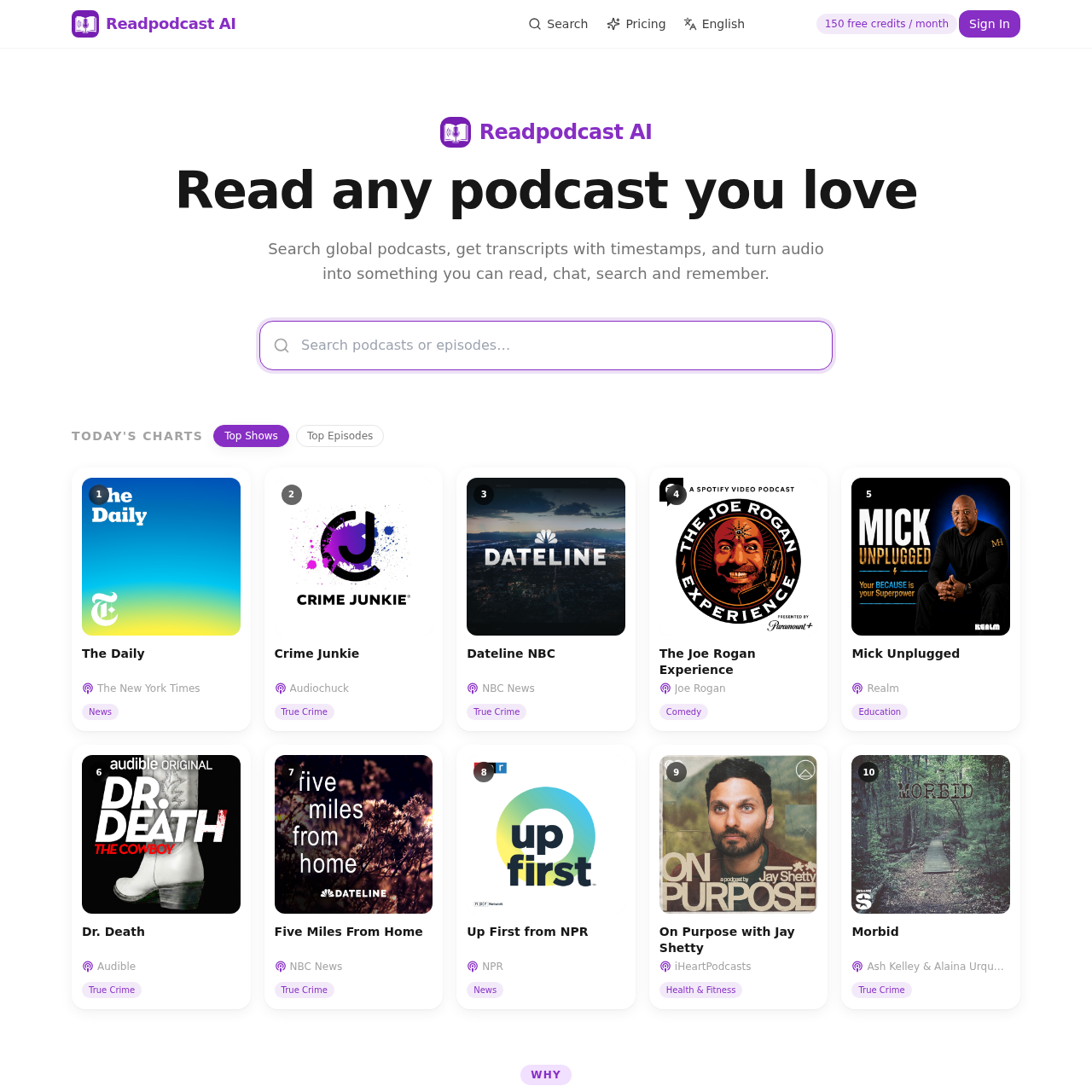
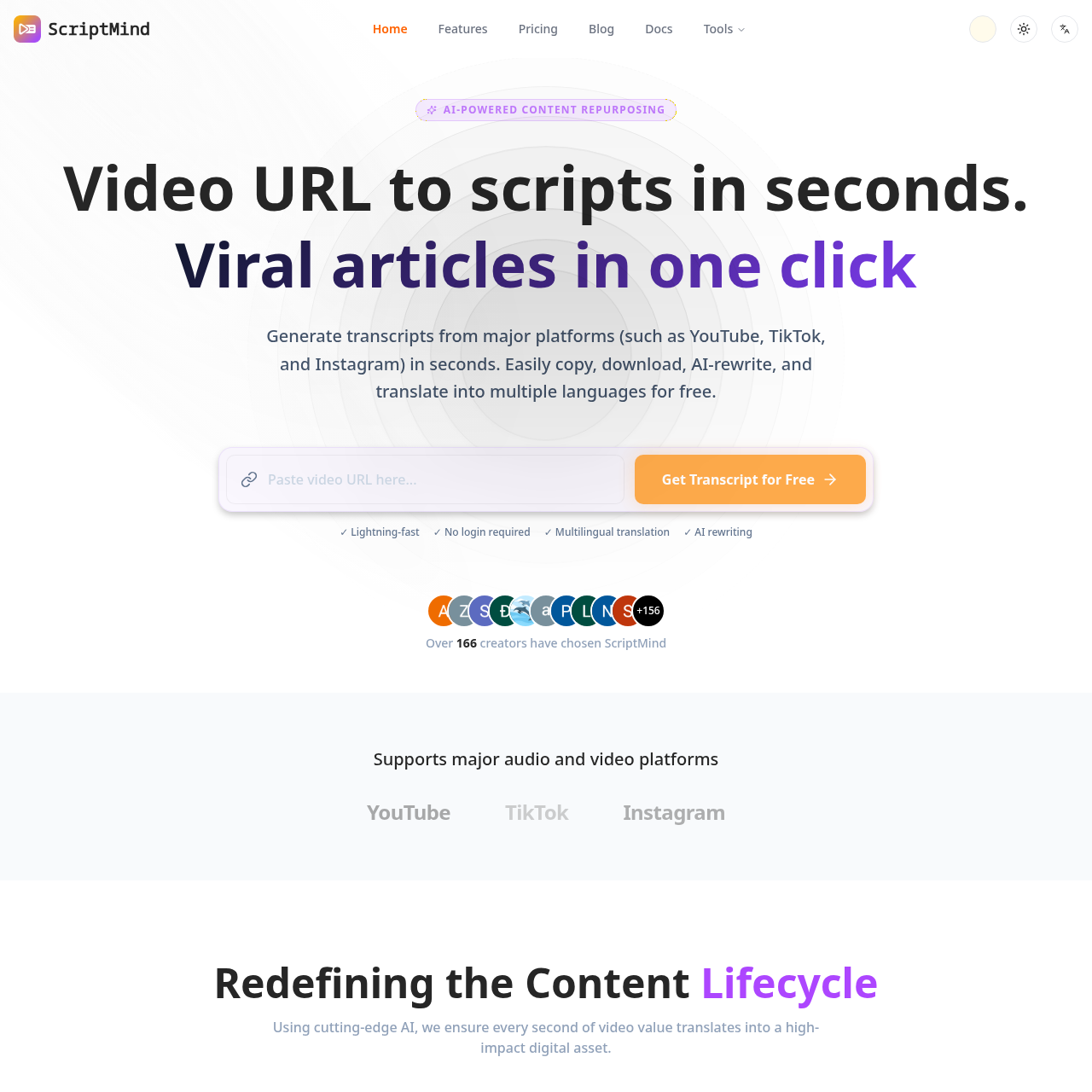
Turn Spotify and Apple Podcasts episodes or YouTube videos into searchable, timestamped transcripts with speaker labels. Get AI summaries, takeaways, quotes, mind maps and chat.
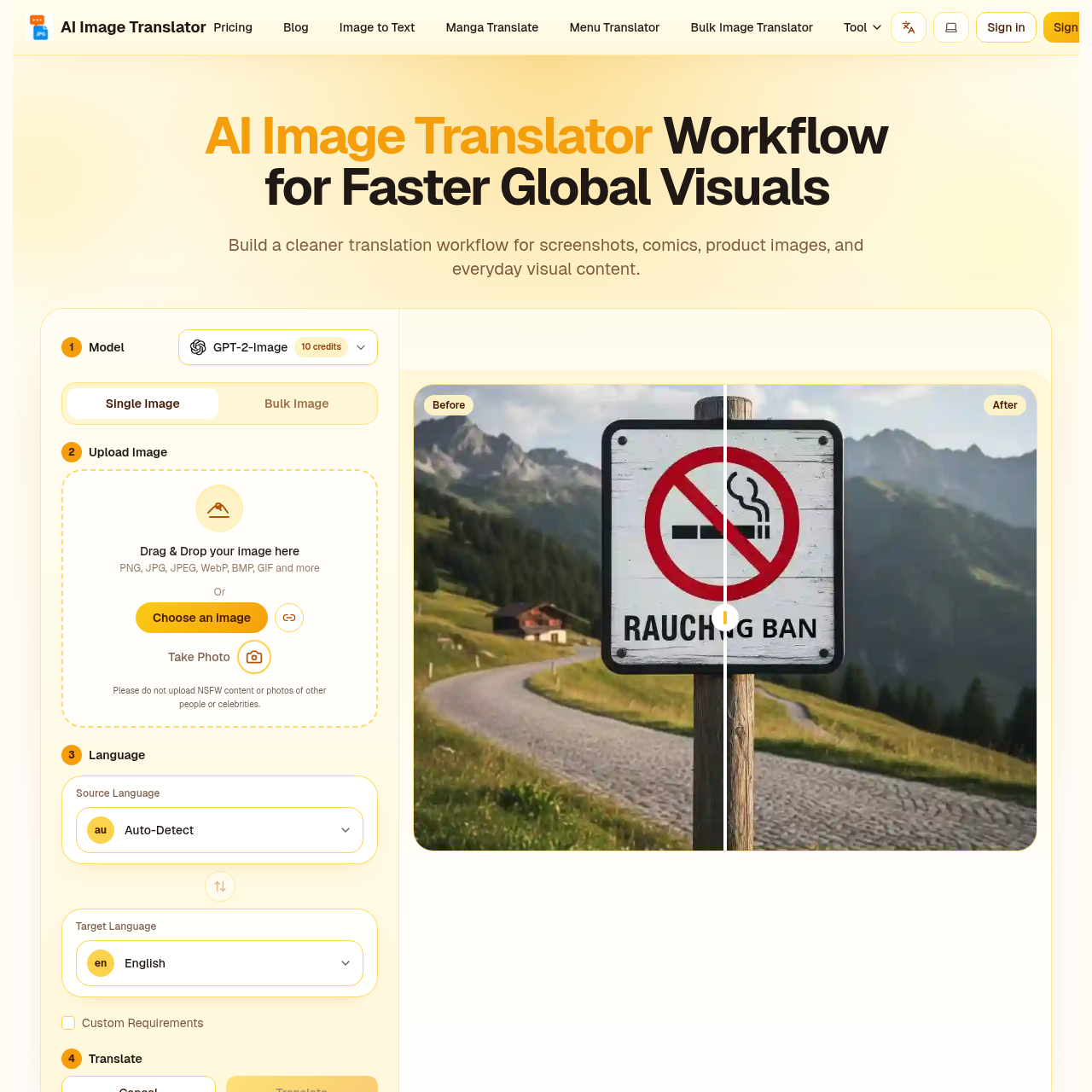
AI image translator that keeps your layout perfectly intact.
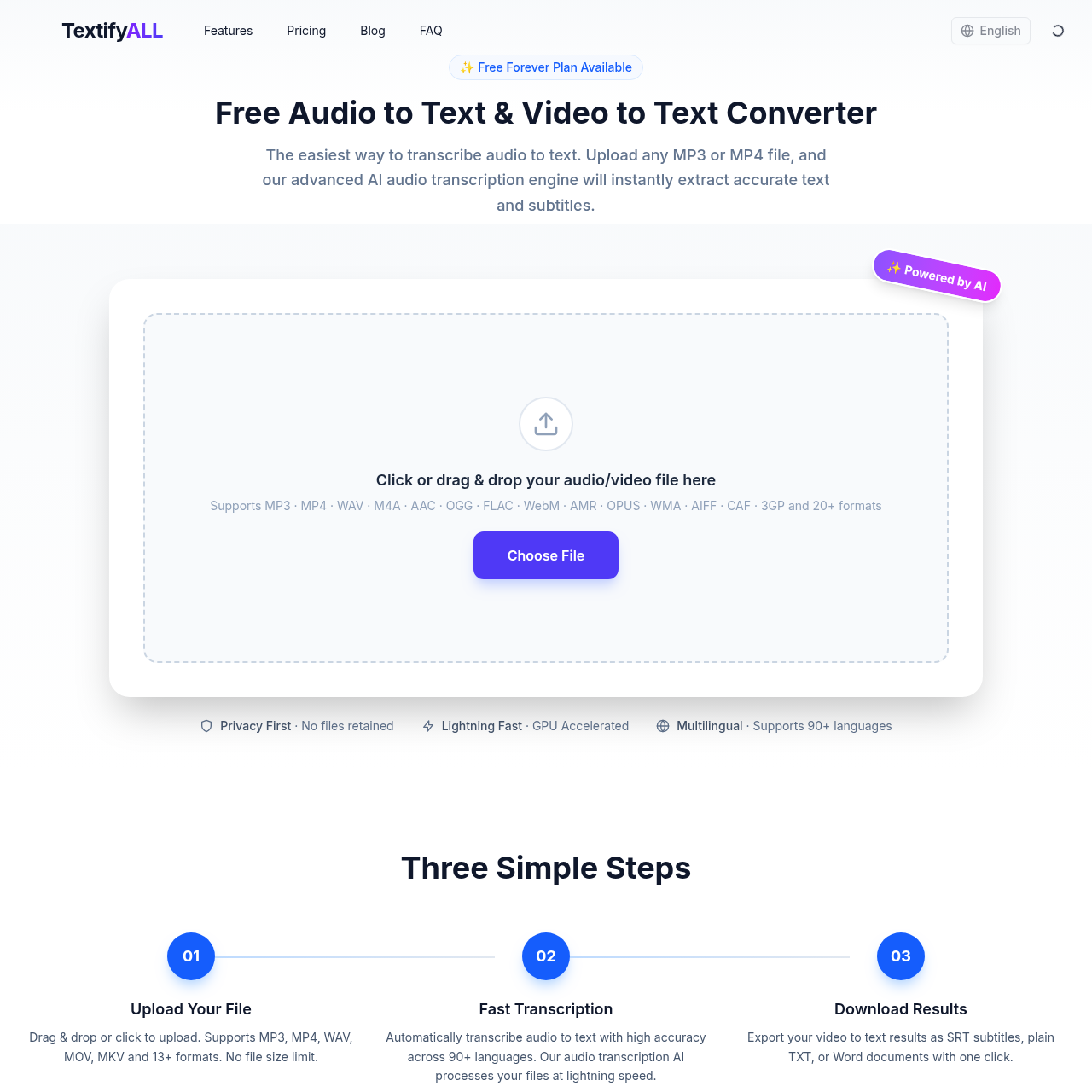
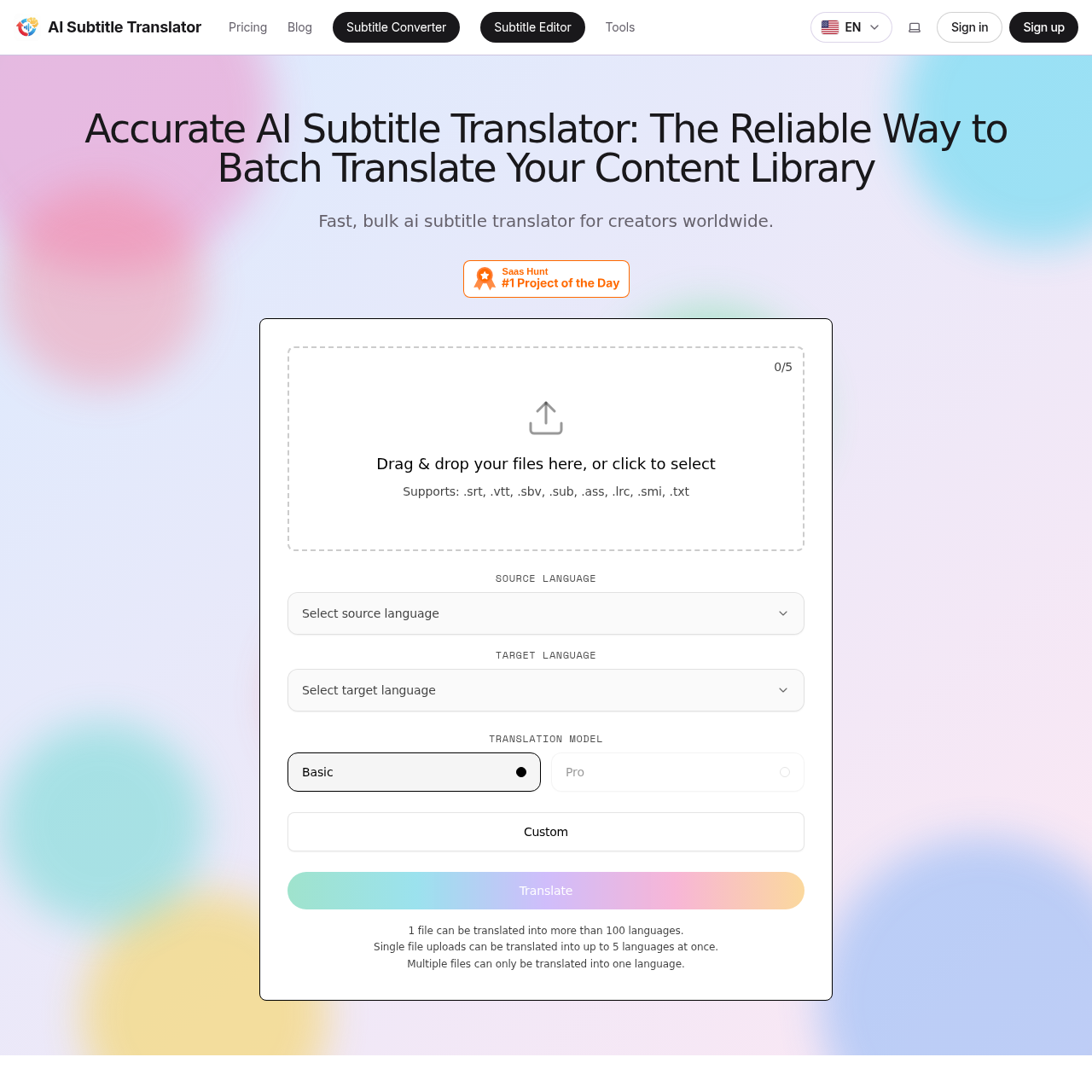
Fast, accurate AI subtitle translation for SRT, VTT, SBV, SUB, ASS, LRC, SMI files
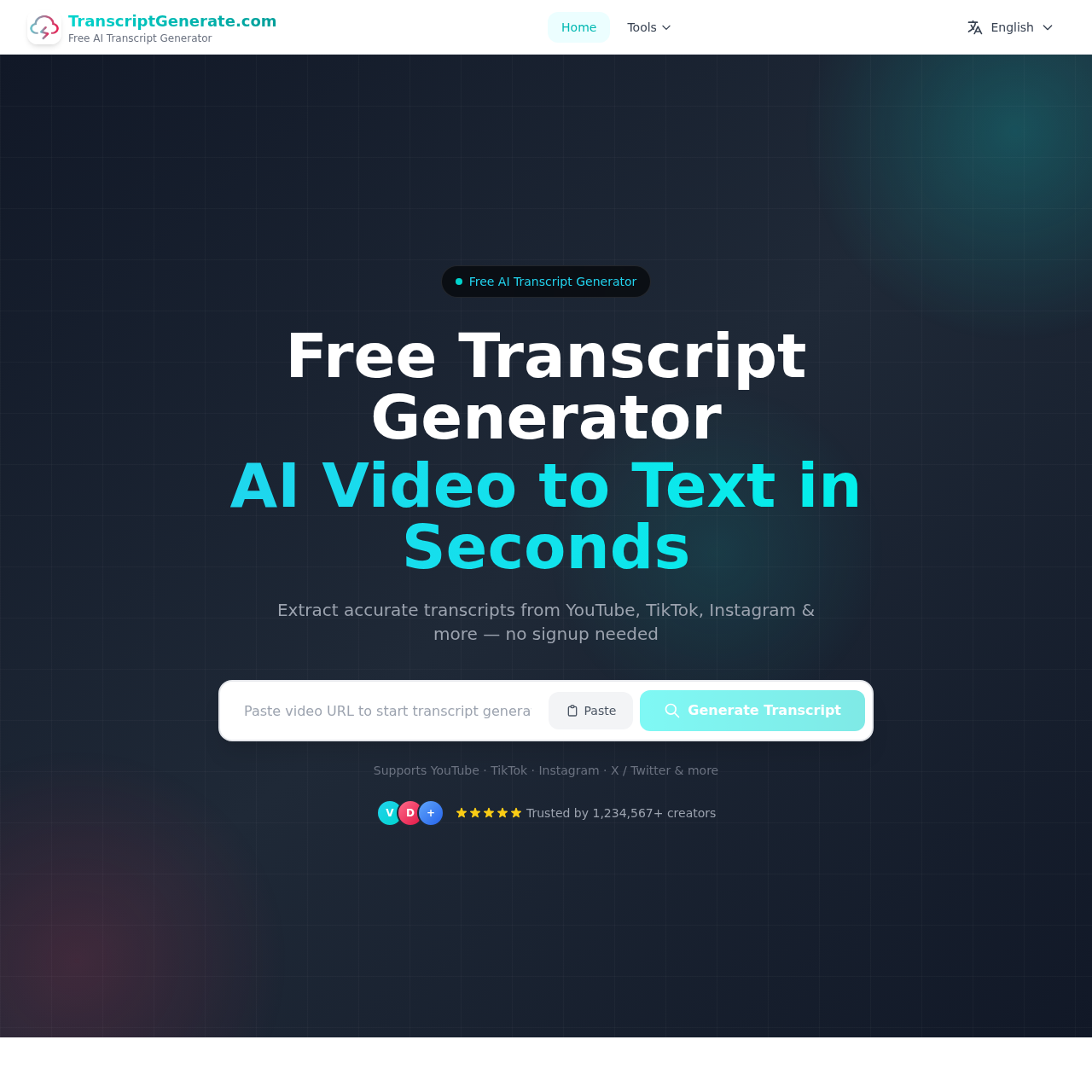
Free online video transcript extractor for multiple platforms