LightScreen
VisitFree fullscreen light screen tool for any color
LightScreen introduction
LightScreen is a free online tool that turns your browser into a fullscreen light source. Choose from classic colors or scene modes to use your screen as a flashlight, ambient light, reading light, ring light alternative, or monitor test tool. No download or sign-up required.
- Website:
- lightscreen.online

LightScreen overview
LightScreen is a browser-based tool that fills your screen with any color to serve as a light source. It offers classic colors like white, warm light, red, green, blue, and more, plus scene modes such as Breathing, Photo Fill, and various ambient effects. The tool includes a brightness slider (0%–100%) and supports fullscreen mode. It works on desktop and mobile browsers, requires no installation, and saves preferences via localStorage. It can also be used for monitor testing, including dead pixel and backlight bleed checks.
LightScreen features
- Fullscreen light with any color
- Brightness slider from 0% to 100%
- 12+ preset colors including white, warm, red, blue, and more
- Scene modes like Breathing, Photo Fill, and ambient gradients
- Custom color picker for millions of colors
- Works on desktop and mobile browsers
- No download, sign-up, or installation required
- Preferences saved via localStorage
- Works offline after initial load
- Fullscreen mode with keyboard shortcut (F) and exit options
- Monitor test tool with auto-cycling colors
- Ring light online alternative with adjustable temperature and thickness
Questions about LightScreen
LightScreen pros
- Free to use with no sign-up or download
- Works directly in any modern web browser
- Supports desktop and mobile devices
- Offers a wide range of colors and scene modes
- Brightness adjustable from 0% to 100%
- Preferences are remembered via localStorage
- Works offline after initial load
- Includes monitor testing features
LightScreen limitations
- Initial load requires internet access
- Effectiveness as a light source depends on screen brightness and size
LightScreen use cases
- Flashlight in emergencies or dark spaces
- Ambient and mood lighting for relaxation or focus
- Reading light screen with warm or white light
- Photography fill light for portraits and product shots
- Ring light alternative for video calls and selfies
- Stargazing and astronomy with red light to preserve night vision
- Monitor testing for dead pixels, backlight bleed, and uniformity
- OLED display testing for burn-in and image retention
- Meditation and relaxation with breathing mode
- Presentations and meetings background glow
- Sleep aid with dark red or warm light
- Baby comfort with soft warm light
Who LightScreen is for
- General users needing a quick light source
- Photographers and content creators
- Astronomers and stargazers
- Remote workers and video callers
- Individuals seeking ambient or mood lighting
- Users testing monitors for defects
- People looking for a reading light
- Meditation and relaxation enthusiasts
LightScreen pricing
LightScreen is 100% free with no downloads, sign-ups, or installations required.
Alternatives to LightScreen

Translate manga online with AI, from one page to a full chapter.
Free AI caption generator — captions that look good, in seconds.


Turn photos into colored pencil illustrations, pet portraits, and anniversary posters.
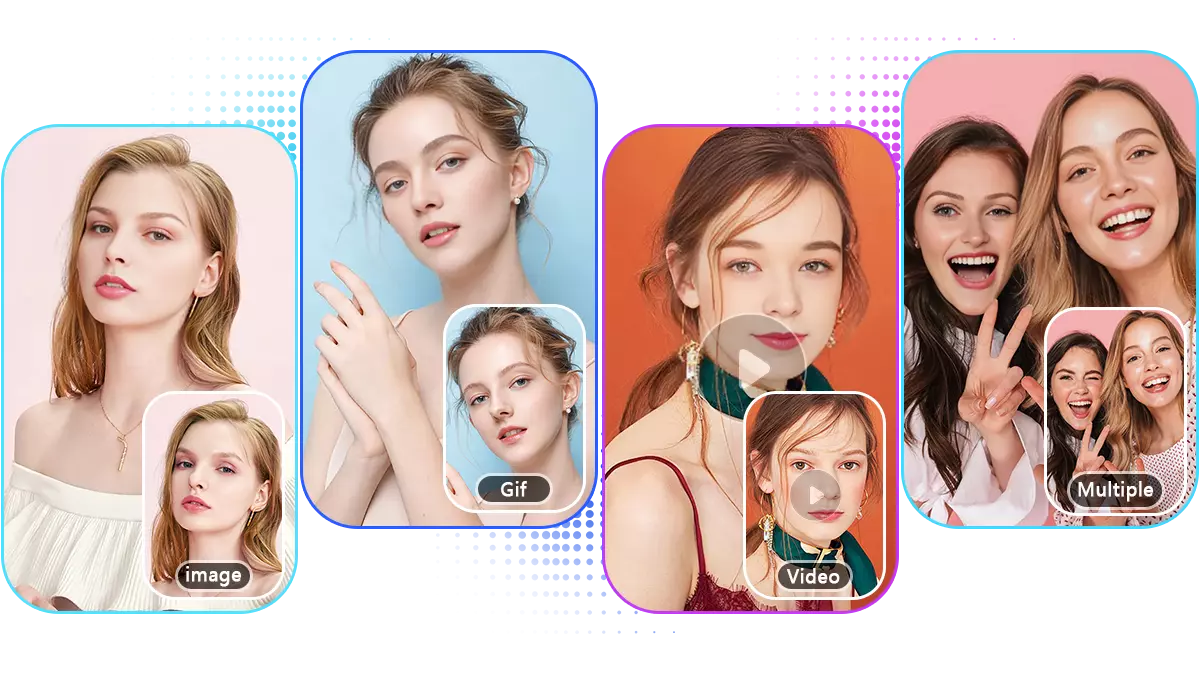

Free AI depixelator that sharpens blurry, pixelated photos in seconds.