
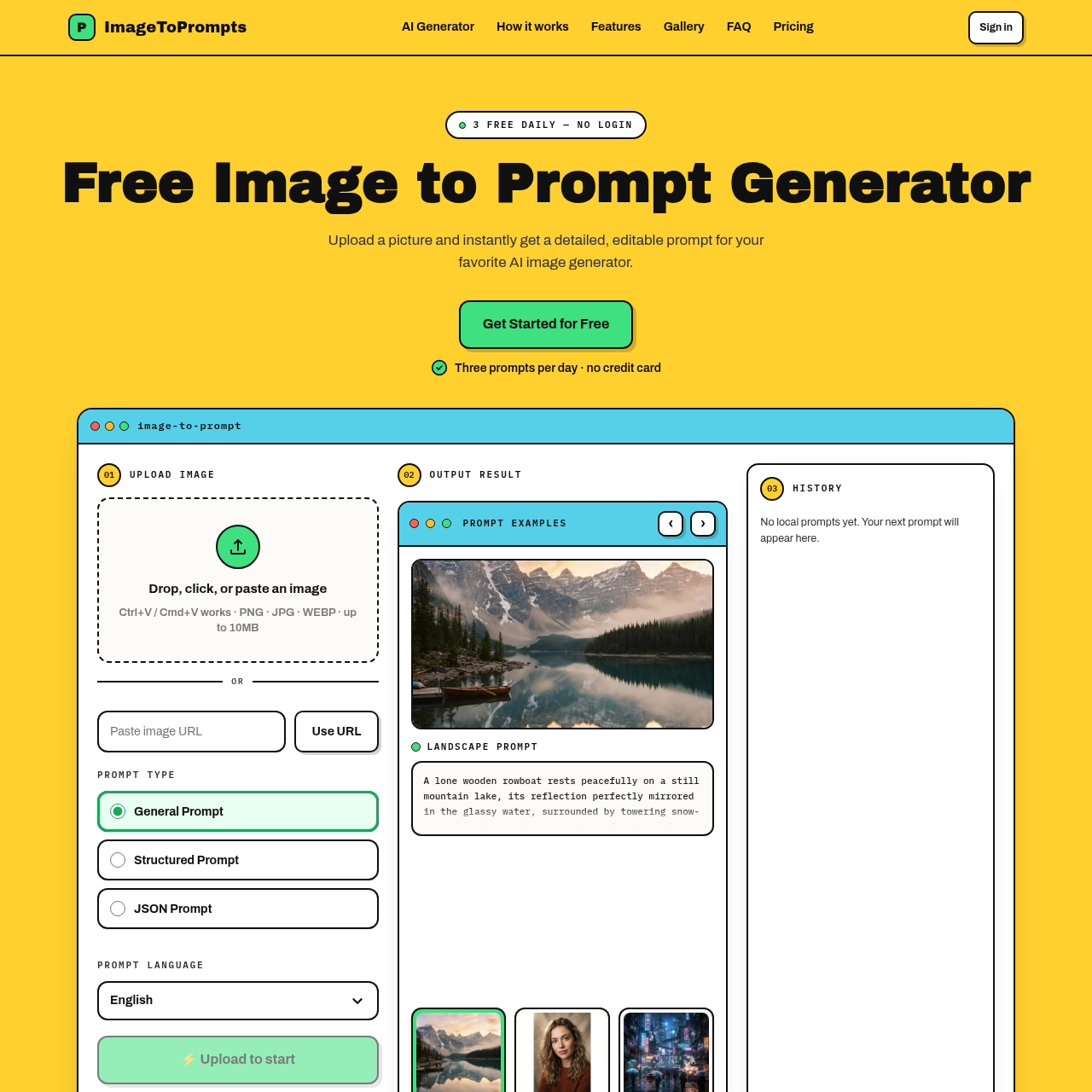
Turn any image into a detailed AI prompt in seconds.
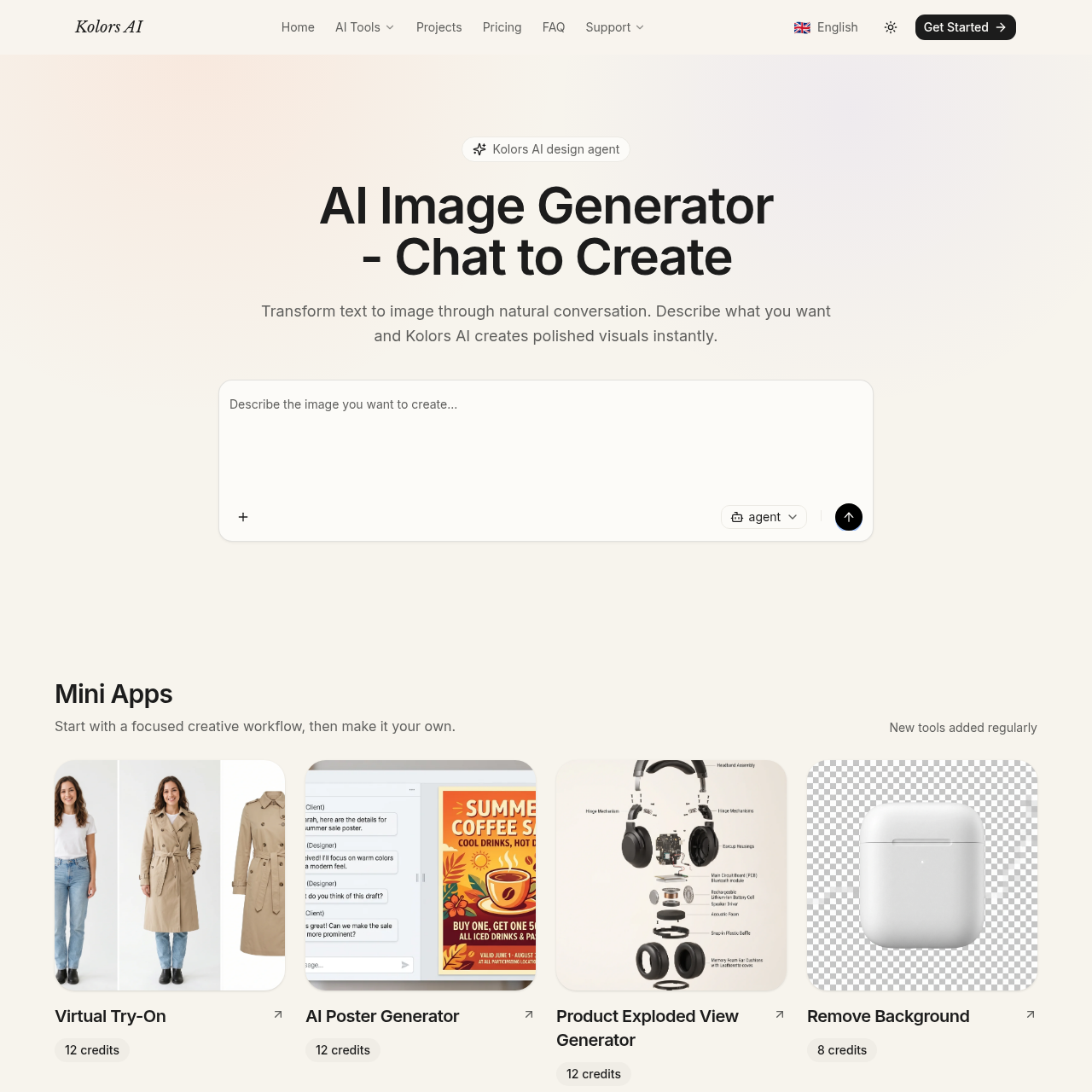
AI image generator and editor powered by GPT Image 2.5
Image 2.5 is a browser-based AI image generator and editor built on GPT Image 2.5. It supports text, image, and sketch inputs, two model variants (Sunburst for precision and Flare for speed), custom sizes up to 4K, multiple quality modes, and PNG, JPEG, or WebP output with transparent backgrounds where supported.

Image 2.5 provides a focused browser workflow for creating and editing images with GPT Image 2.5, released September 8, 2026. Users can generate from text, images, or sketches; make targeted edits with instructions or masks; preserve product and character details across iterations; and build structured layouts and infographics. The workflow includes model selection, prompt and reference inputs, size/quality/format controls, and multi-turn refinement. Pricing includes monthly or annual credit plans and one-time credit packs, with commercial licensing on paid plans.
Monthly or annual credit plans and one-time credit packs are available. Starter is $10.49/mo billed yearly at $125.92, with 4,200 workspace credits per year (about 350/month). Pro is $20.00/mo billed yearly at $239.94, with 19,200 credits per year (about 1,600/month), priority queue, and commercial license. Premium is $59.50/mo billed yearly at $714, with 66,000 credits per year (about 5,500/month), high-priority queue, and commercial license. Credits also work with other models in the workspace; exact cost should be checked before each generation. Cancel anytime.
Turn any image into a detailed AI prompt in seconds.

Free AI image, video & music generator powered by Google Gemini AI
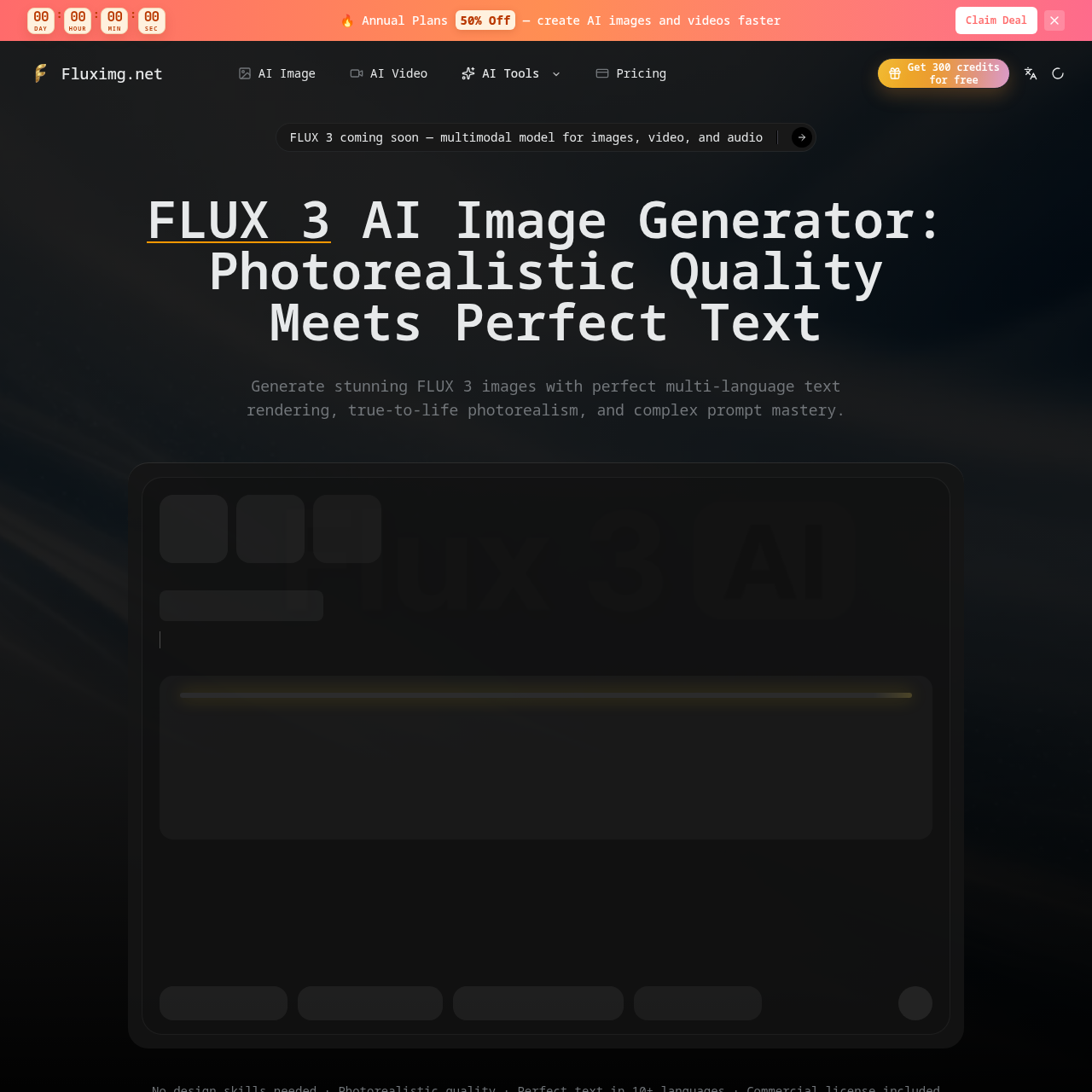
Photorealistic AI images with perfect multi-language text rendering.
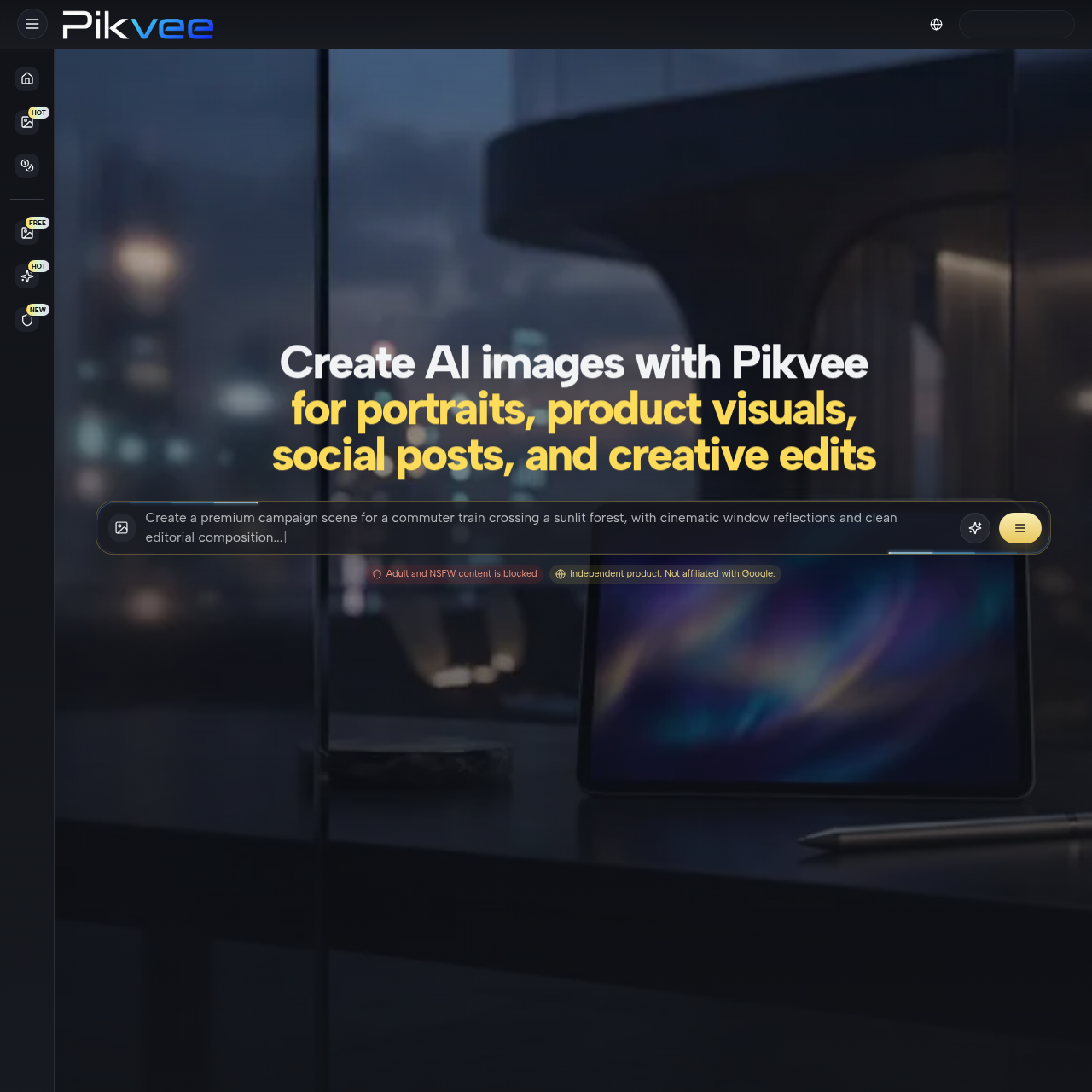
Generate AI images with Pikvee using Nano Banana Pro and GPT Image 2 for product visuals, portraits, social posts, reference photo edits, and creative work.
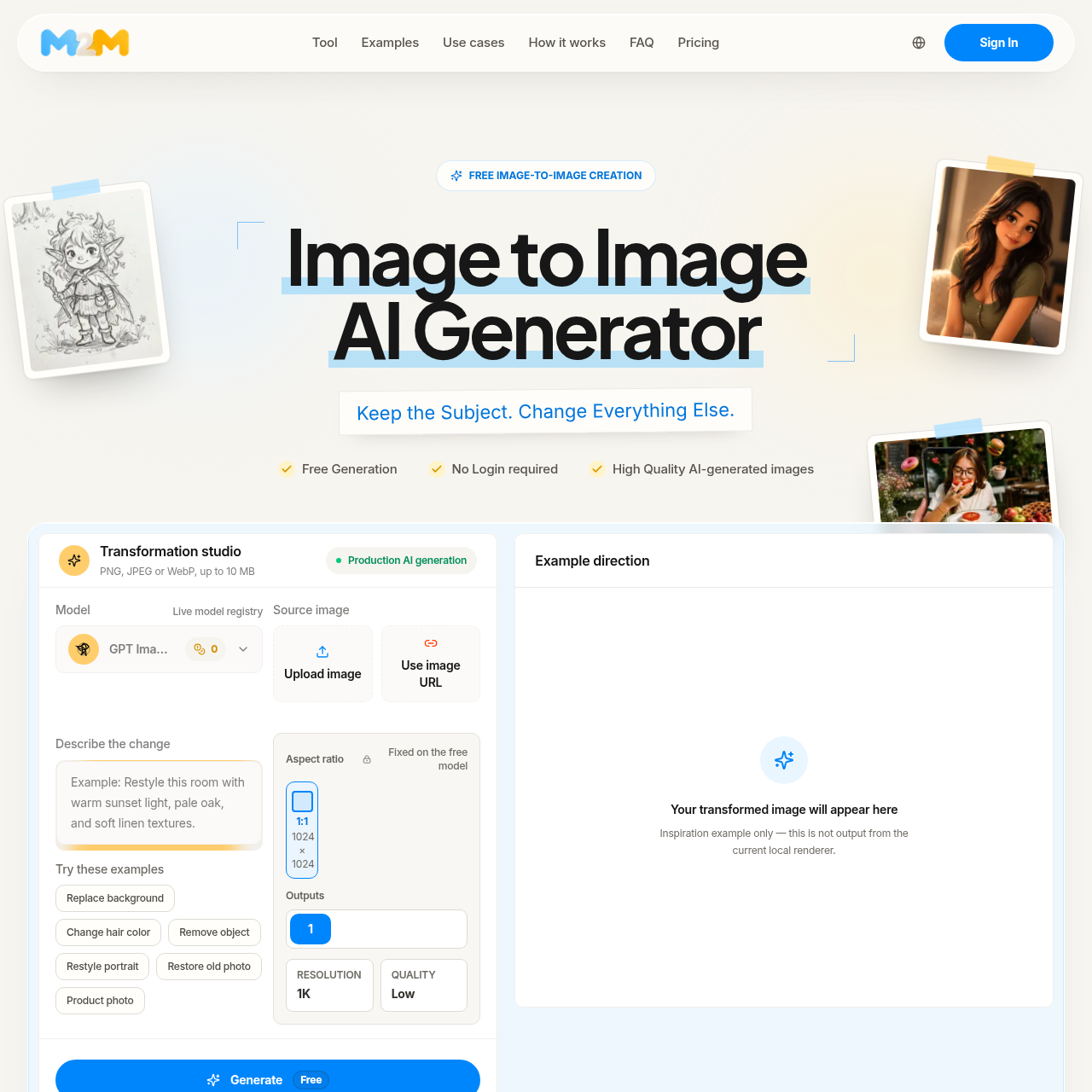
Upload an image, tell the generator what to keep and change, then compare the result with your source.
