Screenshot to Code
VisitConvert interface screenshots into editable frontend code
Screenshot to Code introduction
Screenshot to Code turns uploaded interface images into a starting implementation for HTML, React, Vue, Tailwind, Bootstrap, or Ionic projects.
- Website:
- screenshottocode.net
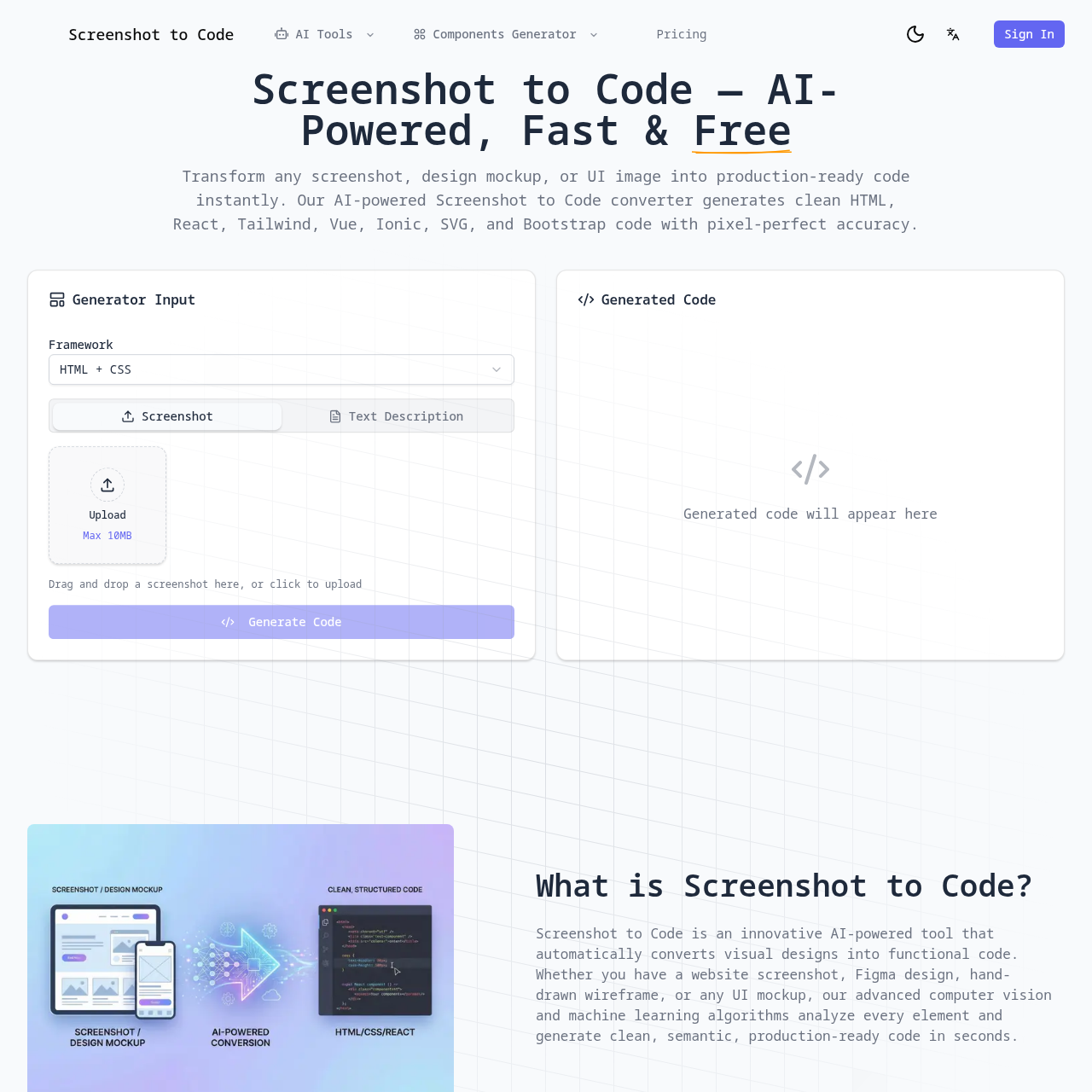
Screenshot to Code overview
The tool focuses on accelerating the first pass of frontend reconstruction. A user uploads a screenshot, selects a target framework or styling approach, and receives editable code that approximates the visible layout. It is best treated as a scaffold: developers should still review responsiveness, accessibility, component structure, assets, and production behavior before shipping.
Screenshot to Code features
- Convert a screenshot into frontend markup
- Choose among several common UI frameworks
- Generate an editable layout scaffold
- Use visual input to reduce repetitive implementation work
Questions about Screenshot to Code
Screenshot to Code pros
- Focused workflow for prototype a landing page from a mockup
- Provides convert a screenshot into frontend markup
Screenshot to Code limitations
- Results still require review for accuracy and project fit
- Availability, limits, and pricing can change over time
Screenshot to Code use cases
- Prototype a landing page from a mockup
- Recreate a UI concept for further editing
- Bootstrap HTML or component structure
- Compare framework-specific implementations
Who Screenshot to Code is for
- Frontend developers
- Designers who prototype in code
- Product teams creating rapid interface drafts
Screenshot to Code pricing
Current public pricing and limits were not reliably available during verification; confirm them on the official website.
Alternatives to Screenshot to Code