Website Cloner
VisitClone a Website
Website Cloner introduction
Guide to website cloning in 2026 covering tools, methods, legal considerations, and SEO best practices for developers and businesses.
- Website:
- websitecloner.co
Website Cloner overview
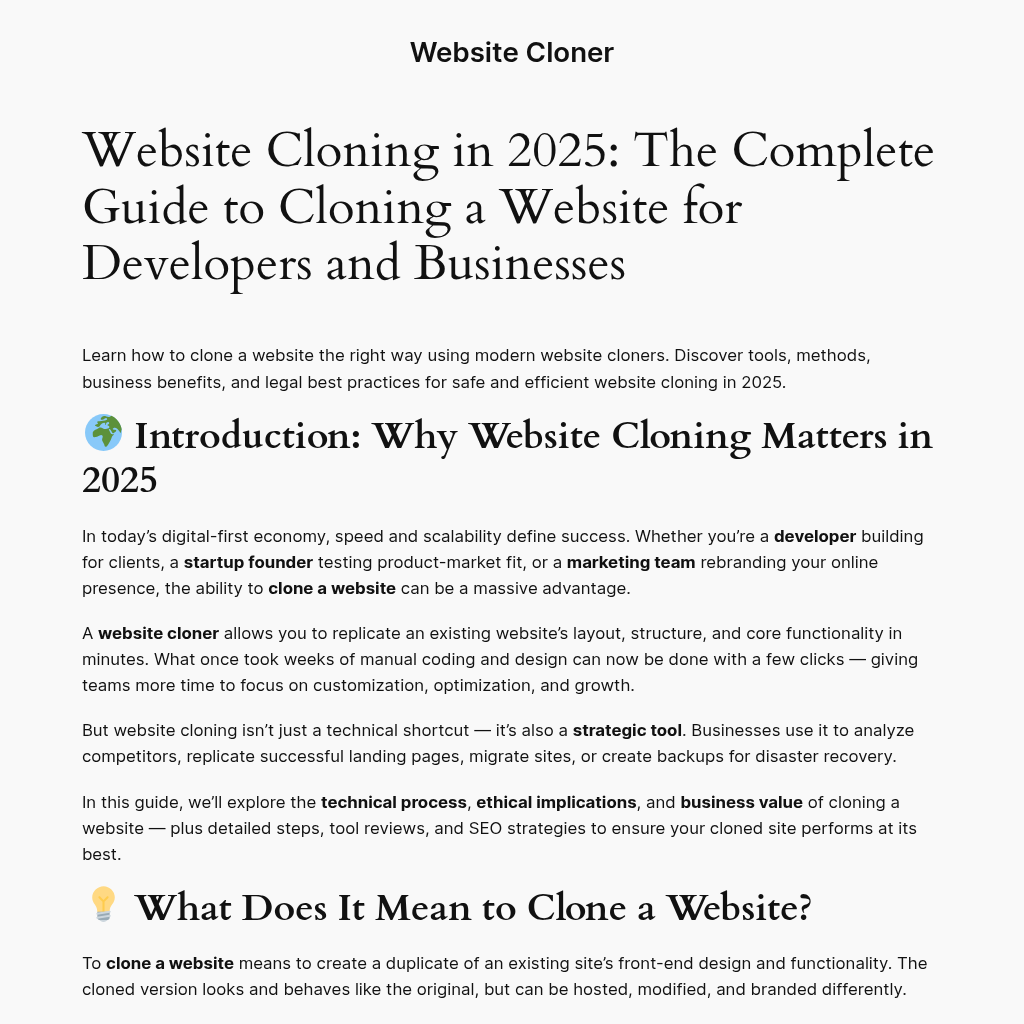
Website Cloner is an educational resource that explains how to clone a website using modern tools and legal methods. It covers technical processes like HTTP crawling and asset mapping, legal and ethical guidelines, business use cases, step-by-step instructions, and SEO optimization for cloned sites.
Website Cloner features
- Explains website cloning process from HTTP crawling to link rewriting
- Covers legal and ethical use cases for website cloning
- Discusses business benefits like rapid deployment and disaster recovery
- Provides step-by-step instructions for cloning a website
- Includes SEO best practices after cloning to avoid duplicate content issues
- Reviews tools like HTTrack, Cyotek WebCopy, SiteSucker, and SaaS cloners
- Describes cloning dynamic or CMS-based websites with plugins or exports
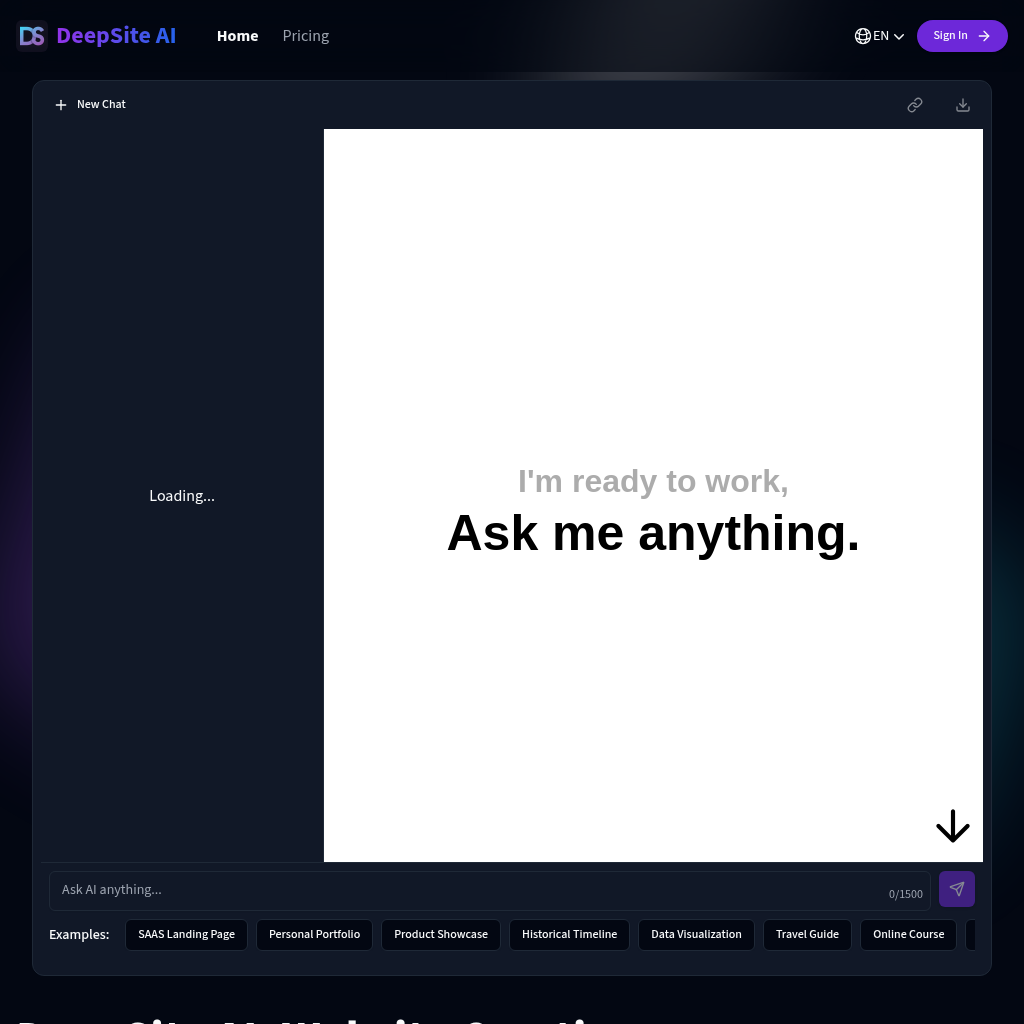
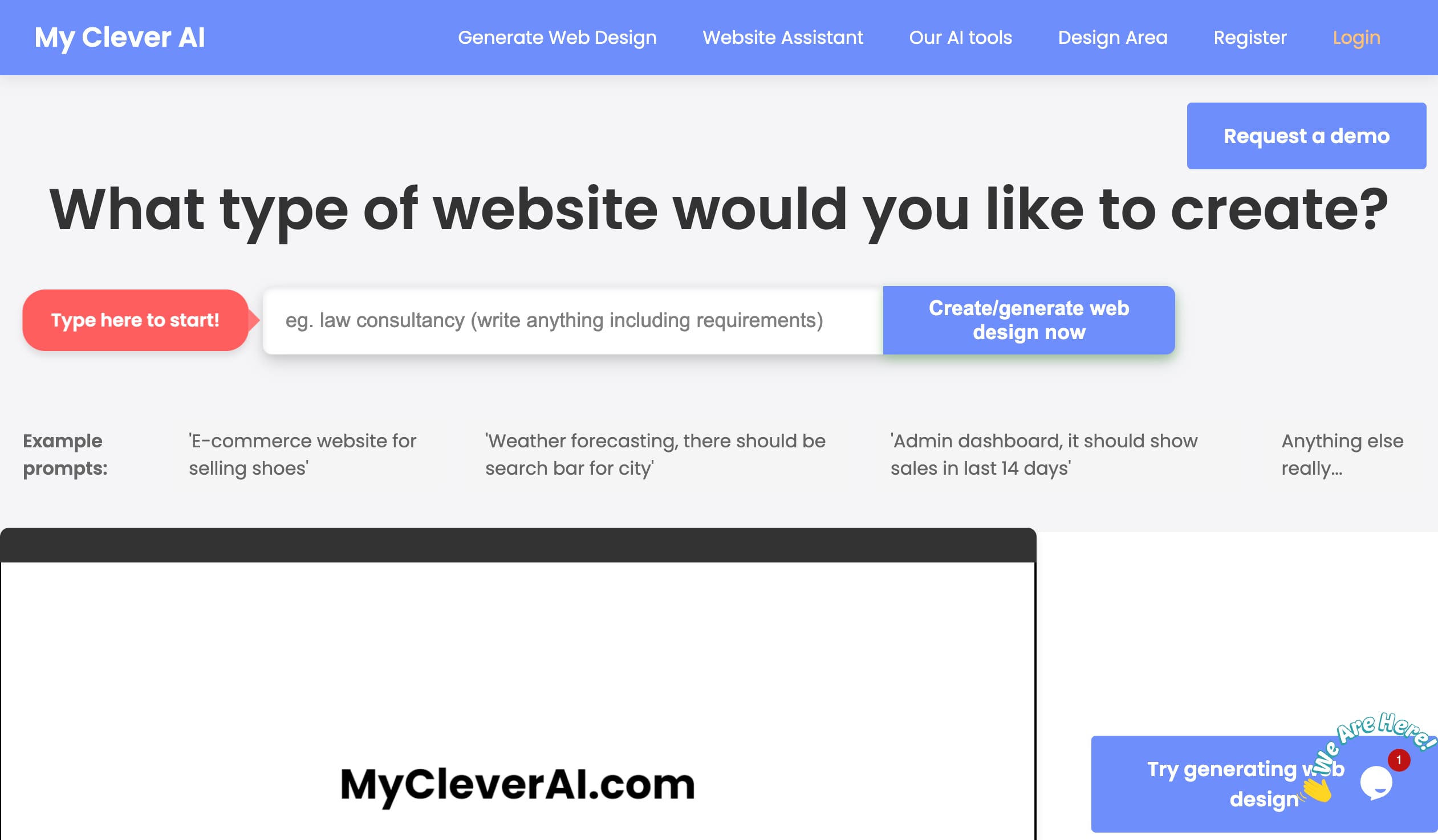
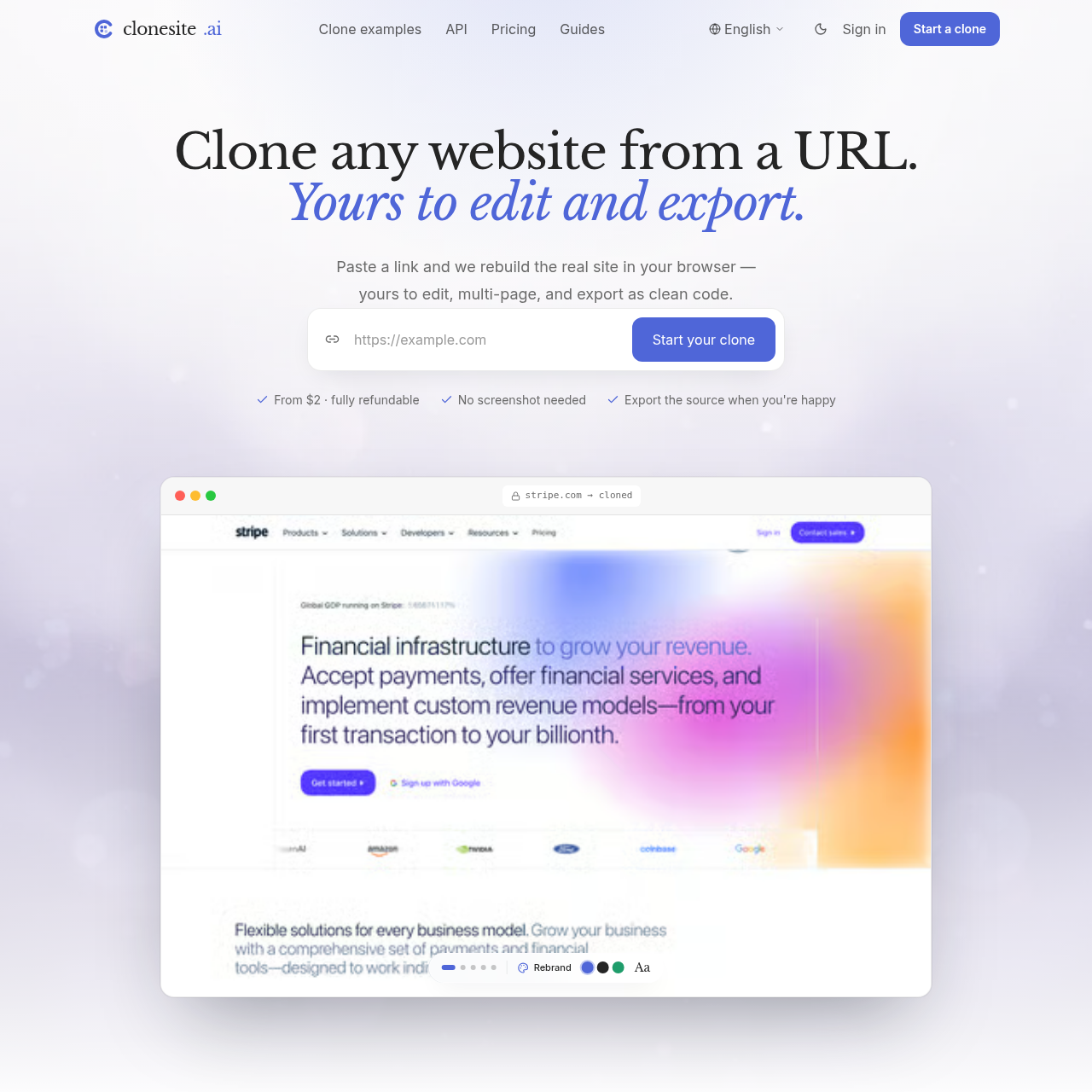
- Mentions AI-assisted website cloning tools that generate editable code
- Explains difference between cloning and mirroring
- Offers guidance on choosing between cloning and rebuilding from scratch
- Provides FAQ on legal, SEO, and technical aspects of cloning
- Promotes free website and mobile app creation via BoltAI
Questions about Website Cloner
Website Cloner pros
- Saves time by replicating layout and functionality in minutes instead of weeks
- Enables rapid deployment of proven layouts across multiple domains
- Serves as full offline backup for disaster recovery
- Allows safe testing of new features in staging environments
- Supports competitor analysis to understand structure and UX flow
- Facilitates multi-branding and localization with reused frameworks
- Provides SEO-ready structure if content is replaced with original material
- Can integrate with modern frameworks like React or Next.js
Website Cloner limitations
- Cloning a competitor's content, logos, or brand assets is illegal or unethical
- Clone may contain outdated libraries requiring security updates
- Duplicate code structures and content can harm SEO unless rewritten
- Dynamic or CMS-based sites may need specialized plugins or database exports
- Not suitable when a full redesign or new tech stack is needed
- Large sites may require throttling requests to avoid overloading servers
Website Cloner use cases
- Testing and development environments
- Website redesign or rebranding projects
- Data migration and hosting transfers
- Backup and disaster recovery
- UI/UX learning and competitor benchmarking
- Rapid website deployment across multiple domains
- Market and competitor analysis
- Multi-branding and localization
- A/B testing by cloning landing pages
- Headless CMS or static site rebuilding
- Ethical reverse engineering for UX trends
- Creating staging copies for QA
Who Website Cloner is for
- Developers building for clients
- Startup founders testing product-market fit
- Marketing teams rebranding online presence
- Businesses seeking disaster recovery and backup
- Agencies rebuilding or rebranding websites
- Web designers analyzing competitor layouts
- QA engineers needing staging environments
Alternatives to Website Cloner