
AI video generator for text, image, and reference to video with native sound.
AI Video Generator & Image Creation Tools Online
Generate AI videos and images in seconds with text-to-video, image-to-video, virtual try-on, photo editing, and more. Runs in your browser with free credits on registration.
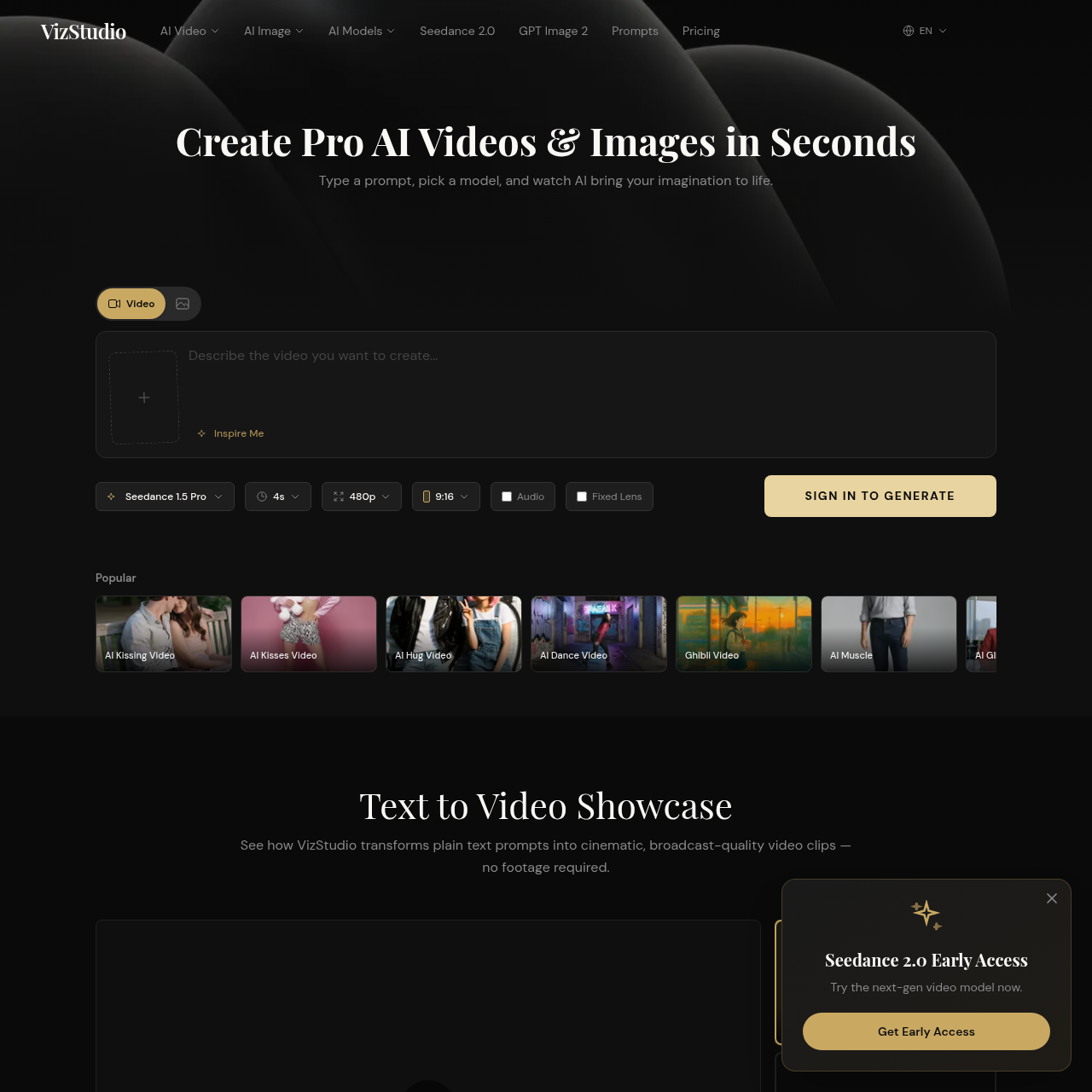
VizStudio is a browser-based platform offering a suite of AI video and image generation tools. It supports text-to-video, image-to-video, virtual try-on, and photo editing. The platform combines multiple top-tier AI models including HappyHorse 1.0, Seedance 2.0, Seedance 1.5, Kling 3.0, Wan 2.6, Google Veo 3.1, and Grok Imagine. Users can browse community prompts and subscribe to monthly or pay-as-you-go plans. The site claims output in under 60 seconds. All listed paid plans include no watermarks and commercial use.
Free to start with free credits on registration. Paid plans include Starter at $7.92/mo (billed $95/yr) for 200 credits, Growth at $23.92/mo (billed $287/yr) for 800 credits, and Pro at $39.92/mo (billed $479/yr) for 1,600 credits. Credits reset monthly and do not carry over. All listed paid plans include no watermarks and commercial use. Pay-as-you-go is mentioned but rates are not detailed.
AI video generator for text, image, and reference to video with native sound.
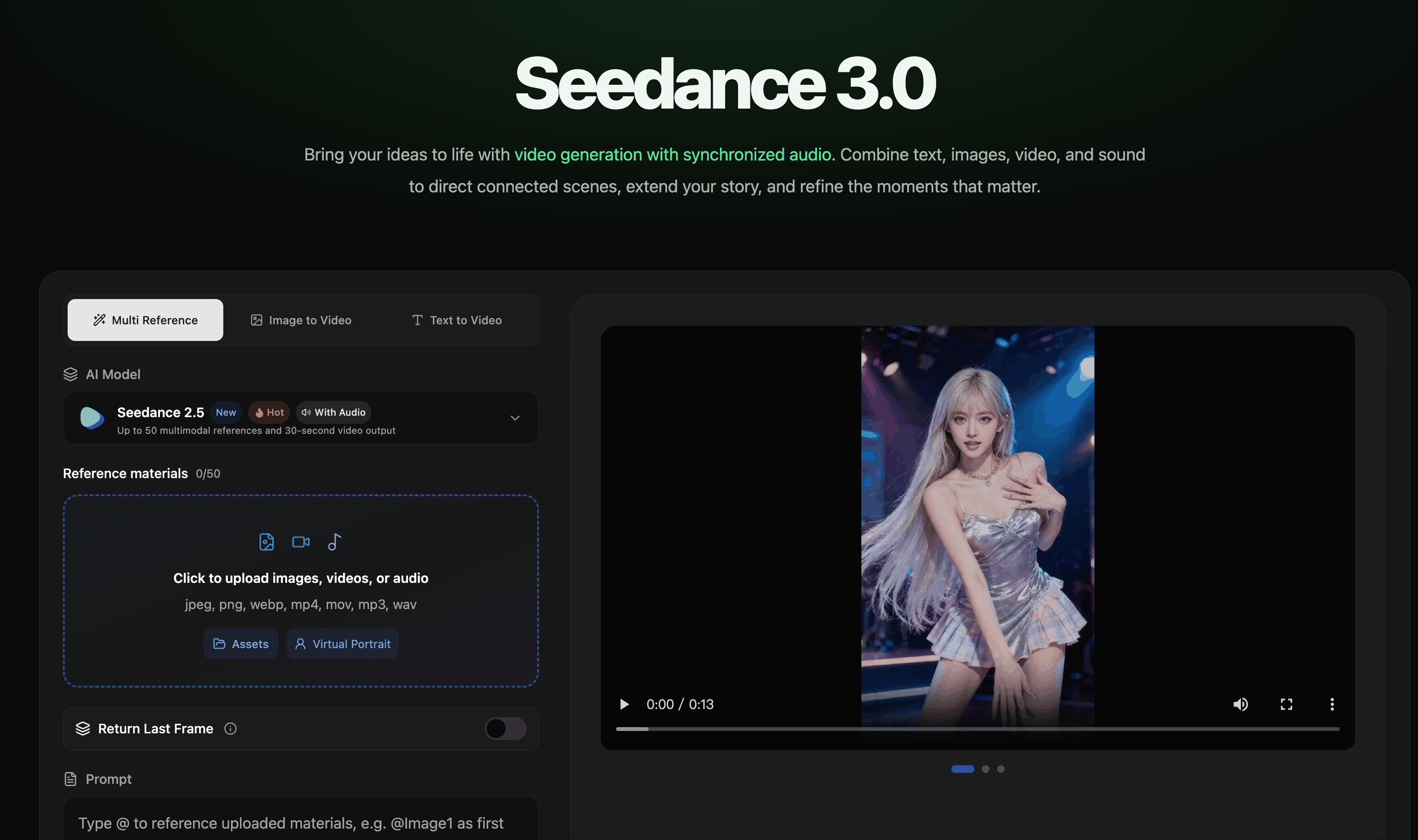
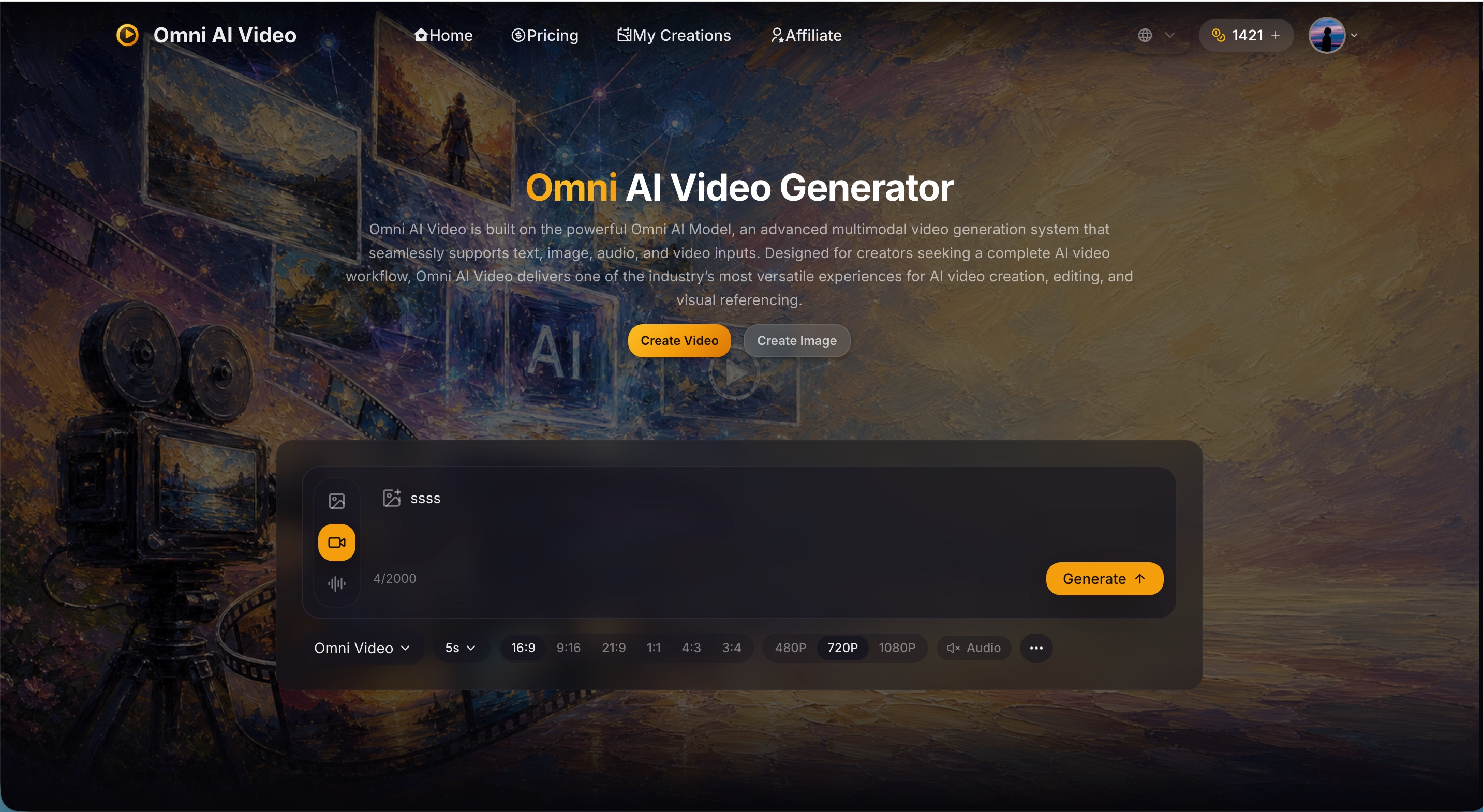
AI video creation with synchronized audio from text, image, video, and audio references.

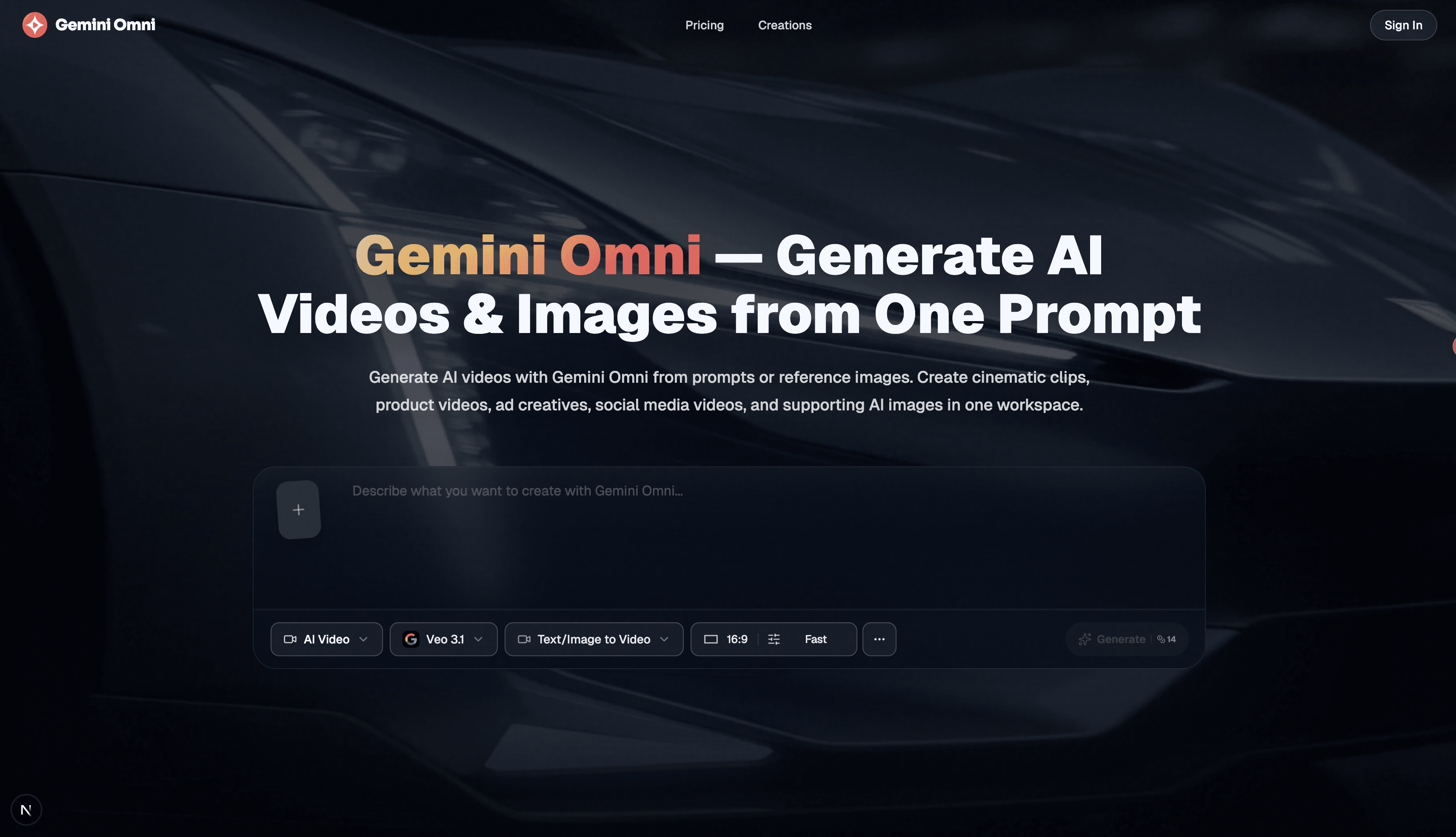
Free AI image, video & music generator powered by Google Gemini AI

Enhance video quality online: denoise, sharpen, remove compression artifacts and upscale to 1080p, 2K or 4K.



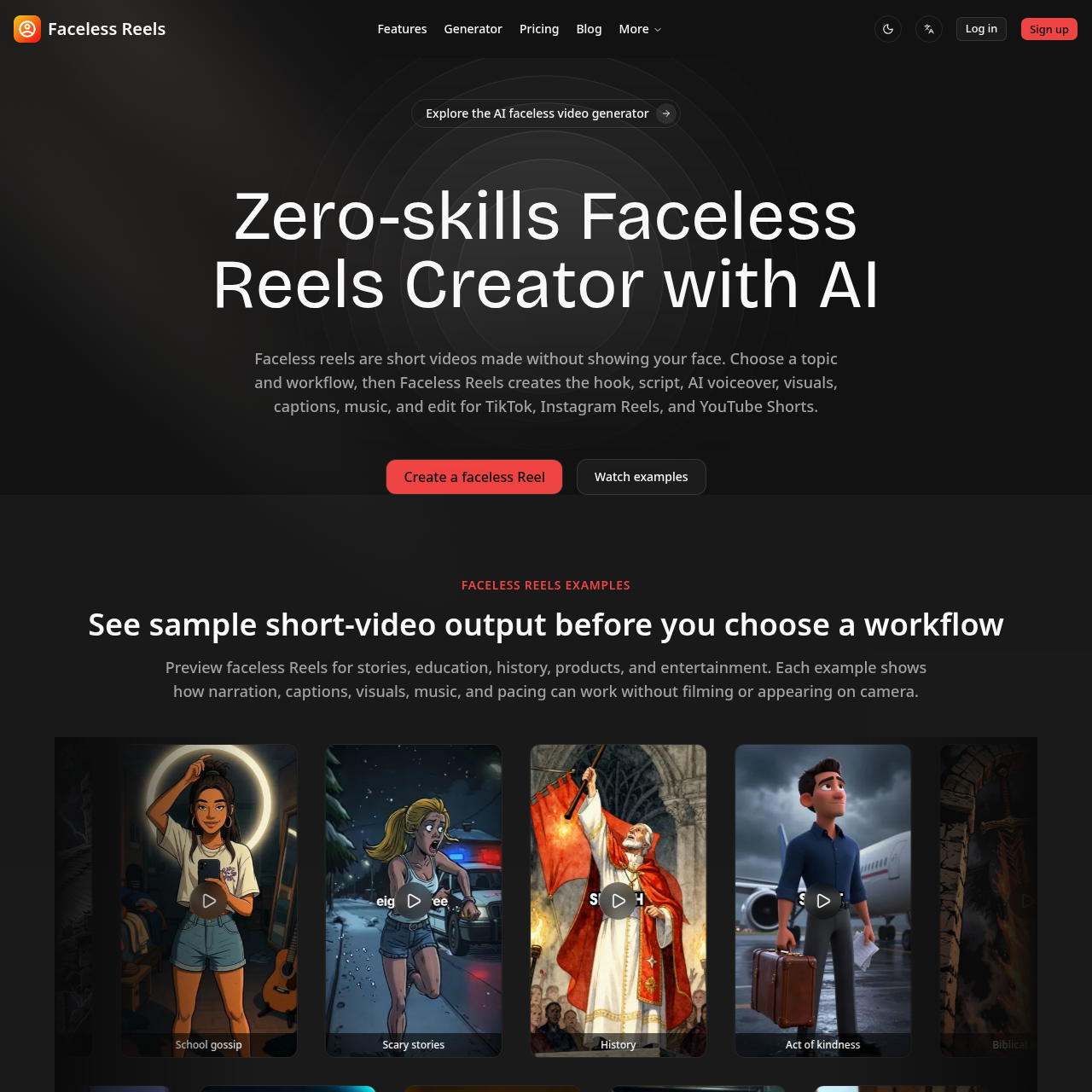
Type a topic and get a ready-to-post faceless video with AI script, voiceover, captions, and music.