
AI video generator for text, image, and reference to video with native sound.
Remove subtitles, captions, logos and TikTok watermarks from video online with AI.
AI-powered online video text remover for cleaning subtitles, captions, logos, watermarks and objects from videos. Upload a clip, select the text area, preview and export a polished result.

Video Text Remover is an online AI tool that removes text overlays and objects from videos. It supports subtitles, captions, logos, watermarks, and distracting objects, rebuilding backgrounds for natural-looking results. Works for short-form video platforms like TikTok, Reels, and Shorts. Includes preview before export, account history, and credit-based pricing.
Free to use for basic uploads. Paid subscription plans: Basic $100/year with 400 credits/mo, Pro $200/year with 1000 credits/mo, Agency $500/year with 3000 credits/mo. Pay-as-you-go credits also available. Yearly billing saves 17%.
AI video generator for text, image, and reference to video with native sound.
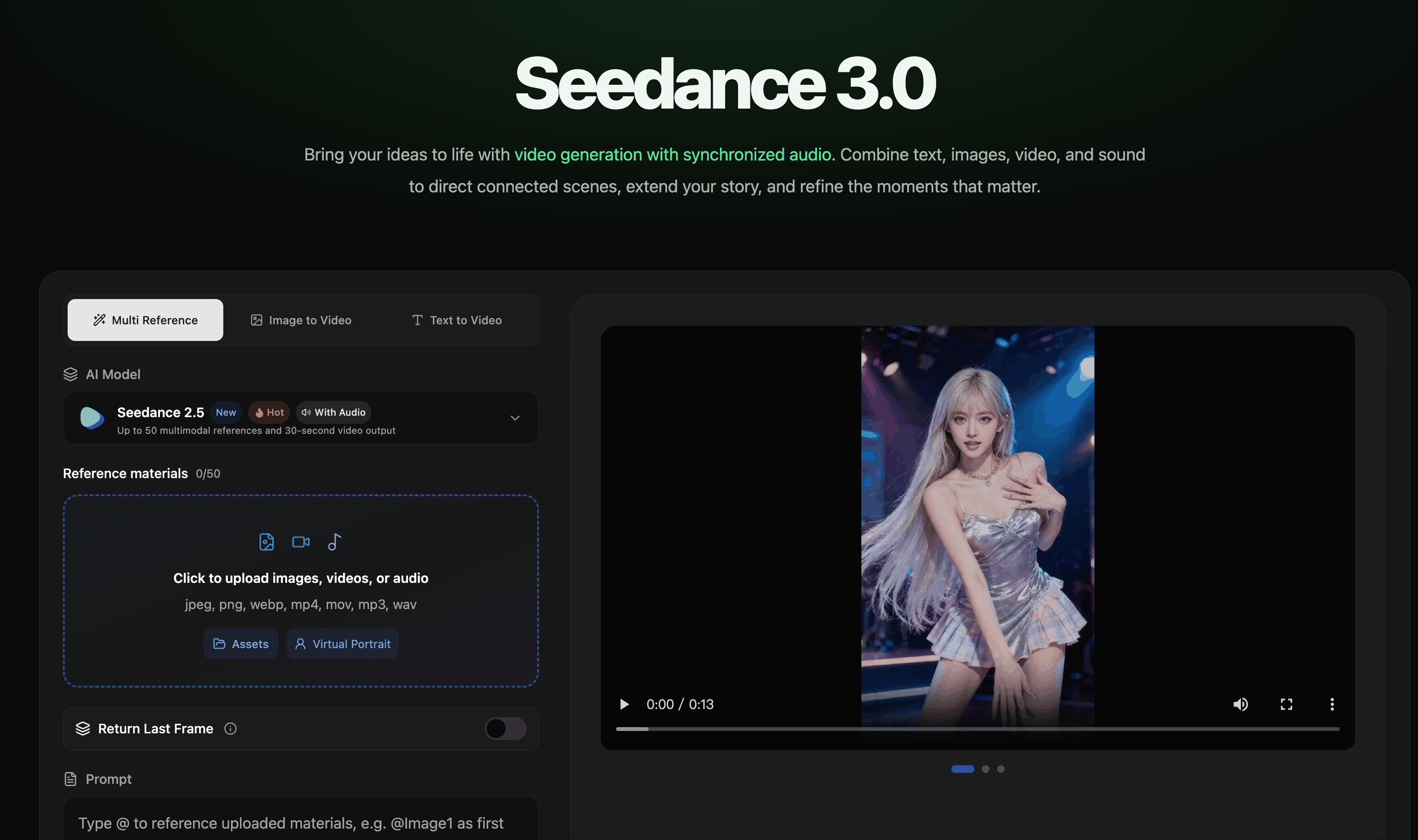
AI video creation with synchronized audio from text, image, video, and audio references.

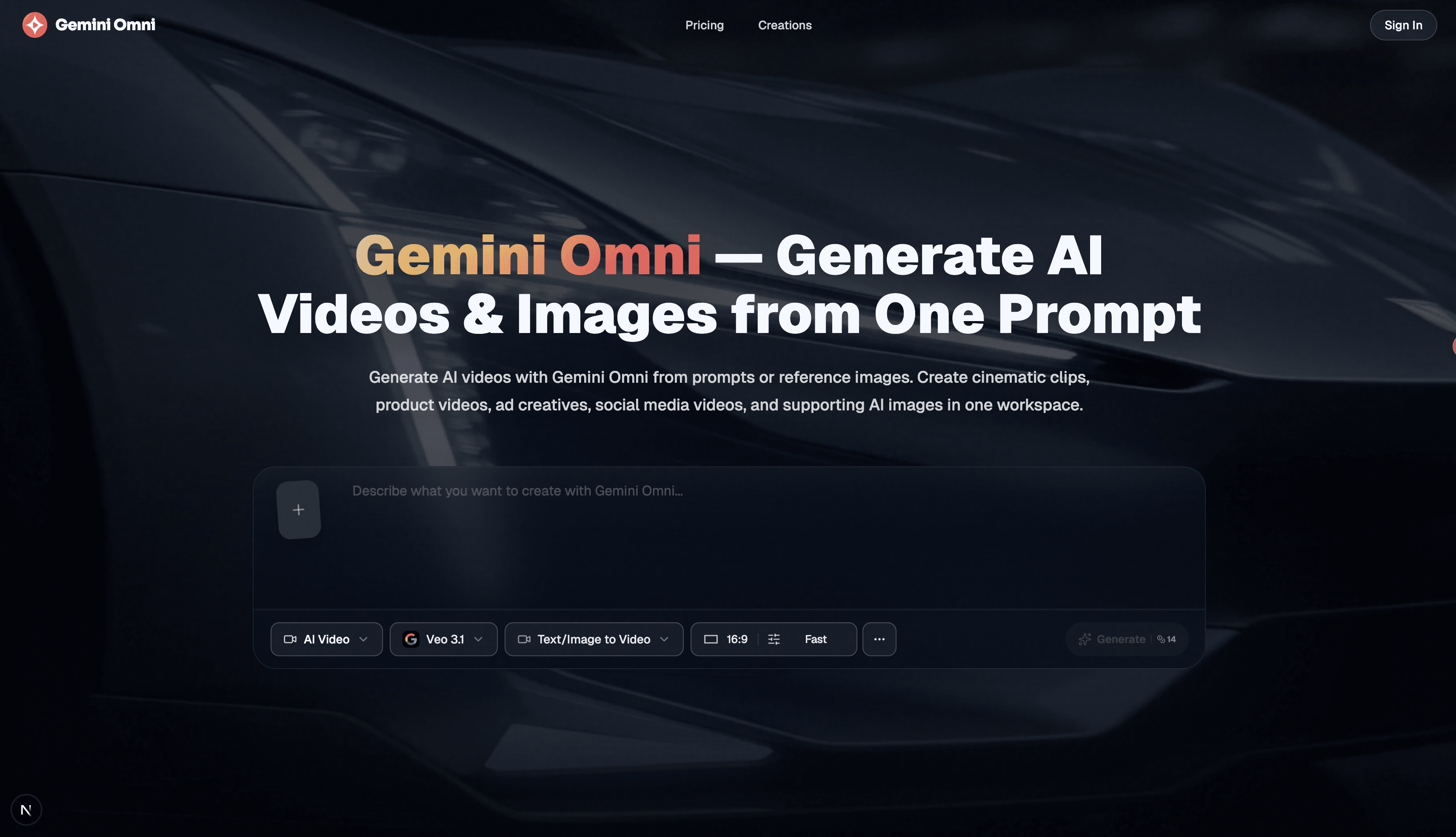
Free AI image, video & music generator powered by Google Gemini AI

Enhance video quality online: denoise, sharpen, remove compression artifacts and upscale to 1080p, 2K or 4K.


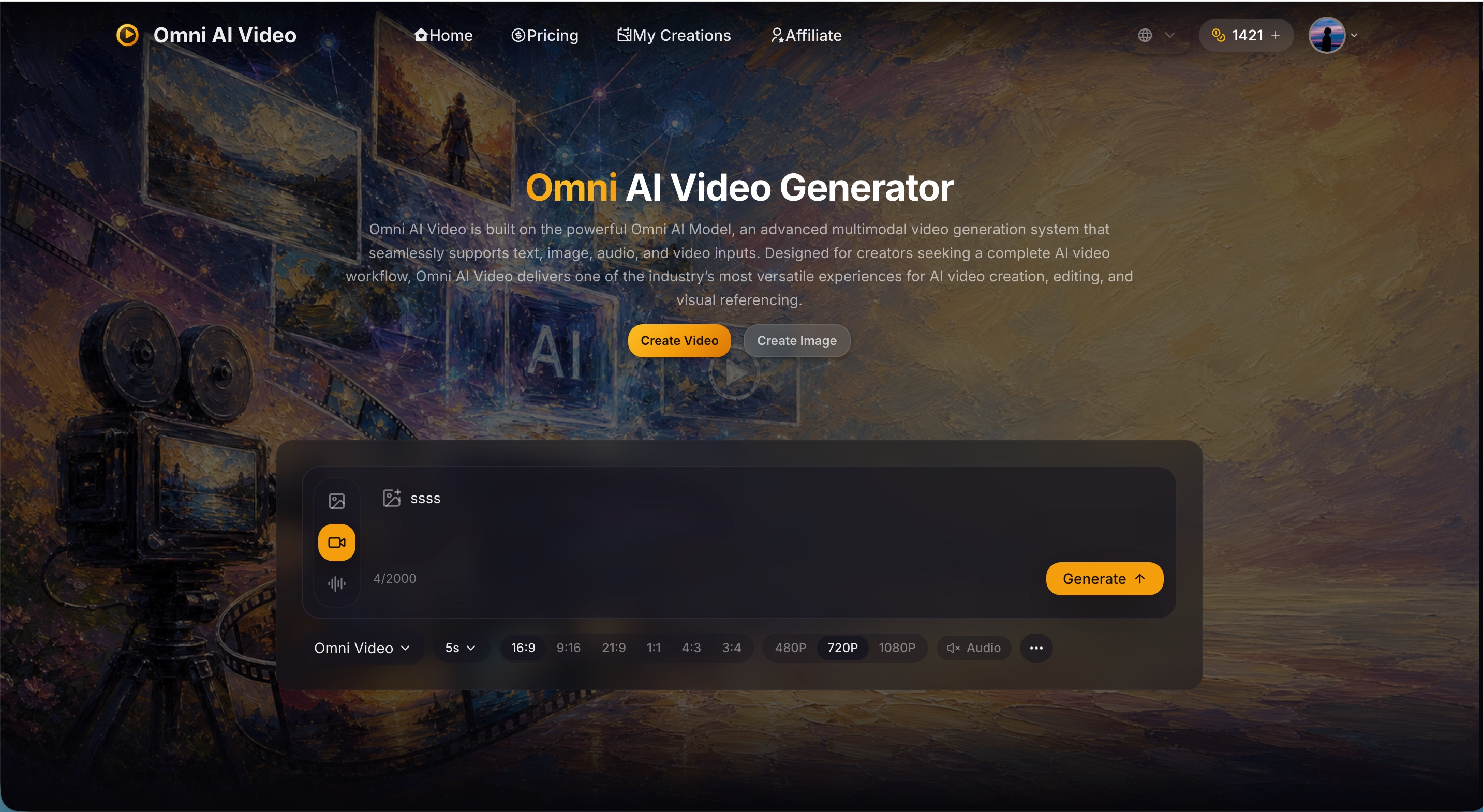


Type a topic and get a ready-to-post faceless video with AI script, voiceover, captions, and music.