
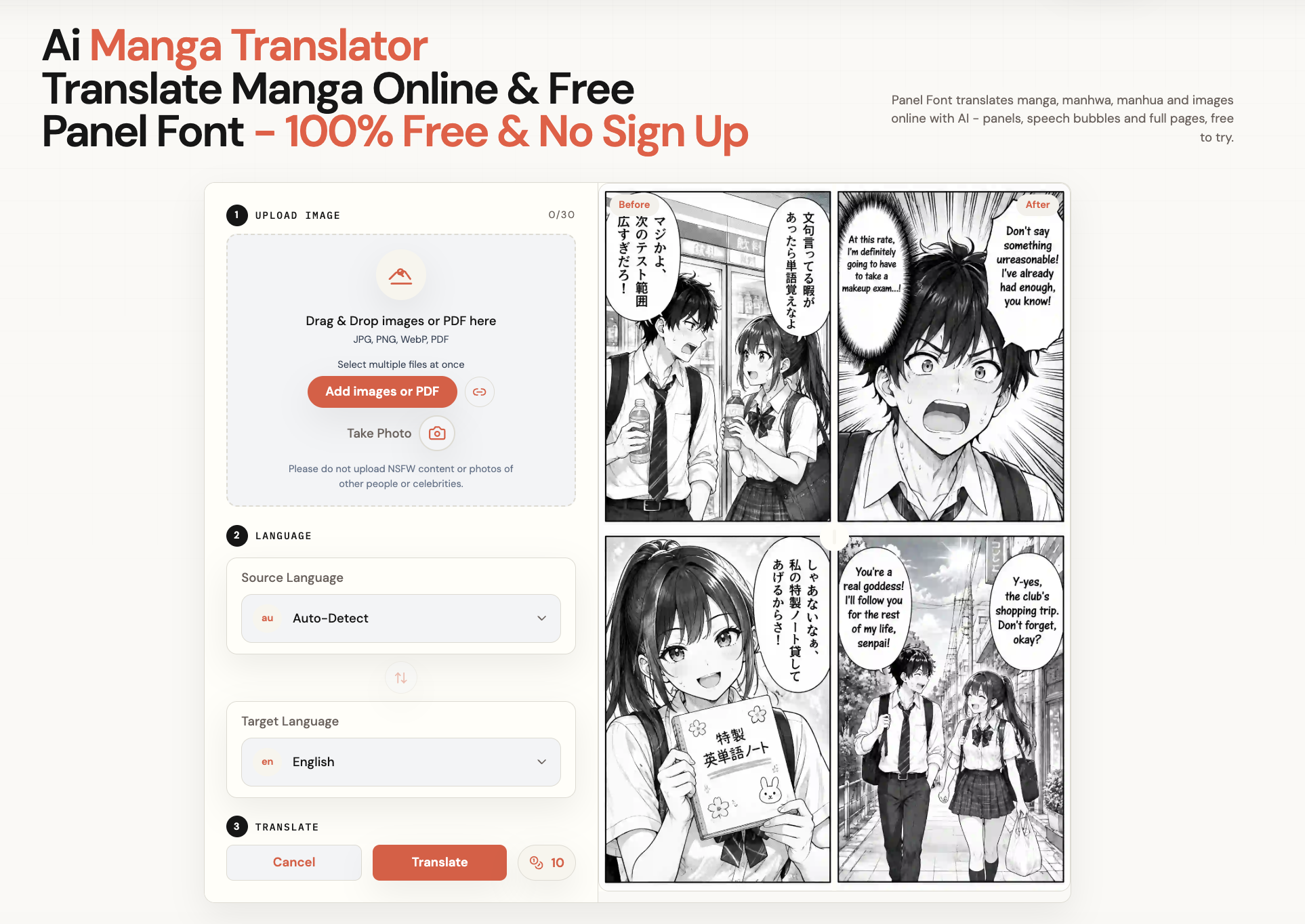
Unpixelate.ai
VisitFree AI depixelator that sharpens blurry, pixelated photos in seconds.
Unpixelate.ai introduction
Unpixelate.ai is a free online tool that uses AI to depixelate, sharpen, and upscale low-resolution or blurry images. It offers Standard and HD tiers, supports JPG, PNG, and WebP files up to 10MB, and processes uploads in memory with auto-deletion.
- Website:
- unpixelate.ai
🌄 Art & Image Generatorfreemium
Unpixelate.ai overview
Unpixelate.ai is an AI-powered image enhancement tool designed to make pixelated photos clear. Users can upload a pixelated image (JPG, PNG, or WebP up to 10MB) or paste from clipboard, choose between Standard (free) and HD quality, and download a high-resolution result without watermarks. The tool uses generative super-resolution to rebuild edges and textures, with dedicated face enhancement in both tiers. It is built for low-res profile photos, old scanned photos, zoomed-in screenshots, game captures, compressed downloads, and AI-generated images. The service emphasizes privacy: uploads are processed in memory and auto-deleted, and images are never used for training. Pricing includes a free tier with 2 runs/day without an account and daily credits when signed in, plus paid HD credits from $6.90. The tool is honest about limitations: heavily pixelated text, license plates, or faces reduced to a few blocks cannot be faithfully restored.
Unpixelate.ai features
- AI depixelation and sharpening
- Standard and HD quality tiers
- Face enhancement in both tiers
- Supports JPG, PNG, WebP up to 10MB
- Clipboard paste support
- No signup required for free tier
- No watermarks on downloads
- Uploads auto-deleted and never used for training
- Before/after comparison slider
- Processes in about 10 seconds
- Free daily runs and credits
- Commercial use included with paid plans
Questions about Unpixelate.ai
Unpixelate.ai pros
- Free to use with no signup for Standard quality
- HD tier available for better face and texture detail
- Fast processing (~10 seconds)
- No watermarks on downloads
- Privacy-focused: uploads auto-deleted, never used for training
- Supports common formats and clipboard paste
- Includes face enhancement in both tiers
- Honest about limitations
Unpixelate.ai limitations
- Cannot faithfully restore heavily pixelated text, license plates, or faces reduced to a few blocks
- Extreme motion blur is a different problem and may not be fully fixed
- Free tier limited to 2 runs/day without an account
- HD quality requires paid credits
- Maximum file size 10MB
Unpixelate.ai use cases
- Restoring low-resolution profile photos
- Recovering detail from old scanned photos
- Making zoomed-in screenshots readable
- Upscaling game and pixel art captures
- Fixing JPEG blockiness from compressed downloads
- Enhancing AI-generated images to print-ready resolution
- Sharpening blurry photos
- Depixelating images for social media
- Improving small avatars and thumbnails
- Preparing images for printing
Who Unpixelate.ai is for
- Individuals with low-resolution photos
- Social media users
- Photographers
- Graphic designers
- Gamers and streamers
- People restoring old family photos
- AI artists
- Anyone needing quick image enhancement
Unpixelate.ai pricing
Free tier: Standard quality, 2 runs/day without an account, daily credits when signed in, no watermark, full resolution download. Paid HD: credits from $6.90, HD model for faces and texture, credit packs or monthly plans, commercial use included.
Alternatives to Unpixelate.ai
YIX
Dola AI
One API for AI image, video, LLM and audio models, billed only when requests succeed
Online AI image generation with Google models, text-to-image, image-to-image, and watermark removal
All-in-one AI image and video generator with free credits and no watermark

AI co-director that turns your story into a shot-by-shot storyboard
AI image generator and editor for creating and refining visuals from text and reference images