
AI video generator for text, image, and reference to video with native sound.
AI room design from a real photo — same walls, new style
RoomAI is an AI room design tool that restyles a real photo of a room while keeping walls, windows, openings, ceiling height, and camera angle fixed. It offers 300+ styles and 20+ room presets, with free credits to try.

RoomAI generates new interior or exterior designs from a single photo. It preserves the existing geometry — wall positions, window and door openings, ceiling height, camera angle, and fixed items like radiators and sockets — so the result remains recognizable and usable for listings or contractor quotes. Users upload a photo, choose a room type and style (or add a custom request), and receive images in 20 seconds to a minute. The platform includes virtual staging, decluttering, and exterior design, with a library of 300+ styles and 20+ room presets. It is free to try with 20 credits and no card required.
Free plan includes 4 AI room design generations, AI virtual staging, personal use, 24/7 email support, commercial use, and watermark-free output. Starter: $11.99/month (billed yearly at $143.88) for 50 AI room design generations and 25 Pro generations. Pro: $23.99/month (billed yearly at $287.88) for 200 AI room design generations and 100 Pro generations. Studio: $47.99/month (billed yearly at $575.88) for 500 AI room design generations and 250 Pro generations. All paid plans include full access to all tools, full resolution downloads, personal use, 24/7 email support, commercial use, and watermark-free output. 20 free credits on signup, no card needed.
AI video generator for text, image, and reference to video with native sound.


Independent Ideogram 4 AI image generator for text-rich logos, posters, and ads

Free AI Image Generator for product photos, posters, and illustrations
Turn any image into a detailed AI prompt in seconds.

Free AI image, video & music generator powered by Google Gemini AI
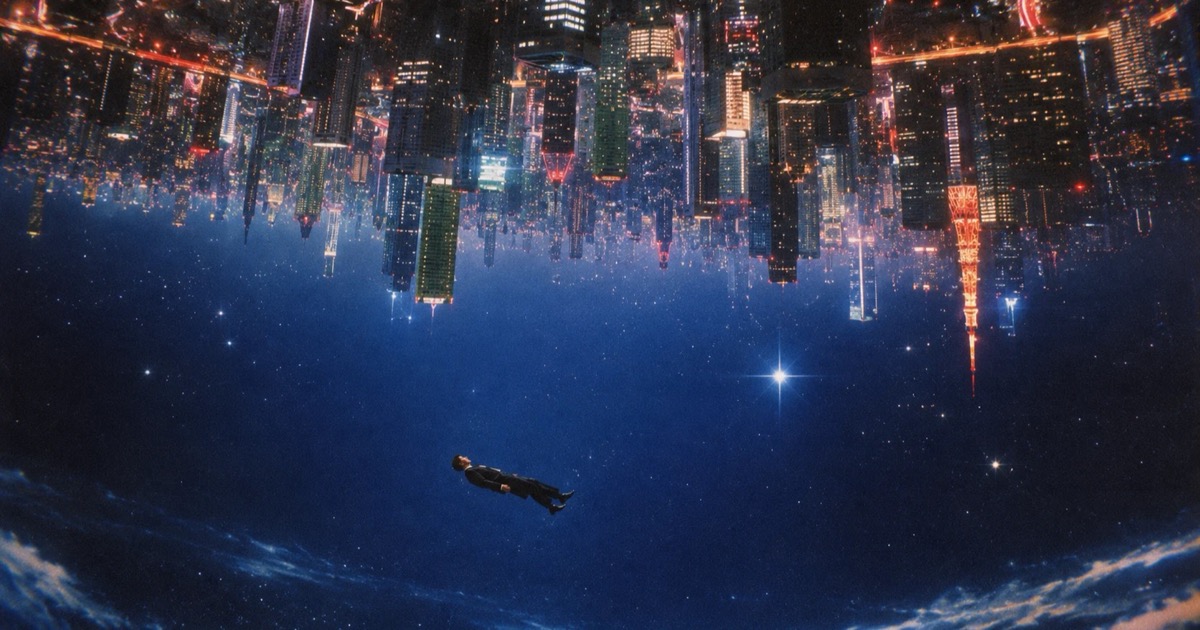

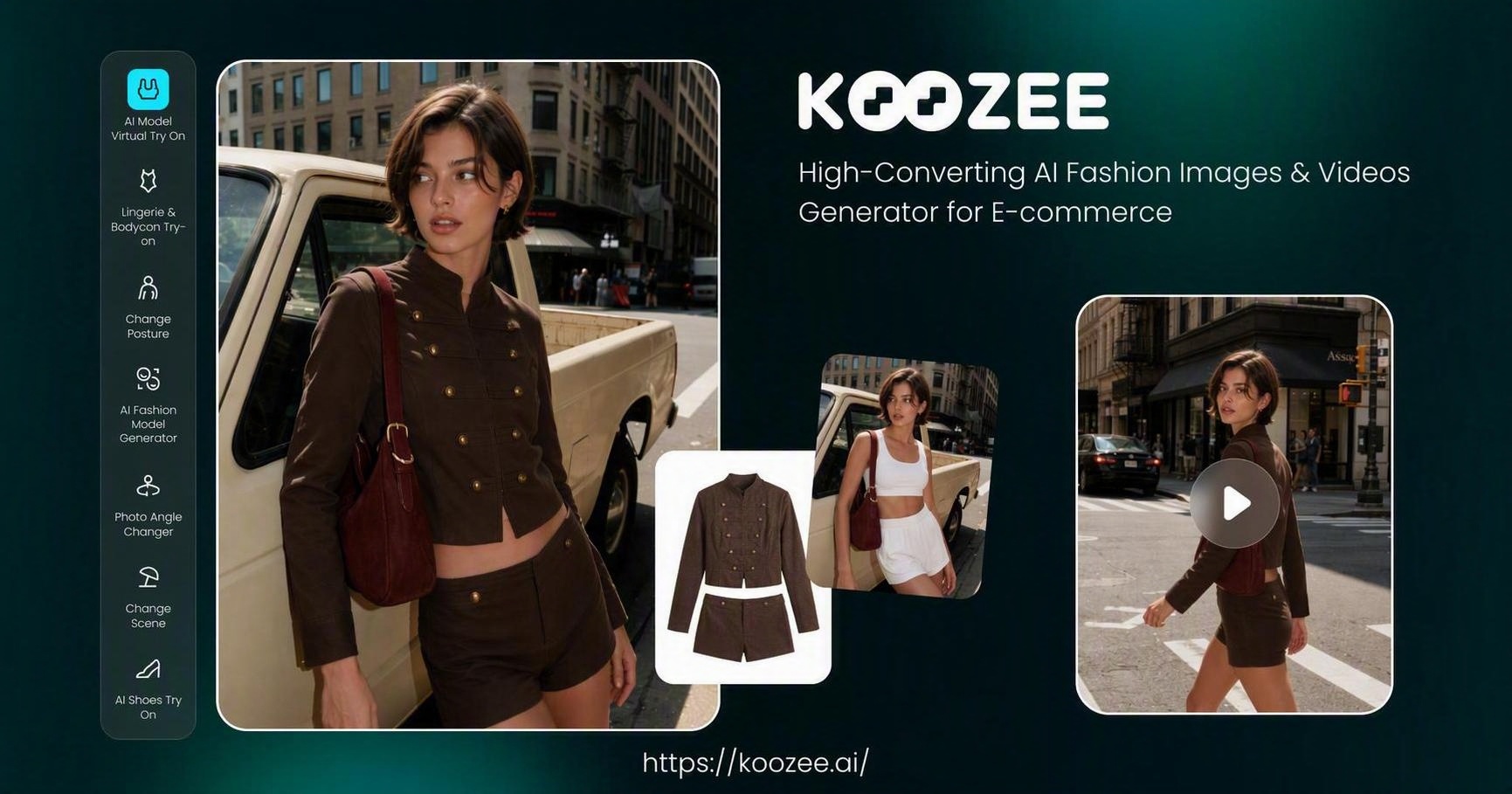
Photorealistic AI images with perfect multi-language text rendering.