
Receipt AI
VisitAI Receipt Scanner & Bank Statement to Excel
Receipt AI introduction
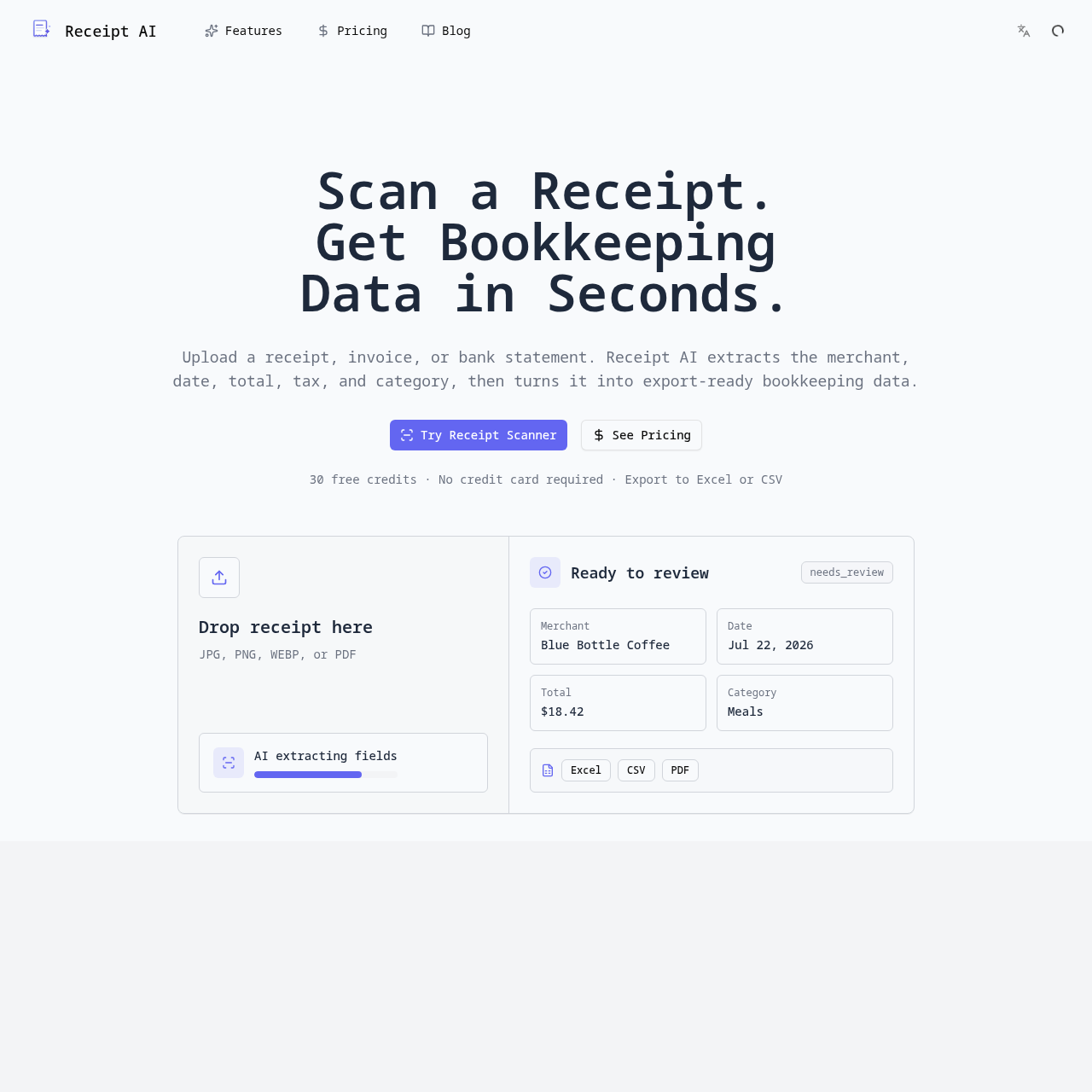
Receipt AI uses AI to turn receipts, invoices, and bank statements into categorized, export-ready bookkeeping data. It extracts merchant, date, total, tax, and category, and can convert bank statements to Excel or CSV.
- Website:
- receipt-ai.org
Receipt AI overview
Receipt AI reads receipts, invoices, and bank statements with AI and turns them into clean, categorized bookkeeping data. Users can upload a photo, PDF, or forwarded email; the AI extracts merchant, date, amount, tax, and line items, then sorts expenses into categories. Users can review details and export data as CSV, Excel, or PDF for accountants or tax filing.
Receipt AI features
- AI receipt scanning from photos, PDFs, or forwarded emails
- Bank statement conversion to Excel or CSV
- Invoice data extraction
- Automatic expense categorization
- Extracts merchant, date, total, tax, and line items
- Supports JPG, PNG, WEBP, and PDF uploads
- Export to CSV, Excel, and PDF
- Tax-ready export reports
- Review and confirm extracted details before export
- Eliminates manual retyping of receipt data
- Built for year-round tax season organization
Questions about Receipt AI
Receipt AI pros
- Supports receipts, invoices, and bank statements
- Automatically extracts merchant, date, total, tax, and line items
- Converts bank and credit card statements to Excel or CSV
- Automatic expense categorization
- Exports to CSV, Excel, and PDF
- Accepts JPG, PNG, WEBP, and PDF files
- 30 free credits with no credit card required
- Tax-ready export reports
Receipt AI use cases
- Scan and digitize paper receipts
- Convert bank and credit card statements to Excel or CSV
- Extract data from invoices without manual typing
- Categorize expenses for bookkeeping
- Prepare tax-ready expense reports
- Track expenses for client reporting
- Organize receipts and statements for tax season
- Review AI-extracted fields before export
- Export data for accounting or tax software
Who Receipt AI is for
- Individuals tracking expenses
- Accountants
- Bookkeepers
- Tax filers
- People who need to convert receipts and statements into bookkeeping data
- Professionals preparing client expense reports
Receipt AI pricing
Offers 30 free credits with no credit card required; full pricing details are available via the pricing page but not included in the provided metadata.
Alternatives to Receipt AI

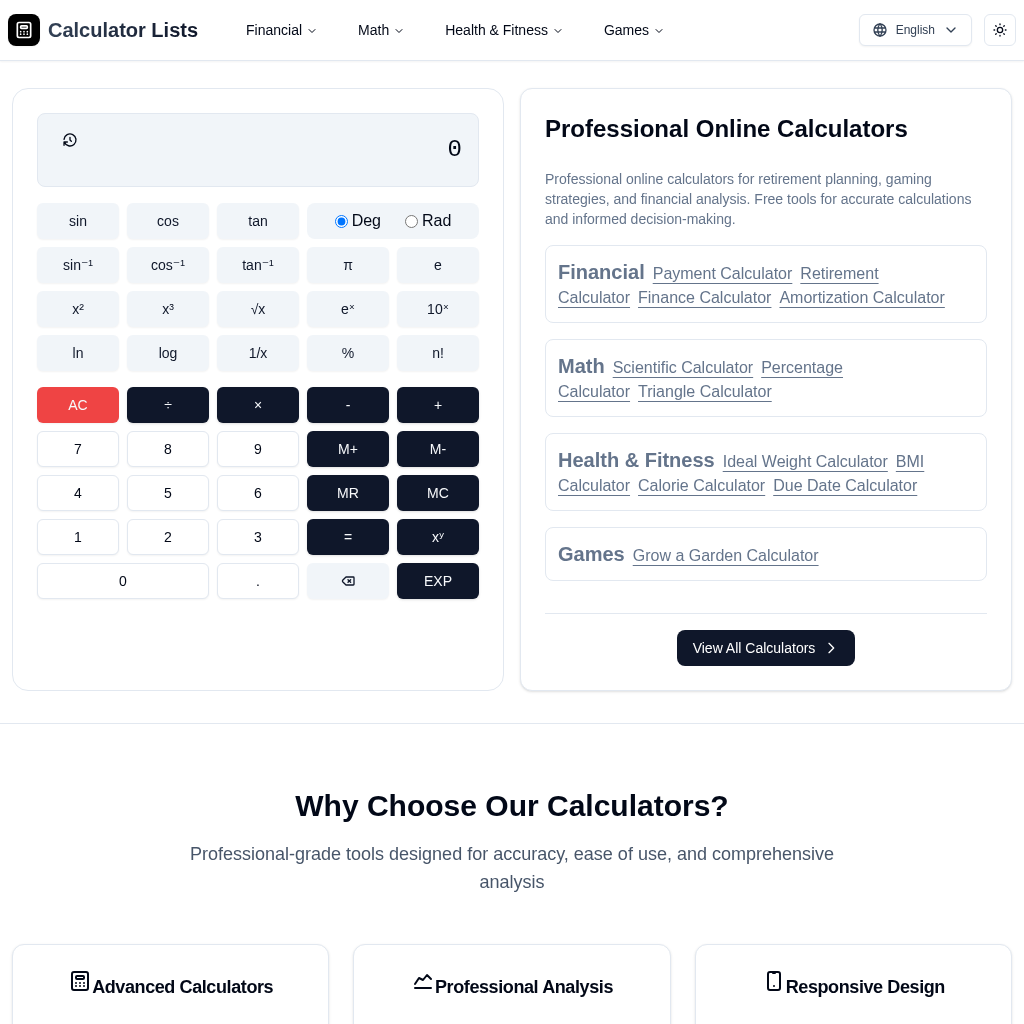
CalculatorLists - Free Online Calculators for Finance, Health, Math & Games

SavingMoneyTips.net: Free Money Saving Tips & Budget Planner

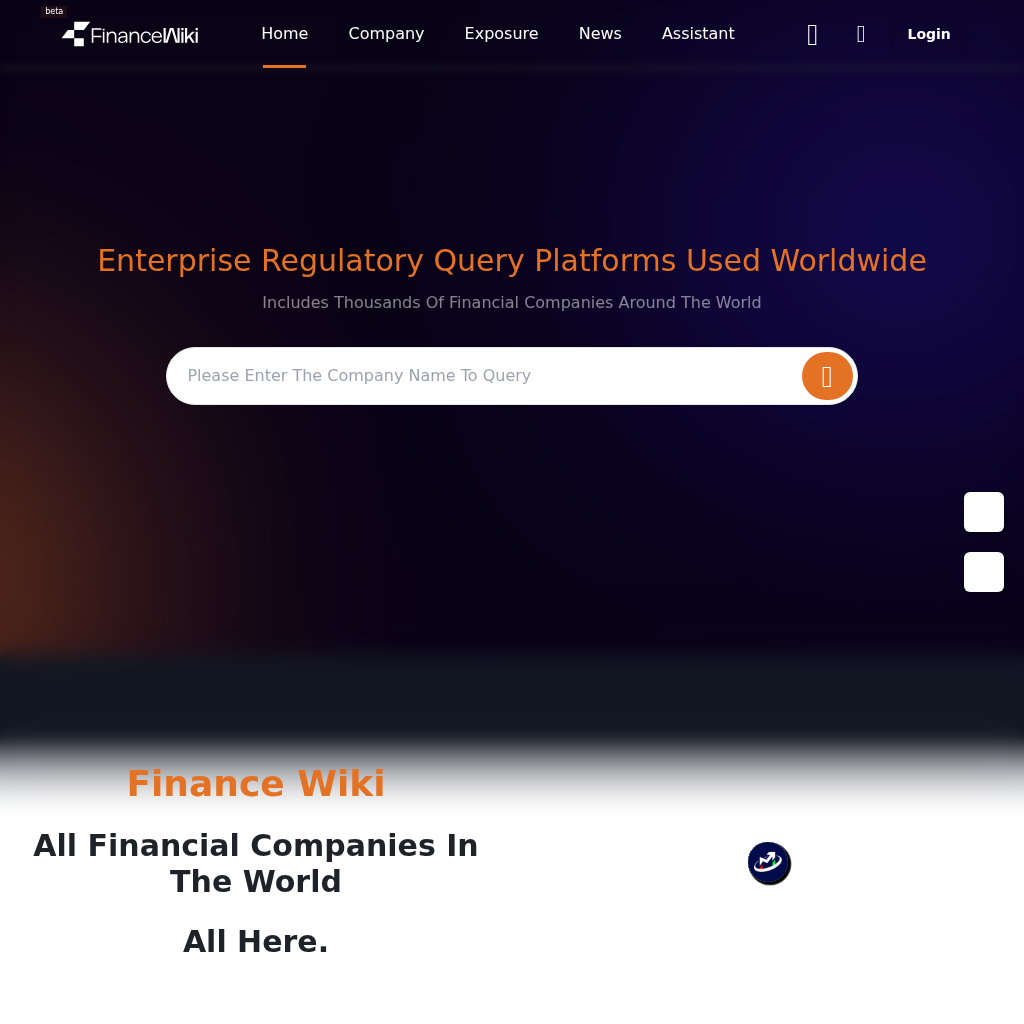
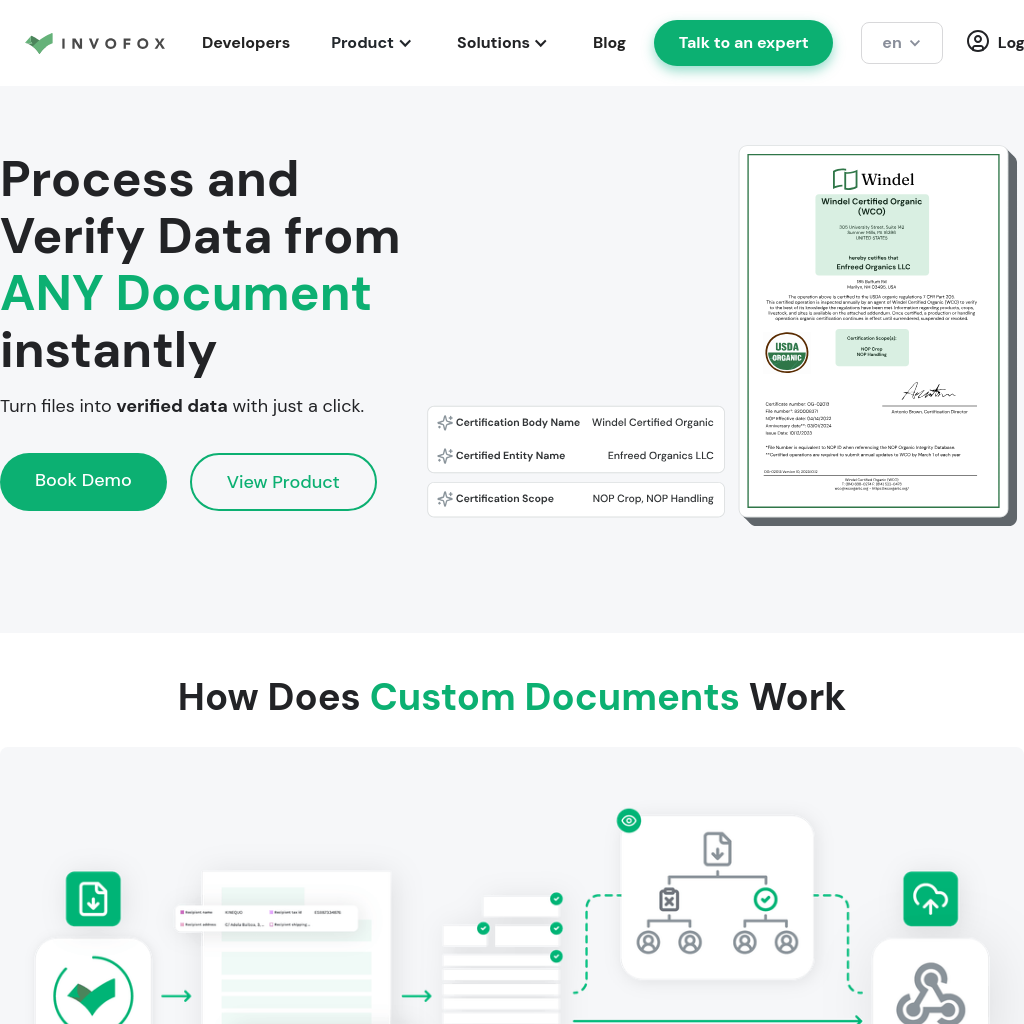
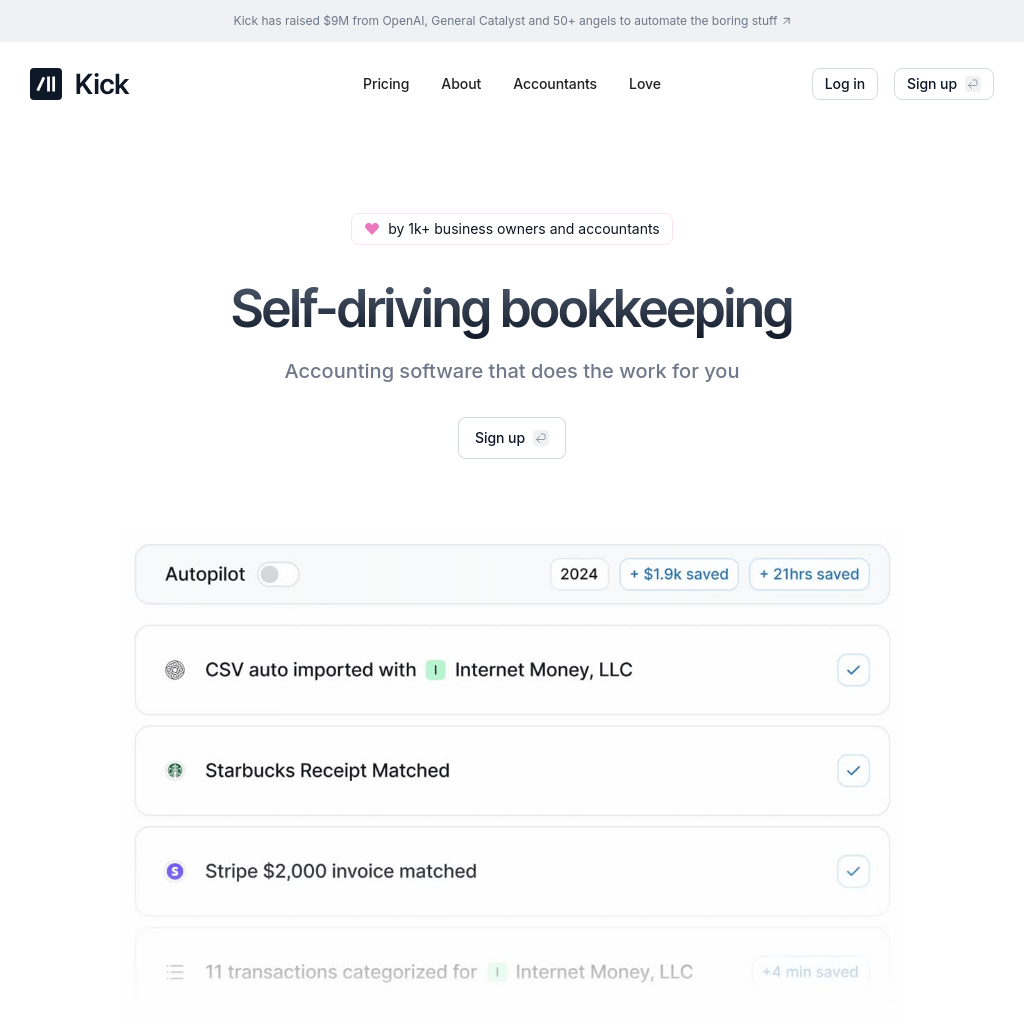

Capital Companion | AI-Driven Insights for Trading & Investing