
PixPin
VisitScreenshot Tool, Screen Recorder & OCR Software
PixPin introduction
Fast, flexible tool for screenshots, screen recordings, and OCR; capture, pin, and annotate easily on Windows and macOS.
- Website:
- pixpin.com
📸 Photo & Image Editingfreemium
PixPin overview
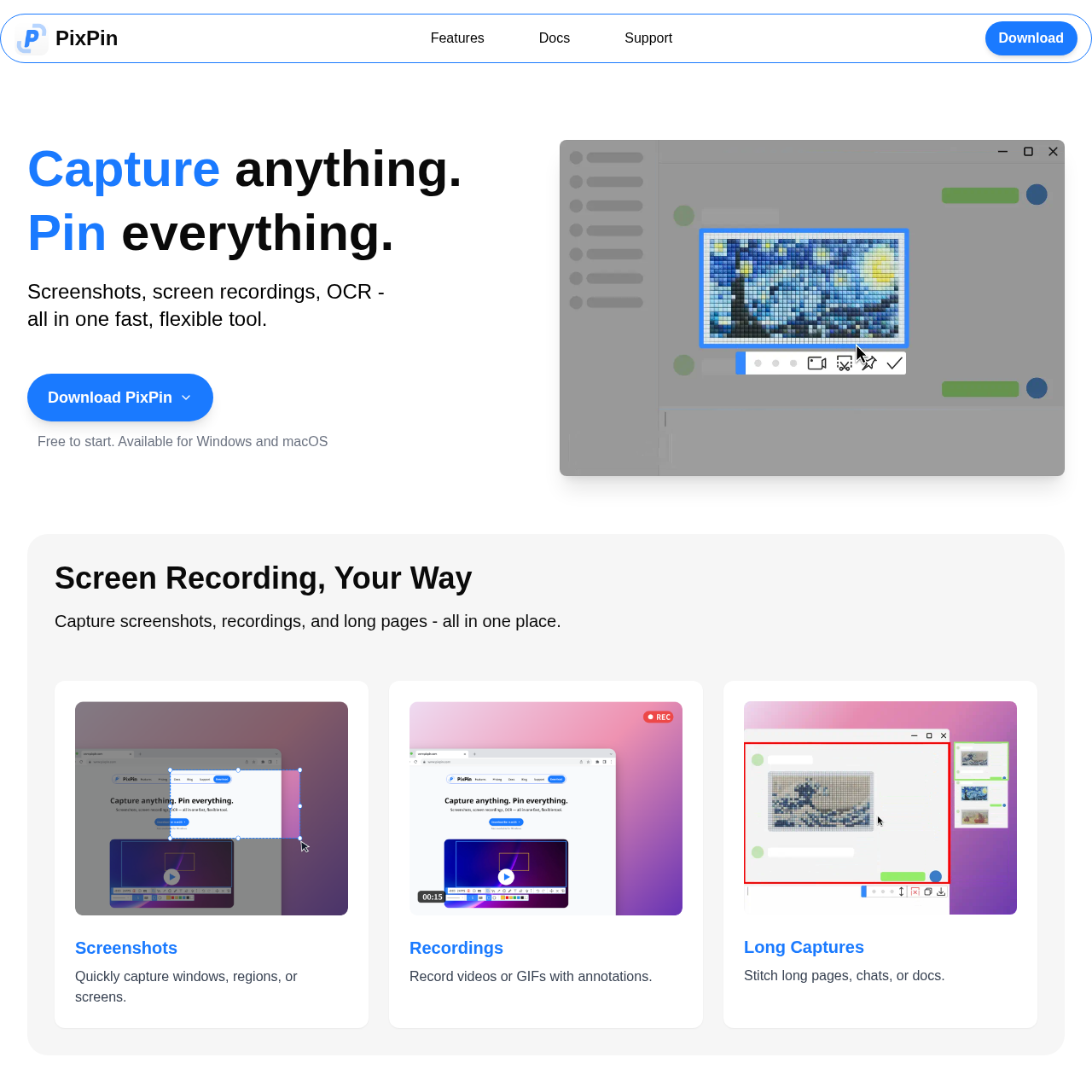
PixPin captures precise regions, keeps visual references above your workspace, extracts text with on-device OCR, and records annotated videos or GIFs. Its focused desktop workflow brings everyday capture, editing, pinning, and sharing together on Windows and macOS, so you can stay productive without switching between separate utilities.
PixPin features
- Screenshot capture for windows, regions, or screens
- Screen recording as videos or GIFs with annotations
- Long page capture to stitch pages, chats, or docs
- Smart auto-detection for precise captures
- Pin images, text, colors, and files to screen as sticky notes
- Extract text from images with on-device OCR
- Annotation tools (circles, highlights, sequence numbers, mosaic)
- Quick Pin via WIN + Drag (Pro)
- Action Recording to record keystrokes and mouse clicks (Pro)
- Works on Windows and macOS
- Free to start with no sign-up required
Questions about PixPin
PixPin pros
- Combines screenshots, screen recording, and OCR in one tool
- Smart auto-detection for precise capture of windows, UI elements, or full screens
- Pin items to screen as sticky notes for instant reference
- On-device OCR extracts text from images and sticky notes
- Annotation tools include marker, sequence numbers, and mosaic for sensitive info
- Long capture stitches long pages, chats, or docs
- Records videos or GIFs with annotations
- Free to start with no sign-up required
PixPin use cases
- Pin mockups and UI references for design feedback
- Annotate design feedback with ease
- Keep API docs, logs, and errors on screen while developing
- Capture bugs with screenshots or videos
- Document user flows and feedback threads
- Use long captures and OCR to stay organized
- Record issues step-by-step for customer support
- Highlight screen areas to guide users visually
- Extract quotes with OCR for writing and research
- Pin visual notes or references while writing
- Create annotated tutorials and demos for education and training
- Use screenshots and GIFs to explain clearly
Who PixPin is for
- Designers
- Developers
- Product Managers
- Customer Support
- Writers
- Researchers
- Educators
- Trainers
PixPin pricing
Free to start; PixPin Pro features like Quick Pin and Action Recording are mentioned, but specific pricing is not provided.
Alternatives to PixPin

Independent Ideogram 4 AI image generator for text-rich logos, posters, and ads

Free AI Image Generator for product photos, posters, and illustrations

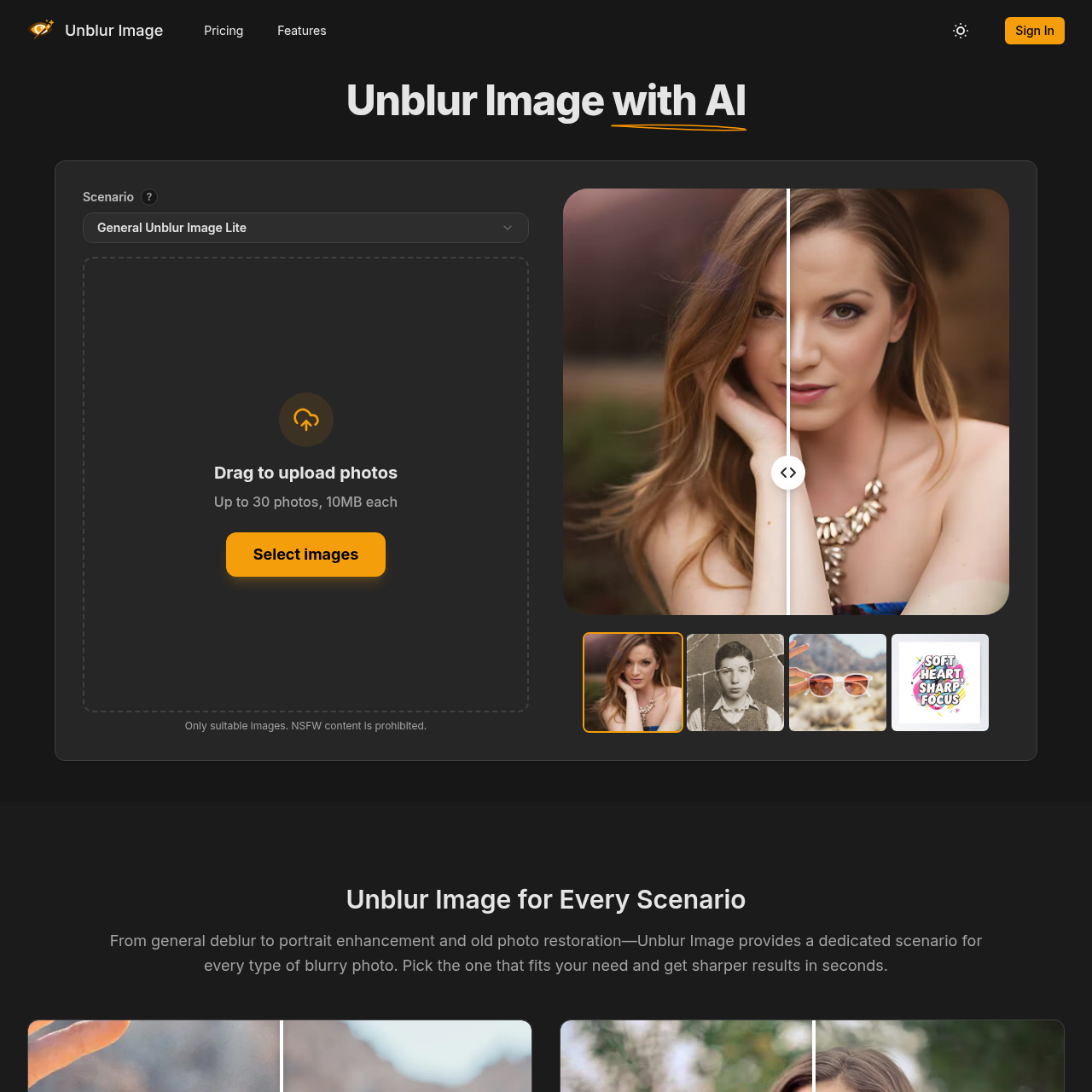
Turn any image into a detailed AI prompt in seconds.

Enhance video quality online: denoise, sharpen, remove compression artifacts and upscale to 1080p, 2K or 4K.


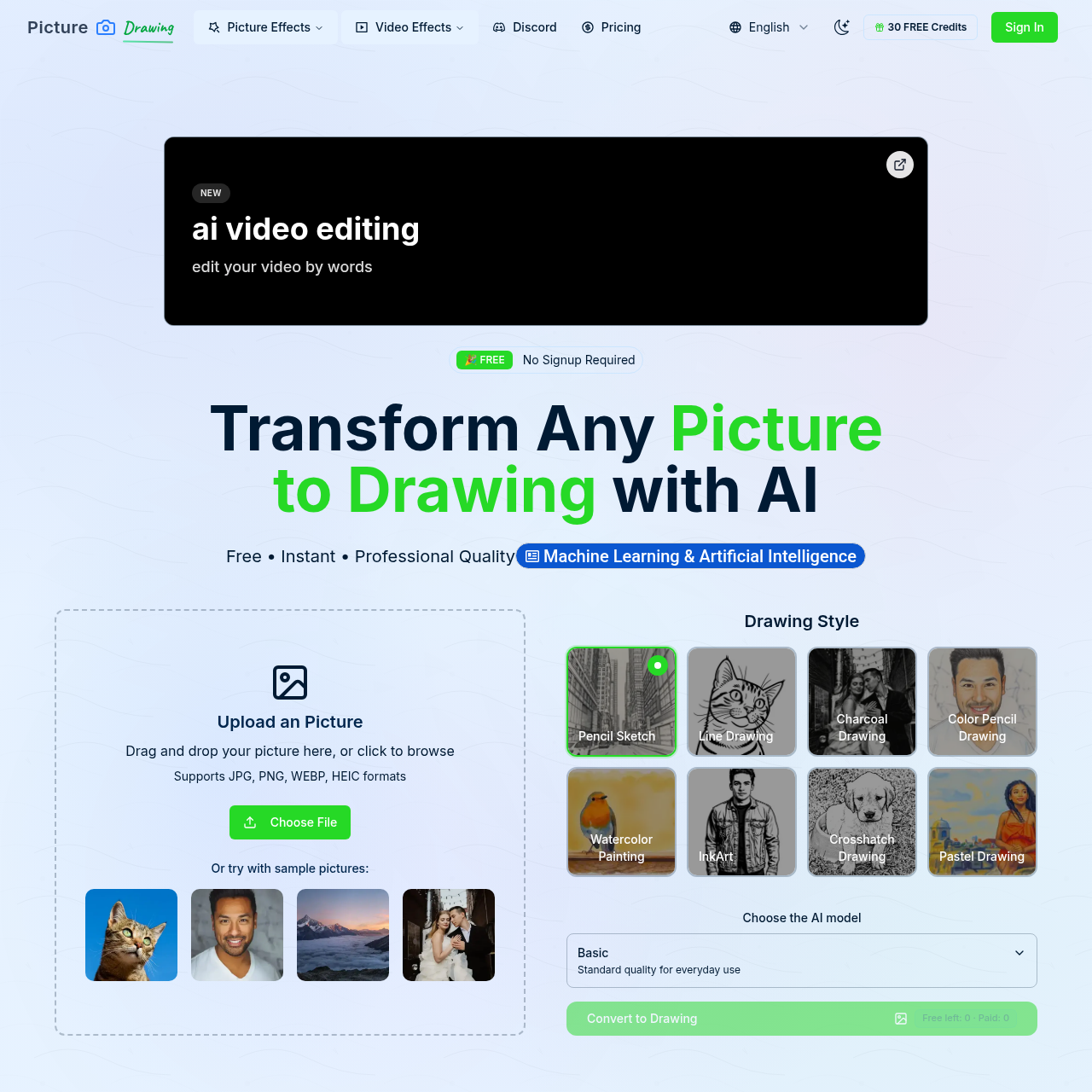
Transform any photo into beautiful artistic drawings with our free AI-powered picture to drawing converter. Instant results, multiple art styles.
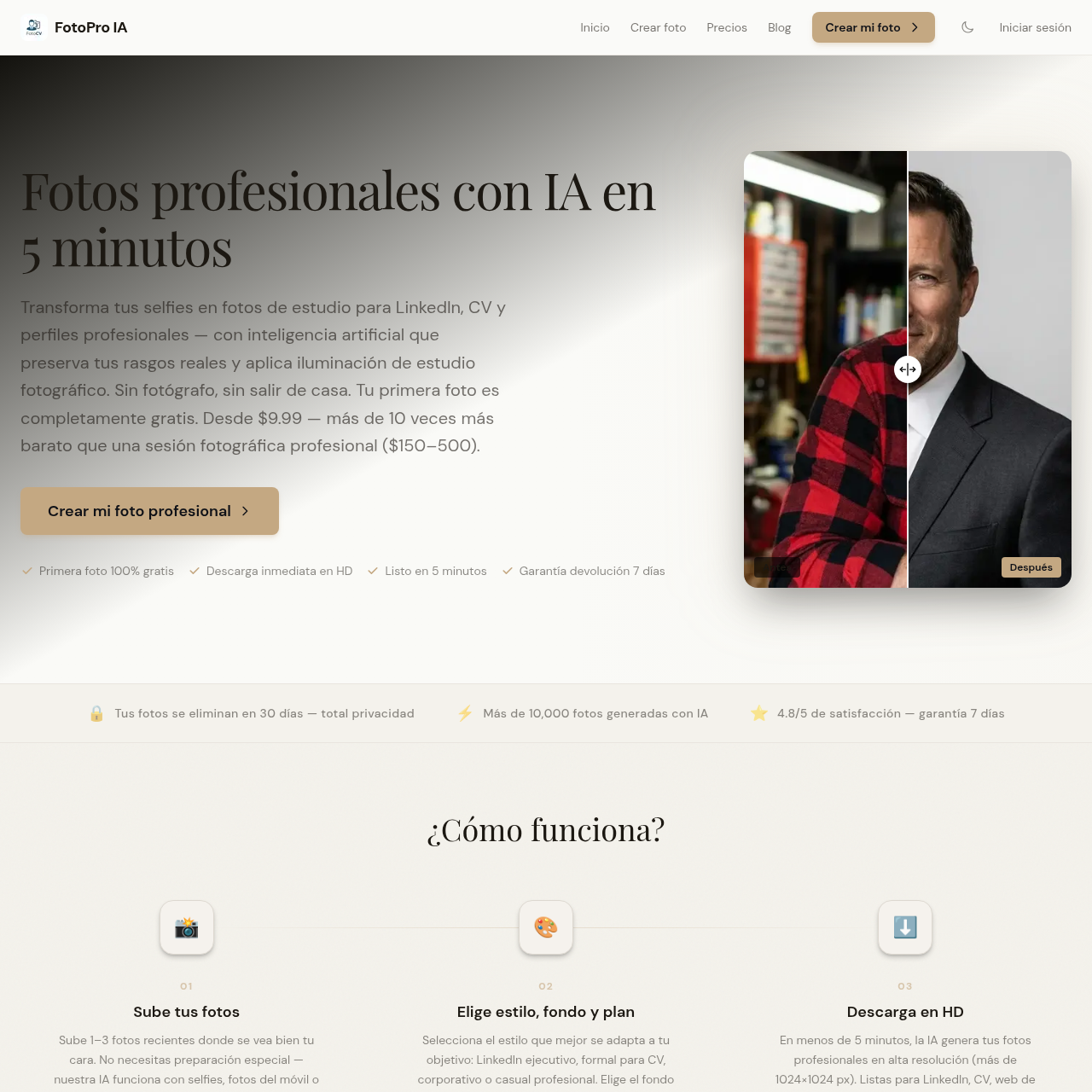
Genera fotos profesionales con IA para CV, LinkedIn y perfiles corporativos, con resultados visibles antes de pagar.