
Picture to Drawing With AI
VisitTransform any photo into beautiful artistic drawings with our free AI-powered picture to drawing converter. Instant results, multiple art styles.
Picture to Drawing With AI introduction
Free, no-sign-up AI tool that converts photos into artistic drawings in multiple styles.
- Website:
- picturetodrawing.org
📸 Photo & Image Editingfreemium
Picture to Drawing With AI overview
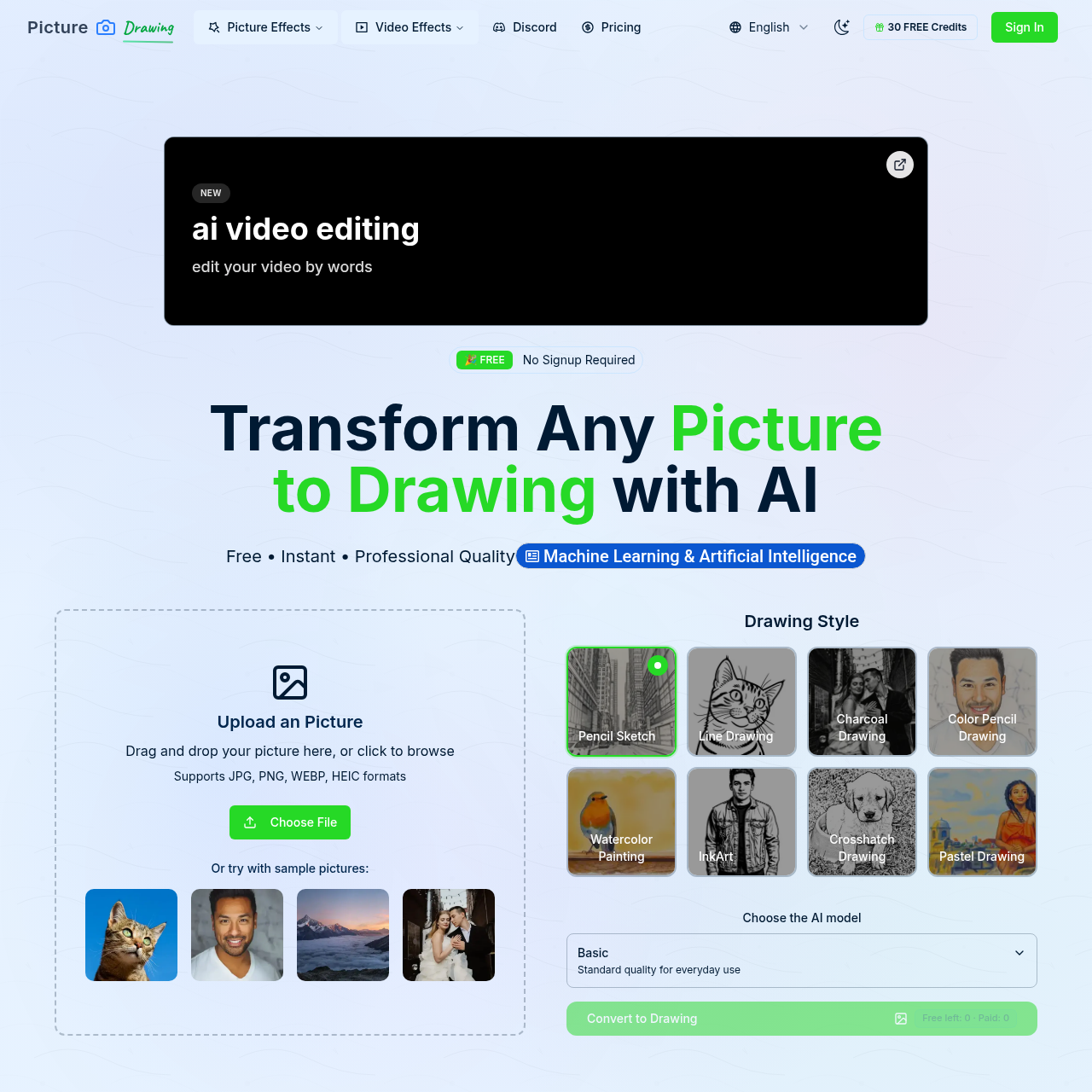
Picture to Drawing With AI is a free online tool that uses AI to transform photos into drawings. Users upload an image (JPG, PNG, WEBP, or HEIC), choose an artistic style, generate the drawing in seconds, and download the result. It offers styles like pencil sketch, charcoal, watercolor, and cartoon, and requires no account. Free models may have longer processing times and occasional stability issues; premium models are available for faster and more reliable output.
Picture to Drawing With AI features
- AI-powered photo-to-drawing conversion
- Multiple artistic styles: pencil sketch, charcoal, watercolor, cartoon
- High-resolution output suitable for printing and sharing
- No sign-up or account required
- Free unlimited conversions
- Supports JPG, PNG, WEBP, and HEIC formats
- Drag-and-drop upload
- Sample pictures available for testing
- Fast processing (free models: 20-50 seconds; premium: ~5 seconds)
- One-click download of generated artwork
- Premium models available for enhanced quality and reliability
- Simple interface requiring no technical skills
Questions about Picture to Drawing With AI
Picture to Drawing With AI pros
- Completely free with no hidden costs
- No registration required
- Multiple drawing styles available
- High-resolution output
- Supports common image formats
- Unlimited free conversions
- Easy-to-use interface
- Fast processing depending on model
Picture to Drawing With AI limitations
- Free models may take 20-50 seconds and have occasional stability issues
- Premium models are required for the fastest (~5 seconds) and more reliable service
Picture to Drawing With AI use cases
- Creating artistic versions of personal photos
- Producing unique social media content
- Generating reference images for traditional art
- Teaching art styles and techniques
- Enhancing graphic design projects
- Making printable artwork from photos
- Quickly sketching portraits for inspiration
- Transforming photos into pencil or charcoal drawings
Who Picture to Drawing With AI is for
- Digital artists
- Graphic designers
- Photography enthusiasts
- Art teachers
- Social media managers
- Portrait artists
- Casual users wanting photo-to-drawing effects
Picture to Drawing With AI pricing
Free to use with no sign-up and no hidden fees. Premium models are mentioned for faster processing and more reliable service, but pricing details are not specified.
Alternatives to Picture to Drawing With AI

Independent Ideogram 4 AI image generator for text-rich logos, posters, and ads

Free AI Image Generator for product photos, posters, and illustrations

Turn any image into a detailed AI prompt in seconds.

Enhance video quality online: denoise, sharpen, remove compression artifacts and upscale to 1080p, 2K or 4K.

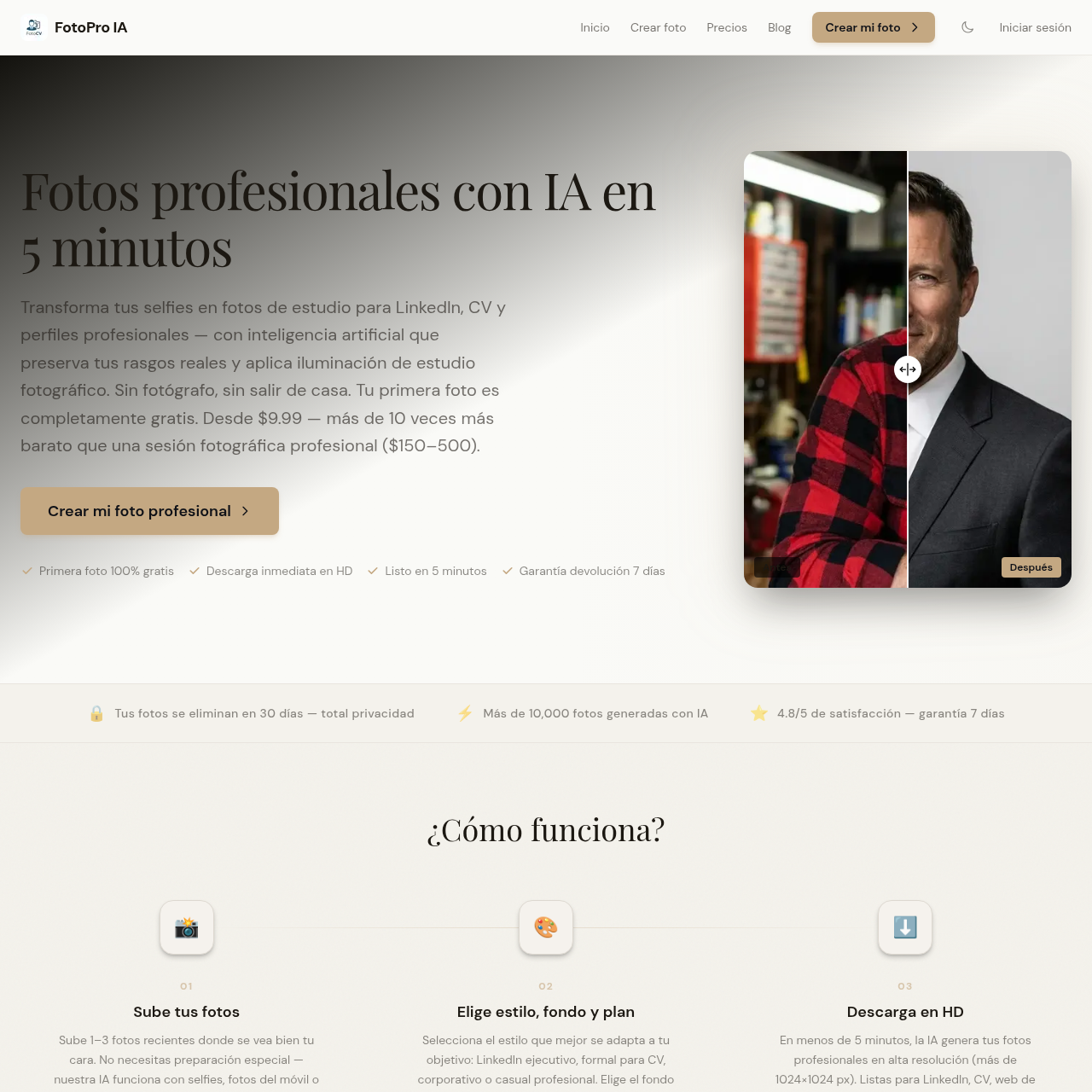
Genera fotos profesionales con IA para CV, LinkedIn y perfiles corporativos, con resultados visibles antes de pagar.