
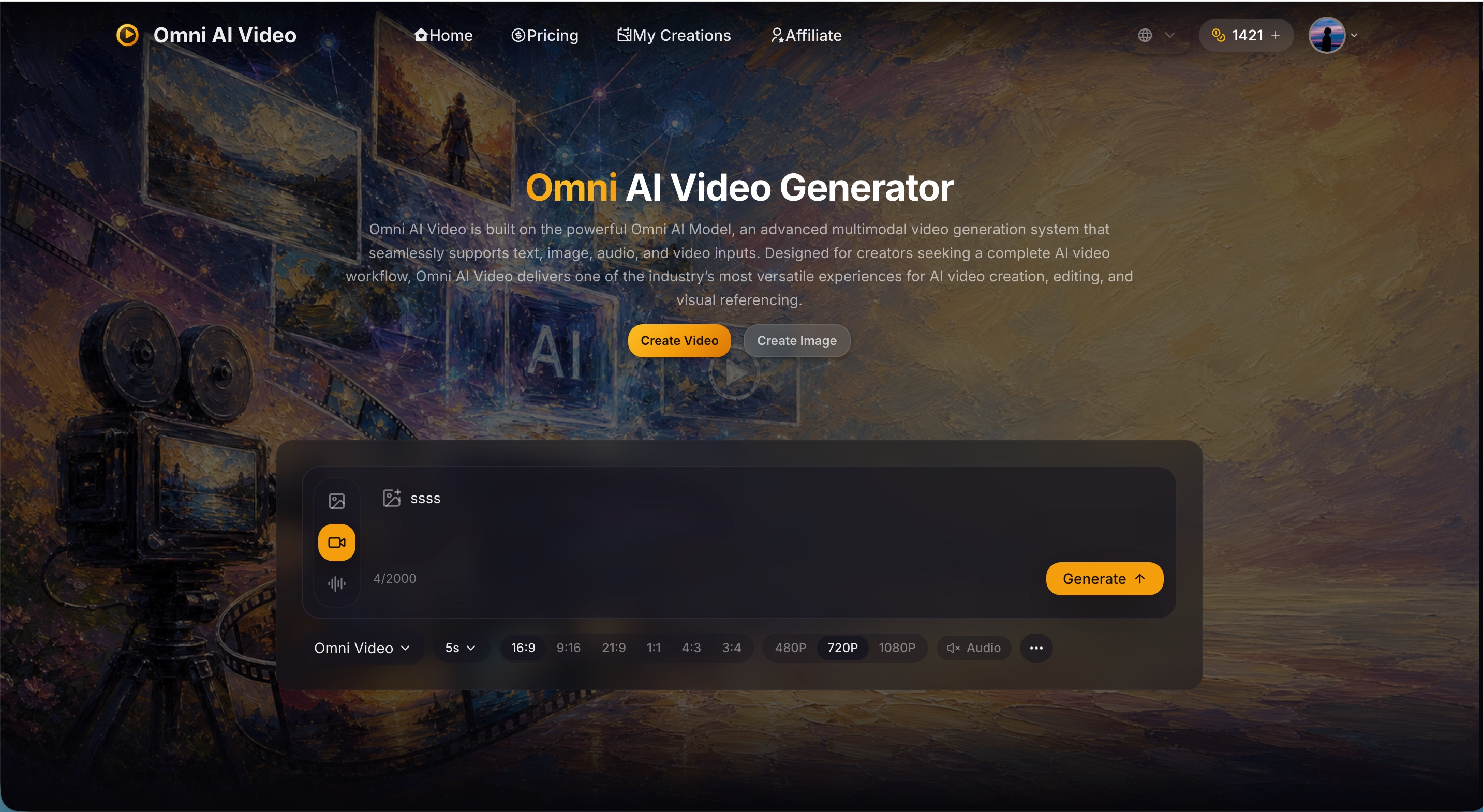
AI video generator for text, image, and reference to video with native sound.
Gemini Omni Flash edits videos through natural conversation with references, motion/style transfer, and coherent multi-turn edits.
Omni Flash is a free AI video editor that uses natural, step-by-step conversation to edit videos, incorporating references and maintaining scene consistency across turns.
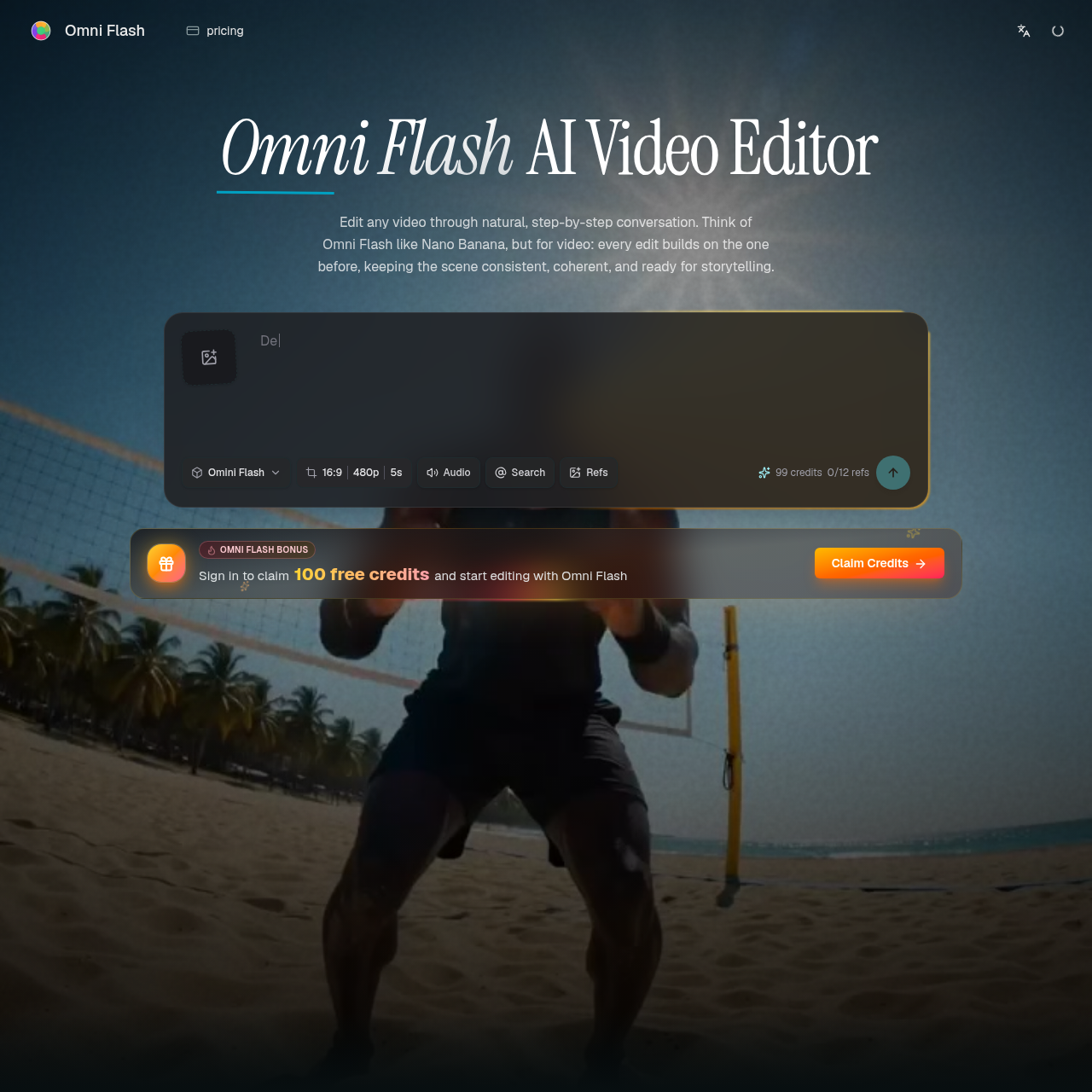
Omni Flash is described as a conversational AI video editor where each edit builds on the one before, keeping scenes consistent, coherent, and ready for storytelling. It combines world understanding, multimodality, and conversational editing. Users can guide edits with images, text, video, audio, sketches, motion, or style inputs, refine action, style, characters, camera, and environments step by step, and keep scenes consistent while changing specific objects, actions, or effects. It supports multi-turn refinement, reference-driven edits, character and object swaps with motion and dialogue continuity, and world-aware storytelling grounded in physics, history, science, cultural context, and narrative logic.
Start editing for free with daily credits. Paid plans unlock higher volume and expanded creative workflows for larger video projects.
AI video generator for text, image, and reference to video with native sound.
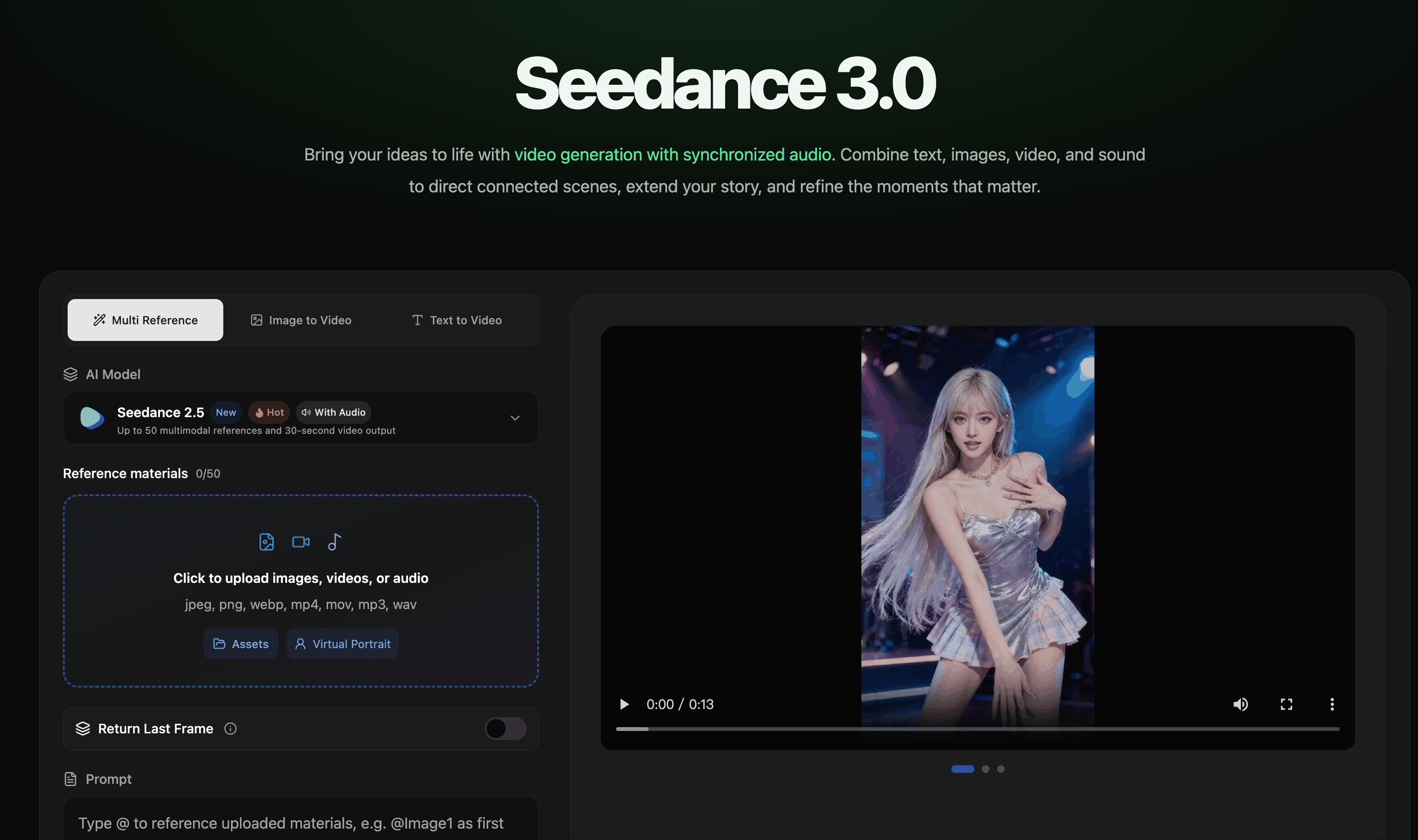
AI video creation with synchronized audio from text, image, video, and audio references.

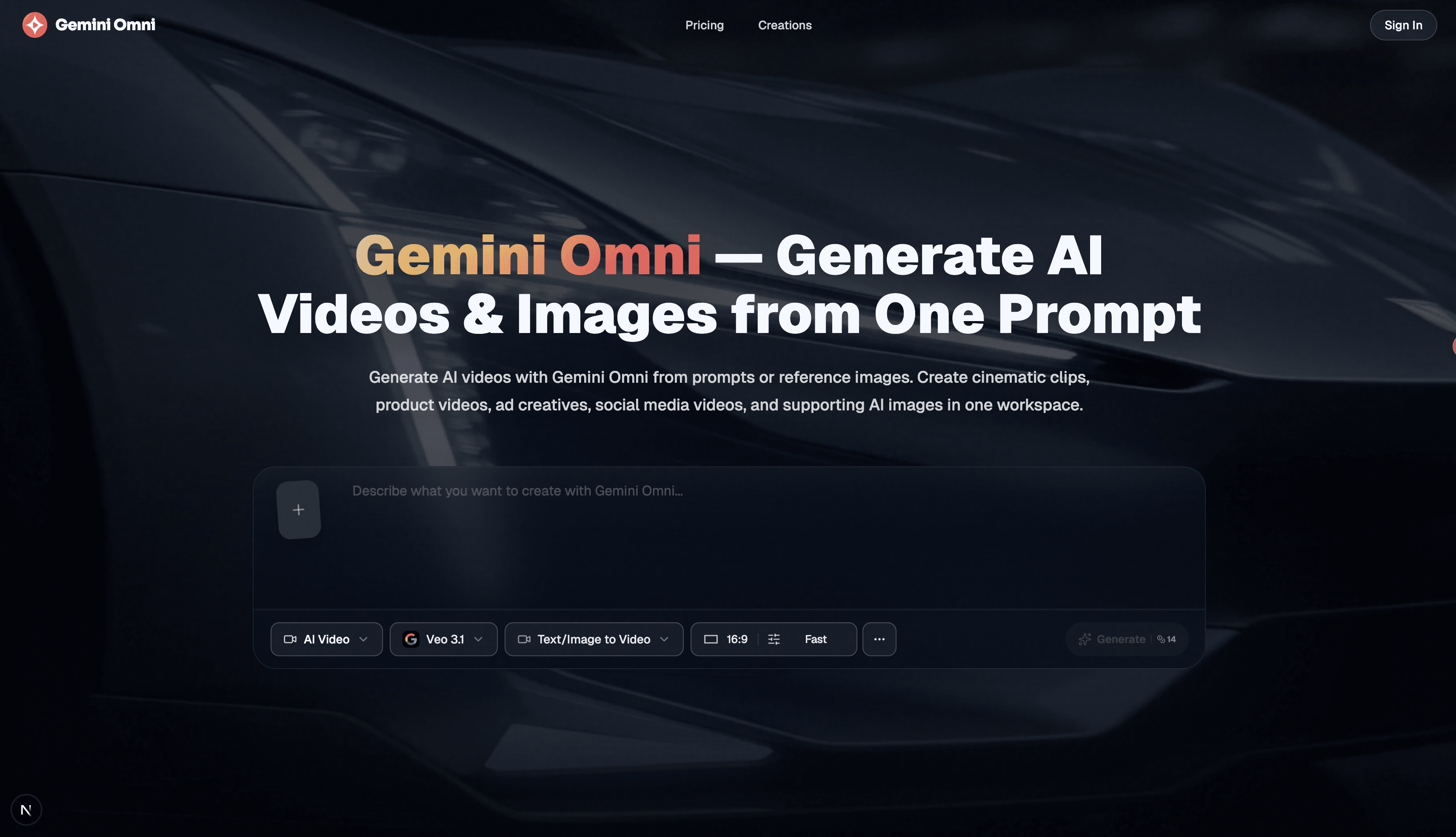
Free AI image, video & music generator powered by Google Gemini AI

Enhance video quality online: denoise, sharpen, remove compression artifacts and upscale to 1080p, 2K or 4K.



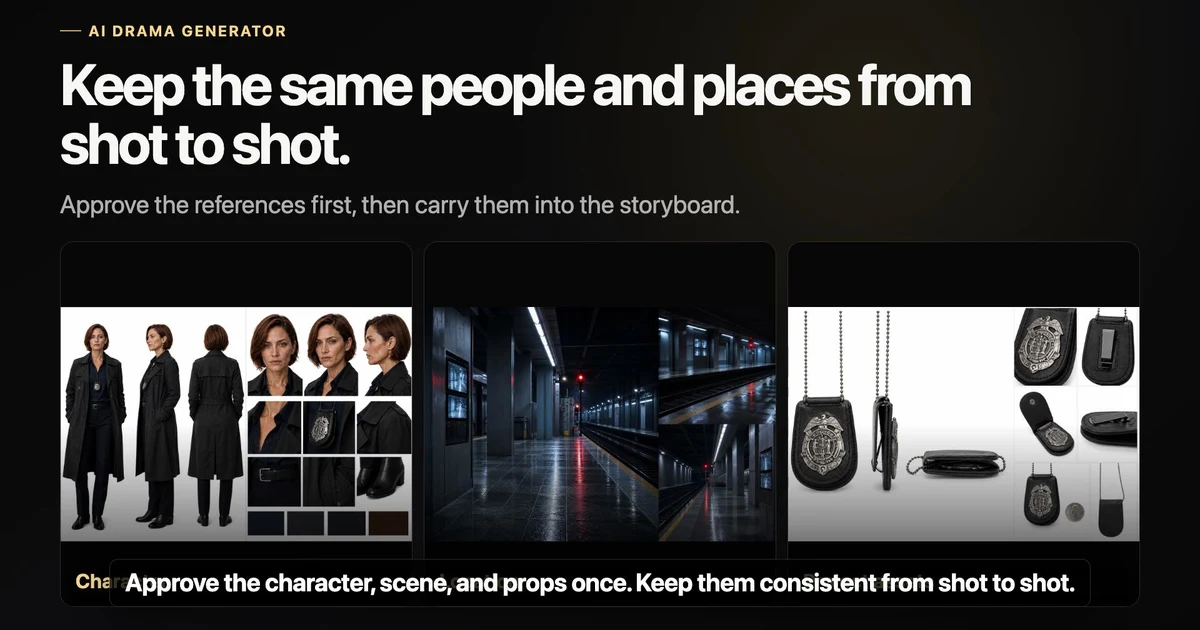

Type a topic and get a ready-to-post faceless video with AI script, voiceover, captions, and music.