
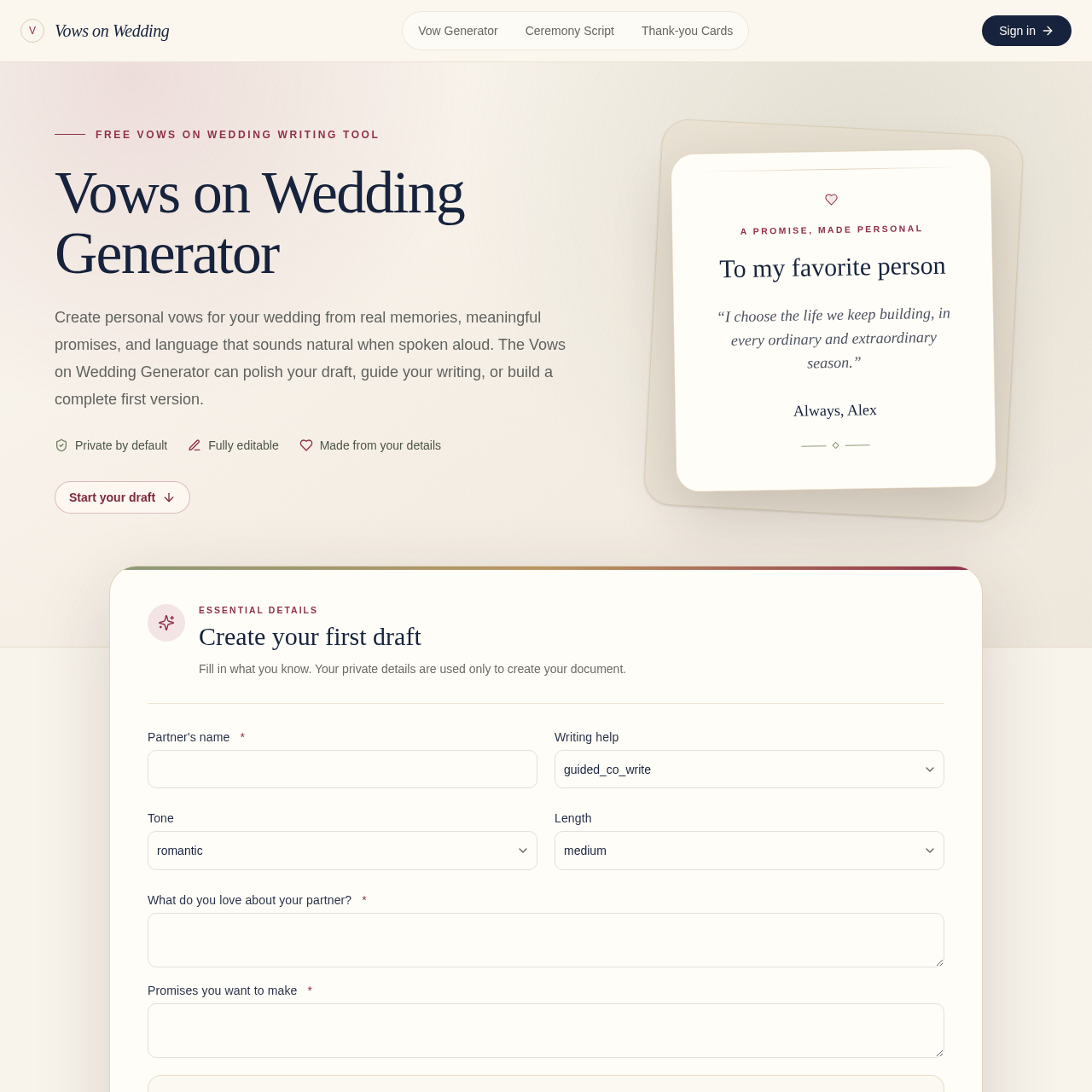
Create personal wedding vows from your story, promises, and natural speaking voice.
Evidence-Guided AI Content Detector
Check text, files, or URLs for AI-written passages, inspect the evidence behind the result, revise flagged sections, and re-check the draft.
OmniDetect is an AI content checker designed to show which passages influenced a result and how strongly they read as AI-generated. Guests can analyze the first 2,000 characters without signing up, while accounts support full-document analysis. The workflow accepts pasted text, PDF, DOCX, TXT, and URL input, then provides passage-level evidence, method details, known limits, focused rewrite suggestions, and re-checking.
A no-signup preview analyzes up to the first 2,000 characters. Account and credit options support longer documents and additional actions.
Create personal wedding vows from your story, promises, and natural speaking voice.
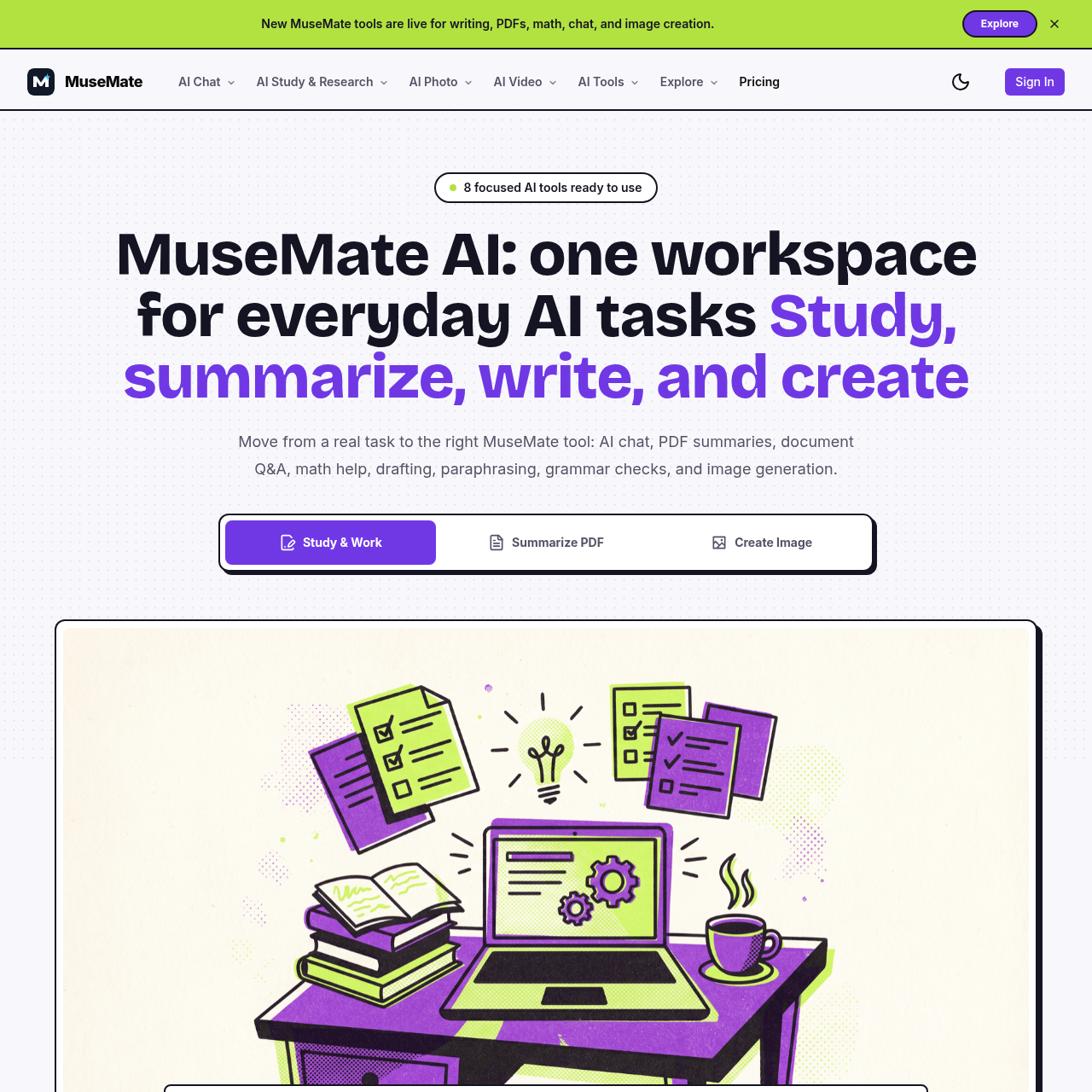
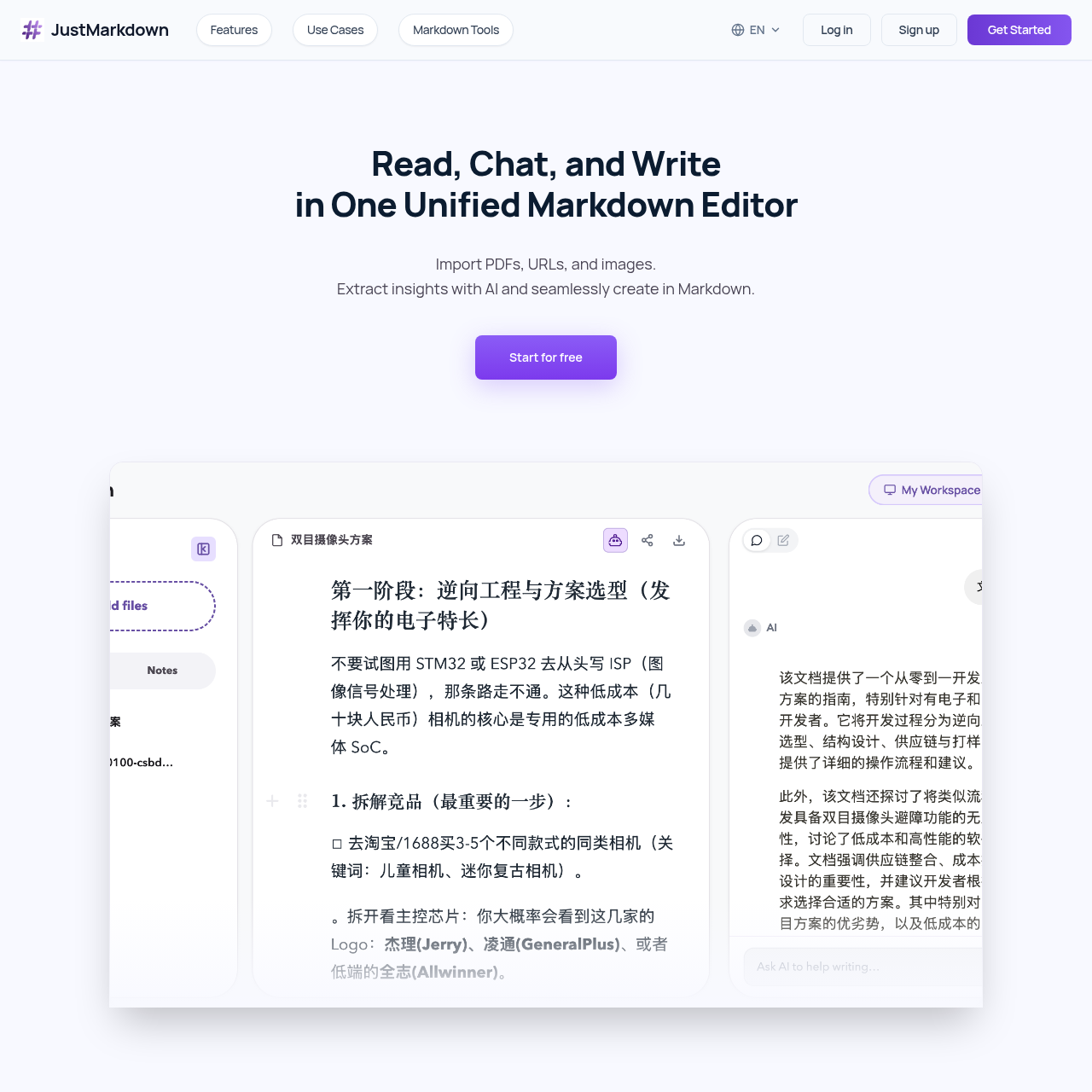
Turn complex documents into clean Markdown and keep processing them with AI in one workspace.


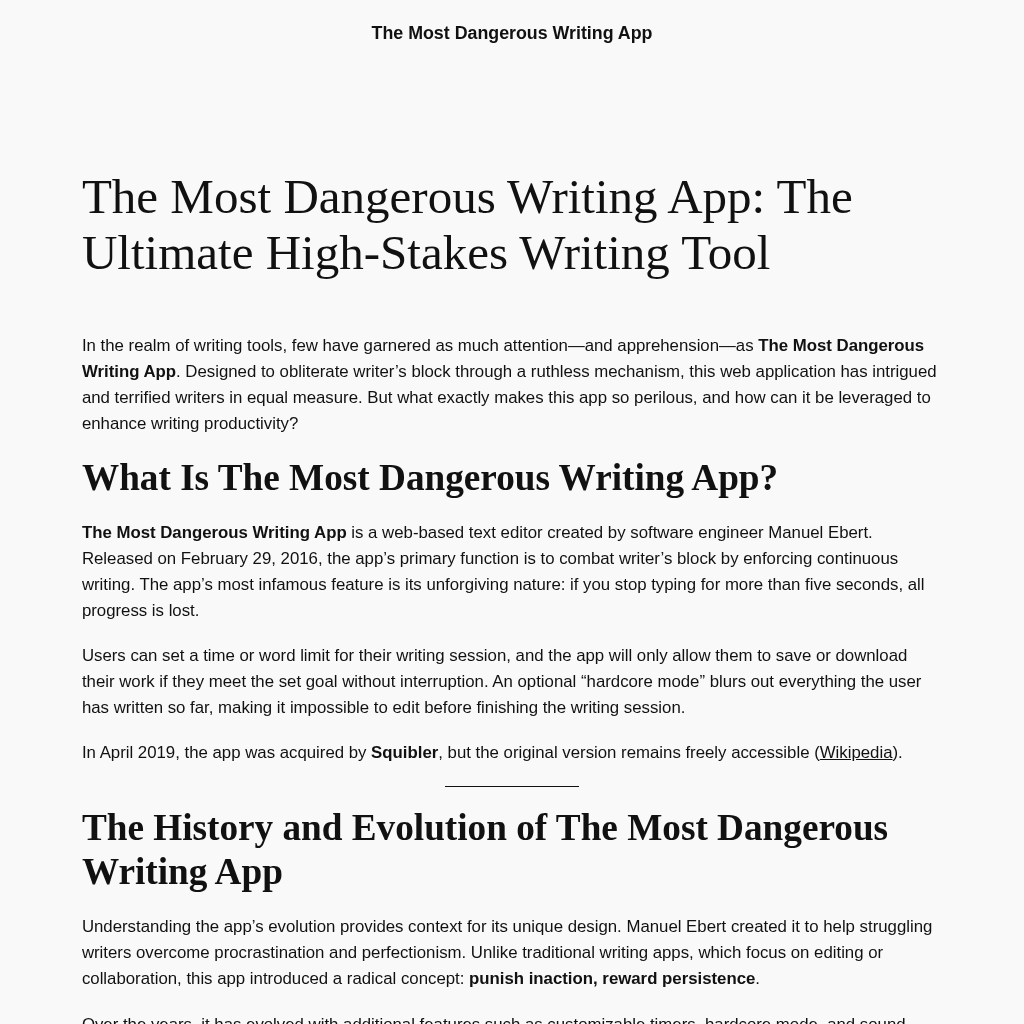
The Most Dangerous Writing App: Conquer Writer's Block Today!