Kling 5.0

Visit

AI video generator that turns text and optional reference images into short, downloadable clips.

Kling 5.0 introduction

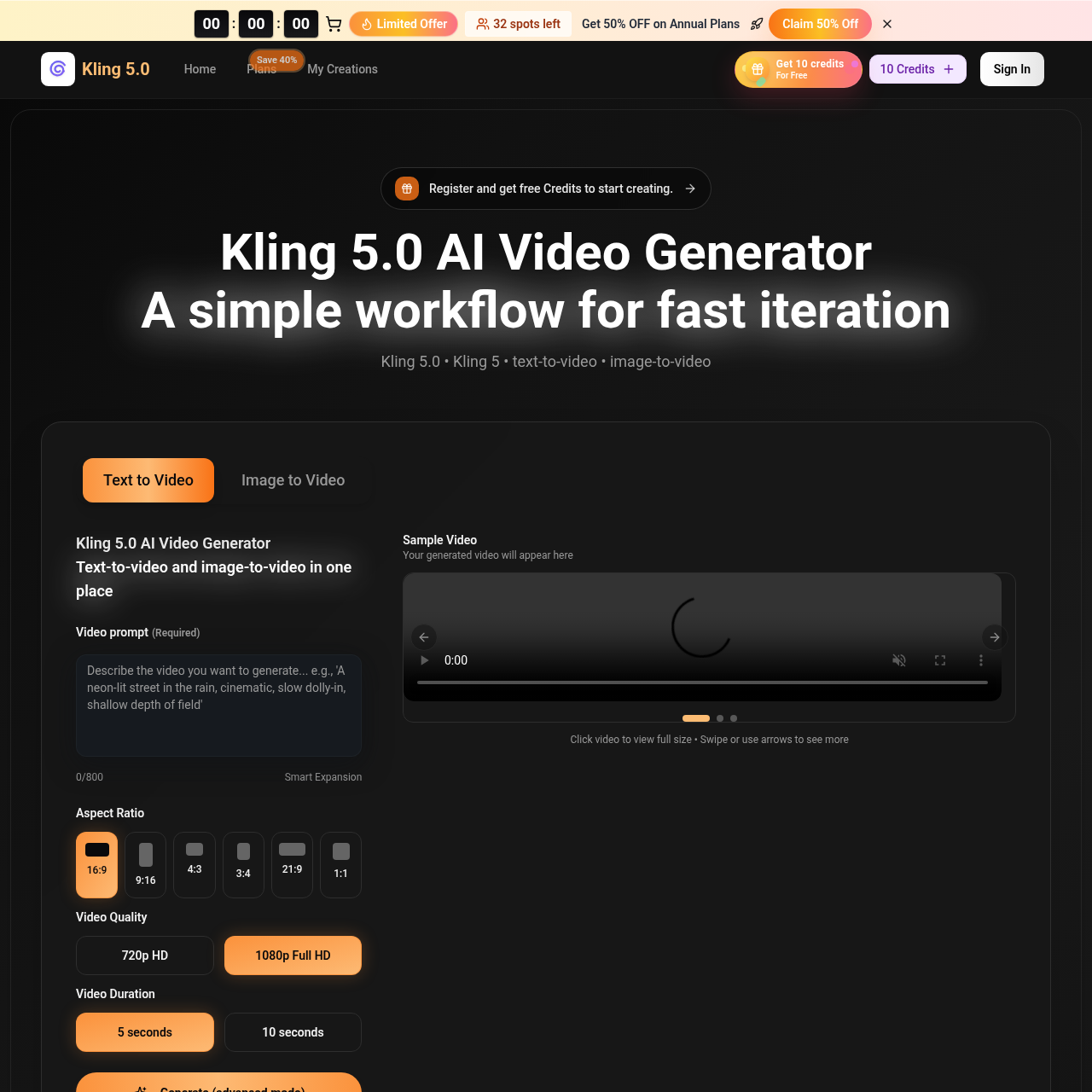
Kling 5.0 is an AI video generator for text-to-video and image-to-video creation. It allows fast iteration by adjusting prompts, generating multiple takes, and exporting clips for web and social. Start free, then scale with Kling 5.0 Pro for more generations and priority queues.
Website:
kling5.video
🎬 Videofreemium
Kling 5.0 screenshot

Kling 5.0 overview

Kling 5.0 is a web-based AI video generator that converts text prompts and optional images into short, downloadable video clips. It supports text-to-video and image-to-video in one workflow. Users can generate variations, refine the best take with small prompt edits, and export for web or social. The Kling 5 model helps maintain consistent framing and motion across takes. Teams can use prompt recipes to keep a series visually consistent. Free credits are available to start, and paid plans (Basic, Professional, Enterprise) provide higher credit limits, priority generation, and commercial-use licenses. The tool is used for ads, social videos, explainers, cinematic shots, product clips, and more.

Kling 5.0 features

  • Text-to-video generation
  • Image-to-video generation
  • Prompt-based iteration with small edits
  • Generate multiple takes and choose the best
  • Export downloadable clips for web and social
  • Prompt recipes for consistent series look
  • Style and camera direction control (angle, motion, lighting, mood, pacing)
  • Support for marketing, explainer, cinematic, and product looks
  • Commercial-use license on paid plans
  • Priority queues on Pro and Enterprise plans
  • No watermark on paid outputs
  • Mobile browser access

Questions about Kling 5.0

Kling 5.0 pros

  • Fast iteration by adjusting a single line of prompt
  • Consistent framing and motion across generated takes
  • Text-to-video and image-to-video in one workflow
  • Free credits available to start
  • Commercial-use license on paid plans
  • Priority generation queues on Pro and Enterprise
  • Reusable prompt recipes for consistent series look
  • Mobile browser support

Kling 5.0 limitations

  • Exact export options depend on the plan and settings
  • Generation speed depends on settings and queue
  • Free tier credits are limited (starting with 10 credits as shown on site)

Kling 5.0 use cases

  • On-brand ad variants for campaigns
  • Creating short-form hook variations for social platforms
  • Learning and explainer videos
  • Cinematic look exploration and mood tests
  • Product clips and demonstrations
  • Real estate listing videos with movement
  • Series content with consistent visual style
  • Quick brand bumpers and title cards
  • A/B testing multiple creative angles
  • Weekly creative refreshes for marketing
  • Training videos and scene-by-scene visuals
  • Story scenes and creative storytelling

Who Kling 5.0 is for

  • Solo creators
  • Marketing teams
  • Producers and creative professionals
  • Course creators and educators
  • E-commerce founders
  • Real estate content creators
  • Short-form video creators
  • Brand managers
  • Agencies and client work teams
  • Small business owners

Kling 5.0 pricing

Kling 5.0 offers free credits to start. Paid yearly plans are listed as Basic $17.9/month, Professional $29.9/month, and Enterprise $59.9/month (prices shown with a limited-time discount). Monthly and one-time options are also mentioned. Paid plans include commercial-use license, unlimited downloads, and priority queues on higher tiers.

Alternatives to Kling 5.0

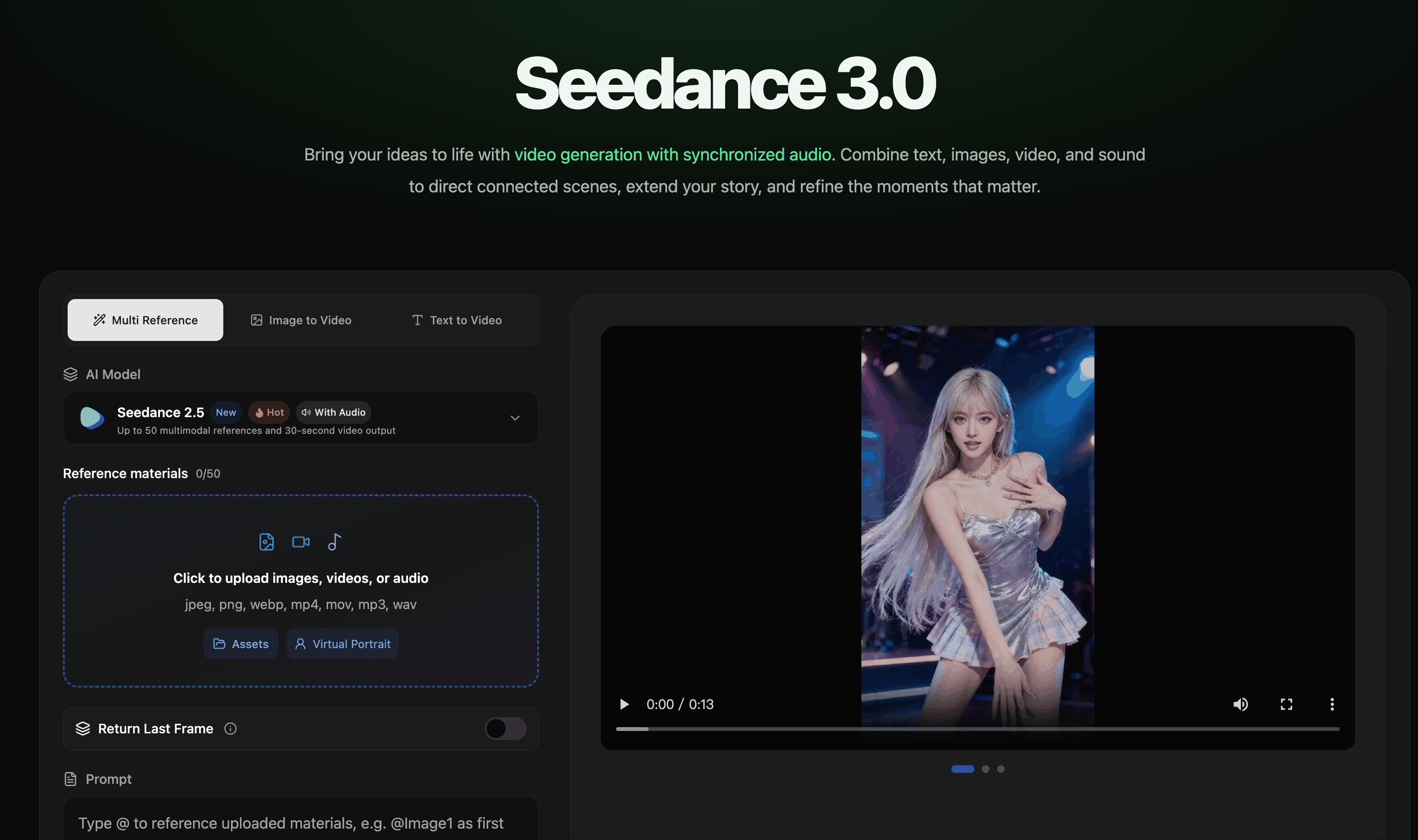
AI video creation with synchronized audio from text, image, video, and audio references.

AI video creation with synchronized audio from text, image, video, and audio references.

Type a topic and get a ready-to-post faceless video with AI script, voiceover, captions, and music.

Type a topic and get a ready-to-post faceless video with AI script, voiceover, captions, and music.