InputTranslator
VisitDesktop typing translator for any input field
InputTranslator introduction
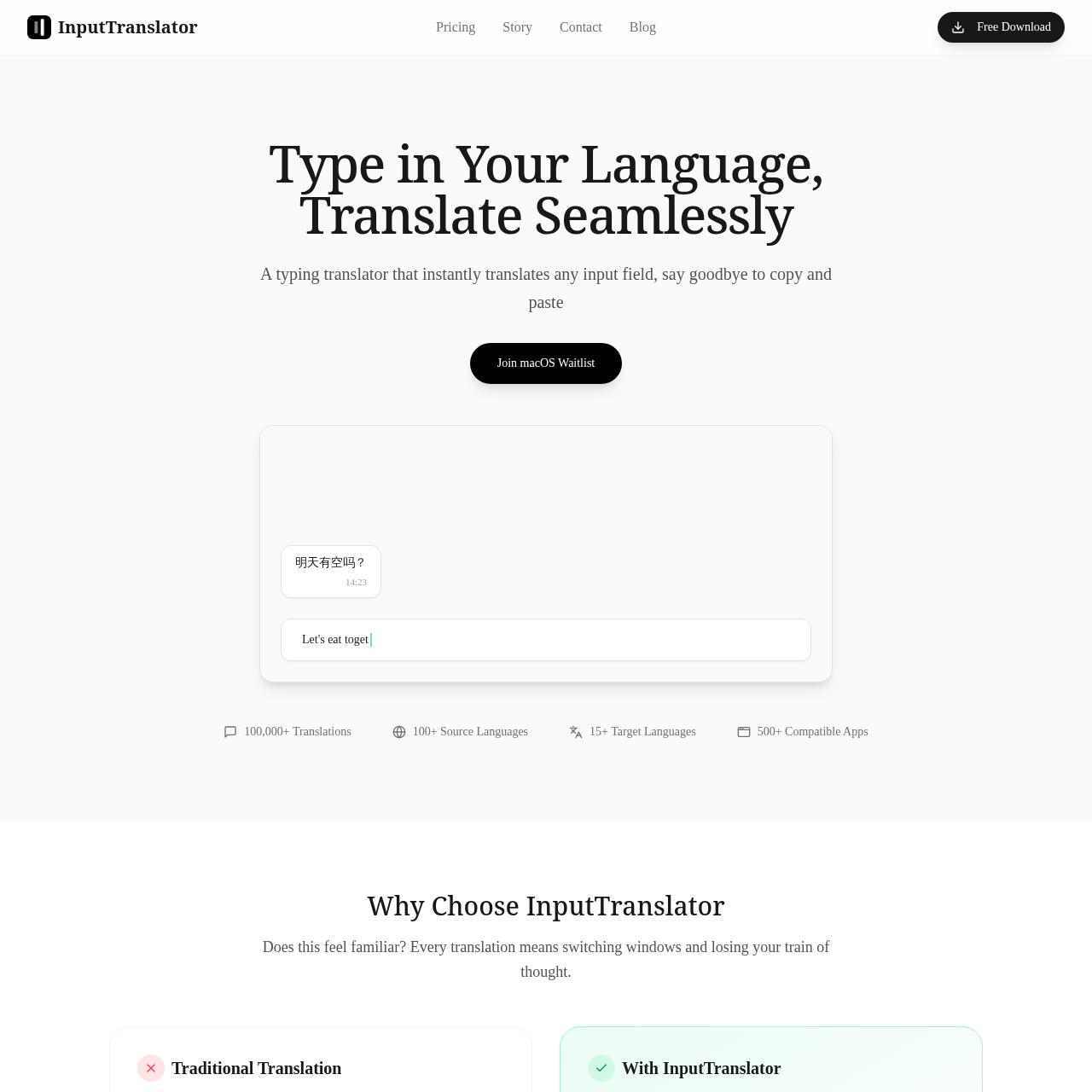
Desktop typing translator for any app. Press hotkey to translate in-place — no copy-paste. AI-powered with scene modes for chat, business, e-commerce, gaming. Windows.
- Website:
- inputtranslator.com
InputTranslator overview
Desktop typing translator for any app. Press hotkey to translate in-place — no copy-paste. AI-powered with scene modes for chat, business, e-commerce, gaming. Windows.
InputTranslator features
- Desktop typing translator for any app
- Translate in-place via hotkey
- No copy-paste required
- AI-powered translation
- Scene modes for chat
- Scene modes for business
- Scene modes for e-commerce
- Scene modes for gaming
- Windows support
Questions about InputTranslator
InputTranslator pros
- Translate without copy-paste
- Works in any app
- Hotkey for quick translation
- AI-powered translations
- Scene modes for specific contexts
- Windows desktop support
InputTranslator use cases
- Translate text in chat applications
- Translate business communications
- Translate content for e-commerce
- Translate in-game chat
- Translate any input field without copy-paste
Who InputTranslator is for
- Windows users
- Multilingual typists
- Chat users
- Business professionals
- E-commerce users
- Gamers
Alternatives to InputTranslator

ScriptGecko
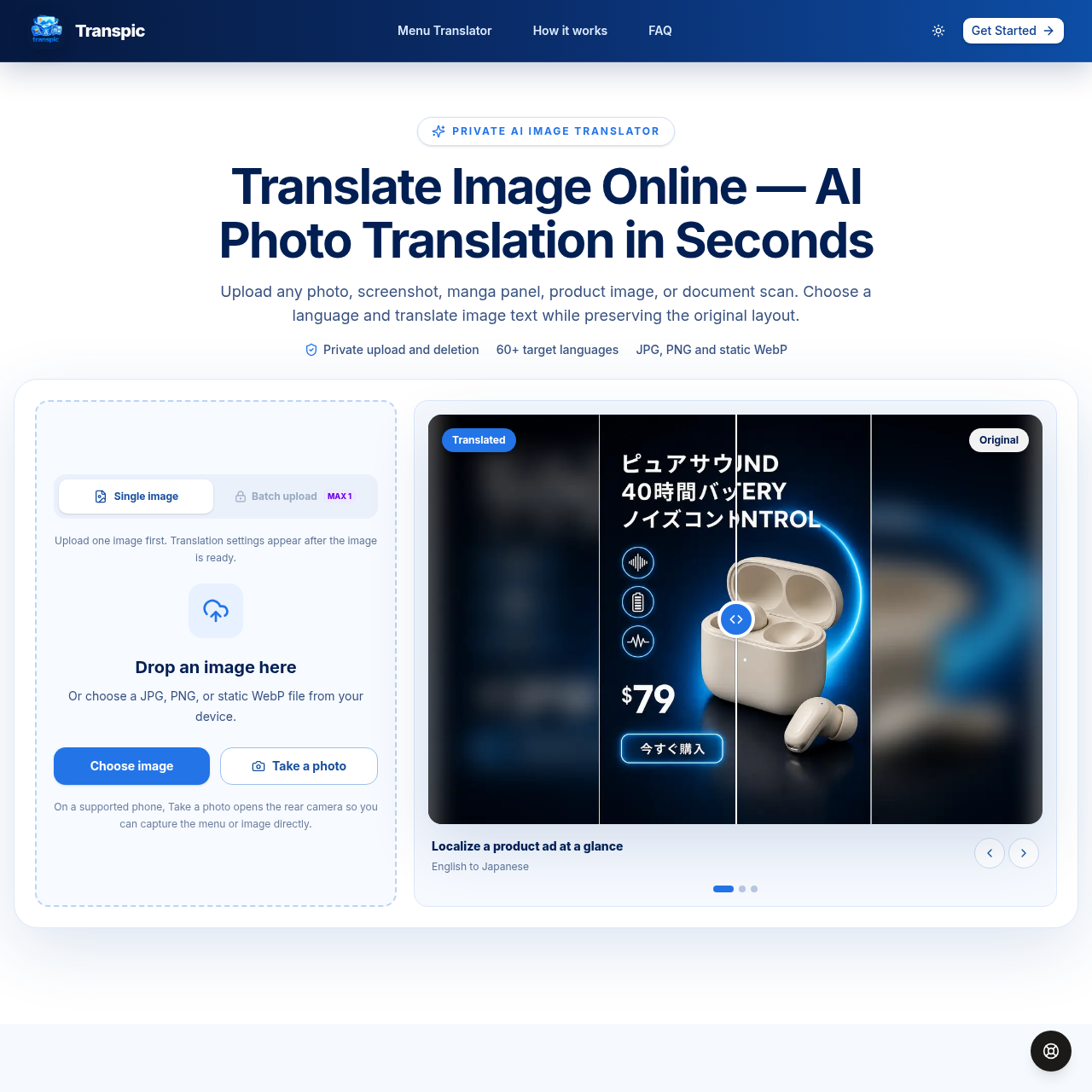
Translate image text online with AI while preserving the original layout.
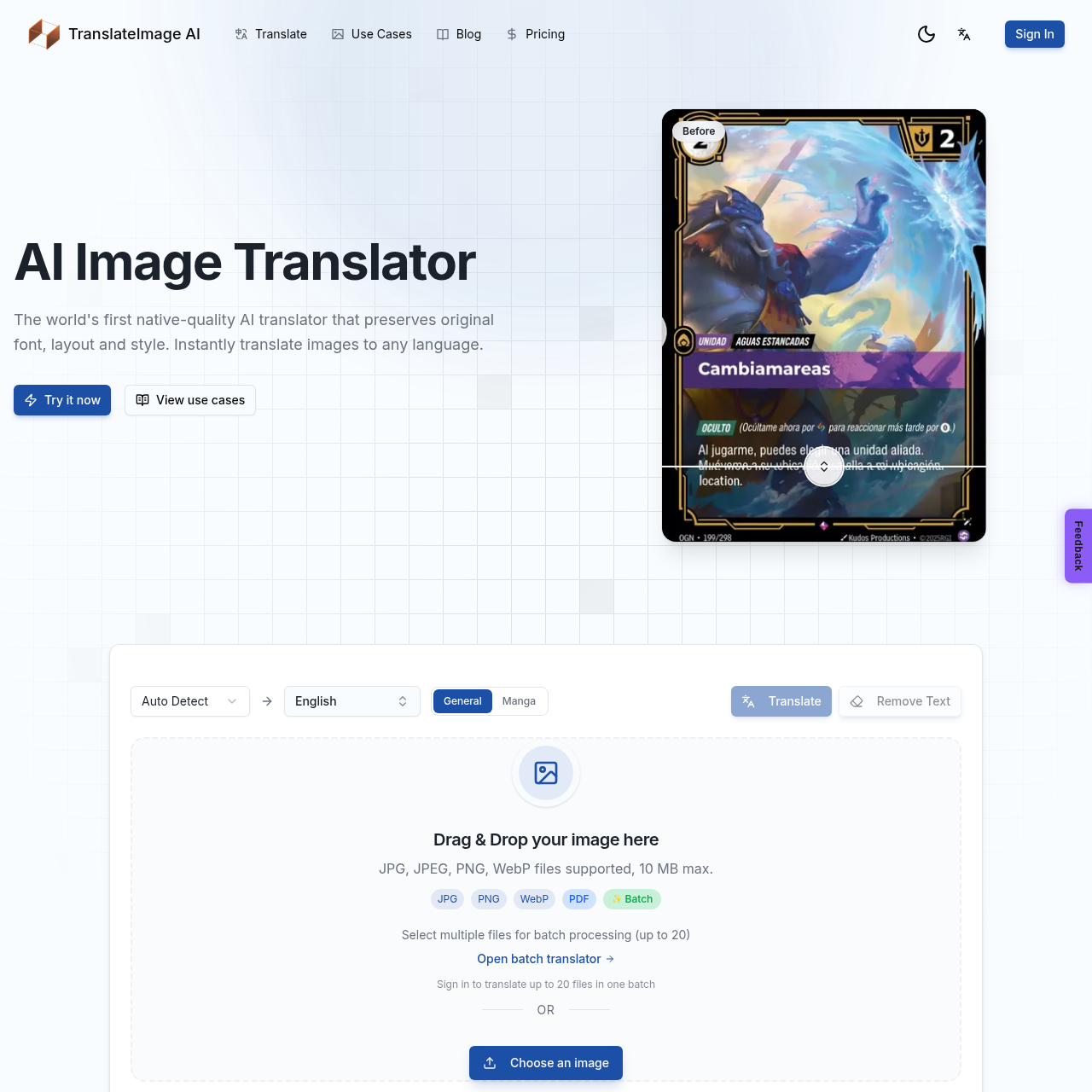
AI-powered image translation preserving original font, layout, and style

Turn Spotify and Apple Podcasts episodes or YouTube videos into searchable, timestamped transcripts with speaker labels. Get AI summaries, takeaways, quotes, mind maps and chat.
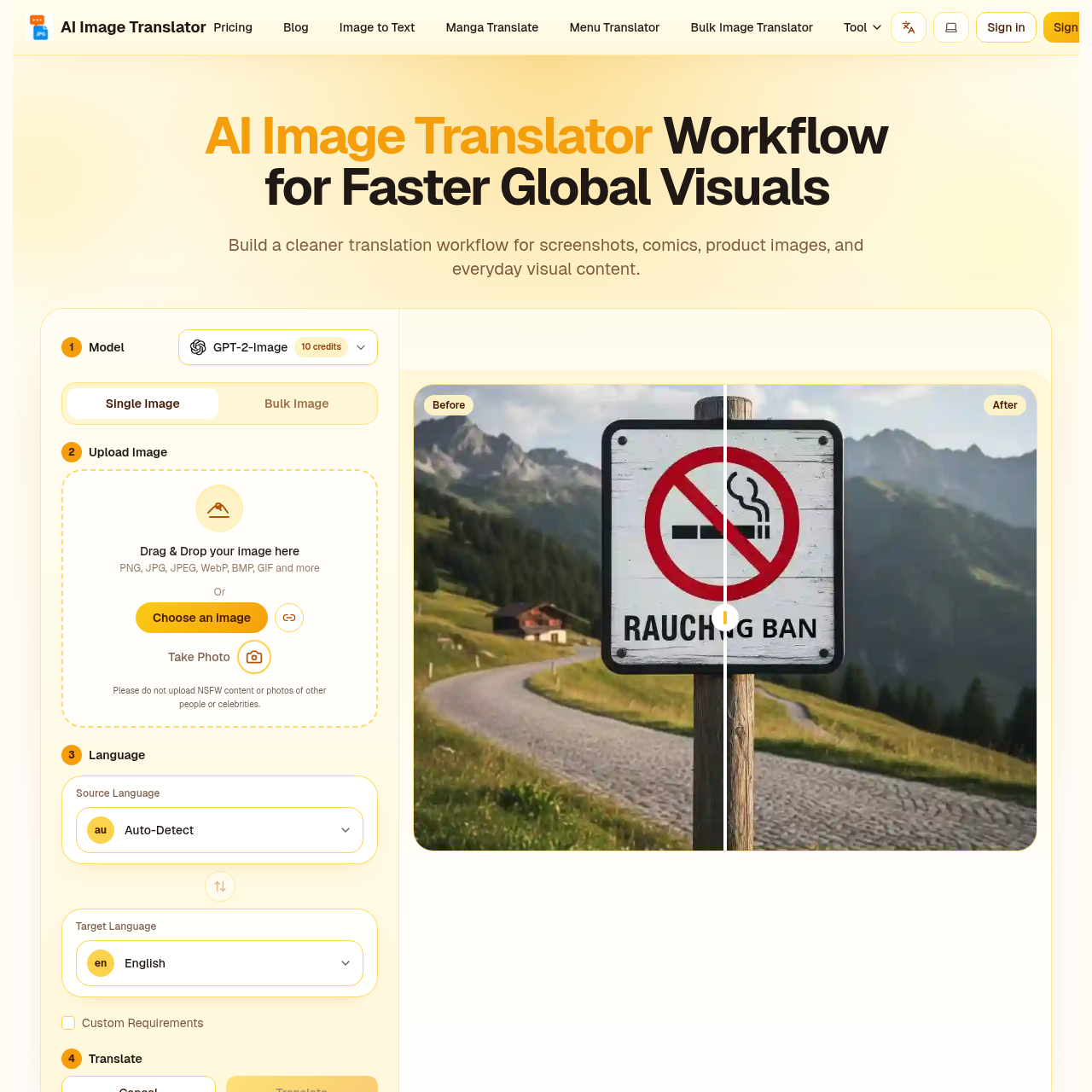
AI image translator that keeps your layout perfectly intact.

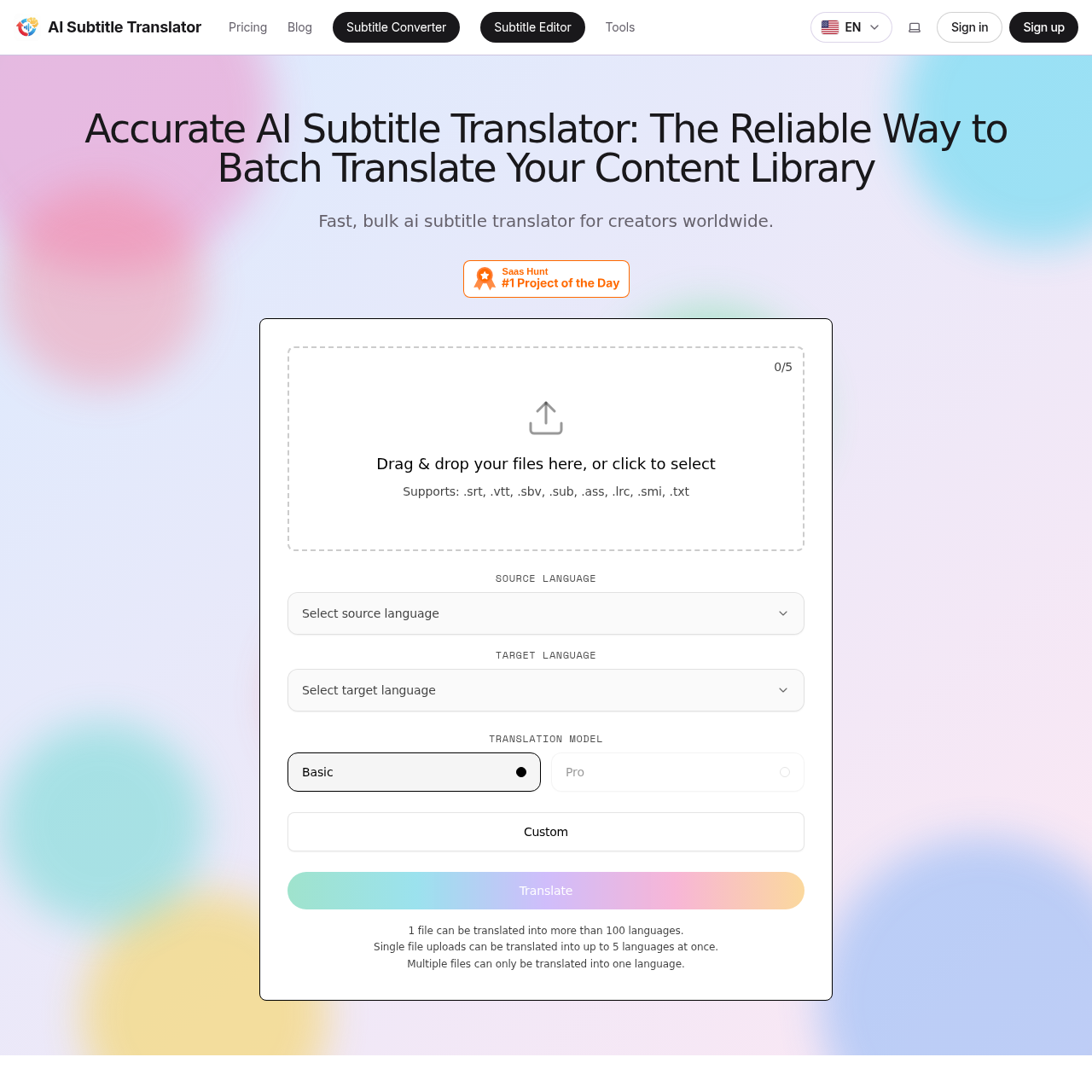
Fast, accurate AI subtitle translation for SRT, VTT, SBV, SUB, ASS, LRC, SMI files
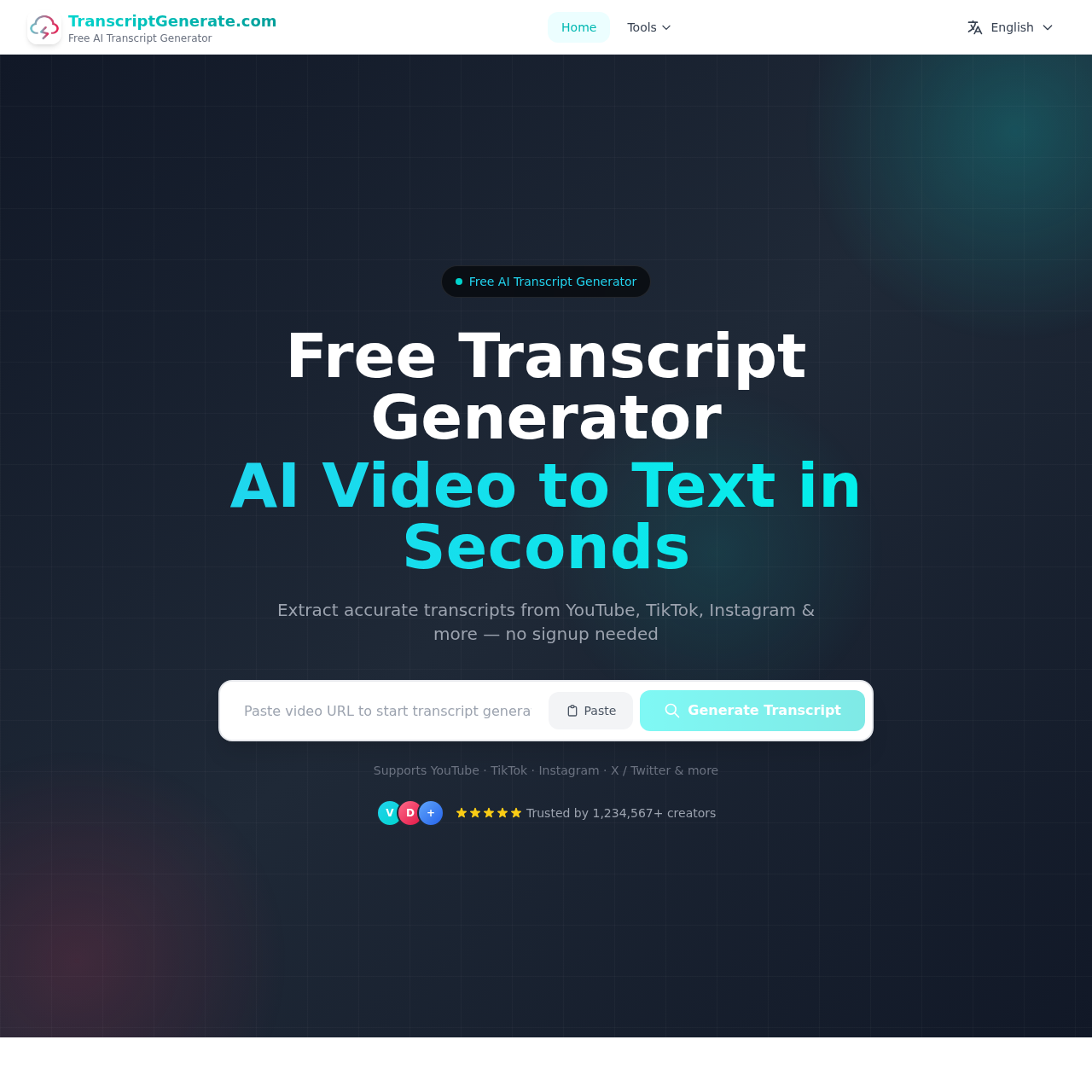
Free online video transcript extractor for multiple platforms