Images to Video AI

Visit

Free online image-to-video AI generator with prompt control, 4K output, and no watermark.

Images to Video AI introduction

Turn any image into a video with AI: upload a JPG, PNG, or WebP, describe the motion with a prompt, and generate watermark-free MP4 up to 4K using signup credits.

Website:
imgvid.net
🎬 Videofreemium
Images to Video AI screenshot

Images to Video AI overview

Images to Video AI is an online image-to-video generator that turns still photos into short videos. Users upload an image, type a text prompt describing motion, camera, or mood, and receive a downloadable MP4 in minutes. It supports one or multiple images, start and end frames, and social-friendly formats up to 4K without watermark. Generation requires Google sign-in and uses credits, with free signup credits for eligible Gmail or googlemail accounts.

Images to Video AI features

  • Prompt-driven motion control
  • Upload JPG, PNG, or WebP up to 20MB and 6000×6000px
  • Single image, multiple images, or start & end frame generation
  • Up to 4K, watermark-free MP4 export
  • Vertical or widescreen social exports for TikTok, Reels, Shorts, and YouTube
  • Free signup credits for eligible Gmail or googlemail accounts
  • Browser-based, no software to install
  • Adapts to portraits, products, landscapes, anime, and old photos
  • Various creative modes including talking pet, VHS effect, sketch to video, and AI hugging video
  • Private, encrypted uploads with automatic removal when no longer needed

Questions about Images to Video AI

Images to Video AI pros

  • Free signup credits for eligible Gmail or googlemail accounts with no card required
  • Up to 4K, watermark-free exports
  • Prompt steering for camera, speed, and mood
  • Runs entirely in the browser with no install
  • Supports single photos, multiple images, and start/end frames
  • Exports vertical or widescreen for TikTok, Reels, Shorts, and YouTube
  • Handles varied subjects from portraits and products to landscapes, anime, and old photos
  • Uploads are processed over an encrypted connection and removed when no longer needed

Images to Video AI limitations

  • Requires Google sign-in with an eligible Gmail or googlemail account
  • Credit-based: final clips use credits, and paid credit packs or subscriptions are used to extend generation
  • Upload size limited to 20MB and 6000×6000px, with JPG, PNG, or WebP formats only
  • Generation time can depend on model, length, resolution, and queue

Images to Video AI use cases

  • Social clips for TikTok and Reels
  • UGC-style product ads
  • Reviving old family photos
  • Animating anime and illustrations
  • Music and performance clips
  • Talking avatars
  • Family moments and funny clips
  • 3D animation scenes
  • Sci-fi, action, and drama scenes
  • Surreal and cinematic worlds
  • Product marketing clips
  • Creative short films

Who Images to Video AI is for

  • Content creators
  • E-commerce sellers
  • Motion designers
  • Hobbyists
  • Digital artists
  • Marketing leads
  • Indie filmmakers
  • Students
  • Social media managers
  • Small business owners

Images to Video AI pricing

Eligible Gmail or googlemail accounts start with signup credits, and no payment card is needed to begin. Final clips use credits, and paid credit packs or subscriptions can extend generation when you need more clips.

Alternatives to Images to Video AI

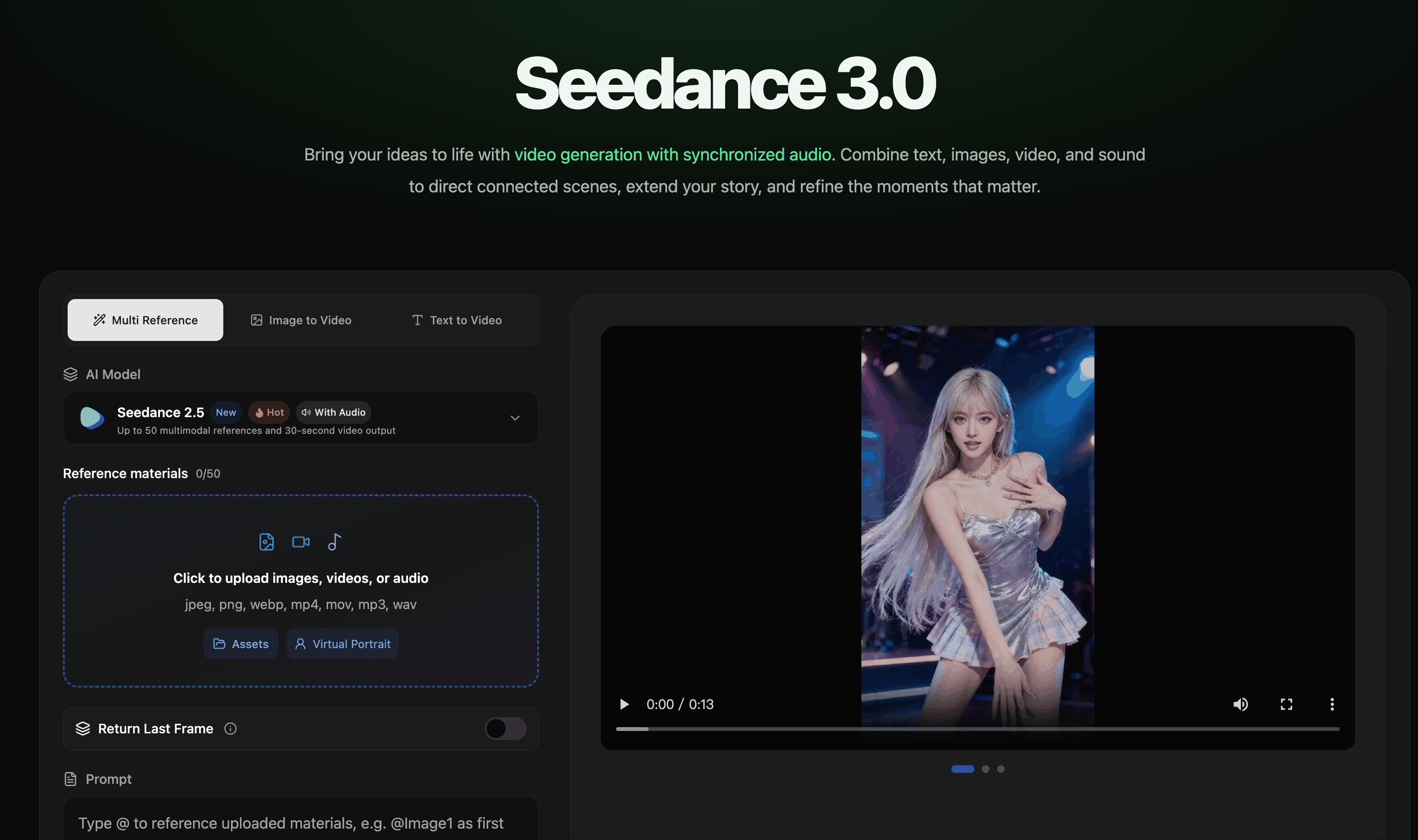
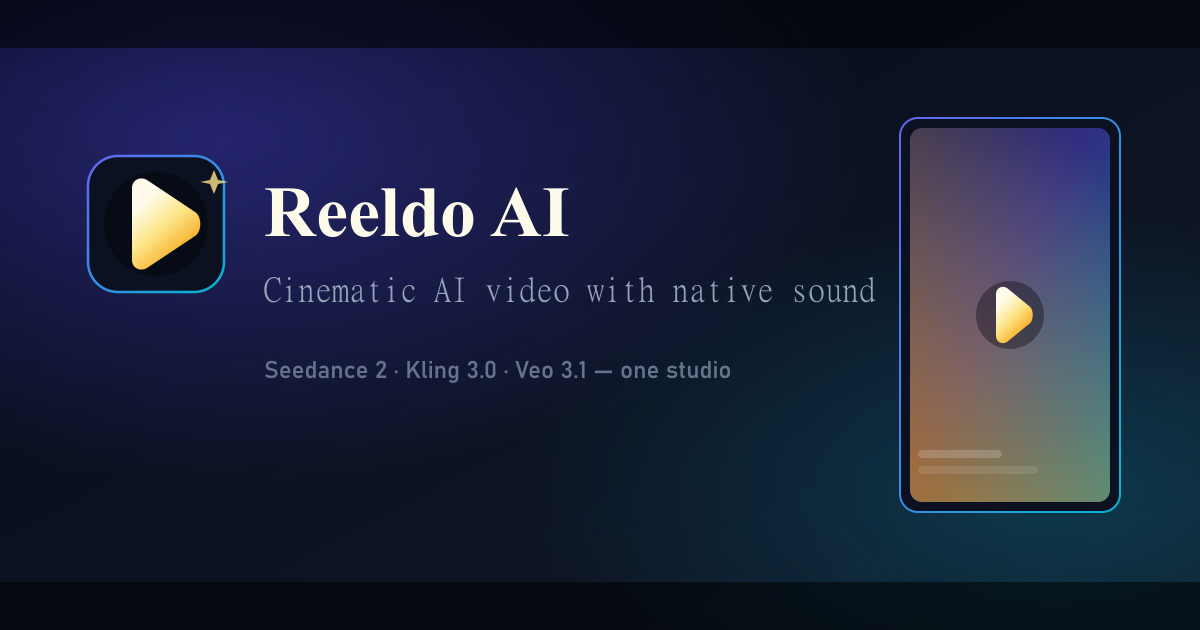
AI video creation with synchronized audio from text, image, video, and audio references.

AI video creation with synchronized audio from text, image, video, and audio references.

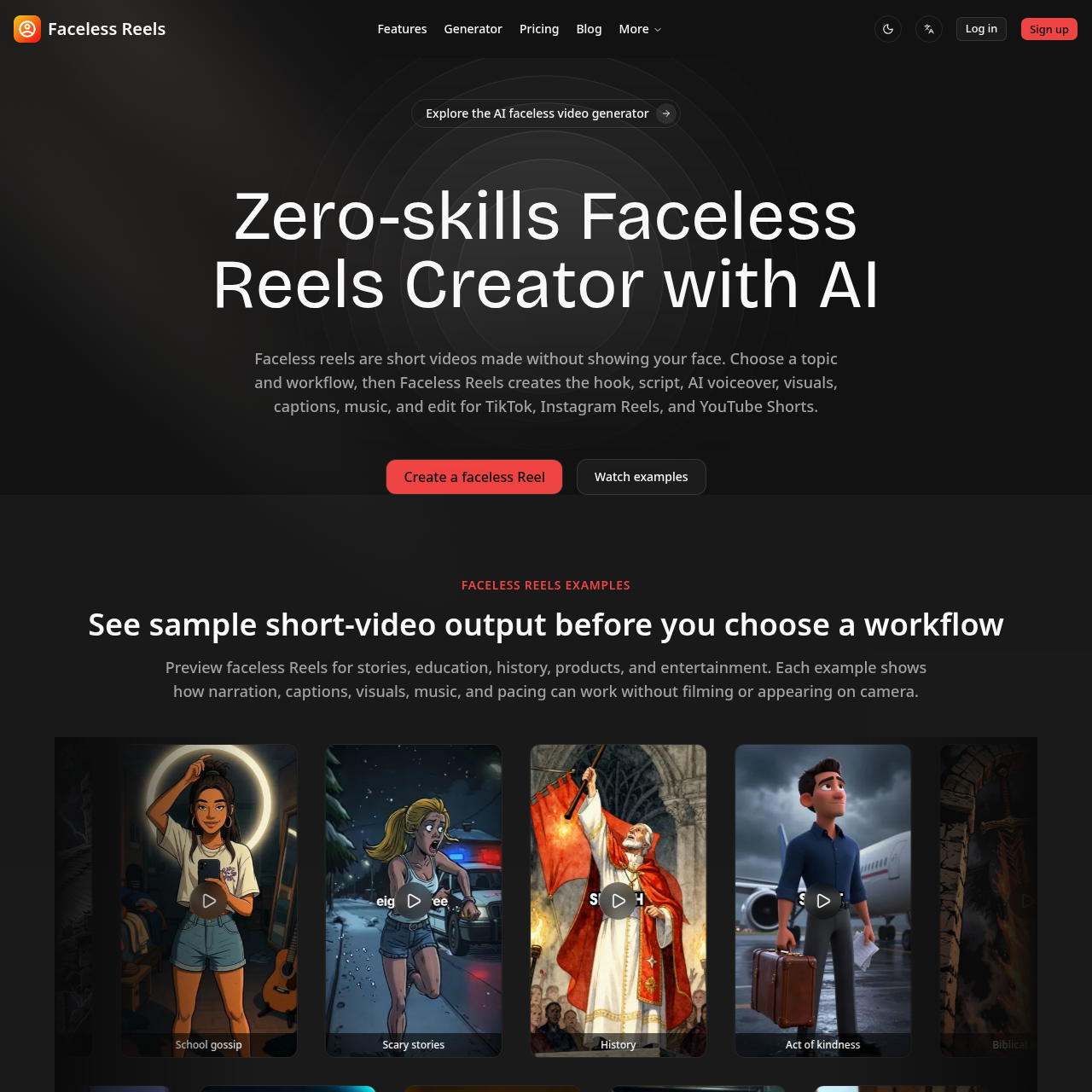
Type a topic and get a ready-to-post faceless video with AI script, voiceover, captions, and music.

Type a topic and get a ready-to-post faceless video with AI script, voiceover, captions, and music.