
Mumble AI
VisitVoice Notes, Meetings & Dictation on Mac
Mumble AI introduction
Mumble builds voice AI for Mac with two products: Mumble Dictation, private on-device dictation that works in any app, and Mumble AI, meeting notes that write themselves. Free to try.
- Website:
- heymumble.com
Mumble AI overview
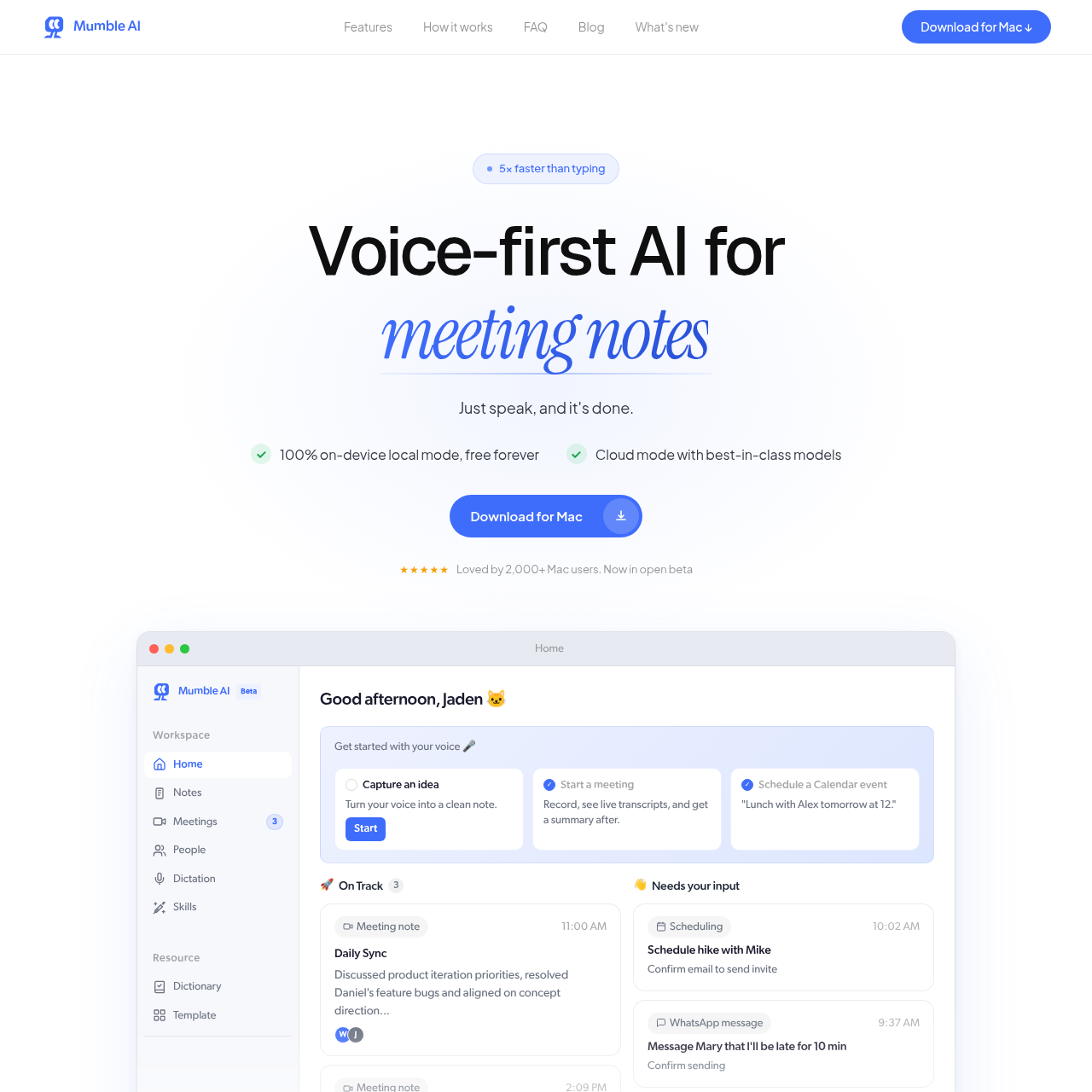
Mumble Dictation lets you speak naturally and the finished sentence lands wherever your cursor is, on device, in any app, even offline. Mumble AI captures notes, decisions, and next steps, ready when the call ends, and works with every meeting app; no bot joins your calls. The Mumble AI note is on iPhone today, with meeting coming soon and Mac app coming soon according to the source.
Mumble AI features
- Mumble Dictation: speak naturally and finished text lands at your cursor
- On-device processing; nothing leaves your Mac
- Works in every app on your Mac
- Works offline
- Hold fn key to activate dictation pill; customizable key
- Double-tap fn for long-form dictation
- Cleanup removes filler and adds punctuation
- Bullets converts a ramble into a list
- Translate outputs in your desired language
- Custom prompt for your own rules
- Reorder once, the pill follows live
- Mumble AI: meeting notes, decisions, and next steps with no bot in the call
Questions about Mumble AI
Mumble AI pros
- Private on-device dictation; nothing leaves your Mac
- No account or cloud required
- Works in every app on Mac, even offline
- Dictation can clean up filler, add punctuation, create bullets, translate, and follow custom prompts
- Mumble AI meeting notes, summaries, decisions, and next steps are ready when the call ends
- Works with every meeting app and no bot joins calls
- Free to try
- Dedicated fn key activation and customizable shortcut
Mumble AI limitations
- Mac-only: source describes products for Mac; no Windows or web version mentioned
- Mumble AI Mac app is listed as coming soon; Note on iPhone today, Meeting coming soon
Mumble AI use cases
- Dictate messages in any app
- Write notes and documents by voice
- Capture long-form thoughts hands-free
- Generate bullet lists from spoken thoughts
- Translate spoken text into another language
- Clean up filler words and punctuation automatically
- Take meeting notes without typing
- Get meeting summaries, decisions, and next steps
- Use offline dictation when no internet is available
- Keep voice data private on-device
- Use with any meeting app
- Turn rambling speech into polished text
Who Mumble AI is for
- Mac users
- People who prefer speaking over typing
- Professionals with many meetings
- Writers and note-takers
- Multilingual users
- Privacy-conscious users
- Anyone who wants faster text input
- Meeting attendees
- Remote workers
- People who need meeting recaps
- Users who work offline
- Teams that want no bot in calls
Mumble AI pricing
Free to try. Additional pricing details are not provided in the source.