

Independent Ideogram 4 AI image generator for text-rich logos, posters, and ads
Make photo background white online for free
CleanWhiteBG is a browser-based tool that uses AI to remove image backgrounds and replace them with pure white. It offers free preview downloads and credit-based full-resolution processing, with batch support and privacy-focused automatic deletion.
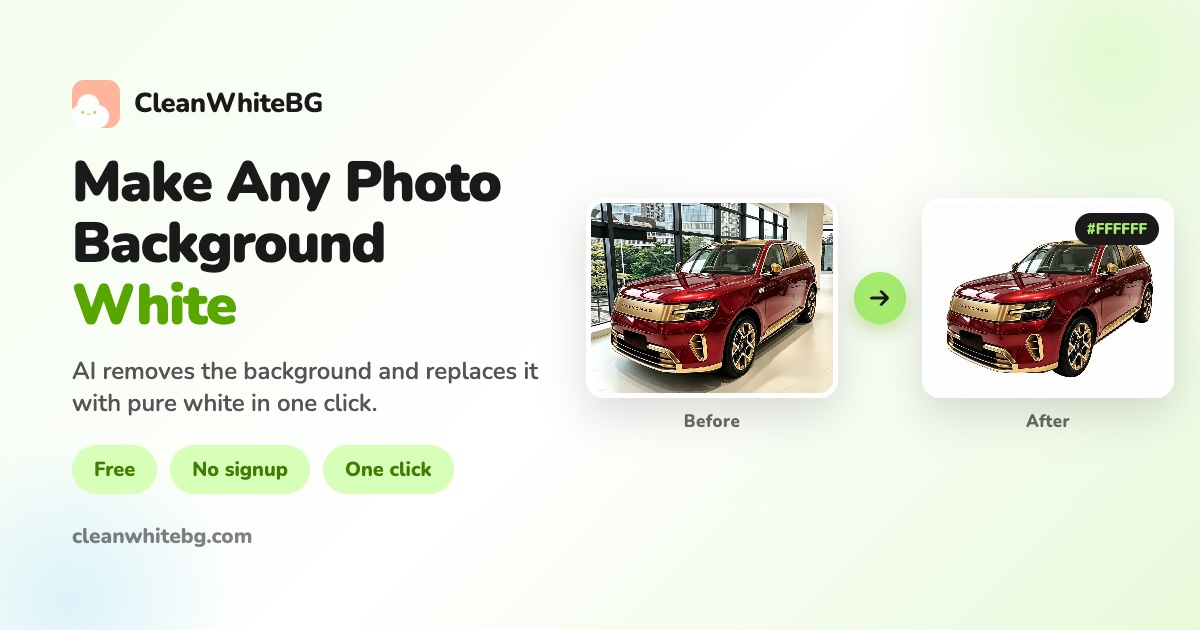
CleanWhiteBG allows users to change photo backgrounds to white in one click. It supports JPG, PNG, and WebP images up to 10MB each, with batch processing via ZIP files. The tool offers Standard mode (up to 720p) and Quality mode (up to 2K) with advanced features like watermark removal and super-resolution enhancement. Free users can process single images and download previews up to 480px, while credits unlock full-resolution downloads. Uploaded images are automatically deleted within 2 hours, and processed results are kept for up to 7 days.
Free: preview-resolution downloads (up to 480 px). Credits: 1 credit = 1 full-resolution Standard image; 3 credits = 1 Quality image (up to 2K). One-time credit packs: Starter Pack $1.9 (6 credits), Standard Pack $9 (60 credits), Bulk Pack $49 (600 credits), Value Pack $99 (1,500 credits). Credits never expire. Failed jobs are automatically refunded. No subscription required.
Independent Ideogram 4 AI image generator for text-rich logos, posters, and ads

Free AI Image Generator for product photos, posters, and illustrations

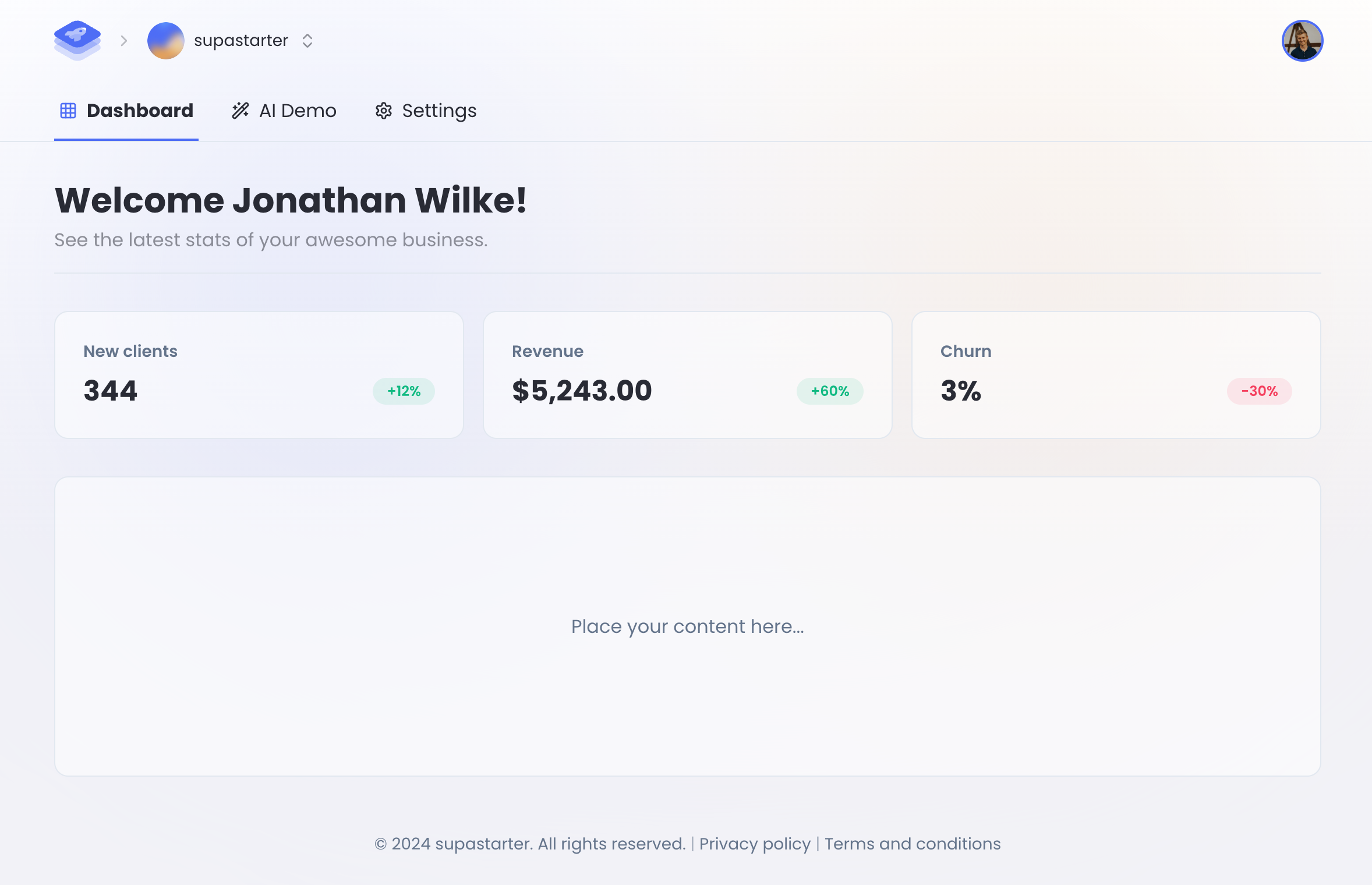
Turn any image into a detailed AI prompt in seconds.

Enhance video quality online: denoise, sharpen, remove compression artifacts and upscale to 1080p, 2K or 4K.


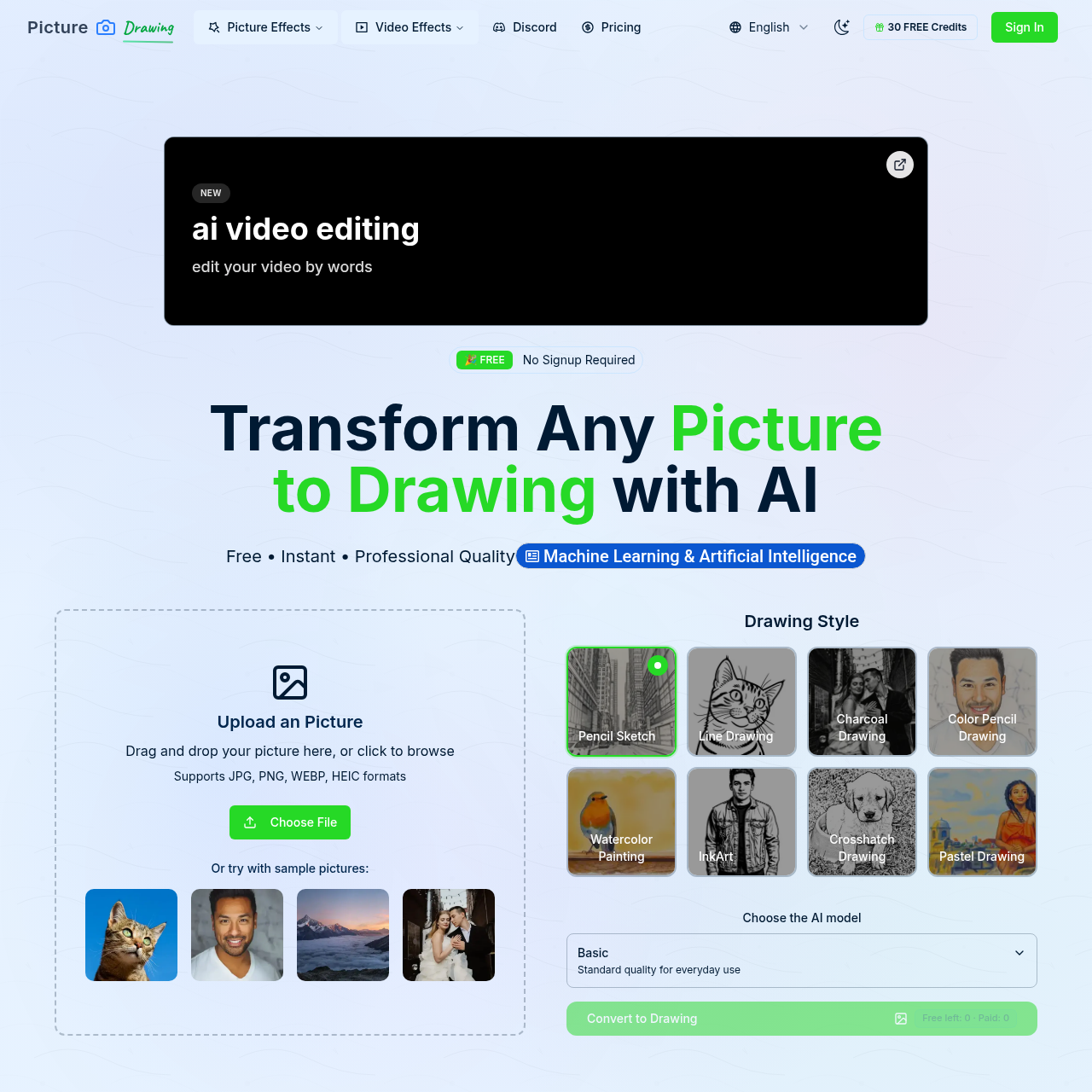
Transform any photo into beautiful artistic drawings with our free AI-powered picture to drawing converter. Instant results, multiple art styles.
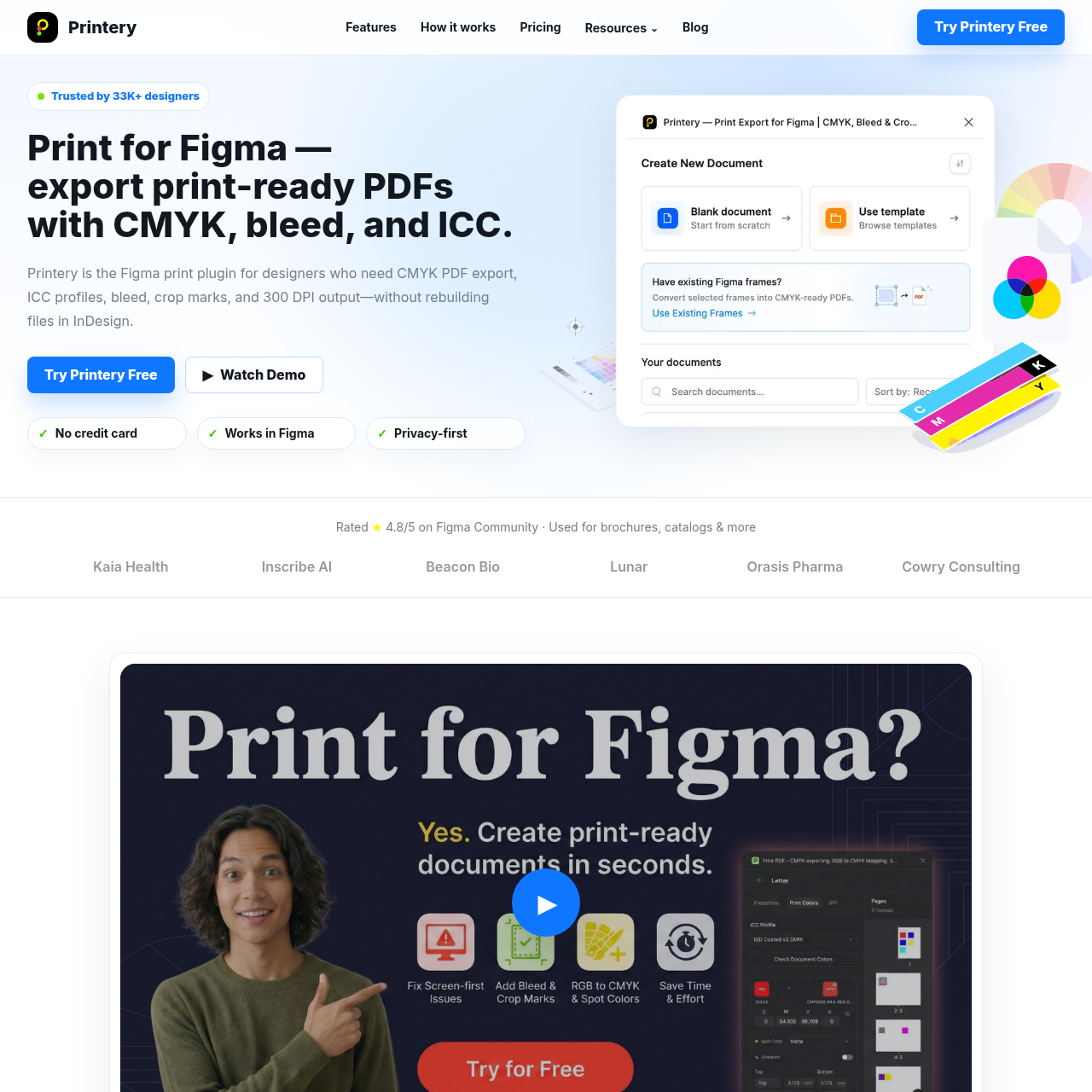

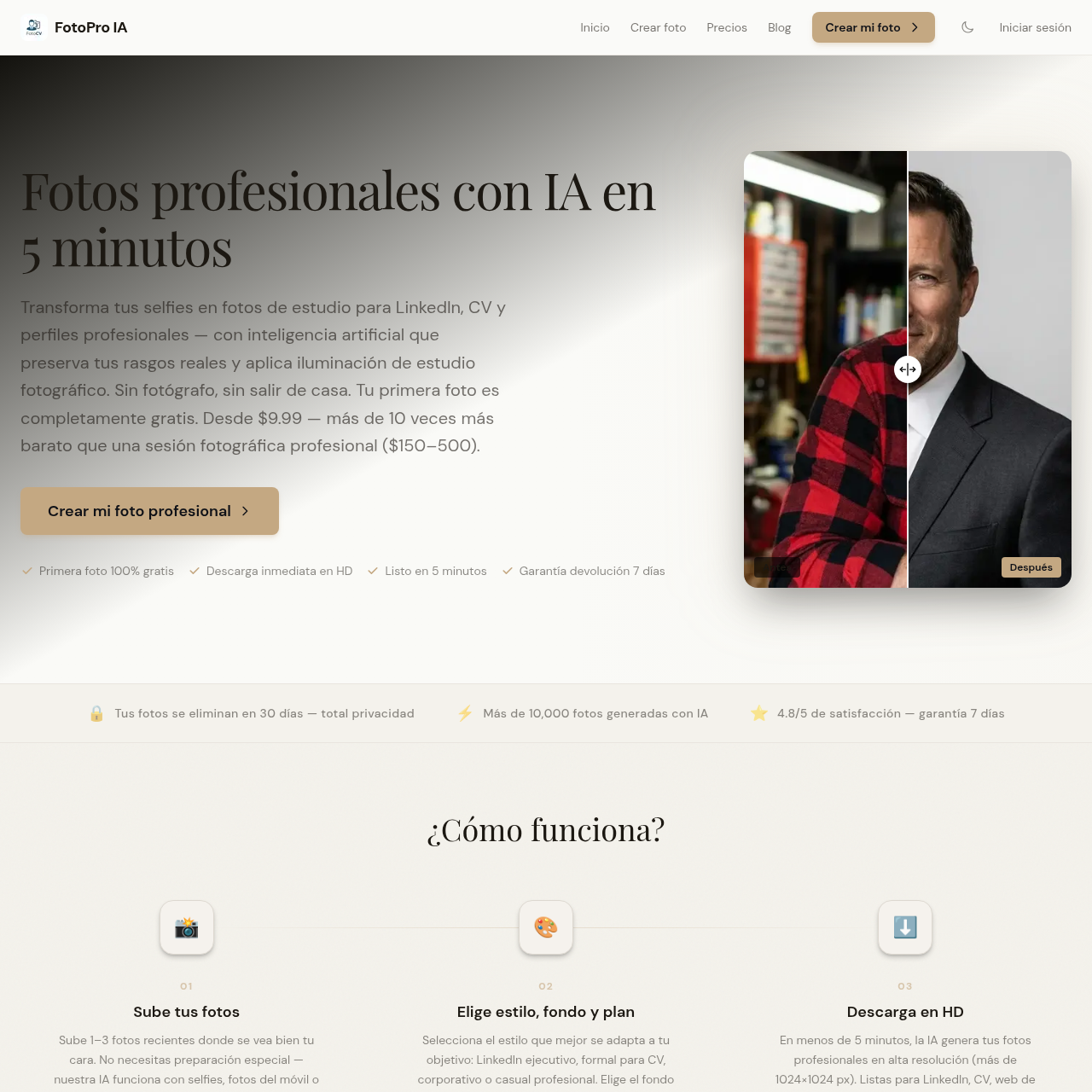
Genera fotos profesionales con IA para CV, LinkedIn y perfiles corporativos, con resultados visibles antes de pagar.