Claude for Excel
VisitThe official Anthropic Excel add-in for formulas, model analysis, error debugging, and spreadsheet workflows.
Claude for Excel introduction
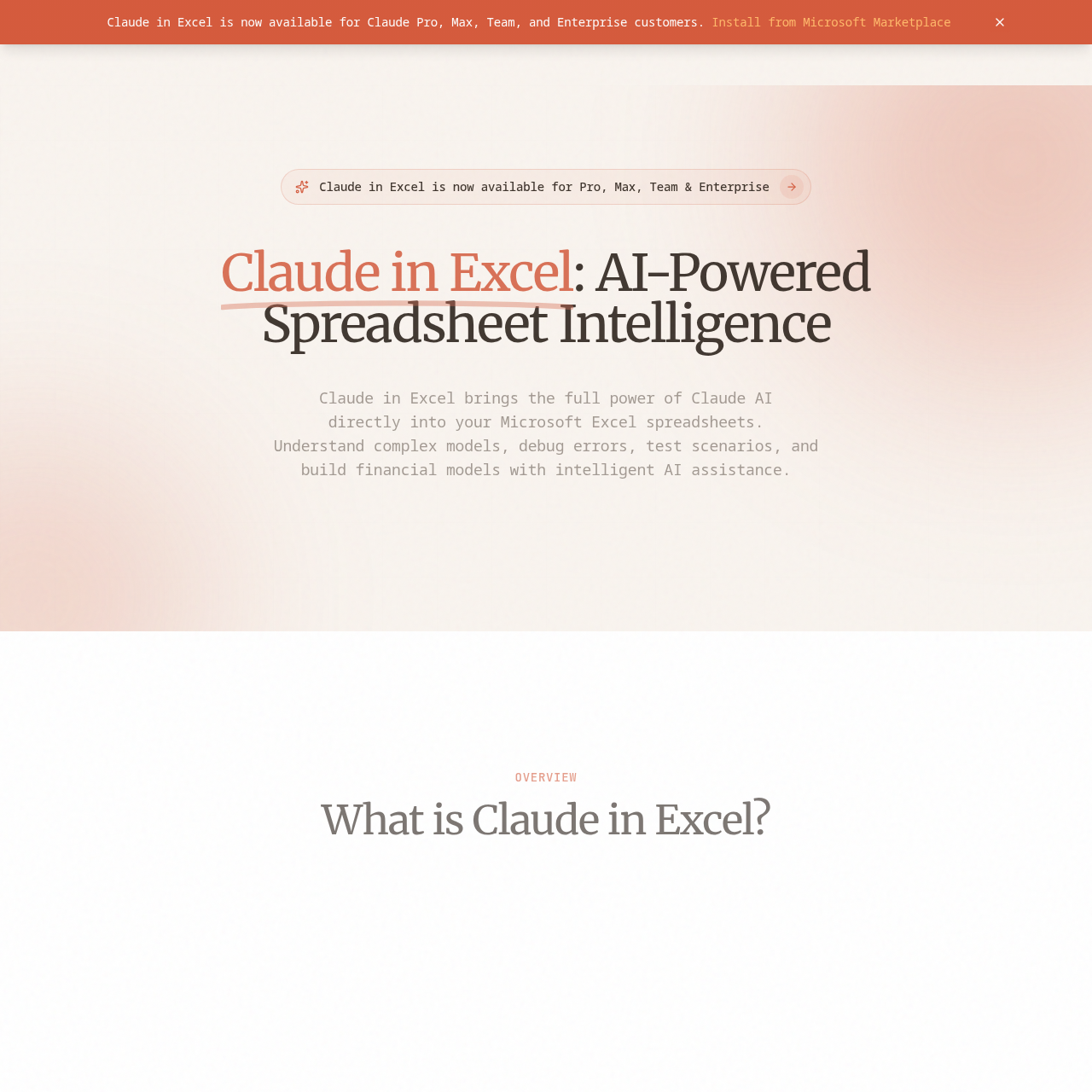
Claude for Excel is the official Anthropic Excel add-in that brings Claude AI into Microsoft Excel, enabling users to analyze workbooks, generate formulas, debug errors, and work with complex spreadsheet models.
- Website:
- claudeinexcel.com
Claude for Excel overview
Claude for Excel integrates Claude AI directly into Microsoft Excel as a side panel, providing full workbook understanding, conversational AI interactions, and enterprise-ready security. It helps with model understanding, scenario testing, error debugging, model building, formula assistance, and data analysis. The add-in is available for Claude Pro, Max, Team, and Enterprise subscribers and can be opened with a keyboard shortcut.
Claude for Excel features
- Native Excel integration with side panel and keyboard shortcut (Ctrl+Option+C on Mac, Ctrl+Alt+C on Windows)
- Full workbook understanding including nested formulas and cross-sheet dependencies
- Conversational AI interface for natural language questions and requests
- Understanding complex models with cell-level citations for verification
- Scenario testing by modifying assumptions and testing what-if scenarios
- Error debugging for errors like #REF!, #VALUE!, and circular references
- Model building from scratch or populating existing templates
- Formula assistance for writing, understanding, and optimizing formulas
- Data analysis to analyze trends, identify patterns, and generate insights
- Enterprise-ready security with data never used to train AI models
Questions about Claude for Excel
Claude for Excel pros
- Saves time on formula debugging and manual review
- Understands entire workbooks holistically, including nested formulas and dependencies
- Provides cell-level citations for verification
- Supports scenario testing without disrupting model structure
- Enterprise-ready security with data not used to train AI models
- Native Excel integration with an intuitive side panel
- Available directly within Excel without switching applications
Claude for Excel use cases
- Analyzing complex spreadsheet models and formulas
- Generating and optimizing Excel formulas
- Debugging spreadsheet errors like #REF! and #VALUE!
- Testing what-if scenarios and assumptions
- Building financial models from scratch
- Performing data analysis and identifying trends
- Working across multi-tab workbooks without leaving Excel
Who Claude for Excel is for
- Claude Pro, Max, Team, and Enterprise subscribers
- Professionals working with complex Excel models
- Financial analysts and modelers
- Data analysts using Excel
- Teams needing spreadsheet analysis and debugging
- Security-conscious organizations
Claude for Excel pricing
Included with Claude Pro, Max, Team, and Enterprise subscriptions; no separate pricing listed.
Alternatives to Claude for Excel


AI-powered, expert-managed digital marketing optimization engine