VizStudio
VisitAI Video Generator & Image Creation Tools Online
VizStudio introduction
Generate AI videos and images in seconds with text-to-video, image-to-video, virtual try-on, photo editing, and more. Runs in your browser with free credits on registration.
- Website:
- vizstudio.art
🎬 Videofreemium
VizStudio overview
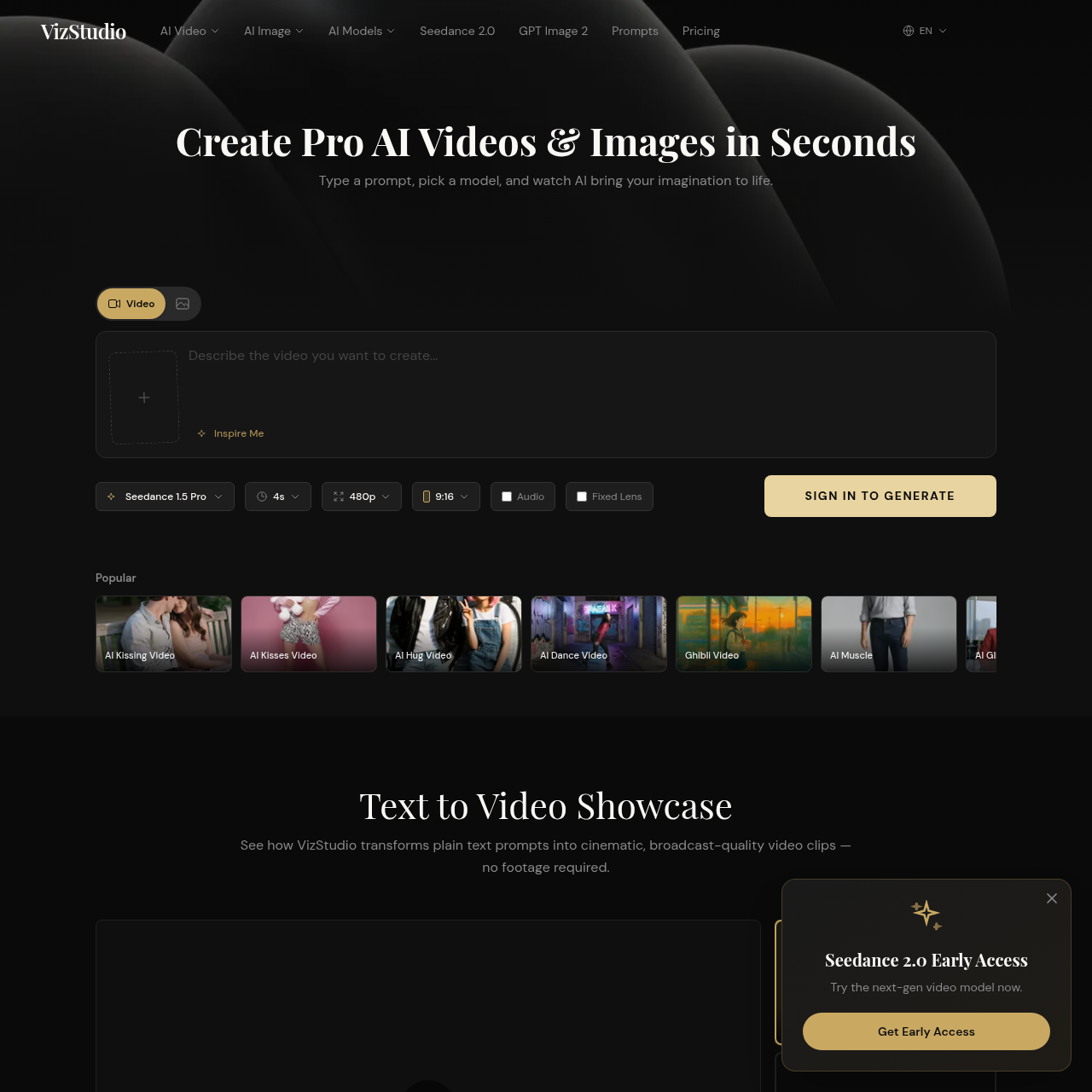
VizStudio is a browser-based platform offering a suite of AI video and image generation tools. It supports text-to-video, image-to-video, virtual try-on, and photo editing. The platform combines multiple top-tier AI models including HappyHorse 1.0, Seedance 2.0, Seedance 1.5, Kling 3.0, Wan 2.6, Google Veo 3.1, and Grok Imagine. Users can browse community prompts and subscribe to monthly or pay-as-you-go plans. The site claims output in under 60 seconds. All listed paid plans include no watermarks and commercial use.
VizStudio features
- AI video generation from text prompts
- AI image generation
- Text-to-video
- Image-to-video
- Virtual try-on
- Photo editing
- Multiple AI models: HappyHorse 1.0, Seedance 2.0/1.5, Kling 3.0, Wan 2.6, Google Veo 3.1, Grok Imagine
- Community prompt gallery with real video results
- Browser-based, no installation required
- Free credits on registration
- Output in under 60 seconds
- Commercial use and no watermarks on paid plans
Questions about VizStudio
VizStudio pros
- Multiple top AI models in one platform
- Free credits on registration with no credit card required
- Output in under 60 seconds
- No watermarks and commercial use on paid plans
- Flexible plans from hobbyist to power user
- Community prompts for inspiration
- Browser-based, no installation required
- Pay-as-you-go option mentioned
VizStudio limitations
- Subscription credits reset monthly and do not carry over
- Starter plan includes standard response time and email support, while higher tiers have faster priority support
VizStudio use cases
- Creating AI videos for social media or content
- Generating images from text descriptions
- Virtual try-on for clothing preview
- Photo background removal
- Outfit retouching for photography
- Creating concept artwork
- Producing educational or infographic maps
- Generating hand-drawn style images
- Short film or scene prompts
- Action sequence generation
- Product infographic creation
- Repurposing AI news into visual summaries
Who VizStudio is for
- Content creators
- eCommerce sellers
- Photographers
- Digital artists
- Designers
- Hobbyists and personal projects
- Power users with high output needs
VizStudio pricing
Free to start with free credits on registration. Paid plans include Starter at $7.92/mo (billed $95/yr) for 200 credits, Growth at $23.92/mo (billed $287/yr) for 800 credits, and Pro at $39.92/mo (billed $479/yr) for 1,600 credits. Credits reset monthly and do not carry over. All listed paid plans include no watermarks and commercial use. Pay-as-you-go is mentioned but rates are not detailed.
Alternatives to VizStudio
AI video generator for text, image, and reference to video with native sound.
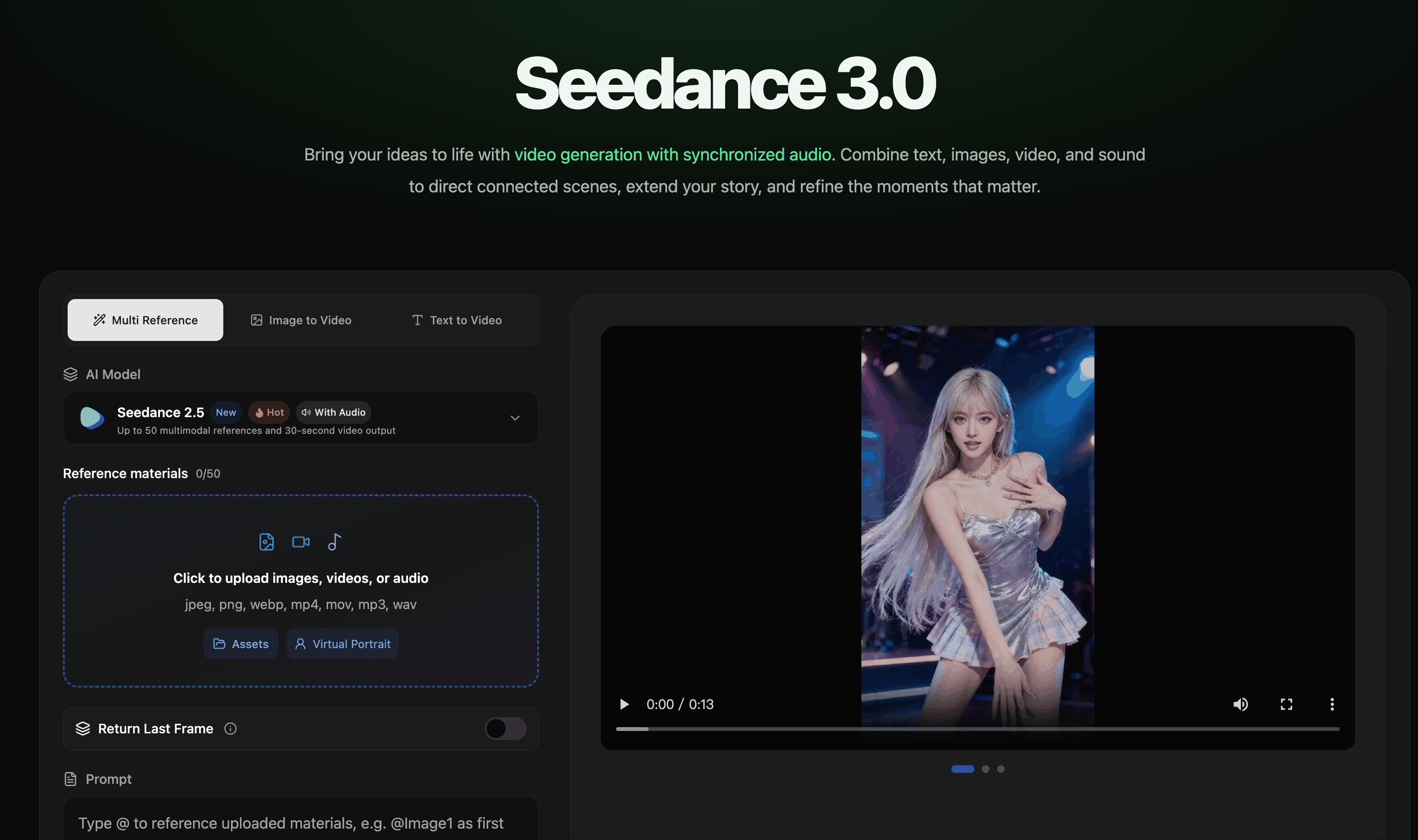
AI video creation with synchronized audio from text, image, video, and audio references.

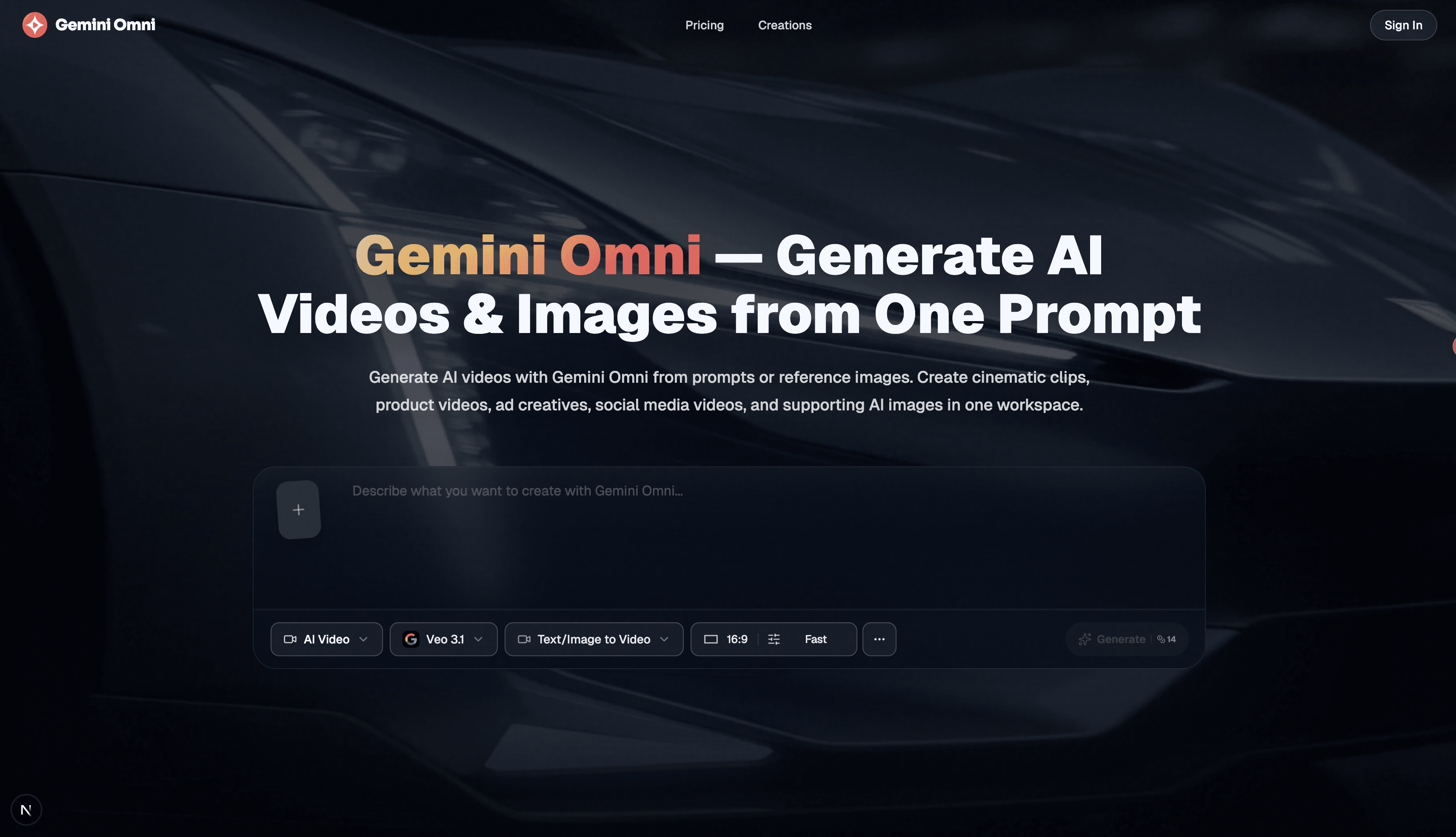
Free AI image, video & music generator powered by Google Gemini AI

Enhance video quality online: denoise, sharpen, remove compression artifacts and upscale to 1080p, 2K or 4K.