

Viral Video AI
VisitCreate short AI videos for TikTok, Reels and Shorts from a prompt, photo or reference video.
Viral Video AI introduction
Viral Video AI is a web-based generator for short social videos. You start with a text idea, a photo, or a reference video, choose settings such as model, duration, resolution and audio, then preview and download the result. It also offers prepared trend templates for formats like dance, pet, product and animation clips.
- Website:
- viralvideoai.ai
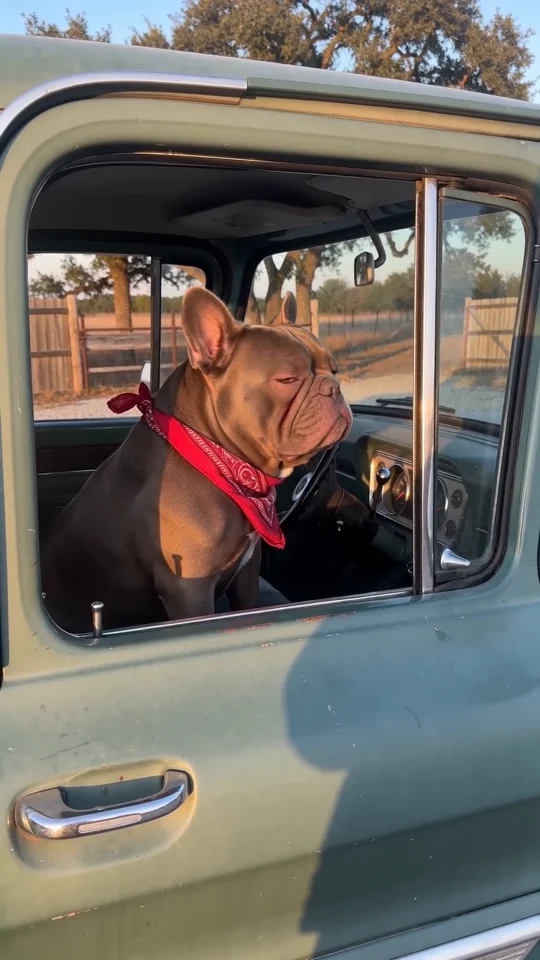
Viral Video AI overview
Viral Video AI generates 4–30-second AI videos intended for TikTok, Reels and Shorts. Inputs can be a described scene, up to 9 images with Basic or 30 with Pro, and one reference video; a single image without video guides the first frame, while a reference video guides motion. Basic supports 4–15 seconds at 480p/720p, and Pro supports 4–30 seconds and adds 1080p. The interface shows a credit quote that updates with settings, and finished videos can be reviewed and downloaded as MP4 from the creation area or My Videos. The site also provides trending photo-action and scene templates, plus guidance on platform AI-disclosure rules. The site states that results will not exactly match references and that general tools lack separate song upload, exact voice matching, precise lip sync and beat mapping.
Viral Video AI features
- Text-to-video generation from a described subject, action and setting
- Image-to-video generation using a photo as the first frame
- Reference video input to guide motion in a new AI video
- Up to 9 images with Basic or 30 images with Pro
- One reference video per generation
- Basic: 4–15 seconds at 480p/720p
- Pro: 4–30 seconds with 1080p option
- Native audio request or silent output
- Portrait, landscape and square aspect ratio choices where applicable
- Credit quote that updates with model, duration, resolution and reference-video duration
- Trending templates for photo-action and scene-based videos
- Download finished videos as MP4 from the creation area or My Videos
Questions about Viral Video AI
Viral Video AI pros
- Supports text, photo and reference-video inputs in one workflow
- Shows a credit estimate before generation that updates with settings
- Lets users preview and download finished videos as MP4
- Offers prepared trend templates with editable or fixed settings noted per template
- Provides platform AI-disclosure guidance for TikTok, Instagram and YouTube
- States that uploads and videos are private
Viral Video AI limitations
- No exact match to references is guaranteed; appearance, motion, lettering and audio can vary
- General tools have no separate song upload, exact voice matching, precise lip sync or beat mapping
- No exported audio-mix or volume editor is offered
- Original reference soundtracks are not guaranteed
- Videos longer than 15 seconds automatically select Pro
Viral Video AI use cases
- Creating short vertical clips for TikTok, Reels or Shorts
- Turning a portrait photo into a template-based trend video
- Making dance, pet, product, animation or promotional short videos
- Adapting a sample AI video prompt into an original clip
- Using a public TikTok, YouTube or Instagram link as a reference without downloading it
- Generating a silent or native-audio short scene
- Previewing framing with composition guides before download
Who Viral Video AI is for
- Social media creators
- Short-form video marketers
- Small businesses promoting products
- Users experimenting with AI video trends
Viral Video AI pricing
The site uses credits and shows a credit quote in the creation area that changes with tier, output length, resolution and reference-video duration. No specific prices or plan prices are stated in the supplied metadata.
Alternatives to Viral Video AI
Turn 1–2 photos of people or pets into short Christmas dance videos.
EveryGen AI
FreeVidGen AI
Multimodal AI video generation with text, image, video, and audio direction

Create short AI videos from text prompts or first and last frames
RapAIVideos
Meme AI Video
Dola AI
BoogiePaw
H3 Max