

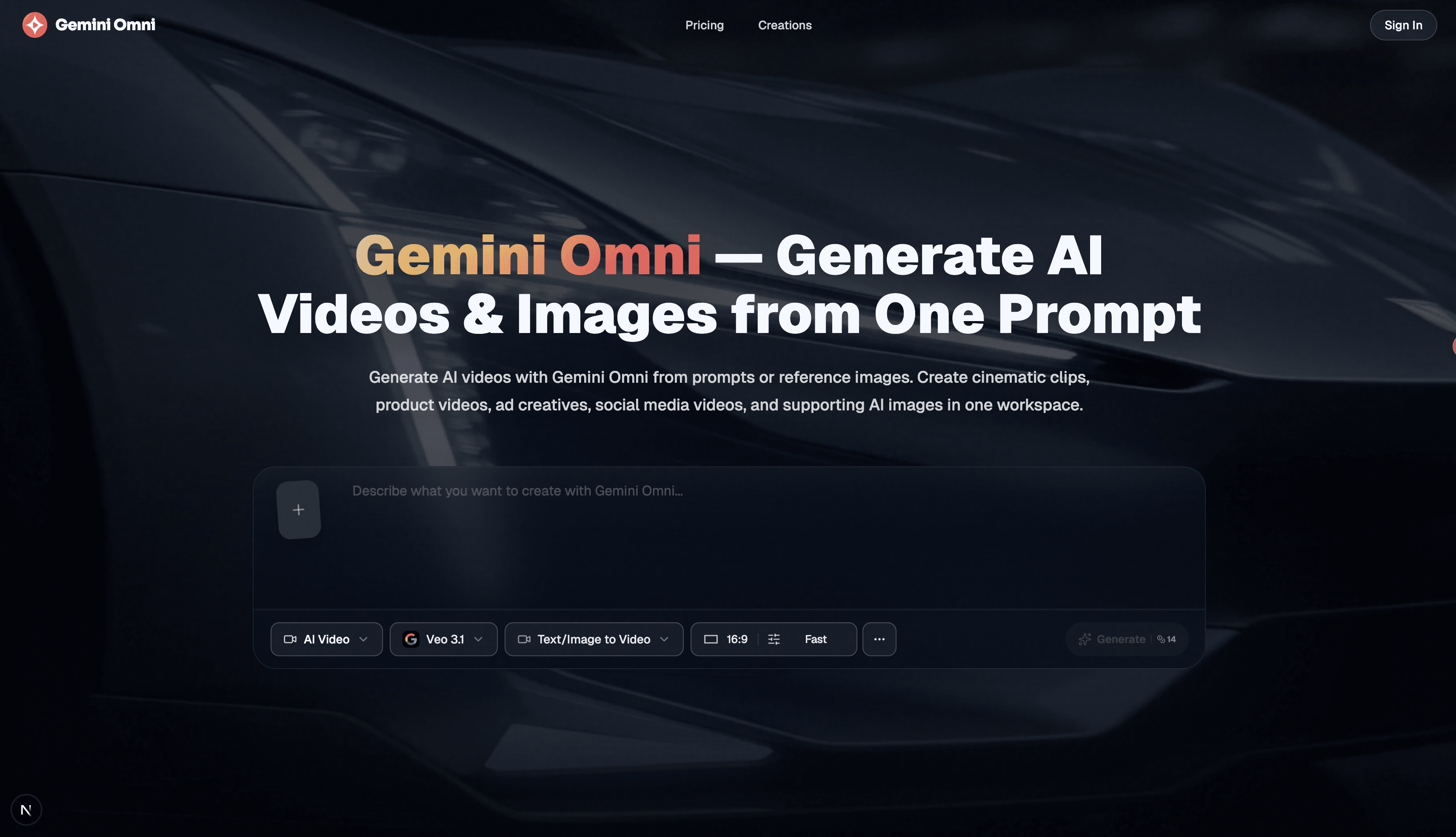
Free AI image, video & music generator powered by Google Gemini AI
Multimodal AI Video Generator
Generate and edit AI videos from text, images, audio cues, and reference clips in one multimodal workspace with configurable duration and resolution.
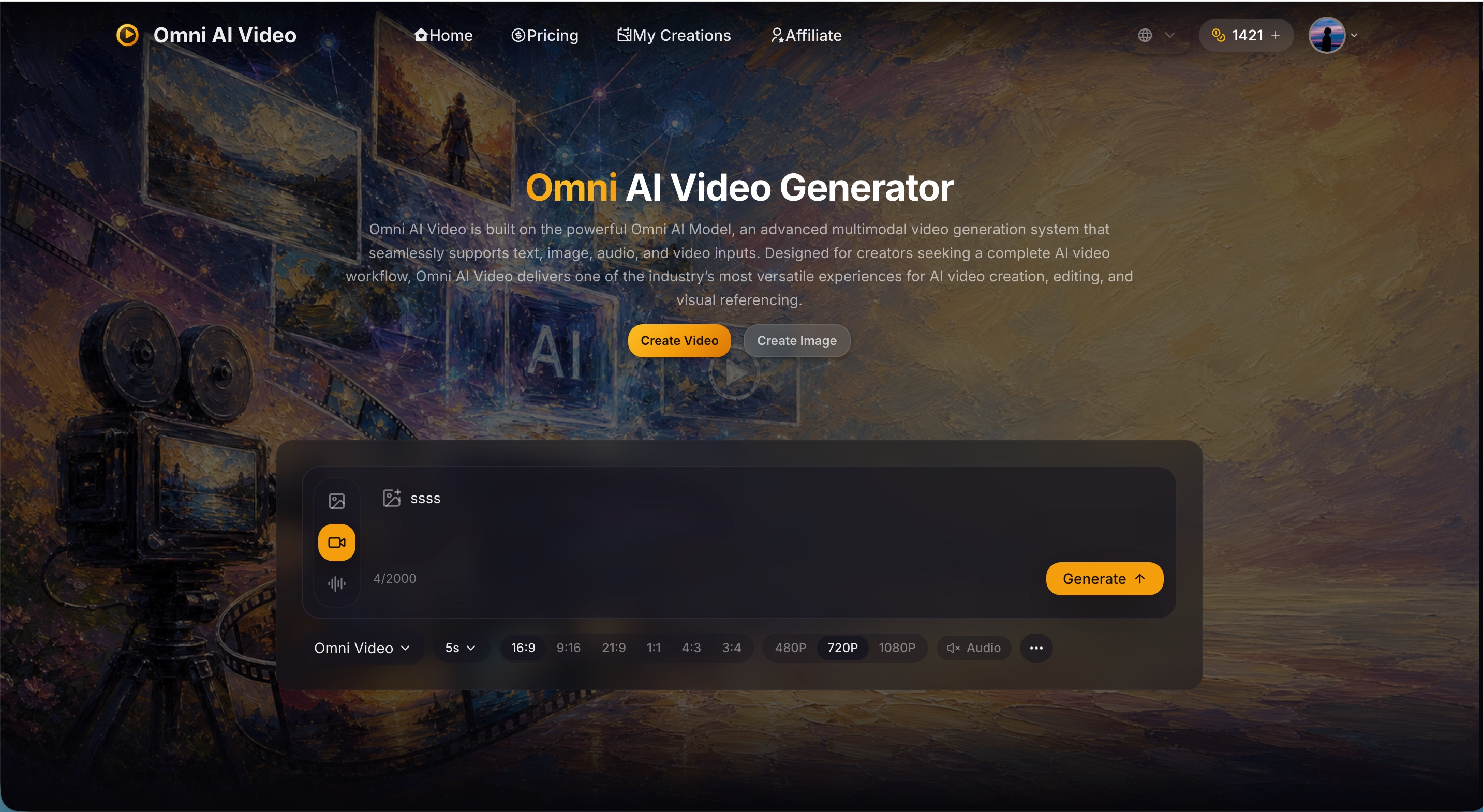
Omni AI Video is a browser-based multimodal video generator that combines text prompts, up to five reference images, audio guidance, and an optional reference video. Creators can choose landscape or vertical formats, durations from 4 to 10 seconds, and output tiers from 720p to 4K. Results can be previewed, downloaded, or published from the same workspace.
Credit-based access. Required credits vary by duration, resolution, and whether a reference video is used.
Free AI image, video & music generator powered by Google Gemini AI

Enhance video quality online: denoise, sharpen, remove compression artifacts and upscale to 1080p, 2K or 4K.
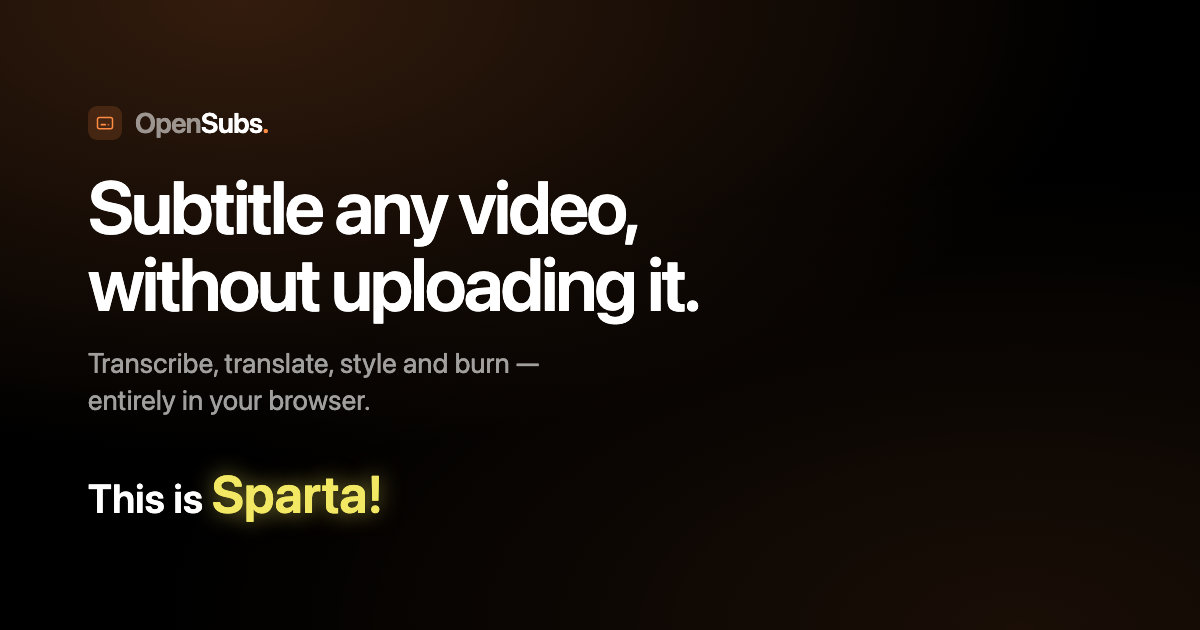



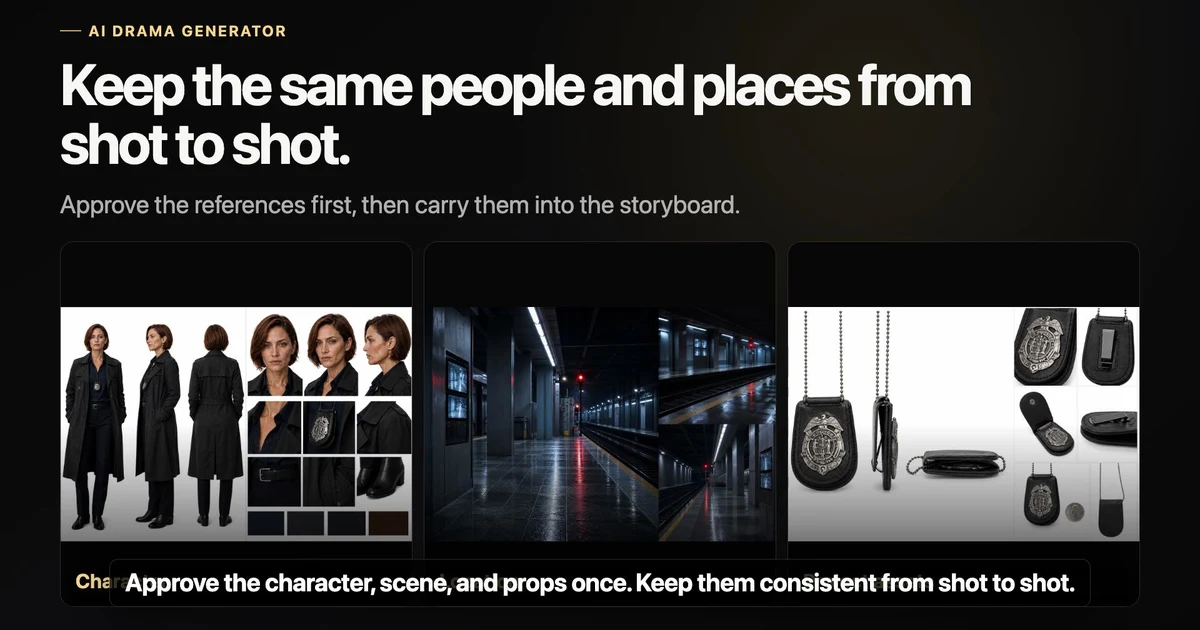
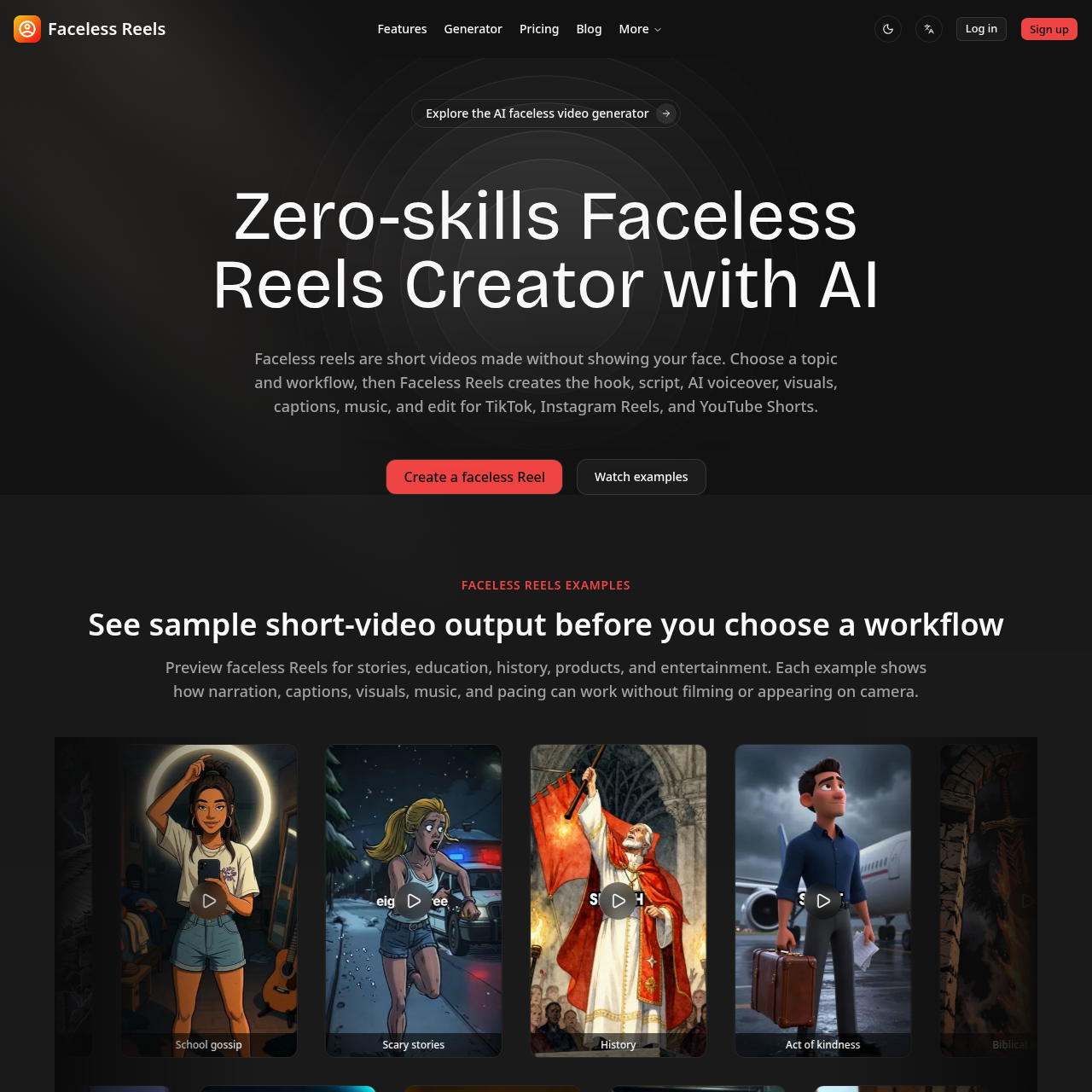
Type a topic and get a ready-to-post faceless video with AI script, voiceover, captions, and music.
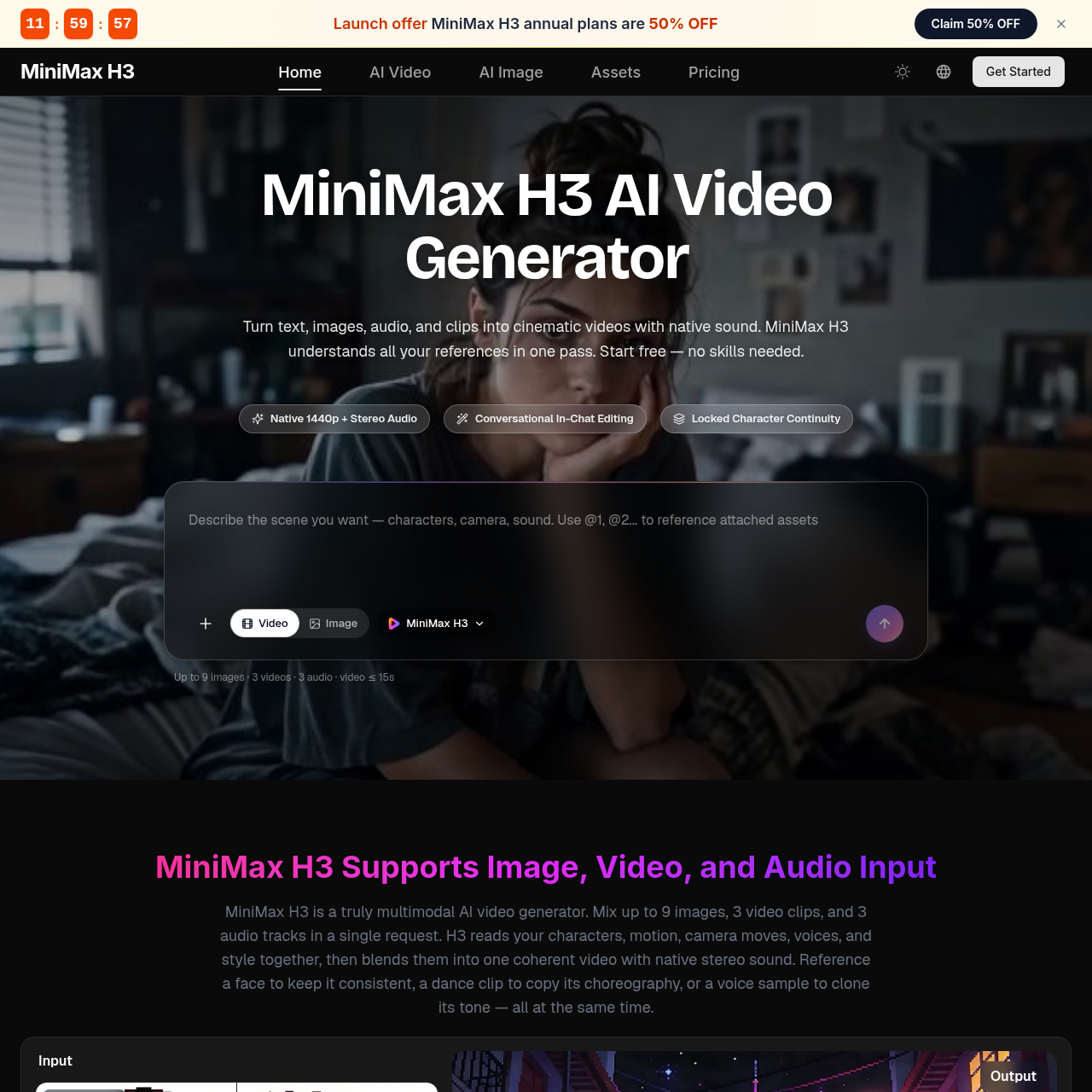

Free online image-to-video AI generator with prompt control, 4K output, and no watermark.