
Image to STL Converter
VisitTurn Images into 3D Printable STL Files
Image to STL Converter introduction
Convert one JPG, PNG, JPEG, or WEBP image into a 3D-printable STL model online. Upload, preview, and download your STL.
- Website:
- imagetostl.pro
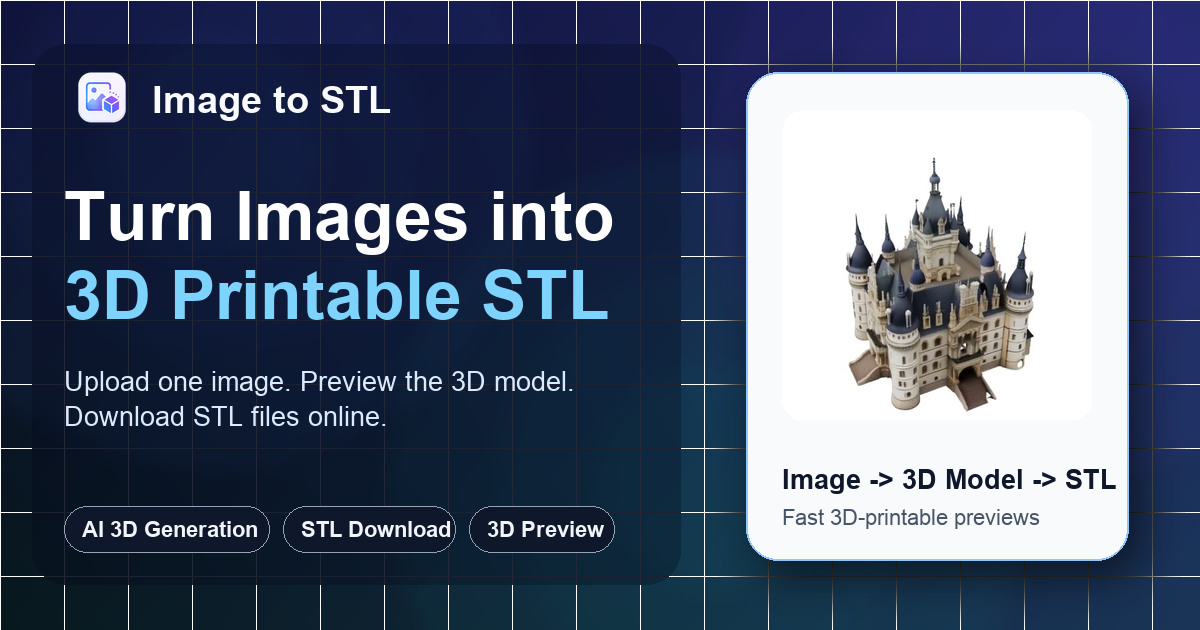
Image to STL Converter overview
Image to STL Converter is an online tool that turns a single JPG, PNG, JPEG, or WEBP image into a printable STL draft. Users upload an image up to 8MB, choose a generation mode (Fast, Standard, or Advanced; modes use 2–4 credits), preview the 3D result in the browser, and download the STL file. Credits are automatically returned if generation fails. The tool is focused on quick image-to-STL drafts rather than a full 3D modeling suite; users should check scale, supports, orientation, and mesh quality in a slicer before printing.
Image to STL Converter features
- Accepts one JPG, PNG, JPEG, or WEBP image up to 8MB
- Three generation modes: Fast, Standard, and Advanced
- Fast mode produces geometry-only 3D models for 2 credits; modes use 2–4 credits
- Credits are automatically returned if generation fails
- Browser 3D preview with rotation before download
- Downloads an STL file for slicer review
- Estimated generation time of ~30–90 seconds
- Text to 3D entry for creating models from descriptions
- Multi-image workflow for adding extra views
- Format converter supporting OBJ, GLB, or FBX to STL
- Step-by-step workflow: Upload, Generate, Inspect, Print
- Format-specific pages for PNG to STL, JPG to STL, and Photo to 3D Model
Questions about Image to STL Converter
Image to STL Converter pros
- Accepts JPG, PNG, JPEG, and WEBP images up to 8MB
- Browser 3D preview lets you rotate and inspect before downloading
- Downloads an STL file ready for slicer review
- Multiple generation modes with 2–4 credits
- Credits automatically returned if generation fails
- Estimated generation time around 30–90 seconds
- Text to 3D and multi-image options available
- Format converter supports OBJ, GLB, and FBX to STL
Image to STL Converter limitations
- Not a full 3D modeling suite
- Generated STL is a draft, not final print-ready; requires slicer checks for scale, manifoldness, wall thickness, orientation, and supports
- Main workflow does not create color STL files; color, textures, or game-ready formats require another 3D editor or asset workflow
- Exact mechanical dimensions require CAD after download
- Production cleanup requires modeling tools after download
- Best results require clear images with a single main subject, simple background, visible edges; blur, dark, or crowded images are harder
- Maximum upload size is 8MB
- Advanced editing still requires CAD or Blender after download
Image to STL Converter use cases
- 3D printing drafts
- Etsy product tests
- Custom gifts
- Classroom demos
- Maker experiments
- Turning clear images into STL drafts
- Previewing models before download
- Testing gifts, decor, and shop ideas
- Downloading STL for slicer review
- Converting PNG or JPG images to STL
- Creating a model from text instead of an image
- Using multiple images for more accurate reconstruction
Who Image to STL Converter is for
- 3D printing hobbyists
- Etsy sellers
- Makers
- Educators and students
- Custom gift creators
- Product concept testers
- Users without CAD or Blender experience
- People who need quick STL drafts
- Users testing charms, ornaments, keepsakes, and decor
- Users needing OBJ, GLB, or FBX to STL conversion
- Text prompt users
- Beginners exploring image-to-3D workflows