

Free AI image, video & music generator powered by Google Gemini AI
Free Online AI Video Generator & Editor
Gemini Omni is an online AI video generator and editor that creates and edits videos from text prompts, reference images, sketches, or existing clips. It supports multi-reference input, conversational editing, character consistency, and physics-aware scene behavior.
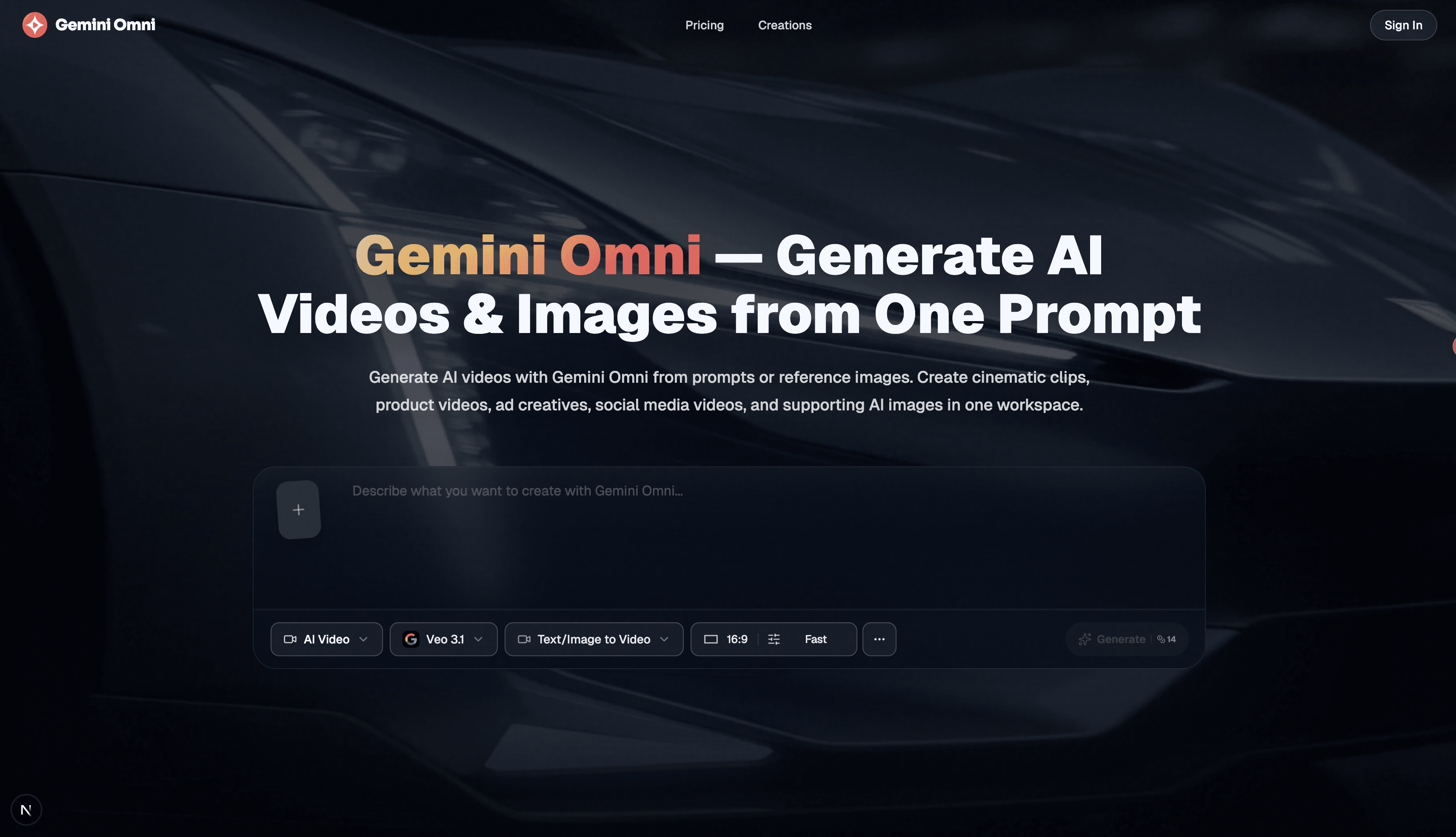
Gemini Omni is described as Google DeepMind's video generation model that accepts text, images, video, and audio as input and produces video as output. The website presents it as a free online AI video generator and editor where users can generate a video from a prompt or reference image, then refine it shot by shot by swapping backgrounds, adjusting the camera, or changing a character's outfit. It remembers the full scene between edits, supports multi-reference input, and can turn sketches or storyboards into rendered video. The site also states that Gemini Omni is the model behind video generation in Google's Gemini app, but here users can access it without a Google AI plan by signing up and receiving free credits. Paid plans are available for higher resolution, more credits, and faster generation.
Free credits are available upon signup without a Google AI Pro or Ultra subscription. Paid plans include Basic at $20.99/month (or $251.88/year), Pro at $34.99/month (or $419.88/year), and Premium at $69.99/month (or $839.88/year), each with monthly AI credits, watermark-free exports, private workspace, and commercial use rights. Annual plans are billed annually and credits are granted monthly. Actual credit usage varies by model, resolution, duration, and audio settings.
Free AI image, video & music generator powered by Google Gemini AI

Enhance video quality online: denoise, sharpen, remove compression artifacts and upscale to 1080p, 2K or 4K.




Type a topic and get a ready-to-post faceless video with AI script, voiceover, captions, and music.

Free online image-to-video AI generator with prompt control, 4K output, and no watermark.